

SkipUp
SkipUp · Productivity
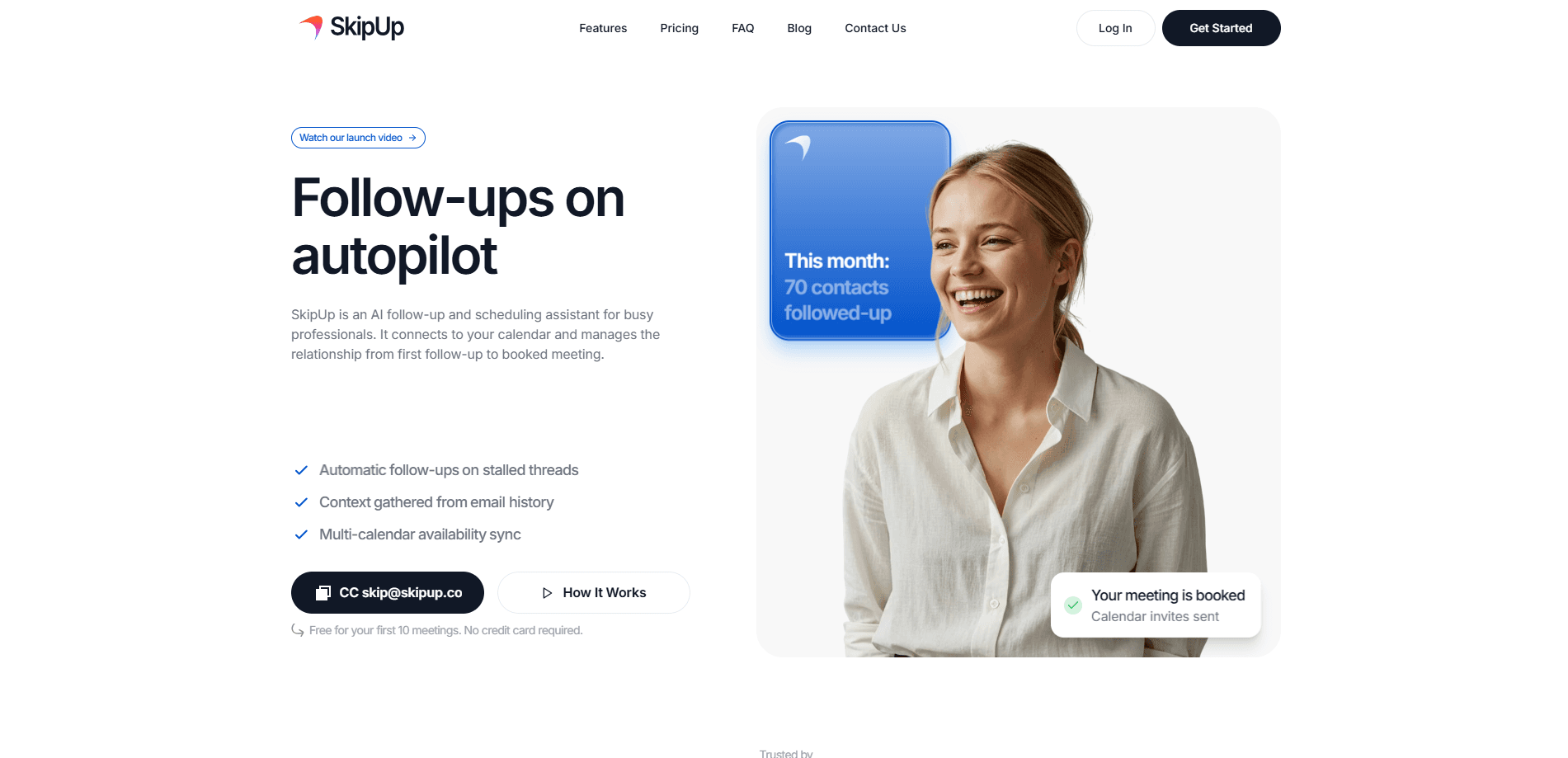
SkipUp is an AI follow-up and scheduling assistant built for people whose calendars live and die by email. You copy it on a thread and it reads the conversation, remembers preferences, then turns a stalled reply into a booked meeting. It syncs across multiple calendars, follows up automatically when a thread goes quiet, and reasons through the messy edge cases that clutter a normal scheduling tool. Sales teams, recruiters, and founders are the main audience. There's a free tier for your first 10 meetings, so you can test the whole loop before paying. Worth a look? Yes, if email is where your meetings start.
About SkipUp
What Is SkipUp
SkipUp is a scheduling assistant that works out of your inbox rather than a separate booking page. Instead of sending a Calendly-style link and waiting, you CC SkipUp on an email thread and it takes over the coordination. It understands context, checks availability across every calendar you connect, and handles the back-and-forth that usually eats a dozen messages. In practice it runs as automated scheduling, not a form you fill out.
The problem it targets is specific. Follow-ups slip and warm leads go cold. That happens while you juggle time zones and work, personal, and shared calendars separately. SkipUp treats scheduling as a conversation to be managed, not a form to be filled out. The vendor says the agent was built from thousands of real scheduling situations and learns your preferences over time, which matters most on the awkward cases: partial availability, recurring check-ins, and threads that already went quiet once. That's the gap most meeting scheduling software leaves open.
The limits are worth knowing up front. SkipUp is a web product. No mobile app to install. Its native strength is email-based threads rather than a chat messenger, and it isn't free forever either. The Personal plan caps you at 10 meetings and 3 concurrent scheduling sessions, so heavy users move to the paid tier quickly.
Getting Started
- Create a SkipUp account at skipup.ai with your work email. No credit card is needed for the free tier.
- Connect the calendars you want it to read, such as your work and personal Google or Outlook calendars.
- Grant access to the email account it should work from, so it can read threads and send replies on your behalf.
- On your next scheduling thread, add SkipUp to the CC field and let it gather availability from everyone involved.
- Approve the time it proposes, or step in to adjust. After the meeting is booked, it keeps following up on stalled threads you flag.
Product Information
A quick look at SkipUp's pricing, supported platforms, and performance.
Best for
The users, tasks, and scenarios where this tool fits best.
Users
- Sales reps
- Recruiters
- Founders and small teams
- Customer success managers
Tasks
- Recovering stalled email threads
- Multi-calendar availability checks
- Recurring meeting coordination
- Rescheduling and moving meetings
Scenarios
- A demo request came in on Friday and the prospect hasn't replied by Wednesday, so SkipUp nudges the thread.
- You're setting up a panel interview across three hiring managers in three time zones.
- A renewal check-in needs to land before the quarter closes but keeps sliding.
- You're traveling and want meetings confirmed without opening your laptop every few hours. It handles that.
Key features
Email Thread Follow-Ups
SkipUp's core job is chasing the follow-ups people forget. When a scheduling thread stalls, it can send a nudge on your behalf so the conversation keeps moving instead of dying in an inbox. The vendor built this around real stalled-deal situations, so it aims at the moments where a warm contact goes cold. Think of it as an email follow-up tool that also books the room. You stay in the loop. You can take over any thread manually.
Context Awareness
SkipUp reads the conversation, not just the calendar slots. It picks up on what the thread is actually about, who needs to be in the room, and any preferences that were mentioned earlier, then proposes times that fit. That's a step past tools that only show blank availability. It also means the assistant handles ambiguity better than a plain booking link, which can't tell a hard no from a maybe. Big difference.
Multi-Calendar Availability Sync
You can connect unlimited calendars on every plan, and SkipUp checks work, personal, and shared calendars together. That solves the usual mess where a slot looks open on your work calendar but collides with something personal. Because it's reading all of them at once and reconciling conflicts before they ever reach you, the times it proposes tend to survive contact with reality instead of collapsing the moment someone opens their own calendar. In that sense it doubles as a calendar sync tool you never have to open yourself. One calendar. Problem solved.
Learns Over Time
The assistant remembers preferences and improves with use, according to SkipUp. If you always block mornings, or prefer a 30-minute default over an hour, it carries that forward rather than asking again, which means the assistant you have after a month of real use is meaningfully different from the one you set up on day one. Over a few weeks this is the difference between a tool you babysit and one that quietly gets the answer right. Setup takes minutes. The payoff takes weeks.
Handles Edge Cases
SkipUp was built from thousands of real scheduling situations, and the edge cases are where generic schedulers fall apart. Think partial availability, someone only free on one day, or a thread that needs a second follow-up before it breaks loose. The agent reasons through these instead of bouncing back an error. It's the feature that separates a conversation manager from a booking form. Not glamorous. Necessary.
Workspace Usage Billing
Instead of charging per seat, SkipUp bills by the meetings you actually use within a workspace. The Pro plan runs $49 per month for a shared workspace allowance and unlimited active scheduling, and larger companies get a Custom plan with agent customization and dedicated support. It's a sensible model if only a few people on your team do the heavy scheduling. Pay for what you use. That's it.
Pros and cons
Pros
- Lives inside email, so contacts never have to click a separate booking link.
- Connects unlimited calendars and reads them together across every plan.
- Automatically follows up on stalled threads instead of waiting for you.
- Free tier covers your first 10 meetings with no credit card, which makes testing easy.
- Billing is usage-based, so you pay for meetings rather than per seat.
Cons
- It's a web-only product, so there's no native mobile app for booking on the go.
- The free Personal plan caps you at 10 meetings and 3 concurrent sessions, which is tight for anyone who schedules daily.
- It's strongest on email threads, so teams that coordinate mainly through Slack or SMS get less out of it.
- There's no public API, so you can't wire it into your own internal tools.
Frequently asked questions
SkipUp is an AI scheduling assistant that connects to your email and calendars and handles meeting coordination for you. You add it to a thread, it reads the context, checks availability across your calendars, and follows up until a meeting is booked. It's aimed at people whose work runs on email.
Related content
Explore related tools, skills, and articles for SkipUp.
SkipUp Alternatives

Base Code
Base44 (Wix) · Coding · ProductivityBase Code is a shared cloud development environment from Base44. Teammates describe changes to an existing GitHub codebase in chat, preview them live and send them back as pull requests.

Knocket
Knocket (Tencent RTC team) · Productivity · Business · ChatbotKnocket is a free live chat and contact page tool that lets visitors message you from your website, app, or a shareable link, with every reply handled from Telegram or one inbox.

FloorGen
Vinit Kumar (FloorGen) · Productivity · China AIFloorGen is a browser-based floor plan maker that turns a sentence or a sketch into an editable 2D plan and a 3D walkthrough. Export to PDF, DXF or video, and draw without an account.