

SkyReels
Skywork AI (Kunlun Tech) · Image
SkyReels is a browser-based AI video platform that turns text, images, video, and audio references into cinematic clips with synchronized sound and consistent characters.
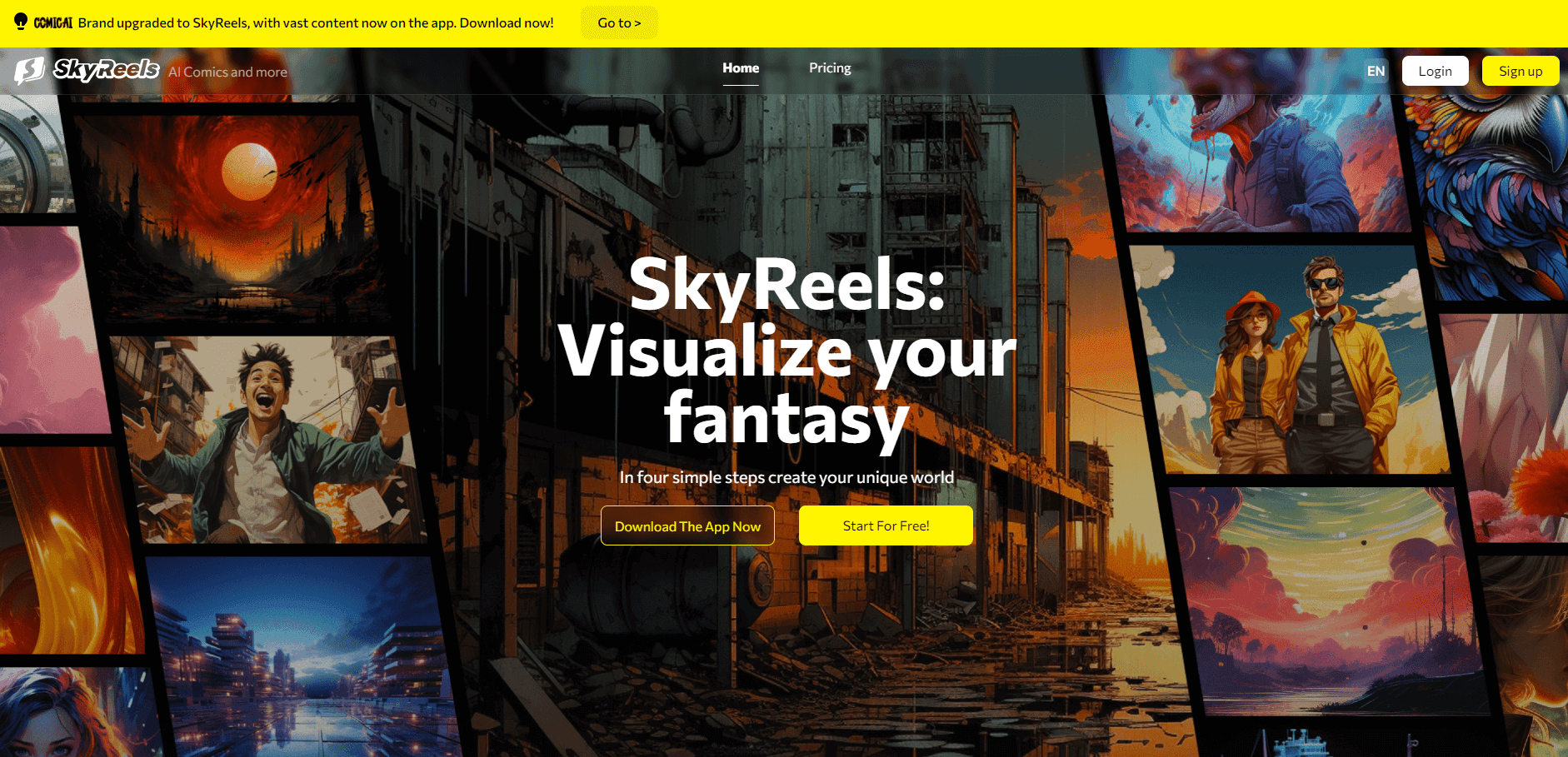
About SkyReels
What Is SkyReels
SkyReels is an AI video generator from Skywork AI, the video arm of Kunlun Tech. You write a prompt, drop in a photo or a reference clip, and the platform returns a finished shot with motion, camera movement, and on the latest V4 model, sound that matches. It runs in a browser, so nothing needs a local GPU.
The product covers two jobs that usually need separate tools: making the footage and making the sound. V4 generates dialogue, ambient noise, and music in the same pass as the video, which cuts out a round trip through a separate voice or sound tool. Older versions focused on silent footage and later added audio-driven portrait work.
The limit is control at the edges. You work from prompts, references, and masks rather than a full timeline editor, and long sequences are assembled by extending clips. Anyone who needs frame-accurate compositing still finishes in a traditional editor.
Getting Started
- Create a free account at skyreels.ai, or install the iOS or Android app.
- Pick a mode: text to video, image to video, reference to video, avatar, or video to video.
- Add your prompt and any reference image, clip, or audio file, then choose duration and aspect ratio.
- Check the credit cost shown before you run the job.
- Preview the result, extend or edit the clip, then download it.
Product Information
A quick look at SkyReels's pricing, supported platforms, and performance.
Best for
The users, tasks, and scenarios where this tool fits best.
Users
- Short-form creators
- Small marketing teams
- AI filmmakers and animators
- Developers and open-source hobbyists
Tasks
- Turning a script into a first cut
- Building a talking presenter
- Restyling existing footage
- Adding sound to silent drafts
Scenarios
- Daily social publishing
- Pre-production testing
- Localized campaigns
Key features
Text to Video and Image to Video
Describe a scene or upload a still, and SkyReels generates motion, camera moves, and lighting that fit the prompt. Image to video keeps the composition of the source photo, which helps when you already have a product shot or a character design. Both modes offer preset durations and aspect ratios for social or cinematic frames.
Reference to Video
V3 introduced reference to video, and V4 carries it forward. You supply one to four reference images and a prompt, and the model holds the identity of a character, object, or background across the shot. That consistency is the main reason series creators use it instead of plain image to video.
Joint Audio and Video Generation
V4 uses a dual-stream design: one branch builds the picture, another builds time-aligned audio, and both read the same text encoder. The output can include spoken dialogue, ambient sound, and music in one render. You can also feed in an audio reference to steer the result.
Talking Avatar
Upload a single portrait and an audio track, and the AI talking avatar model animates the face, mouth, and head movement to match. It handles speech, narration, and singing, and the 19B model is built for close-up human shots. This is the fastest route to a presenter clip without filming.
Video Extension
Short clips rarely cover a full scene. Video extension continues an existing shot, so you can build a longer sequence from a strong opening frame. SkyReels also exposes start and end frame control, which lets you plan a transition and let the model fill the middle.
Video to Video and Inpainting
Video to video takes an existing clip and regenerates it in a new style or with changed elements. Inpainting masks let you remove an object, replace a logo, or repair a section without reshooting. V4 treats generation, inpainting, and editing as one pipeline, so you can stay in the same project.
Pros and cons
Pros
- Video and audio come from one model, so you skip a separate voice and sound pass.
- Reference images keep a character recognizable across shots, which matters for episodic content.
- The V1 to V3 model weights are open, so you can self-host them for free.
- The web app and mobile apps share one credit balance, and the interface runs without a GPU.
- Credit packs and monthly plans make costs visible before a render starts.
Cons
- V4 weights aren't public yet, so self-hosting stops at V3.
- Credits disappear quickly when you retry shots or render at higher settings.
- Long videos are stitched from extended clips, so continuity needs manual checking.
- V4 documentation and third-party integrations lag behind the older open models.
Frequently asked questions
SkyReels is an AI video platform for generating short cinematic clips from text, images, video, or audio. Creators use it for social posts, ads, explainers, avatar clips, and pre-production tests.
Related content
Explore related tools, skills, and articles for SkyReels.
SkyReels Alternatives

Google EmbeddingGemma 2
Google DeepMind · Writing · Image · CodingGoogle EmbeddingGemma 2 is a 740M-parameter open model that turns text, code, images, audio, and video frames into vectors in one 768-dimension space, running on phones and laptops.

Tractionwave
TractionWave · Image · MarketingTractionWave is an AI attention heatmap tool for static ads. Upload a PNG or JPG and it returns predicted attention, ranked hotspots, and fixes before you spend budget.

Imejis.io
Imejis.io · Image · MarketingImejis.io is an AI design studio for agents and marketing teams. Describe an image in plain words, and it writes the copy, builds the layout, reflows it to every size, then exports a finished file.