

Slack
Slack Technologies (Salesforce) · Productivity
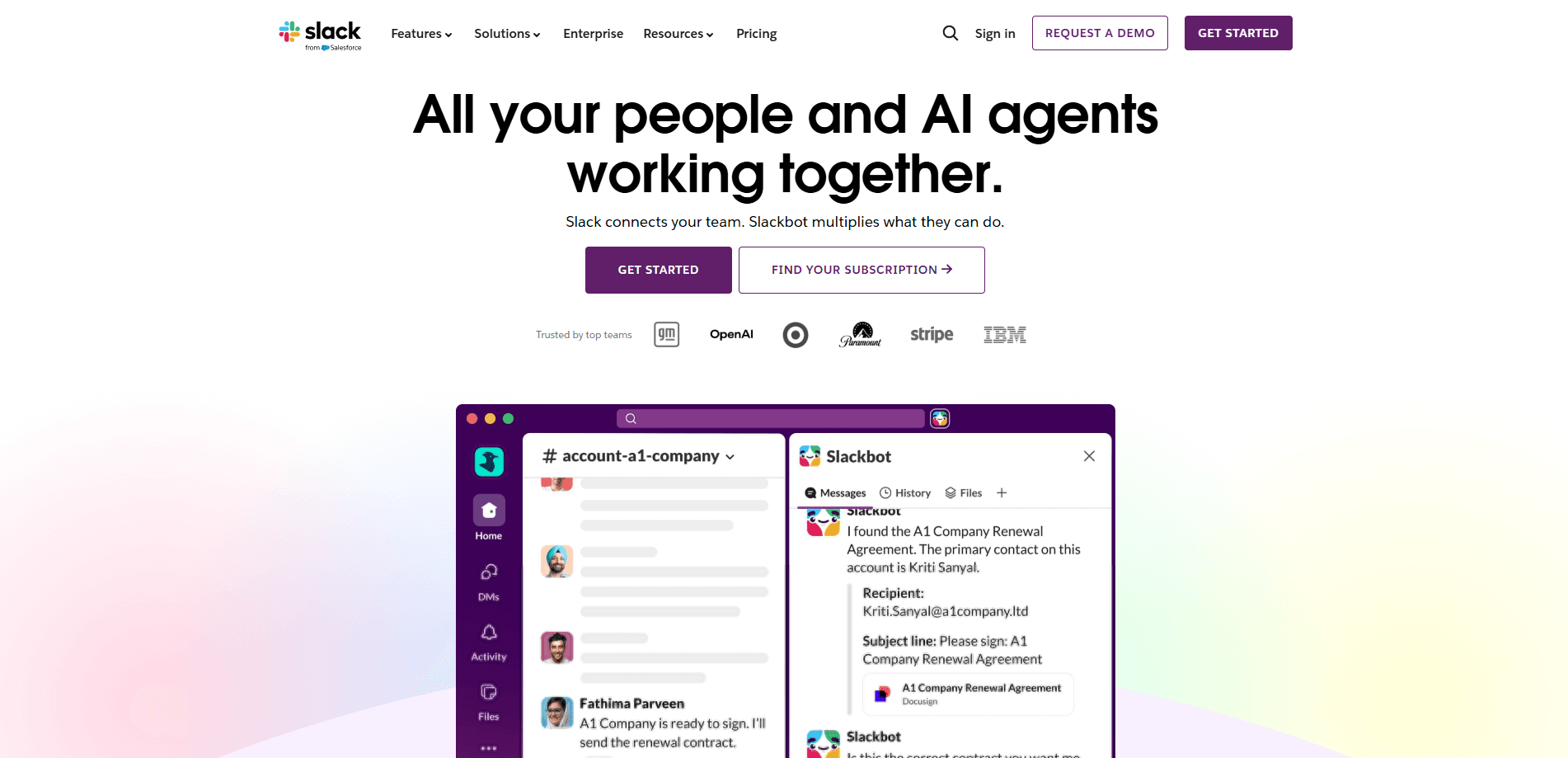
Slack is an AI-powered work platform that folds team communication, channels, files, automation and app integrations into one conversational workspace. It replaces scattered email threads with organized channels that anyone can search, and it now runs a personal AI agent called Slackbot on top. Teams use it to talk, share files, run meetings and connect the other tools they already pay for. The free tier covers up to 10 apps and 90 days of message history. Paid plans lift both caps. Sounds simple. It mostly is, and that's the point. Here's how the tiers line up.
About Slack
What Is Slack
Slack is a chat platform built for work rather than friendship. Everything happens inside channels, which are shared rooms for a project, a team, or a topic. Instead of a reply-all email chain, you drop a message in the right channel and the whole group sees it, scrolls up for context, and keeps going.
The problem it solves is context switching. Most teams split their day across email, a project tracker, a file drive and a few chat apps, which means finding one decision often requires checking four different places before you get an answer. Slack pulls those threads into a single searchable space and connects to over 2,600 other apps, from Google Drive to Jira to Salesforce, so updates land where the conversation already lives.
Slack AI sits inside that same space. It summarizes long channels, answers questions from your shared files, and drafts workflows from a plain prompt. Slack says it doesn't share customer data with LLM providers or train models on it, and its models run on Slack's own infrastructure.
The main limits are worth knowing up front. The free plan caps message history at 90 days and most useful AI features need a paid tier. It's also a business tool, not a personal messenger, so a solo user gets far less value than a team does.
Getting Started
- Create a workspace at slack.com with your work email, or accept an invite link if a teammate already set one up.
- Name the workspace and invite your first few coworkers by email.
- Create a channel for an active project, like #launch-q4, and add the people who need it.
- Connect the apps you already use from the Slack App Directory so notifications flow into channels.
- Post your first message, then open a thread reply to keep long discussions tidy.
Product Information
A quick look at Slack's pricing, supported platforms, and performance.
Best for
The users, tasks, and scenarios where this tool fits best.
Users
- Remote and hybrid teams
- Engineering and product groups
- Managers who live in their inbox
Tasks
- Running day-to-day project chat
- Meeting and catching up async
- Connecting tools into one feed
Scenarios
- Onboarding a new hire
- Coordinating with a partner company
- Finding an old file fast
Key features
Channels and Threads
Channels organize work by project, team, or topic, and anyone can join or leave without asking. Threads keep replies attached to a single message, so a busy channel doesn't turn into a wall of half-conversations. This is the reason most teams can drop group email entirely.
Slack AI
Slack AI summarizes channels and meetings, recaps each day across your teams, and answers questions using your shared files and conversations. On Business+ you get advanced AI, including a Slackbot agent that learns how you work, plans tasks, and can pull in web results for deeper research.
Slackbot
Slackbot is a personal AI agent that lives in your sidebar. You can ask it to find a file, draft a workflow from one prompt, or run a piece of research while you keep working. It's available on every tier. Plan limits apply to how much you can lean on it.
Slack Connect
Slack Connect lets you message people outside your own company through shared channels and DMs, covering up to 250 organizations. It replaces the awkward dance of CCing a client on an internal email and hoping nobody forwards the wrong thing.
Huddles
Huddles are lightweight audio and video calls you can start from any channel or DM, with screen sharing built in. You don't schedule them. You just click and people join. So why does that matter? Because quick questions don't need a calendar invite. Free workspaces get one-on-one huddles, while paid plans add group meetings.
Integrations and Workflow Builder
Slack connects to more than 2,600 apps, covering the big names most offices already run. Workflow Builder turns a repeated task into an automated flow, and AI workflow generation lets you describe the flow in a sentence and have it built for you.
Enterprise Search
Enterprise Search lets anyone search across conversations and connected third-party apps from a single bar. For teams whose answers are buried in a dozen tools, it's the feature that actually ends the "where was that doc" loop.
Admin Controls and Security
Owners and admins get SSO with SAML, SCIM user management, EMM support, and native data loss prevention, all of which matter once a company grows past a handful of people and needs to prove exactly who can see what.
Pros and cons
Pros
- Channels and search stop important decisions from getting lost in email threads.
- Over 2,600 integrations mean it usually already talks to the tools your team runs.
- Slack AI and Slackbot cut the time spent catching up on missed conversations.
- Slack Connect makes working with clients and partners far less painful.
- The free plan is genuinely usable for small teams testing the water.
Cons
- Free workspaces only see 90 days of message history, so the past disappears fast.
- Most of the good AI features sit behind the Business+ tier, which is the priciest option.
- Notification overload is a real problem. Without channel discipline, it can get noisy enough to ignore.
- It's built for teams, so a solo user or a very small group gets limited value for the effort of setting it up.
Frequently asked questions
Slack is used for team communication and coordination. It replaces group email with channels where people chat, share files, run quick calls, and route updates from other apps into one place.
Related content
Explore related tools, skills, and articles for Slack.
Slack Alternatives

Base Code
Base44 (Wix) · Coding · ProductivityBase Code is a shared cloud development environment from Base44. Teammates describe changes to an existing GitHub codebase in chat, preview them live and send them back as pull requests.

Knocket
Knocket (Tencent RTC team) · Productivity · Business · ChatbotKnocket is a free live chat and contact page tool that lets visitors message you from your website, app, or a shareable link, with every reply handled from Telegram or one inbox.

FloorGen
Vinit Kumar (FloorGen) · Productivity · China AIFloorGen is a browser-based floor plan maker that turns a sentence or a sketch into an editable 2D plan and a 3D walkthrough. Export to PDF, DXF or video, and draw without an account.