

SlidesCraft
SlidesCraft · Image · Productivity
SlidesCraft is an AI presentation generator that builds one slide at a time from your own documents, so you keep control of the content instead of accepting a full deck at once.
About SlidesCraft
What Is SlidesCraft
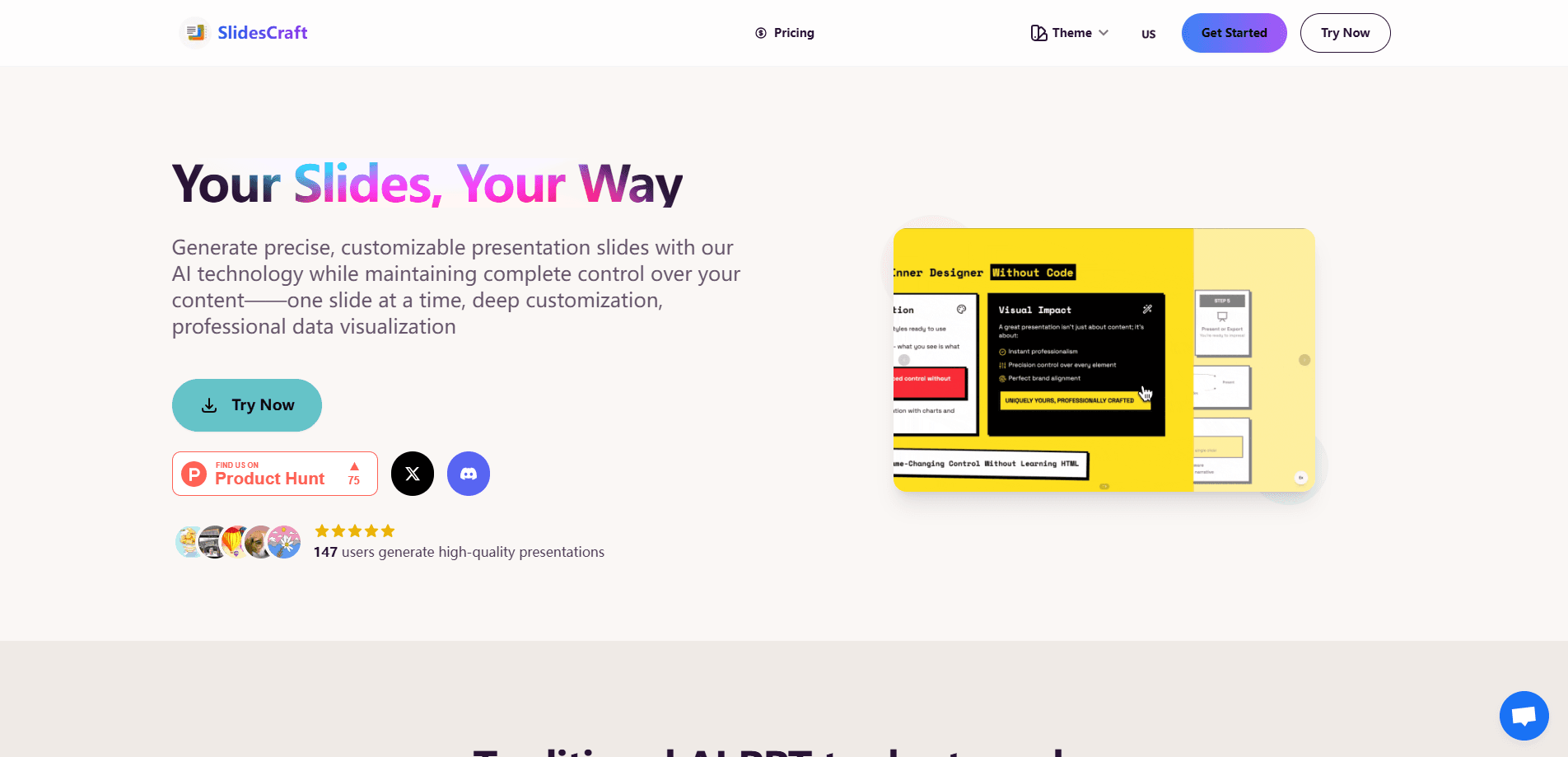
SlidesCraft is a web-based AI presentation generator and AI slide maker for people who want help building slides without handing the whole job to an algorithm. Most one-click AI presentation tools generate an entire deck in one pass, then bury you in cleanup. SlidesCraft takes the opposite approach: you upload a document, pick the parts that need help, and the AI writes one slide at a time.
The product targets a common complaint about AI slide makers and general presentation software. In its own survey, the team says 94% of users want to control exactly how much of a deck the AI writes, and 87% want editing tools flexible enough to fix what the AI produces. SlidesCraft answers both by keeping you in the loop on every page and giving you an online editor that shows changes as you make them.
The main limit is scope. SlidesCraft is a slide builder, not a full design suite, so it won't replace a tool like PowerPoint or Keynote for complex animation, and its free tier caps how many slides you can generate each month. There's also no public API, so you can't wire it into a larger content pipeline.
Getting Started
- Create an account and open the dashboard.
- Upload your own document, or one you've already processed with AI.
- Select the specific segments or pages you want the AI to turn into presentation slides.
- Let the AI generate one slide at a time, then edit text, fonts and colors in the online editor.
- Export the finished presentation, or keep refining it in the browser.
Product Information
A quick look at SlidesCraft's pricing, supported platforms, and performance.
Best for
The users, tasks, and scenarios where this tool fits best.
Users
- Students and teachers
- Consultants and analysts
- Founders and small teams
Tasks
- Generating slides from documents
- Pulling key points from long text
- Building data and chart pages
- Fixing a rough AI deck
Scenarios
- Prepping a class or workshop
- Building a client or investor deck from a brief
- Reworking a deck after feedback
Key features
One Slide At A Time
SlidesCraft generates a single slide per request instead of dumping a whole deck. That way you review each page as it appears and steer what the AI writes next. It's the feature that separates the tool from one-click generators.
Content Control
You upload your own material and choose the exact segments the AI should work on. The tool pulls key points from those parts without rewriting the surrounding text, so your emphasis and structure survive the trip.
Deep Style Customization
Fonts, colors, spacing and layout all sit under your control. You can match an existing brand look or build one from scratch, and the changes apply across the deck rather than to one slide at a time.
Professional Data Visualization
Tables and charts get built-in handling, aimed at the pages where most AI generators fall apart. If your deck leans on numbers, this data visualization earns SlidesCraft its place.
One-Click Homepage and Table of Contents
The tool generates a title page and a table of contents in one click. Small thing, but it saves the fiddly setup time you'd otherwise spend before writing any real content.
Online WYSIWYG Editing
Everything edits in the online editor with what-you-see-is-what-you-get feedback, and slides autosave as you go. There's no export-fix-reimport loop, and nothing is lost if you close the tab.
Pros and cons
Pros
- Generates a single slide at a time, so you stay in control of the content.
- Works from your own documents and lets you pick which parts the AI touches.
- Handles tables and data charts better than many one-click AI slide makers.
- Pay-as-you-go pricing avoids a recurring subscription for occasional users.
- Autosave and in-browser editing keep the workflow in one place.
Cons
- The free plan caps you at 10 generations per month, which runs out fast on bigger decks.
- No public API means you can't automate slide generation inside another app.
- Complex animations and transitions aren't the focus, so it won't match a dedicated desktop tool.
- It's a young product with a small user base, so expect rough edges and a thinner template library.
Frequently asked questions
It turns your own documents into presentation slides, one page at a time. You upload source material, pick the sections that need slides, and edit the result in the browser.
Related content
Explore related tools, skills, and articles for SlidesCraft.
SlidesCraft Alternatives

Google EmbeddingGemma 2
Google DeepMind · Writing · Image · CodingGoogle EmbeddingGemma 2 is a 740M-parameter open model that turns text, code, images, audio, and video frames into vectors in one 768-dimension space, running on phones and laptops.

Tractionwave
TractionWave · Image · MarketingTractionWave is an AI attention heatmap tool for static ads. Upload a PNG or JPG and it returns predicted attention, ranked hotspots, and fixes before you spend budget.

Imejis.io
Imejis.io · Image · MarketingImejis.io is an AI design studio for agents and marketing teams. Describe an image in plain words, and it writes the copy, builds the layout, reflows it to every size, then exports a finished file.