

SlideStorm
SlideStorm · Productivity · Marketing
SlideStorm is an AI TikTok slideshow generator that turns a single prompt into captioned photo carousels, with a built-in editor, character consistency, bulk creation and an image library.
About SlideStorm
What Is SlideStorm
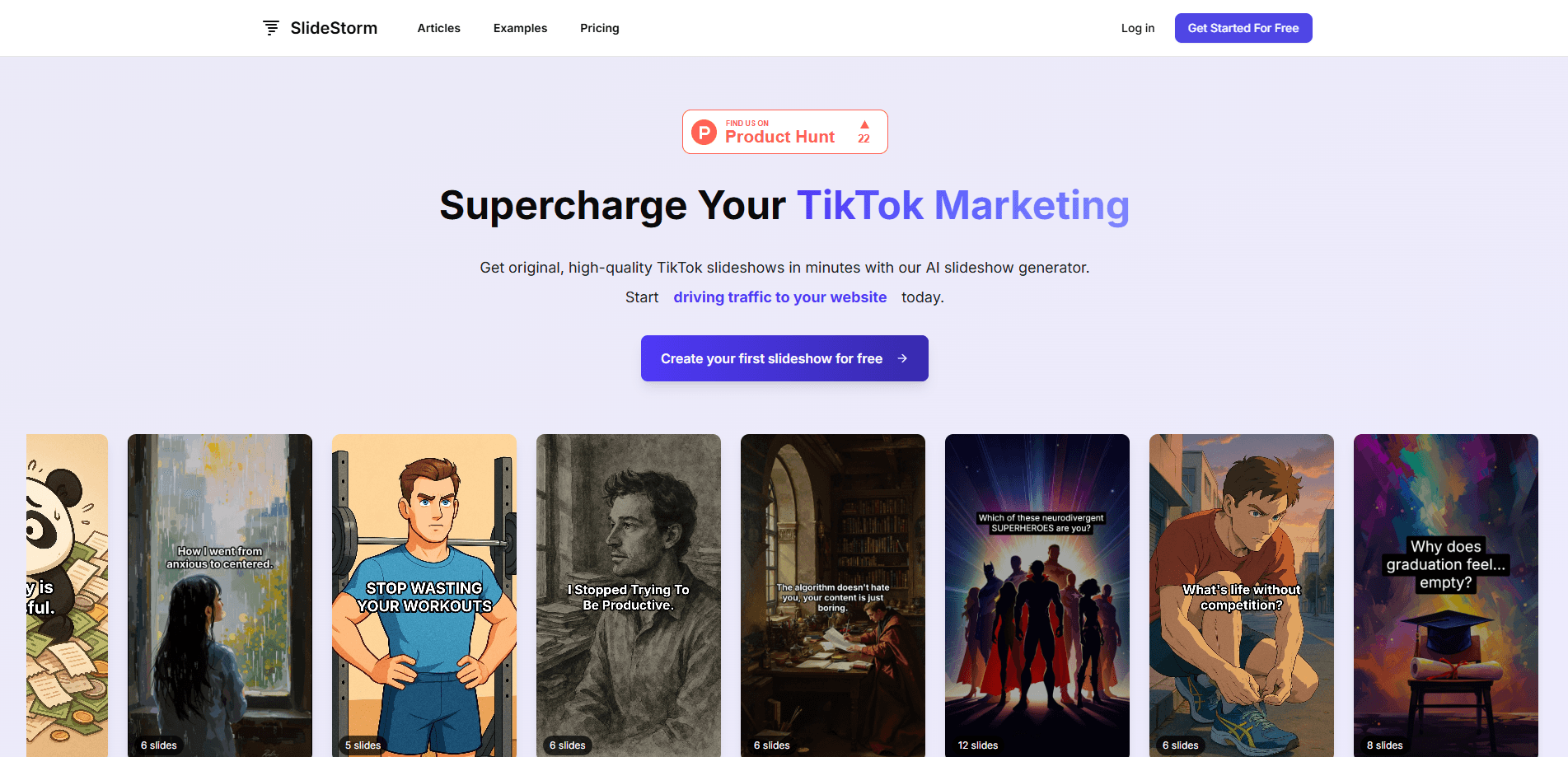
SlideStorm is a web tool for making TikTok slideshows, the swipeable photo carousels that have become a staple of short-form feeds. You describe what you want, and the generator writes the captions, picks or creates the images, and lays everything out into a finished set of slides. The pitch is simple: one place to build the carousel instead of juggling a caption tool, an image generator and a design app.
It's aimed less at designers and more at people who post every day and need volume. Faceless accounts, app marketers and small businesses use it to keep a steady flow of content without filming anything or learning layout software. The editor gives you manual control over captions, images and layout, so the AI output is a starting point rather than a locked result.
The main limits are scope and cost. SlideStorm is built around TikTok slideshows specifically, so it isn't a general video editor or a caption tool for other formats. Credits drive the paid features, and AI image generation burns through them faster than plain slideshows, so heavy image use raises the effective monthly cost.
Getting Started
- Sign up on the SlideStorm site and open the slideshow editor.
- Enter a prompt describing your topic, niche or product, and generate a first draft.
- Adjust captions, swap images and rearrange the layout in the editor.
- Add a reusable character description, plus an optional reference image, if you want the same face across slides.
- Generate more slideshows in bulk or export the finished carousel for posting.
Product Information
A quick look at SlideStorm's pricing, supported platforms, and performance.
Best for
The users, tasks, and scenarios where this tool fits best.
Users
- Faceless TikTok creators
- App and product marketers
- Solo business owners
Tasks
- Making slideshows from a single prompt
- Editing captions and images
- Keeping a consistent character
- Generating slideshows in bulk
Scenarios
- Running a daily posting schedule
- Promoting an app or online business
- Testing angles quickly
Key features
AI Slideshow Generator
The core function takes a plain prompt and returns a finished carousel: captions written per slide, images chosen or created, and a layout that reads well as a swipe. It removes the juggling act of stitching together separate tools, which is the main reason creators reach for it.
Slideshow Editor
Every generated slideshow opens in an editor where you can adjust captions, swap images and change the layout. No design background is needed, and the manual layer matters because AI drafts rarely come out post-ready. You get the speed of generation with a way to fix the parts that feel off.
Character Consistency
By saving a character description and optionally a reference image, you can keep the same face and style across every generated slide, and even across multiple slideshows. For accounts built on a recognizable mascot or a recurring persona, that consistency is what makes the content feel like one series instead of random posts.
Image Library and Custom Uploads
The generator draws on a stock image library organized by niche, and you can upload your own photos to use in slideshows too. Mixing library shots with your own product images keeps output looking natural while staying on brand, and library images don't cost credits.
Bulk Slideshow Generation
Bulk mode turns a single prompt into up to ten slideshows in one run. It's the feature that fits a content calendar: you describe a theme once and walk away with a batch you can schedule out over the coming days.
Credit-Based Pricing
Paid plans meter activity by credits, where a slideshow costs one credit and an AI image costs three, while library images stay free. You can pick a monthly subscription or a one-time credit pack, with subscription credits refreshing each month and pack credits never expiring.
Pros and cons
Pros
- One tool covers captions, images and layout, so you don't pay for or switch between several apps.
- Bulk generation of up to ten slideshows from one prompt suits creators who post on a schedule.
- Character consistency keeps a mascot or persona recognizable across slides and separate slideshows.
- The editor is approachable for people with no design experience, yet gives real manual control.
- A free plan and one-time credit packs lower the risk of trying it before committing.
Cons
- It's built for TikTok slideshows, so other formats and platforms aren't the point.
- AI image generation costs three credits against one for a slideshow, which can drain a plan fast for image-heavy work.
- Credit limits cap how many connected accounts and uploaded images each tier allows, so growth can force an upgrade.
- Output quality still depends on the prompt, and a vague description returns a template-feeling carousel.
Frequently asked questions
SlideStorm generates TikTok slideshows, the photo carousels that mix captions and images. You give it a prompt, and it writes the captions, chooses or creates images and lays out the slides. An editor then lets you fine-tune the result before you post.
Related content
Explore related tools, skills, and articles for SlideStorm.
SlideStorm Alternatives

Udon
Udon · Coding · ProductivityUdon turns an Apple Silicon Mac into a home server you run from a browser, with container controls, file shares, and an optional AI sysadmin.

offstage
offstage cloud · Coding · Productivityoffstage gives AI coding agents and CI jobs a real Mac: a fresh macOS account on Apple silicon, driven over an API and billed by the second.

BotBus
Chengdu Tuyang Tusen Technology Co., Ltd. · Coding · ProductivityBotBus lets you control AI coding agents from your phone and watch: approve commands, start tasks and read results while the code stays on your desktop.