

SmartPDFs
Hassan El Mghari (Nutlope) · Productivity
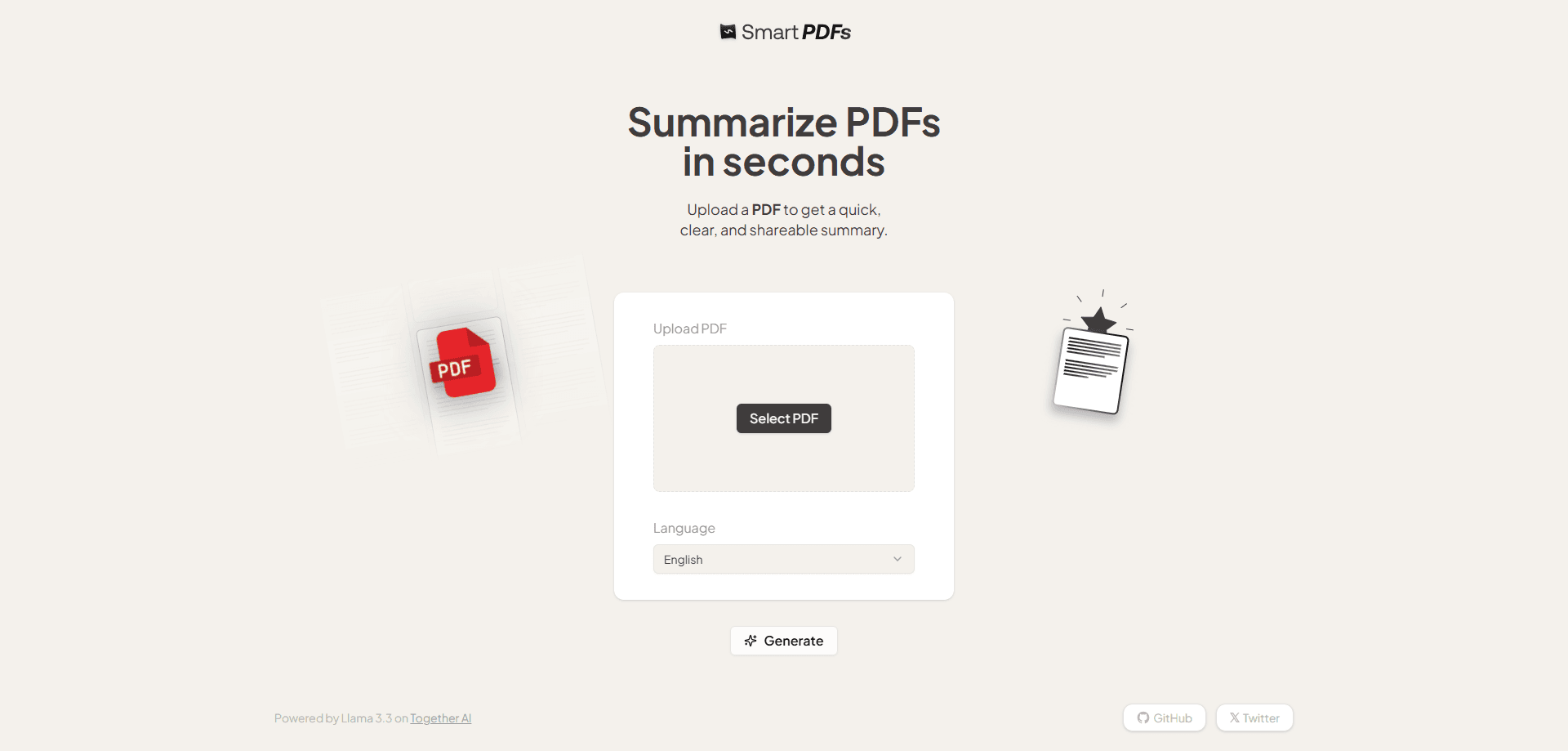
Smart PDFs is a free, open-source web tool that reads a PDF and turns it into organized sections you can skim in seconds. Upload a file, pick a language, and get a shareable summary with no signup.
About SmartPDFs
What Is Smart PDFs
Smart PDFs is a browser-based PDF summarizer that turns long PDF documents into a shorter, readable version. Instead of spitting out one dense wall of text, it breaks a file into labeled sections with short headings, so you can jump straight to the parts that matter. It came from developer Hassan El Mghari, who publishes small AI apps under the Nutlope name, and the whole project sits on GitHub under an MIT license.
The tool targets a simple problem. Most people don't want to read a 40-page report to find three useful paragraphs. Smart PDFs gives you the gist first and lets you decide whether the full document deserves your time. The site runs on Together AI for inference, and the underlying model has shifted over time, from Llama 3.3 in earlier versions to DeepSeek V4 Flash in the current build.
There are real limits. It works on text-based PDFs, so scanned documents and image-heavy pages won't summarize well, since OCR isn't part of the pipeline yet. It's also a summarizer, not a chat tool. You can't ask follow-up questions about the file, and there's no way to save a history of past summaries. For a quick read-through, that tradeoff is usually fine.
Getting Started
- Open smartpdfs.ai in any modern browser. There's no account and no login step.
- Click the upload button and select the PDF you want summarized from your device.
- Choose the output language from the dropdown if you want the summary in something other than English.
- Hit Generate and wait a few seconds while the model reads the file and writes the sections.
- Copy the result or share the page link with anyone who needs the same quick overview.
Product Information
A quick look at SmartPDFs's pricing, supported platforms, and performance.
Best for
The users, tasks, and scenarios where this tool fits best.
Users
- Students
- Researchers and analysts
- Busy professionals
Tasks
- Getting the gist of a long document
- Prepping for a meeting
- Sharing a summary with a team
Scenarios
- Pushing through a reading backlog
- Checking a document on a phone
- Working in a second language
Key features
Sectioned summaries instead of walls of text
Most summarizers hand you a single paragraph. Smart PDFs splits the result into titled sections, which makes a long document scannable at a glance. You get the structure of the argument, not just the headline points.
Divides long documents into readable chunks
The tool breaks a file down by topic rather than trying to compress everything into one blob. Each section covers one part of the source, so you can read the parts you care about and skip the rest without losing the thread.
Runs in the browser with no signup
There's no account, no email, and no paywall. You open the site, drop in a file, and get a result. That low friction is the main reason people reach for it over tools that make you register first.
Choice of output language
A language picker lets you generate the summary in a range of languages rather than English only. That helps readers who want the gist in their first language, or teams working across several regions.
Shareable summary pages
Each summary lives at a link you can pass along. A colleague can open the same organized overview without re-uploading the file or reading the original, which speeds up handoffs.
Free and open source
The code is public on GitHub under an MIT license, so anyone can inspect how it works, run their own copy, or build on it. For a small utility like this, that transparency is part of the appeal.
Pros and cons
Pros
- Free to use with no account, no signup wall, and no ad-heavy interface.
- Output is structured into sections, which is far easier to skim than a single block of text.
- Works entirely in the browser, including on phones, so there's nothing to install.
- The source code is open under an MIT license, so you can verify or self-host it.
- Language options let you read the summary in the language you prefer.
Cons
- No chat or follow-up questions. You get a summary, not a way to interrogate the document.
- Scanned or image-only PDFs don't summarize well, because OCR isn't wired in yet.
- There's no saved history or account, so you can't revisit old summaries in one place.
- Very long or highly technical documents can lose detail in the compression.
Frequently asked questions
Yes. The tool is free, and there's no signup, subscription, or credit system. You upload a file and get a summary without paying anything.
Related content
Explore related tools, skills, and articles for SmartPDFs.
SmartPDFs Alternatives

Base Code
Base44 (Wix) · Coding · ProductivityBase Code is a shared cloud development environment from Base44. Teammates describe changes to an existing GitHub codebase in chat, preview them live and send them back as pull requests.

Knocket
Knocket (Tencent RTC team) · Productivity · Business · ChatbotKnocket is a free live chat and contact page tool that lets visitors message you from your website, app, or a shareable link, with every reply handled from Telegram or one inbox.

FloorGen
Vinit Kumar (FloorGen) · Productivity · China AIFloorGen is a browser-based floor plan maker that turns a sentence or a sketch into an editable 2D plan and a 3D walkthrough. Export to PDF, DXF or video, and draw without an account.