

Snapdeck beta
Snapdeck · Productivity · Other
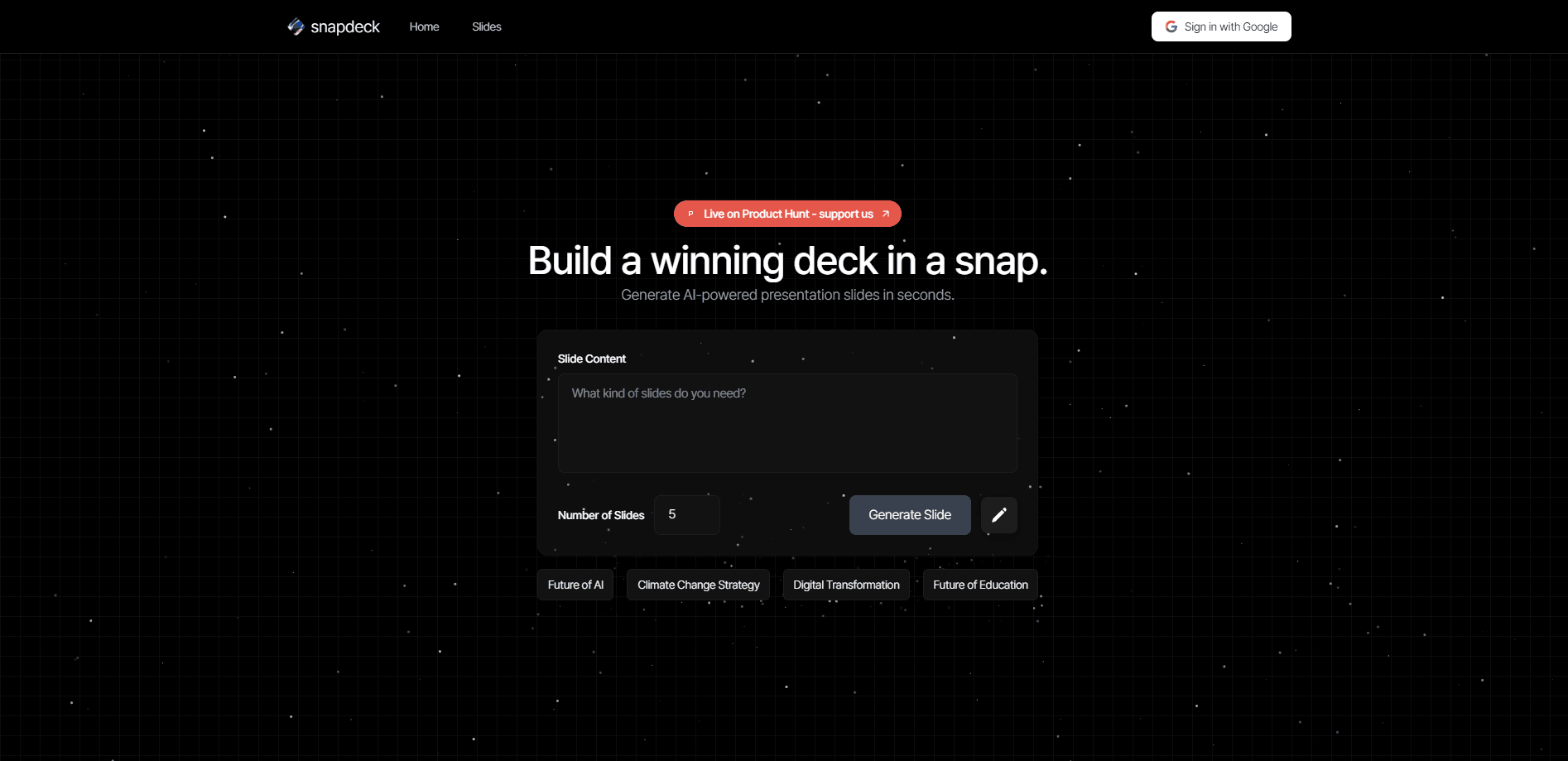
Snapdeck is an AI presentation tool that turns a prompt into slides, then lets you refine them through chat, PowerPoint import, and Figma export.
About Snapdeck beta
What Is Snapdeck
Snapdeck is a web-based AI presentation maker and AI slide generator built by a Korean team that took the top spot on Product Hunt's weekly chart at launch. You type a topic, and the tool writes an outline, fills every slide with content, and designs the visuals in one pass. The pitch is simple: a finished deck without learning a design program.
The tool aims at the part of slide work people dread most, which is starting from a blank page and formatting everything by hand. Snapdeck handles the structure and the layout, and when something looks off, you tell the chat what to change instead of dragging boxes around. It keeps a serious editing layer under the AI, so the output is not a locked template you have to accept as-is.
The limits matter as much as the features. The free plan gives you 30 credits and caps decks at 5 slides, and it stamps a watermark on exports. Credit-heavy work like image generation and priority processing sits behind paid plans. The whole product runs in a browser, so there is nothing to install, but that also means you need a connection to work.
Getting Started
- Go to snapdeck.app and sign in, which drops 30 free credits into your account
- Type a topic and any key points, then pick a slide count and a canvas ratio
- Review the AI outline before design starts, editing or reordering slides so you do not restart later
- Choose a style and theme, then let Snapdeck generate the full deck
- Select any element and describe the change in plain language, or export to PPTX or Figma when it is ready
Product Information
A quick look at Snapdeck beta's pricing, supported platforms, and performance.
Best for
The users, tasks, and scenarios where this tool fits best.
Users
- Founders and small teams who need a pitch deck fast
- People who find design software hard
- Designers who want a head start
- Students and teachers building lesson or project decks
Tasks
- Turning a topic into a first draft
- Editing one part of a slide
- Rebranding a deck
- Importing and updating an existing deck
- Handing work to a designer
Scenarios
- A startup prepping an investor pitch the night before a meeting
- A consultant rebuilding the same report for a new client
- A classroom where the teacher needs slides for tomorrow
- A marketing team turning a blog post into a social carousel
Key features
Prompt-to-Deck Generation
You enter a topic and Snapdeck writes an outline, structures every slide, and designs the visuals. The company measures a 10-slide deck at about 71 seconds. The point is speed on the first pass, so you start from something real instead of a template you have to fill in yourself.
Edit the Outline Before Design
The tool shows the outline before it designs anything, so you can review slide order, wording, and structure up front. Fixing the content at this stage avoids regenerating a finished deck because the flow was wrong. You also set the page count and canvas ratio here, which matters for social carousels at 4:5 or wide 16:9 keynotes.
Chat and Magic Edit
Changes happen in plain language. Select a slide area, describe what you want, such as turning a list into a chart, and the update applies right away. Magic Edit keeps the scope tight so you can fix one element without rebuilding the whole slide, and you can compare the result before accepting it.
PowerPoint Import and Export
You can upload a .pptx as an editable project and keep its original format while AI revises only the content. When the deck is done, export it back to PowerPoint and keep editing in PowerPoint or Keynote. Both decks built from scratch and imported files export as .pptx.
Figma Export for Designers
A finished deck exports to Figma as a .fig file. Each slide lands as a Figma frame, and most text, shapes, and images stay as editable layers, so a designer can adjust color, copy, and layout without rebuilding the deck.
Styles, Themes, and Typography
Snapdeck ships information-dense styles for reports and lighter visual styles for storytelling, plus color themes you can retune to a brand. It uses its own Snapdeck Sans typeface and supports 56 font families, which keeps text readable and consistent across slides. You can also keep the content and regenerate just the design.
Web Research and Agent Tools
Alongside basic generation, Snapdeck offers web research, a web scrape option, and an auto agent that moves through structure, generation, and editing on its own. These extras help when a deck needs sourced facts rather than content invented from the prompt alone.
Pros and cons
Pros
- A full first draft from one prompt, with a 10-slide deck reported at about 71 seconds
- Edits happen through chat and Magic Edit, so you rarely touch a layout tool
- PowerPoint import and export keep an existing deck in the loop instead of forcing a rewrite
- Figma export hands each slide over as an editable frame for further design work
- A free plan with 30 credits and no credit card lets you try it before paying
Cons
- The free plan caps decks at 5 slides and adds a watermark to exports, so real work pushes you to Pro
- Image generation, priority processing, and custom themes sit behind paid plans, and everything runs on credits that run out
- There is no native desktop app, so you need a browser and a connection for every session
- The performance and preference figures, such as the 81.63% win rate, come from the vendor rather than independent testing
Frequently asked questions
Snapdeck builds presentations from a text prompt. You enter a topic, it writes an outline and designs the slides, and you refine the result through chat or by exporting to PowerPoint and Figma. It is aimed at people who need a presentable deck without doing the layout by hand.
Related content
Explore related tools, skills, and articles for Snapdeck beta.
Snapdeck beta Alternatives

Base Code
Base44 (Wix) · Coding · ProductivityBase Code is a shared cloud development environment from Base44. Teammates describe changes to an existing GitHub codebase in chat, preview them live and send them back as pull requests.

Knocket
Knocket (Tencent RTC team) · Productivity · Business · ChatbotKnocket is a free live chat and contact page tool that lets visitors message you from your website, app, or a shareable link, with every reply handled from Telegram or one inbox.

FloorGen
Vinit Kumar (FloorGen) · Productivity · China AIFloorGen is a browser-based floor plan maker that turns a sentence or a sketch into an editable 2D plan and a 3D walkthrough. Export to PDF, DXF or video, and draw without an account.