

SnapEdit - AI photo editor
SnapEdit · Image
SnapEdit is a browser-based AI photo editor and photo editing tool for removing unwanted objects and backgrounds, with a free daily credit tier.
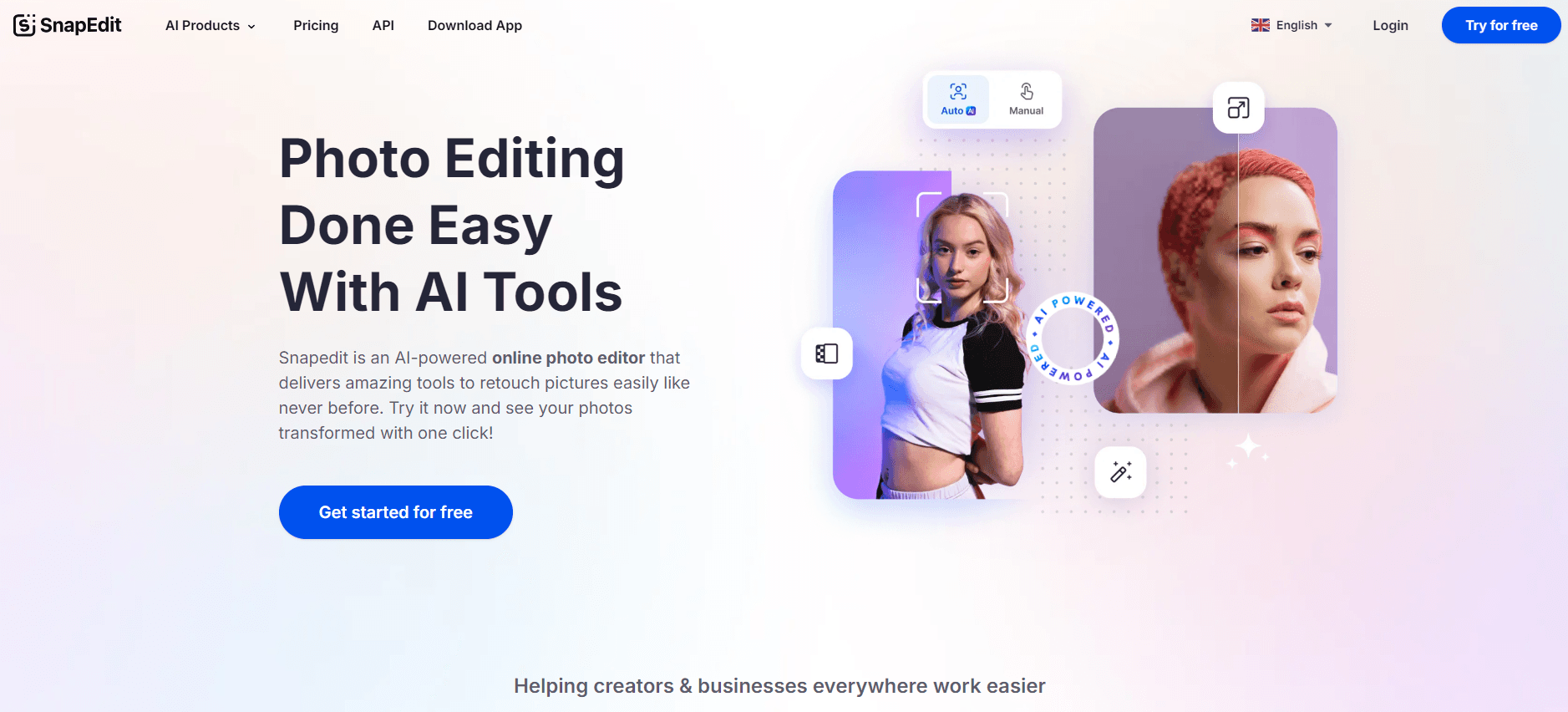
About SnapEdit - AI photo editor
What Is SnapEdit
SnapEdit is an AI photo editor that runs in your browser. It handles the cleanup tasks people usually open Photoshop for: erasing a stranger from a vacation shot, wiping a stray wire off a skyline, or cutting a product out of its cluttered background. The company pitches it as the easiest way to remove unwanted objects from photos, and for the common cases that holds up.
The tool covers more ground than a single-purpose object remover. Alongside erasing, it upscales blurry images, removes background with one click, swaps in template scenes, clears text overlays and timestamps, and retouches skin. Batch mode processes up to 50 photos at once, which is where solo designers and small ecommerce sellers who need to clean an entire product catalog before a launch get the most value.
The catch is the credit system. Free users get a daily allowance, and heavier batch jobs burn through it fast, so anyone editing at volume ends up on a paid plan. Output caps also depend on tier, with HD and 4K downloads tied to paid access.
No install. No account needed.
Getting Started
- Open snapedit.app in a browser. No install and no account is required to try the core tools.
- Drop in a photo, or pick one of the built-in tools such as Remove Object, Remove Background, or Enhance Photo.
- Brush over the area you want gone, or let the AI detect the subject automatically for background removal.
- Download the result. Free users spend daily credits for each edit, and paid plans lift the daily cap.
Product Information
A quick look at SnapEdit - AI photo editor's pricing, supported platforms, and performance.
Best for
The users, tasks, and scenarios where this tool fits best.
Users
- Ecommerce sellers
- Social media creators
- Casual photographers
Tasks
- Removing photobombers or clutter
- Cutting out a subject for a new background
- Clearing text and watermarks
- Upscaling a blurry photo
Scenarios
- Prepping marketplace listings
- Cleaning up real estate or product photos
- Restoring old family scans
Key features
One-Touch Object Removal
Brush over anything you want gone and the AI fills the space behind it. It works on people, signs, and general clutter, and the surrounding texture usually blends well enough that you don't need to tidy up afterward. Busy patterns can still leave a smudge.
Background Removal and Scene Swap
This AI background remover isolates your subject in a click, then lets you drop in a new backdrop. The library holds more than 100 designed templates, so product and portrait edits stay consistent without exporting to another design app.
Batch Processing
Batch mode is the feature that separates SnapEdit from most free browser editors. It processes up to 50 photos in one run, which suits sellers who need a whole set cleaned and cut out before uploading.
Enhance and Upscale
For photos that look soft or low-resolution, the Enhance Photo tool raises detail and sharpness. It's a quick fix for older scans or phone shots you want to print. It won't replace high-end retouching.
Text and Wire Removal
Two narrow tools handle specific annoyances: stripping text overlays, timestamps, and captions, and erasing wire lines from skies and rooftops. Want to remove text from a photo without clone-stamping by hand? This is the tool for that. Both jobs normally take a manual pass, and here they don't.
AI Skin Retouch
The retouch tool removes acne and blemishes and evens out skin for share-ready portraits. It leans toward a natural finish rather than heavy smoothing. Results vary with lighting.
Pros and cons
Pros
- Runs in a browser with no install, and the core tools work without an account
- Batch mode handles up to 50 photos, which most free web editors skip
- Combines object removal, background removal, and retouch in one workspace
- Free daily credits let you test real edits before paying
- HD and 4K downloads on paid tiers keep output usable for print
Cons
- The credit system runs out quickly on batch jobs, and you can't tell how far a day's credits will stretch until you burn them
- Free tier caps resolution, so commercial work usually pushes you to upgrade
- No public API means the editing steps can't be folded into your own pipeline
Frequently asked questions
Yes, there's a free tier with a daily credit allowance for the core tools. Paid plans raise the cap and open up HD and 4K downloads, which matters once you're editing at volume.
Related content
Explore related tools, skills, and articles for SnapEdit - AI photo editor.
SnapEdit - AI photo editor Alternatives

Google EmbeddingGemma 2
Google DeepMind · Writing · Image · CodingGoogle EmbeddingGemma 2 is a 740M-parameter open model that turns text, code, images, audio, and video frames into vectors in one 768-dimension space, running on phones and laptops.

Tractionwave
TractionWave · Image · MarketingTractionWave is an AI attention heatmap tool for static ads. Upload a PNG or JPG and it returns predicted attention, ranked hotspots, and fixes before you spend budget.

Imejis.io
Imejis.io · Image · MarketingImejis.io is an AI design studio for agents and marketing teams. Describe an image in plain words, and it writes the copy, builds the layout, reflows it to every size, then exports a finished file.