
Snaplife AI
Snaplife AI · Image · Video
Snaplife AI is an AI photo animation tool that turns a static photo into a talking video, usually in under 60 seconds. You upload one image, give it something to say, and the AI handles the mouth movement and lip sync for you. People reach for it when they want a quick talking photo video for social posts, greetings, or a bit of fun with an old family picture.
About Snaplife AI
What Is Snaplife AI
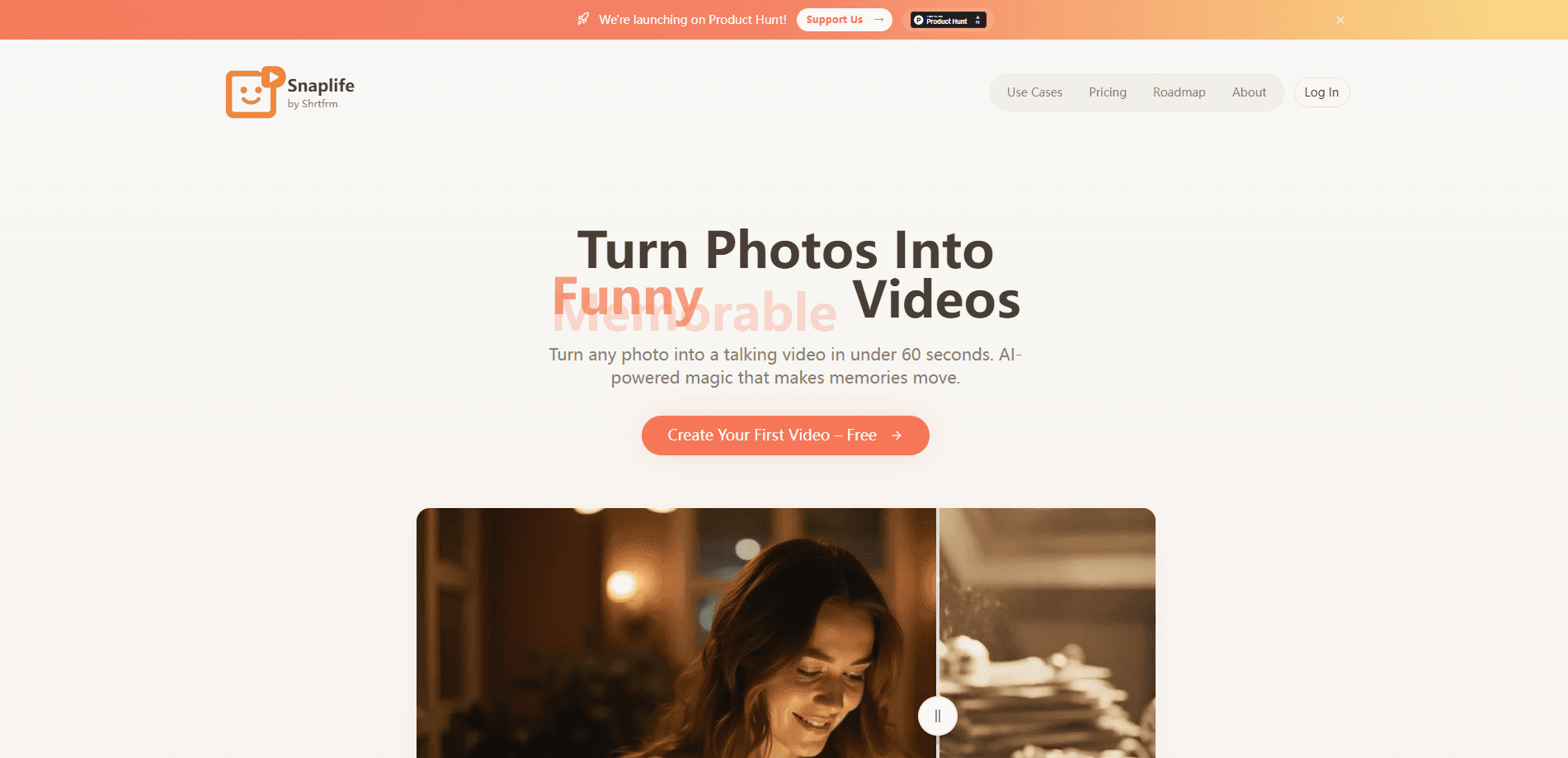
Snaplife AI is a web-based platform built around one job: making a still photo talk. The pitch on its own site is short and plain, "Turn Photos Into Talking Videos," and that pretty much covers it. Instead of hiring an animator or learning a video editor, you hand the AI a single portrait and it generates the movement for you.
The product sits in a crowded corner of AI video, so the appeal isn't novelty. It's speed. The company says a talking clip comes out in under 60 seconds, which matters if you're making something to post right now rather than planning a polished production. Anyone who has waited on a render queue knows why that number gets advertised so loudly.
The main thing to keep in mind is scope. This is a talking-head and animation tool, not a full video studio. If you need scene editing, multi-shot stories, or precise manual control over every frame, Snaplife AI won't replace your editing software, and it was never designed to compete with the timeline-based tools professional editors already depend on every day. Treat it as a fast generator for one specific effect.
Getting Started
- Create an account on the Snaplife AI website and sign in.
- Upload a clear, front-facing photo with the subject's mouth and eyes visible.
- Type the script you want the person or character to say, or pick from ready-made options if available.
- Choose a voice, then start the generation and wait for the clip to render.
- Download the finished talking video and share it wherever you need it.
Product Information
A quick look at Snaplife AI's pricing, supported platforms, and performance.
Best for
The users, tasks, and scenarios where this tool fits best.
Users
- Social media creators
- Small business owners
- Families and casual users
Tasks
- Making a talking photo video
- Voiceover-driven clips
- Quick content for messages and stories
Scenarios
- Making a birthday or holiday greeting
- Adding movement to a static product or mascot shot
- Reviving a family photo
Key features
Photo to Talking Video
The core feature takes a single still image and generates a short clip where the subject appears to speak. It's the reason most people open the tool. Upload, add a line, and the AI produces the mouth movement and sync. Simple.
AI Lip Sync
Good lip sync is what separates a convincing talking photo from an uncanny one. Snaplife AI aligns the mouth shapes to the audio automatically, so you don't have to touch a timeline or manually match frames. The result looks natural for short lines, which is where this kind of tool performs best. Get it wrong, and the whole clip falls apart fast.
Fast Generation
The company advertises clips in under 60 seconds. For casual content and social posts, that turnaround changes how you work. You can try several scripts and photos back to back instead of treating each attempt as a project. Try it. Try five.
Script Input
You control what the photo says by typing the text yourself. This makes the AI talking video generator flexible for greetings, jokes, or short product lines, and it keeps you from being locked into a fixed set of templates.
Voice Options
The tool pairs your script with a voice so the animated photo appears to speak in something other than silence. Voice choice matters for tone. A cheerful read suits a birthday clip, while a calmer voice fits a more formal message.
Browser-Based Workflow
Everything runs on the web, so there's no app to install and nothing tied to a single device. You can start a talking photo video on a laptop and finish the same task later, as long as you're signed in. Is that a big deal? For anyone who bounces between a work machine and a home one, yes.
Pros and cons
Pros
- Turns a still photo into a talking video in about a minute, which is quick for casual content.
- Handles lip sync automatically, so no editing skills are needed.
- Runs in the browser with no install, so you can use it from almost any computer.
- Script input gives you control over what the subject says.
Cons
- The public pricing page doesn't spell out the paid tiers clearly, so you may need to sign up to see real costs.
- Output is short talking clips only, so it won't cover full video editing or multi-scene projects.
- Results depend heavily on the source photo, and blurry or side-on shots tend to animate poorly.
- There's no public API, so you can't wire it into your own apps or automate it at scale.
Frequently asked questions
It turns a still photo into a talking video. You upload an image, type what you want the subject to say, and the AI generates a short clip with synced mouth movement.
Related content
Explore related tools, skills, and articles for Snaplife AI.
Snaplife AI Alternatives

Google EmbeddingGemma 2
Google DeepMind · Writing · Image · CodingGoogle EmbeddingGemma 2 is a 740M-parameter open model that turns text, code, images, audio, and video frames into vectors in one 768-dimension space, running on phones and laptops.

Tractionwave
TractionWave · Image · MarketingTractionWave is an AI attention heatmap tool for static ads. Upload a PNG or JPG and it returns predicted attention, ranked hotspots, and fixes before you spend budget.

Imejis.io
Imejis.io · Image · MarketingImejis.io is an AI design studio for agents and marketing teams. Describe an image in plain words, and it writes the copy, builds the layout, reflows it to every size, then exports a finished file.