

SocialBee
SocialBee LABS SRL (part of WebPros) · Productivity · Marketing
SocialBee is an AI social media management platform that helps solopreneurs, small teams, and agencies plan, schedule, and analyze posts across multiple networks from one dashboard.
About SocialBee
What Is SocialBee
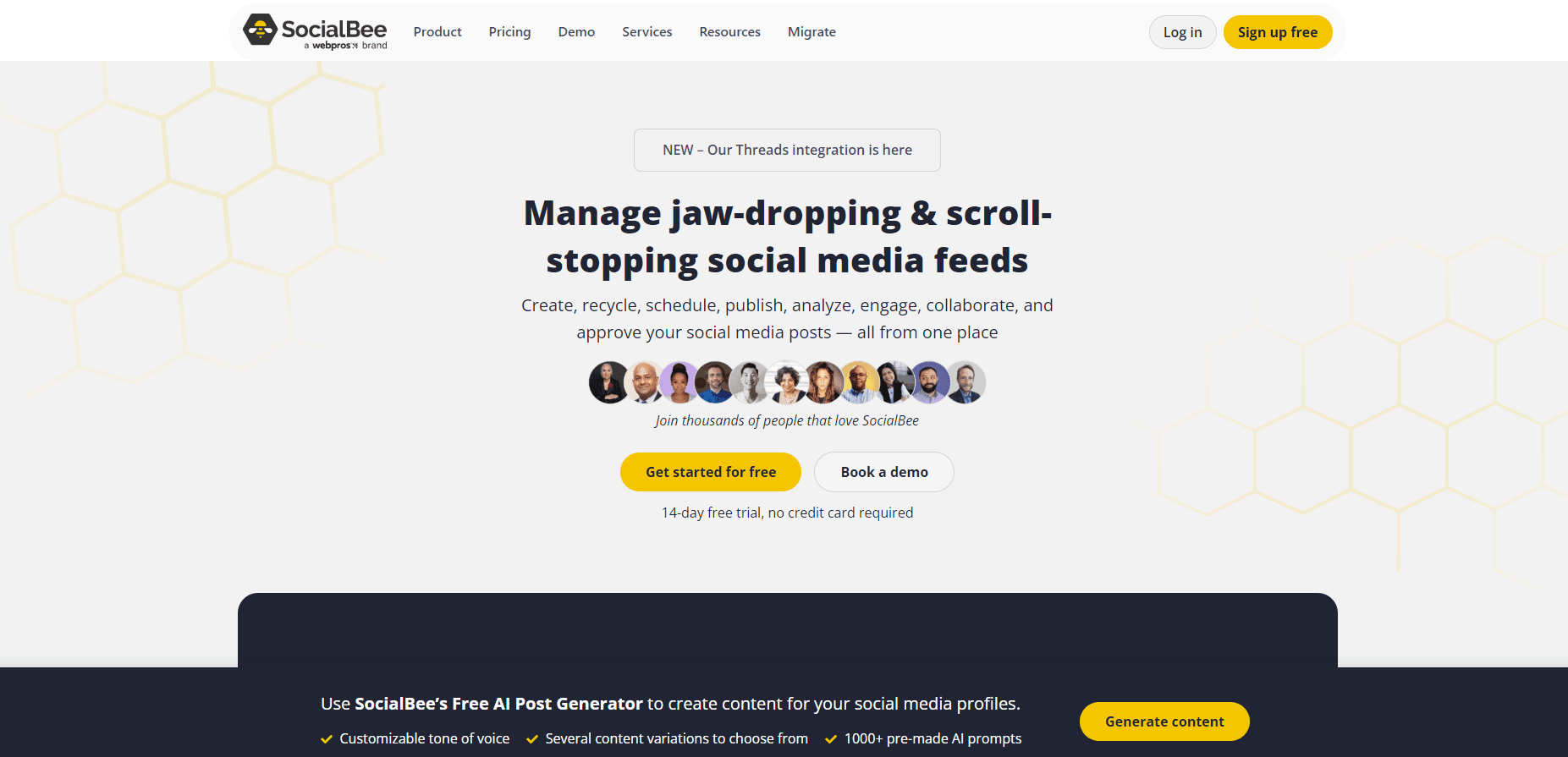
SocialBee is a web-based social media management platform for people who run several accounts at once and can't afford to log into each network separately every day. You connect your profiles, drop content into categories, and the tool schedules, publishes, and recycles posts on a set rhythm. The pitch is simple: fill a calendar once, and it keeps feeding your feeds. Fill it once. Then walk away.
The platform handles 10 networks, including Facebook, Instagram, X, TikTok, LinkedIn, Threads, YouTube, Pinterest, Bluesky, and Google Business. An AI Copilot writes captions and post variations, and integrations with Canva, Unsplash, and GIPHY pull images straight into the editor without leaving the app. Analytics track growth, top posts, and audience demographics so you can see what actually lands.
The catch is the price. SocialBee has no free plan, only a 14-day trial, and entry plans cap how many social accounts and content sources you get. Solo users on a budget may find the switch to a paid plan steep. It targets people already committed to posting consistently, not casual users testing the waters.
Getting Started
- Sign up for the 14-day free trial on socialbee.com. No credit card is required to start.
- Connect your social profiles, then assign each one to a category such as "promotions" or "blog posts."
- Set a posting schedule for each category so SocialBee knows when to publish.
- Add content to your calendar manually, with the AI Copilot, or by importing an RSS feed.
- Review the queue, let it publish automatically, and check the analytics tab to see what performs.
Product Information
A quick look at SocialBee's pricing, supported platforms, and performance.
Best for
The users, tasks, and scenarios where this tool fits best.
Users
- Solopreneurs juggling a handful of accounts
- Small teams and businesses
- Social media manager for agencies handling several clients
Tasks
- Scheduling posts in bulk across a content calendar
- Recycling evergreen content
- Generating captions with AI
- Tracking post performance with social media analytics
Scenarios
- Running client accounts from one login
- Keeping a small brand active while away
- Testing what resonates with an audience
Key features
AI Copilot for content generation
The AI Copilot writes captions from a prompt and spins them into tailored variations for each connected profile. In practice, you start with one idea and get platform-appropriate versions without rewriting by hand. It matters most for teams posting to five networks daily, where drafting each post separately eats hours.
Built-in content calendar
The calendar is the center of the app. You drop posts into categories, set a schedule per category, and SocialBee fills the queue. Posts per category run up to 1,000 on Bootstrap and 5,000 on higher tiers. For anyone who thinks in weeks, not single posts, this is the feature that replaces a spreadsheet. It's not flashy. It just works.
10 connected networks
SocialBee publishes to Facebook, Instagram, X, TikTok, LinkedIn, Threads, YouTube, Pinterest, Bluesky, and Google Business. Not every tool covers Bluesky or Google Business. So if those are part of your mix, that's a real draw. You manage all of them from the same dashboard.
Content recycling and expiry
You can mark posts to repeat on a loop, or set an expiry so they stop after a date. Evergreen tips and old blog links keep cycling to new followers without manual re-posting. It's a small feature that quietly saves the most time over a long run.
Analytics and branded reports
The analytics tab covers audience growth, demographics, top-performing posts, and content types, with UTM parameters for link tracking. Higher plans add advanced analytics and exportable branded reports, which agencies hand to clients. Which post actually drove the signups? That's the question the reports are built to answer. Data history runs 3 months on Bootstrap and up to 2 years on paid tiers.
Canva, Unsplash, and GIPHY integrations
Image creation stays inside SocialBee. You browse your Canva designs, pull stock photos from Unsplash, and drop GIFs from GIPHY straight into a post. No downloading and re-uploading files. The editor also handles alt text, post location, and custom video thumbnails.
Pros and cons
Pros
- Covers 10 networks, including Bluesky and Google Business, from a single dashboard.
- AI Copilot generates captions and per-profile variations, cutting drafting time.
- Content recycling and scheduling keep a calendar full without constant manual posting.
- Workspaces and post approval flows fit agencies running multiple clients.
- Integrations with Canva, Unsplash, and GIPHY speed up visual content.
Cons
- No free plan, so you can't use it long term without paying after the 14-day trial.
- Social account limits are tight on lower tiers, which forces an upgrade as you add profiles.
- API availability isn't publicly documented, so developers shouldn't count on building on it.
- Steeper learning curve than simple schedulers, since categories and schedules need setup first.
Frequently asked questions
It's a social media management tool for planning, scheduling, publishing, and analyzing posts across multiple networks from one dashboard. It also generates captions with AI and recycles evergreen content.
Related content
Explore related tools, skills, and articles for SocialBee.
SocialBee Alternatives

Base Code
Base44 (Wix) · Coding · ProductivityBase Code is a shared cloud development environment from Base44. Teammates describe changes to an existing GitHub codebase in chat, preview them live and send them back as pull requests.

Knocket
Knocket (Tencent RTC team) · Productivity · Business · ChatbotKnocket is a free live chat and contact page tool that lets visitors message you from your website, app, or a shareable link, with every reply handled from Telegram or one inbox.

FloorGen
Vinit Kumar (FloorGen) · Productivity · China AIFloorGen is a browser-based floor plan maker that turns a sentence or a sketch into an editable 2D plan and a 3D walkthrough. Export to PDF, DXF or video, and draw without an account.