

Softr
Softr · Coding
Softr is an AI no-code app builder for client portals and internal tools. Describe your app in plain language, and it builds the database, pages, and permissions.
About Softr
What Is Softr
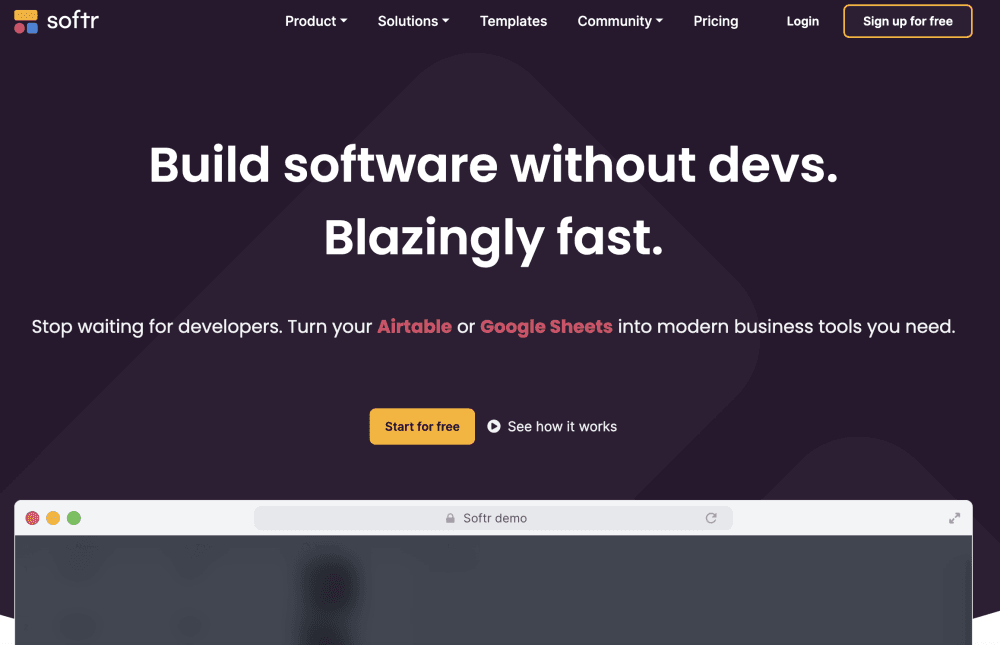
Softr is a no-code platform for building business apps: client portals, internal tools, CRMs, dashboards, and company intranets. You describe what you need, and the AI Co-Builder assembles the database, pages, user roles, and logic in one pass. Everything comes out connected, so you don't wire up a stack of tools afterward.
The appeal is who gets to build. A department lead with no coding background can set up an app and keep changing it later, rather than opening a ticket for a developer. Since the AI output stays editable through the same visual controls, you're never stuck waiting on a prompt to fix a layout.
Two limits shape when it fits. Softr apps run on Softr's own engine and its component library, so you get power by configuring what's there, not by rewriting it from scratch. And the free plan and entry tiers cap app users, so a portal aimed at thousands of external people means a higher plan. For teams that want a business app without a build project, that trade is usually fine.
Getting Started
- Sign up at softr.io and pick a starting point: describe your app to the AI Co-Builder, open a template, or build manually.
- Connect data. Use the built-in Softr Databases or link an existing source like Airtable, Google Sheets, Notion, or a SQL database.
- Shape the app. Add pages, listings, charts, and forms from the block library, or drop in a custom vibe coding block for something unique.
- Set permissions. Create user groups and rules so each person only sees the pages, records, and actions they should.
- Preview as any user, then publish and invite teammates or external clients.
Product Information
A quick look at Softr's pricing, supported platforms, and performance.
Best for
The users, tasks, and scenarios where this tool fits best.
Users
- Operations leads without coding skills
- Agencies and consultants
- Small teams replacing off-the-shelf software
- Startups and departments inside larger companies
Tasks
- Building a client portal
- Creating a custom CRM
- Tracking inventory or assets
- Running approval flows
Scenarios
- Launching a portal before a new client onboarding week
- Replacing scattered spreadsheets
- Giving clients a self-serve space
- Piloting an internal tool with no budget
Key features
AI Co-Builder
You type a description of the app you want, and Softr generates the pages, database structure, user roles, and workflows as a connected whole. The difference from a straight code generator is that the result lands in editable building blocks, so the AI speeds up the first draft without locking you into a black box. You can refine by prompting again or switch to the visual editor at any point.
Softr Databases and Data Sources
Softr Databases is a built-in store for the data and files behind your app, meant to replace the spreadsheet a business outgrew. Alongside it, every plan connects to more than 20 external sources, including Airtable, Notion, Google Sheets, and Coda on the free tier. Higher plans add Supabase, BigQuery, and SQL databases, and Workflows can call any external API over HTTP when there's no native connector.
Granular Permissions and User Groups
User groups decide which pages, records, and buttons each person can reach inside the same app. Global data restrictions apply the same rules at row level, so someone loads only the records they're allowed to see. You confirm it by previewing the app as any user, which beats creating test accounts and logging in and out. Custom groups expand on Pro and Business.
Workflows and Automation
Softr Workflows handles the approvals, reminders, onboarding steps, and status updates that normally run through manual email. A workflow can fire from a button click, a form submission, a schedule, or a record change. Because it runs on Softr's own database, record changes trigger a workflow instantly rather than on a polling delay.
Forms and Building Blocks
Forms collect data and hand it straight into your database or a workflow. From there, a library of prebuilt blocks covers lists, grids, charts, calendars, and detail views, all customizable to your brand. When you need something the blocks don't cover, the vibe coding block generates one isolated component that keeps your theme, data connections, and permission rules.
Security and Enterprise Controls
Softr is SOC 2 Type II compliant and hosts user data in Germany, which supports GDPR requirements. Database connections run server-side, so API keys never reach the browser. Enterprise plans add SSO over SAML and OpenID for providers like Okta and JumpCloud, plus SCIM for automatic user provisioning.
Pros and cons
Pros
- A working app comes together from a plain-language prompt, and every AI-made part stays editable through the same visual controls.
- Client portals are the sweet spot, and per-user pricing keeps costs predictable as the external audience grows.
- Unlimited apps, databases, workflows, and forms are included on every plan, including the free one.
- Access control is genuinely granular, with page, record, and action level rules plus a preview-as-user check.
- Nonprofits and educational organizations get 50% off any plan.
Cons
- You build within Softr's engine and component library, so a heavily custom interface hits limits the vibe coding block can't fully cover.
- App user counts are tied to the plan, so a portal aimed at thousands of external users pushes you toward Business or Enterprise.
- The AI generates a first draft, not a finished app. Expect to spend time refining pages and permissions before launch.
- The most advanced data sources and enterprise features, like Salesforce and Snowflake, sit behind the top tiers.
Frequently asked questions
Softr builds business apps without code. Teams use it for client portals, internal tools, CRMs, inventory trackers, dashboards, and company intranets. You describe the app, the AI Co-Builder assembles the database, pages, and permissions, and you publish it to your users.
Related content
Explore related tools, skills, and articles for Softr.
Softr Alternatives

Udon
Udon · Coding · ProductivityUdon turns an Apple Silicon Mac into a home server you run from a browser, with container controls, file shares, and an optional AI sysadmin.

offstage
offstage cloud · Coding · Productivityoffstage gives AI coding agents and CI jobs a real Mac: a fresh macOS account on Apple silicon, driven over an API and billed by the second.

BotBus
Chengdu Tuyang Tusen Technology Co., Ltd. · Coding · ProductivityBotBus lets you control AI coding agents from your phone and watch: approve commands, start tasks and read results while the code stays on your desktop.