

Sparks AI
Sparks AI · Productivity · Other
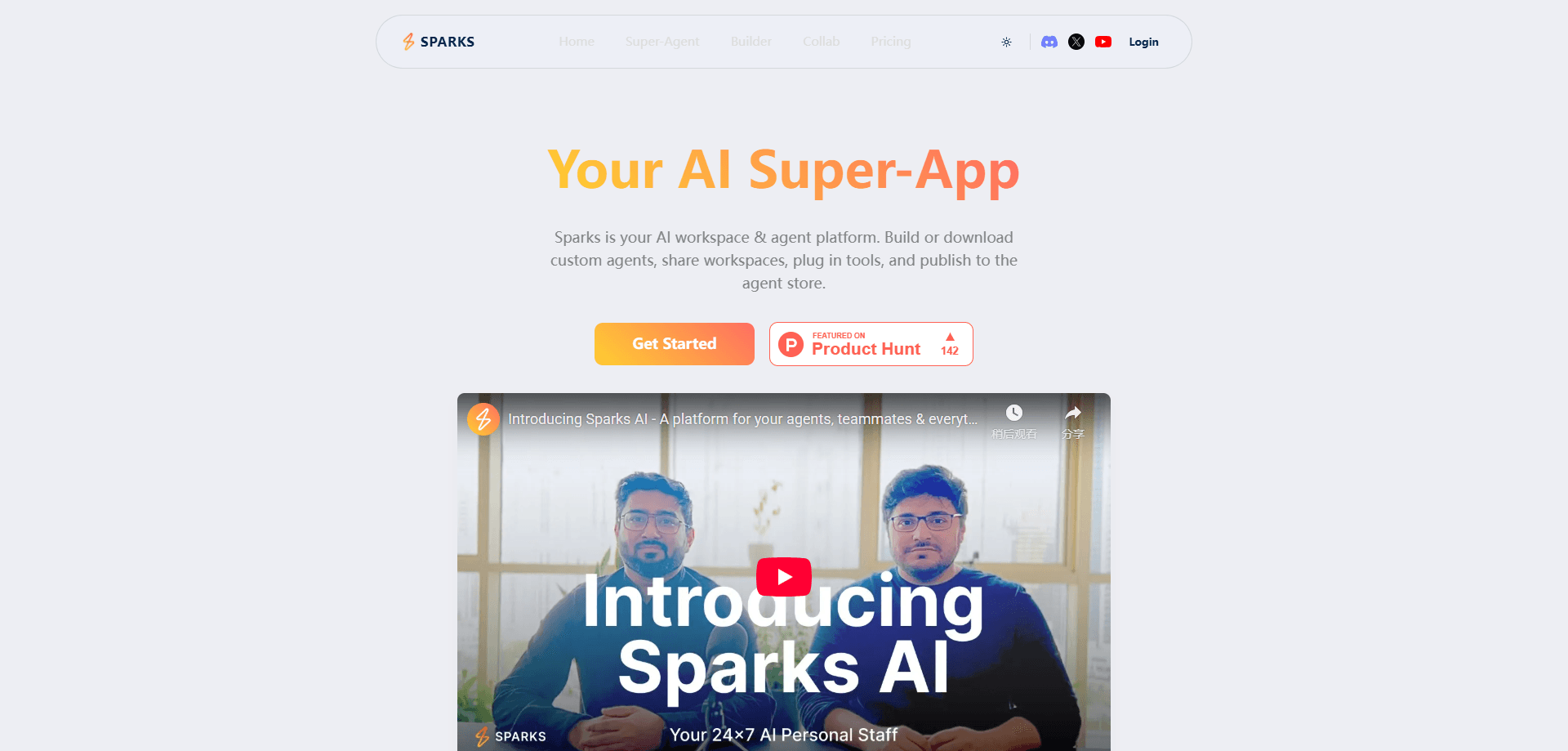
Sparks AI is an AI agent platform where people build, customize, and run teams of AI agents without writing code. You pick a template, choose a model like GPT-5, Claude, or Gemini, and connect the apps your agent needs. Agents can research, code, and run tasks on their own, and you can invite coworkers into the same group chat so humans and agents work on projects together. The platform also runs a public store, so you can use agents other people published or share your own.
About Sparks AI
What Is Sparks AI
Sparks AI positions itself as a workspace for "AI employees." Instead of juggling one chatbot at a time, you assemble a set of agents and give each one a job. An agent built for research pulls in sources and writes up findings; another might handle coding tasks. You define what each one does, which model powers it, and which apps it can touch.
The appeal is that it removes the coding barrier from agent building. It's a no-code AI workspace, in plain terms. You start from AI agent templates, tweak the instructions, and pick your tools. The platform leans on leading models rather than training its own, so the quality of any agent tracks the model you attach to it.
The main limits are the usual ones for hosted agent platforms. You're working inside Sparks AI's interface, not a self-hosted setup. Want more control than that? You'd need to look elsewhere. The more autonomous "Ion" agent is also a newer feature that people should test on low-stakes tasks first. Pricing details live behind the site's own page, so check the current plans before committing a team.
Getting Started
- Create an account on the Sparks AI website and open your workspace.
- Pick a starting point: choose a pre-built agent template or begin from scratch.
- Set the model and tools your agent can use, then write or edit its instructions.
- Test the agent on a real task, adjusting the prompt until the output holds up.
- Invite teammates to a shared project chat and publish the agent to the store if you want others to use it.
Product Information
A quick look at Sparks AI's pricing, supported platforms, and performance.
Best for
The users, tasks, and scenarios where this tool fits best.
Users
- Small teams that want shared AI helpers
- Non-technical builders who have a process in mind but no coding background
- Solo operators who need a research or coding assistant
Tasks
- Deep research and summarization
- Coding and scripting chores
- Customer-facing or internal support drafts
Scenarios
- Standing up a repeatable workflow
- Landing a project kickoff
- Testing a new model
Key features
No-Code Agent Builder
The core of Sparks AI is a builder where you assemble an agent from three parts: a template, a model, and a set of tools. You don't touch code. The template gives you a starting structure, the model picker decides how smart the agent is, and the tools decide what it can actually do. Swap one part and the result changes. That makes experimentation cheap.
Ion, the Super-Agent
Ion is the platform's general-purpose agent, built to research, code, and run tasks with limited hand-holding. It's the closest thing to "give it a goal and walk away" that Sparks AI offers. That's the pitch, anyway. Because it acts on its own, it's the feature most worth testing carefully before you trust it with anything important.
Real-Time Human and Agent Chat
Projects in Sparks AI are group chats where agents and people sit side by side. Multiple agents can take part in the same thread, and everything stays synced to the project. For teams, this cuts down on private back-and-forth. The agent's work happens in the open rather than in someone's private window, so reviewing and correcting it becomes a shared activity.
Agent Templates
Pre-built templates let you skip the blank page. You start from a structure that's already set up for a common job and adjust from there. Big time saver. That cuts the setup time for people who know what they want the agent to do but aren't sure how to describe it. Templates also serve as examples, showing how a well-built agent is put together.
Agent Store and Publishing
Sparks AI runs a store where you browse ready-made agents and publish your own. Using someone else's agent is a shortcut to a working setup, and sharing yours puts it in front of other users. No building required. It's the community layer of the platform, and it grows the pool of agents beyond what any single person would build.
Model Choice Across Providers
Instead of locking you to one model, Sparks AI lets you attach agents to leading systems like GPT-5, Claude, and Gemini. Different models suit different jobs. Being able to switch one agent's model without rebuilding it makes the platform flexible, and you can compare outputs on the same prompt to pick what works.
Team Collaboration on Projects
Inviting teammates into the same workspace means the agents aren't one person's private tools. Projects hold the chat, the agents, and the history together, so a team can pick up where someone left off. That shared context is what turns a handful of agents into something a group can rely on.
Pros and cons
Pros
- Building agents needs no coding, so non-developers can get to a working setup quickly.
- Runs on leading models like GPT-5, Claude, and Gemini rather than a single in-house model.
- Human and agent chat share one project space, which keeps team work visible and reviewable.
- The template library and agent store cut setup time and give you working examples to copy.
Cons
- It's a hosted platform, so you work inside Sparks AI's interface and can't self-host the agents.
- Autonomous features like Ion need testing before you trust them with sensitive work, since they act without step-by-step approval.
- Pricing isn't spelled out in plain detail on the public pages, so you'll need to check current plans to budget for a team.
Frequently asked questions
Sparks AI is used to build and run custom AI agents that handle tasks like research, coding, and drafting. You assemble agents from templates, models, and tools, then run them solo or with a team in shared project chats.
Related content
Explore related tools, skills, and articles for Sparks AI.
Sparks AI Alternatives

Swms
Swms AI · Writing · Productivity · BusinessSwms is an AI safety compliance tool that turns a plain description of a job into ready-to-use safety documents. Describe your project, trade, and known hazards, and it writes a safe work method statement, job hazard analysis, safe work procedure, RAMS, or safety data sheet in seconds. It also ships with Oscar, a chat assistant that answers workplace safety questions in any language. Teams in construction, mining, transport, and warehousing use it to cut the paperwork that usually eats into a workday.

Wordly AI Translation
Wordly · Voice & Language · ProductivityWordly AI Translation is a real-time AI translation and captioning platform built for meetings, conferences, and events. It delivers live translation, captions, transcripts, and summaries in more than 60 languages, and attendees join by scanning a QR code or opening a link instead of using dedicated headsets. The platform works with Zoom, Microsoft Teams, Google Meet, and Webex, and it's designed for organizations that want multilingual access without hiring human interpreters for every session. Simple as that.

Rows
Rows (Superhuman) · Productivity · BusinessRows is an AI spreadsheet and data analysis tool that imports live data from more than 50 sources, then lets you work with it using plain language instead of SQL queries or nested formulas. You can pull numbers out of PDFs, connect ad platforms, databases, and bank accounts, and ask the AI to build reports, merge datasets, or set up models that recalculate themselves. It runs in the browser, works like a spreadsheet, and now sits under the Superhuman umbrella.