

Spatial Media Toolkit
Strange Mesa · Image · Video
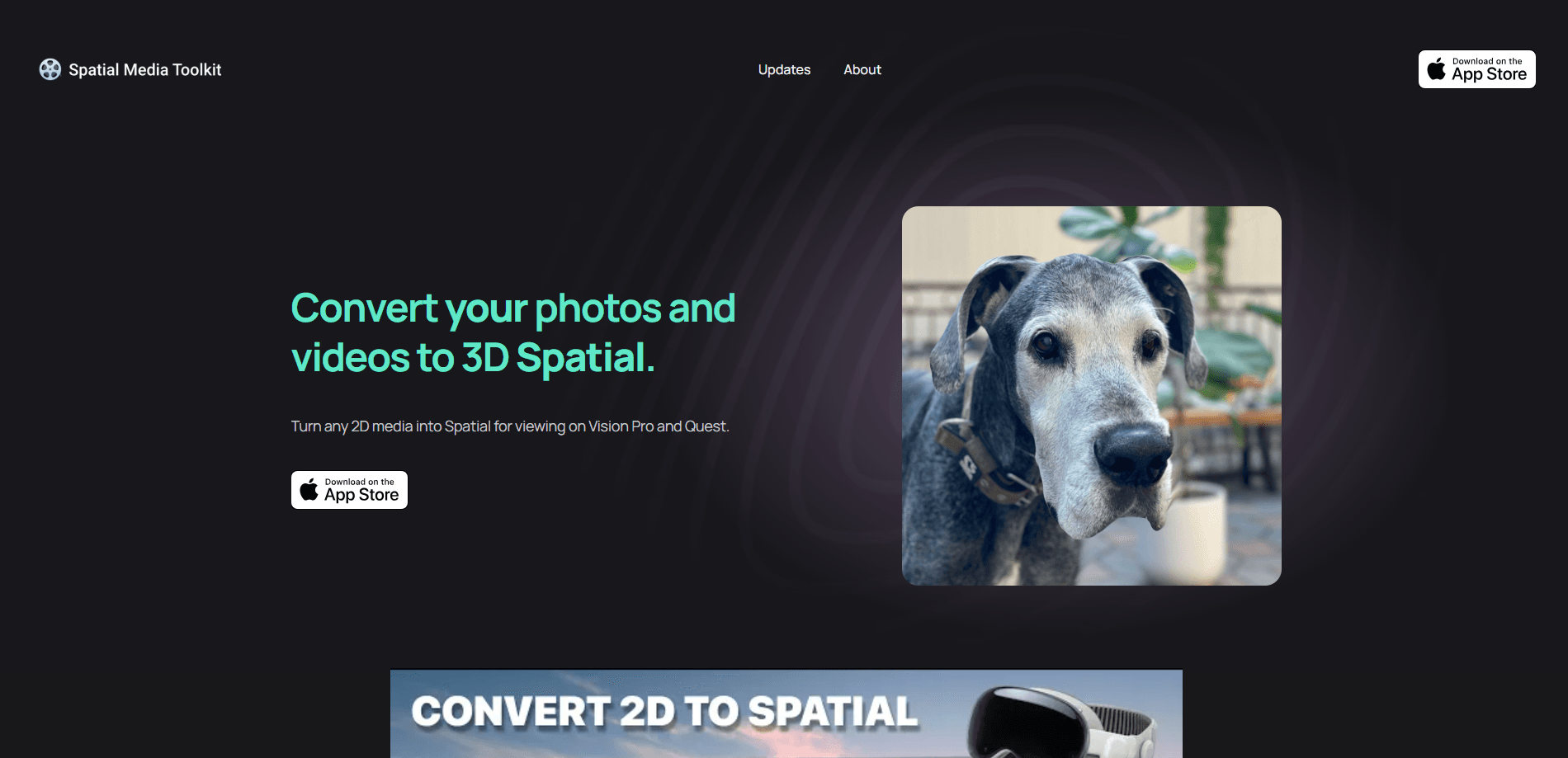
Spatial Media Toolkit is an app that converts flat 2D photos and videos into 3D Spatial media on iPhone, iPad, Mac, and Apple Vision, with a depth slider, batch conversion, and VR format support.
About Spatial Media Toolkit
What Is Spatial Media Toolkit
Spatial Media Toolkit is a conversion app from developer Strange Mesa that turns ordinary 2D photos and videos into Spatial media, the stereoscopic format that adds a sense of depth on Apple Vision Pro, newer iPhones, and Meta Quest headsets. It runs on iPhone, iPad, Mac, and Apple Vision, and the core promise is simple: take media you already own and give it enough depth to feel three-dimensional.
The app leans on on-device AI to estimate depth in each frame, then re-renders the shot as a spatial pair. You control how strong that effect feels with a slider, so a portrait can stay subtle while a wide shot gets a heavier push. Because conversion happens locally, you don't hand your library to a cloud service.
The main limits are platform and hardware. You need iOS or iPadOS 18.0 or later, and the depth-heavy work favors recent Apple silicon. The Mac build also depends on macOS versions that can run the AI models, and early users on macOS betas reported crashes when models failed to load. The free tier caps how much you can convert, so heavy users should expect to pay for the unlocked version.
Getting Started
- Install Spatial Media Toolkit from the App Store on a supported iPhone, iPad, Mac, or Apple Vision device running iOS 18.0 or later.
- Open the app and grant access to your photo library so it can read the images and videos you want to convert.
- Pick a photo or video, trim the clip if needed, then drag the depth slider until the 3D effect looks right.
- Tap convert and let the on-device AI process the file into a Spatial version.
- Save the result to Photos or Files, or export it as VR side-by-side or top-and-bottom to send to a headset.
Product Information
A quick look at Spatial Media Toolkit's pricing, supported platforms, and performance.
Best for
The users, tasks, and scenarios where this tool fits best.
Users
- iPhone and Vision Pro owners
- Families digitizing old memories
- Quest users with mixed libraries
Tasks
- Adding depth to a favorite photo
- Trimming and converting a video clip
- Batch converting an album or folder
Scenarios
- Preparing media for a headset session
- Revisiting travel and event photos
- Turning VR footage into spatial format
Key features
AI depth conversion from 2D to 3D
The app estimates depth in a flat photo or video frame using on-device AI, then rebuilds it as a stereoscopic spatial image. That's the core job: it takes media with no depth data and gives it a left-and-right eye pair, so a screen or headset can show it with a sense of space.
Adjustable depth slider
Rather than forcing one fixed strength, the app hands you a slider. You set how much depth to add, which matters because a close-up portrait and a wide shot don't want the same treatment. Dial it back for subtlety, push it up for a stronger pop.
Video trimming before conversion
You can trim a video before it converts, so you process only the section you actually want. That keeps the conversion focused and avoids turning a long clip into a spatial file you'll never watch. Lengthy footage benefits most here, since you're not paying the processing cost for footage you'll cut later.
Batch conversion for folders and albums
The app converts entire folders and albums in one pass, not one file at a time. If your photo library holds dozens of shots you'd like in 3D, batching is the difference between a quick job and an evening of tapping. This is the feature that makes large libraries practical.
Spatial to VR side-by-side output
Media shot as spatial can be exported as VR side-by-side, the format headsets like Meta Quest expect. That makes the app a bridge between Apple's spatial format and the wider VR world, so the same footage works across both.
VR to spatial conversion
The reverse works too: side-by-side and top-and-bottom VR media can be converted into Spatial format for Apple devices. If you've built up VR clips over the years, this lets you bring them into a spatial library without re-shooting anything.
Pros and cons
Pros
- Runs conversion on-device, so your photos and videos don't get uploaded to a remote server.
- Works across iPhone, iPad, Mac, and Apple Vision from a single app.
- The depth slider gives real control over how strong the 3D effect looks.
- Batch conversion handles whole folders and albums, which keeps big libraries manageable.
- Handles both directions between spatial and VR formats, so footage isn't locked to one platform.
Cons
- Requires iOS or iPadOS 18.0 or later, so older devices are out.
- AI depth processing favors recent Apple hardware and can be slow or unstable on some macOS versions.
- The free version limits how much you can convert, pushing regular users toward in-app purchases.
- There's no API, so it can't be wired into an automated pipeline.
Frequently asked questions
It converts flat 2D photos and videos into 3D Spatial media, the stereoscopic format that adds depth on Apple Vision Pro, newer iPhones, and VR headsets. You pick a file, set the depth with a slider, and save the spatial result.
Related content
Explore related tools, skills, and articles for Spatial Media Toolkit.
Spatial Media Toolkit Alternatives

Google EmbeddingGemma 2
Google DeepMind · Writing · Image · CodingGoogle EmbeddingGemma 2 is a 740M-parameter open model that turns text, code, images, audio, and video frames into vectors in one 768-dimension space, running on phones and laptops.

Tractionwave
TractionWave · Image · MarketingTractionWave is an AI attention heatmap tool for static ads. Upload a PNG or JPG and it returns predicted attention, ranked hotspots, and fixes before you spend budget.

Imejis.io
Imejis.io · Image · MarketingImejis.io is an AI design studio for agents and marketing teams. Describe an image in plain words, and it writes the copy, builds the layout, reflows it to every size, then exports a finished file.