

Spellbook - AI Contract Drafting & Review
Spellbook · Productivity
Spellbook is an AI contract drafting and review tool that runs inside Microsoft Word. It redlines agreements, suggests clauses, and flags risks against your own legal standards.
About Spellbook - AI Contract Drafting & Review
What Is Spellbook
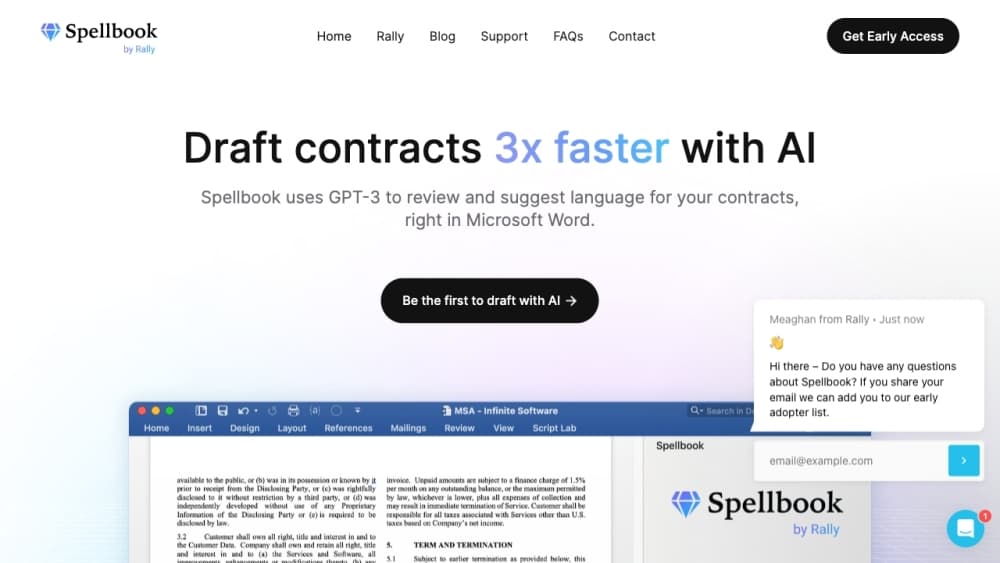
Spellbook is legal AI software built for transactional lawyers, the people who draft and negotiate contracts all day. It installs as a Microsoft Word add-in and adds an AI copilot right where contracts already live. You review a clause, ask what the law requires, and turn the answer into an edit without switching apps.
The toolset centers on five jobs: Review for redlining, Draft for new language, Ask for quick answers, Compare for market benchmarks, and Associate for multi document projects. A bigger product called Autonomous Contract Management, or ACM, pushes the same idea across the whole contract lifecycle. Spellbook leans on OpenAI's GPT-5 and other large language models, and it says it was the first generative AI copilot for legal work.
The limits matter too. Pricing is custom and set by team size, so solo users and small firms have to talk to sales before they know the cost. The product is also tuned for transactional and commercial work, which means litigators get less out of it.
Getting Started
- Start a 7 day free trial on the Spellbook site and connect your Microsoft Word account.
- Install the Spellbook add-in, then open the document you want to review or draft.
- Pick a mode in the sidebar: Review to redline, Draft to write new language, or Ask to pose a question.
- Load or build a playbook so Spellbook applies your firm's own standards instead of generic ones.
- Accept the changes you want, then send the marked up file to the other side.
Product Information
A quick look at Spellbook - AI Contract Drafting & Review's pricing, supported platforms, and performance.
Best for
The users, tasks, and scenarios where this tool fits best.
Users
- Transactional lawyers
- In-house legal teams
- Small law firms
Tasks
- Reviewing a contract for risk
- Drafting new clauses and agreements
- Benchmarking terms against the market
Scenarios
- Getting a first pass on a long agreement before a client call
- Working through a financing or disclosure package
- Answering a client's contract question in plain terms
Key features
Contract Review and Redlining
Review is the core feature, and it works on a full document rather than one clause at a time. Spellbook scans for client risks, drafting errors, and missing terms, then drafts comments and redline suggestions you can accept or reject. Edits appear under your own name, so you can forward the marked up file to a client without extra cleanup. Bulk approve lets you accept several changes in one go.
Playbooks That Encode Your Standards
A playbook saves a set of instructions for how you want documents reviewed, so Spellbook checks them against your positions instead of a generic checklist. Firms can reuse the same playbook across every matter, which keeps review consistent when several lawyers touch a deal. You can save and reuse specific instructions and adapt them over time.
Drafting from Precedents and Libraries
Draft writes new clauses and documents, or pulls language from your own precedent collection. The tool reads the substance of the open document and proposes ready to use text that fits it. A clause library stores your favourite clauses as reusable building blocks, and inserted language lands in line with one click instead of a copy and paste round trip.
Associate for Multi Document Work
Associate is an AI agent that handles projects spanning several documents. It breaks a goal into tasks and runs them, updating terms, party details, and issues across a document set in one click. It fits heavy packages like dataroom reviews, financing documents, disclosure schedules, and employment bundles, and it tracks connections between documents so accuracy holds across the whole set.
Market Comparison and Legal Research
Compare benchmarks your contract against thousands of similar agreements, filtered by industry, jurisdiction, and deal type. You can see how common a term is and what alternatives exist in the market, with percentage breakdowns for each. Ask handles legal research over 1,000 vetted statutes, regulations, and government databases and returns answers with the underlying source cited.
Security and Data Control
Spellbook runs on Amazon Web Services and holds SOC 2 Type II, HIPAA, GDPR, and EU AI Act compliance claims. It has zero data retention agreements with OpenAI and Anthropic, so customer data is not used to train third party models. It supports single sign on and stores customer data in data centers in Canada and the United States, and it works in Microsoft Word and Google Docs.
Pros and cons
Pros
- Works directly inside Microsoft Word, so lawyers review and draft contracts without leaving the app they already use.
- Playbooks let a team enforce its own standards on every review instead of relying on generic AI judgment.
- Associate handles multi document projects and keeps terms consistent across a whole deal package.
- Compare grounds term suggestions in live market data from thousands of agreements across 80 plus countries.
- Zero data retention agreements with OpenAI and Anthropic reduce the privacy worry that keeps some firms off consumer AI tools.
Cons
- Pricing is custom and tied to team size, so there is no public price tag and no confirmed free plan beyond the 7 day trial.
- The product is built for transactional and commercial law, which leaves litigators with fewer relevant workflows.
- Market comparison and some Advanced features depend on Spellbook's own data pool, so results reflect what is in its library rather than every agreement in existence.
Frequently asked questions
Spellbook is an AI copilot for contract work that runs inside Microsoft Word. It reviews and redlines contracts, drafts new clauses, answers questions about a document, compares terms against market data, and runs multi document projects through its Associate agent.
Related content
Explore related tools, skills, and articles for Spellbook - AI Contract Drafting & Review.
Spellbook - AI Contract Drafting & Review Alternatives

Base Code
Base44 (Wix) · Coding · ProductivityBase Code is a shared cloud development environment from Base44. Teammates describe changes to an existing GitHub codebase in chat, preview them live and send them back as pull requests.

Knocket
Knocket (Tencent RTC team) · Productivity · Business · ChatbotKnocket is a free live chat and contact page tool that lets visitors message you from your website, app, or a shareable link, with every reply handled from Telegram or one inbox.

FloorGen
Vinit Kumar (FloorGen) · Productivity · China AIFloorGen is a browser-based floor plan maker that turns a sentence or a sketch into an editable 2D plan and a 3D walkthrough. Export to PDF, DXF or video, and draw without an account.