

Stable Fast 3D by Stability AI
Stability AI · Image
Stable Fast 3D (SF3D) turns a single photo into a textured, UV unwrapped 3D mesh in about half a second, complete with material maps and lighting stripped out.
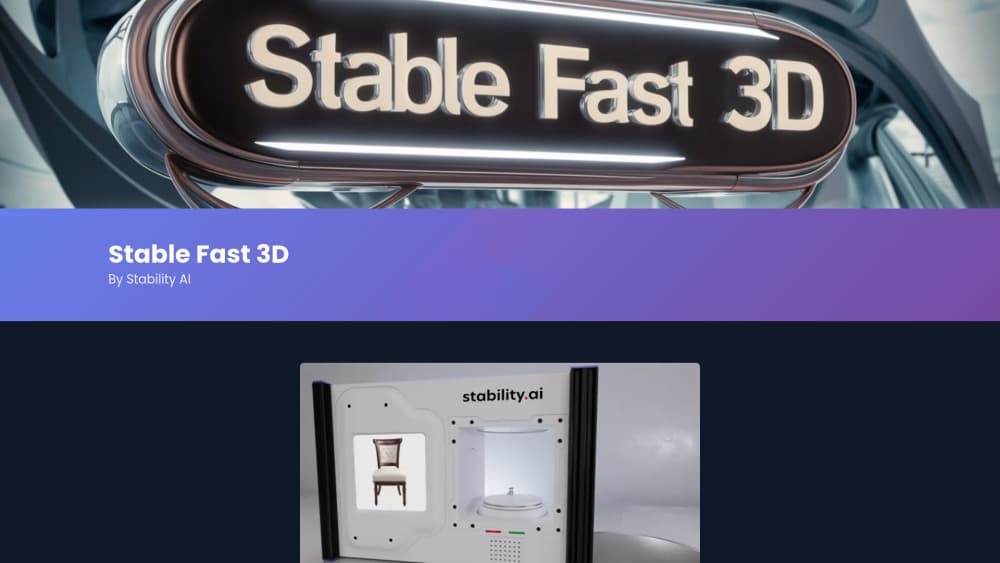
About Stable Fast 3D by Stability AI
What Is Stable Fast 3D
Stable Fast 3D is an open-weights model from Stability AI for fast 3D asset generation. You hand it one picture and get a 3D object back. You give it a photo of a chair, a shoe, or a game prop, and it returns a mesh with color, surface detail, and roughness and metallic values attached. The whole pass takes roughly 0.5 seconds on a GPU with 7GB of VRAM, or about a second through the hosted API.
The model descends from TripoSR, which Stability AI shipped earlier in 2024 with Tripo AI. SF3D keeps that feed-forward speed and adds two things artists kept asking for: real UV unwrapping instead of vertex colors, and an illumination step that strips baked-in light from the texture. That second part matters more than it sounds. A mesh with a shadow burned into it only looks right under the exact light it was photographed in.
The honest limit is scope. SF3D reconstructs objects, not scenes. It expects a clean photo of one thing, ideally centered, and it works best on the everyday objects that fill its Objaverse training data. Feed it an unusual shape or a cluttered background and the back side of the model will look invented, because it is. This is a prototyping tool, not a replacement for a modeler.
Getting Started
- Create a free account on the Stability AI platform and claim the 25 starter credits, or download the weights from Hugging Face after accepting the community license.
- Pick a source image. A single object, evenly lit, no heavy shadows, roughly square framing. The model was trained around 512x512 pixels.
- Send the image to the
stable-fast-3dendpoint, or load the model locally in PyTorch or a ComfyUI graph if you have a GPU with 7GB of VRAM. - Set the options you care about: texture resolution, whether to keep the object filling the frame, and triangle or quad remeshing.
- Download the GLB, then clean up scale and pivot in Blender or your engine. Check the back of the object before you trust it.
Product Information
A quick look at Stable Fast 3D by Stability AI's pricing, supported platforms, and performance.
Best for
The users, tasks, and scenarios where this tool fits best.
Users
- Indie game developers
- Product and e-commerce teams
- 3D artists blocking out a shape
Tasks
- Rapid prototyping
- AR and VR asset prep
- Converting a photo library into a 3D catalog
Scenarios
- Pre-production on a game or film where the art direction is still moving
- Populating a store or architectural walkthrough with furniture and clutter
- Teaching a class about 3D pipelines
Key features
Single Image to 3D Model in Half a Second
The core promise is speed. SF3D does one forward pass instead of the iterative sampling many 3D reconstruction pipelines rely on, which is why a GPU with 7GB of VRAM finishes in about 0.5 seconds. Through the API the same job lands closer to a second, including upload and download. For comparison, Stability AI's own SV3D took around 10 minutes per object.
UV Unwrapped Mesh With Texture Maps
Older fast reconstruction models wrote color into vertex data, which meant the detail was capped by polygon count. SF3D unwraps the surface into a proper UV layout and paints a texture image onto it, so a modest mesh can carry fine detail. You get a file that opens in Blender, Unity, or Unreal and behaves like a normal asset.
Illumination Disentanglement
The model separates the light that was in the source photo from the color of the object itself. Textures arrive as albedo with most of the low-frequency lighting removed, plus normal maps and roughness and metallic channels. Drop the asset under a new light rig and it doesn't look double-lit.
Quad or Triangle Remeshing
You can ask for quad topology or a triangle mesh, and the extra step adds only 100 to 200 milliseconds. Quads help if a human will edit the mesh afterward. Triangles are the safer pick for real-time engines.
Runs Locally or Through the API
The weights are downloadable under the Stability AI Community License, so this AI 3D generator runs on your own GPU or as a hosted endpoint at 10 credits per generation. Small studios can keep assets on their own machines. Teams without a GPU can call the API and skip the setup entirely.
Pros and cons
Pros
- Generation time is short enough to use interactively, which changes how you explore shapes.
- Output includes UVs, albedo, normal maps, and material parameters, not just geometry.
- Removing baked lighting makes the result usable under new lighting without repainting.
- The community license covers commercial work for organizations under $1M in annual revenue.
Cons
- Only the front of the object comes from the image. Back faces and hidden sides are guessed, so odd shapes come out wrong.
- It reconstructs single objects only. Busy scenes, hands, and characters are outside what it handles.
- The 7GB VRAM requirement rules out older laptops and most integrated graphics.
- Commercial use above the revenue threshold needs a paid enterprise license from Stability AI.
Frequently asked questions
The API returns a GLB, which carries geometry, UVs, and textures in one file. Locally you can also export OBJ and save the material maps as separate images.
Related content
Explore related tools, skills, and articles for Stable Fast 3D by Stability AI.
Stable Fast 3D by Stability AI Alternatives

Google EmbeddingGemma 2
Google DeepMind · Writing · Image · CodingGoogle EmbeddingGemma 2 is a 740M-parameter open model that turns text, code, images, audio, and video frames into vectors in one 768-dimension space, running on phones and laptops.

Tractionwave
TractionWave · Image · MarketingTractionWave is an AI attention heatmap tool for static ads. Upload a PNG or JPG and it returns predicted attention, ranked hotspots, and fixes before you spend budget.

Imejis.io
Imejis.io · Image · MarketingImejis.io is an AI design studio for agents and marketing teams. Describe an image in plain words, and it writes the copy, builds the layout, reflows it to every size, then exports a finished file.