

Stardrift
Stardrift · AI Assistant
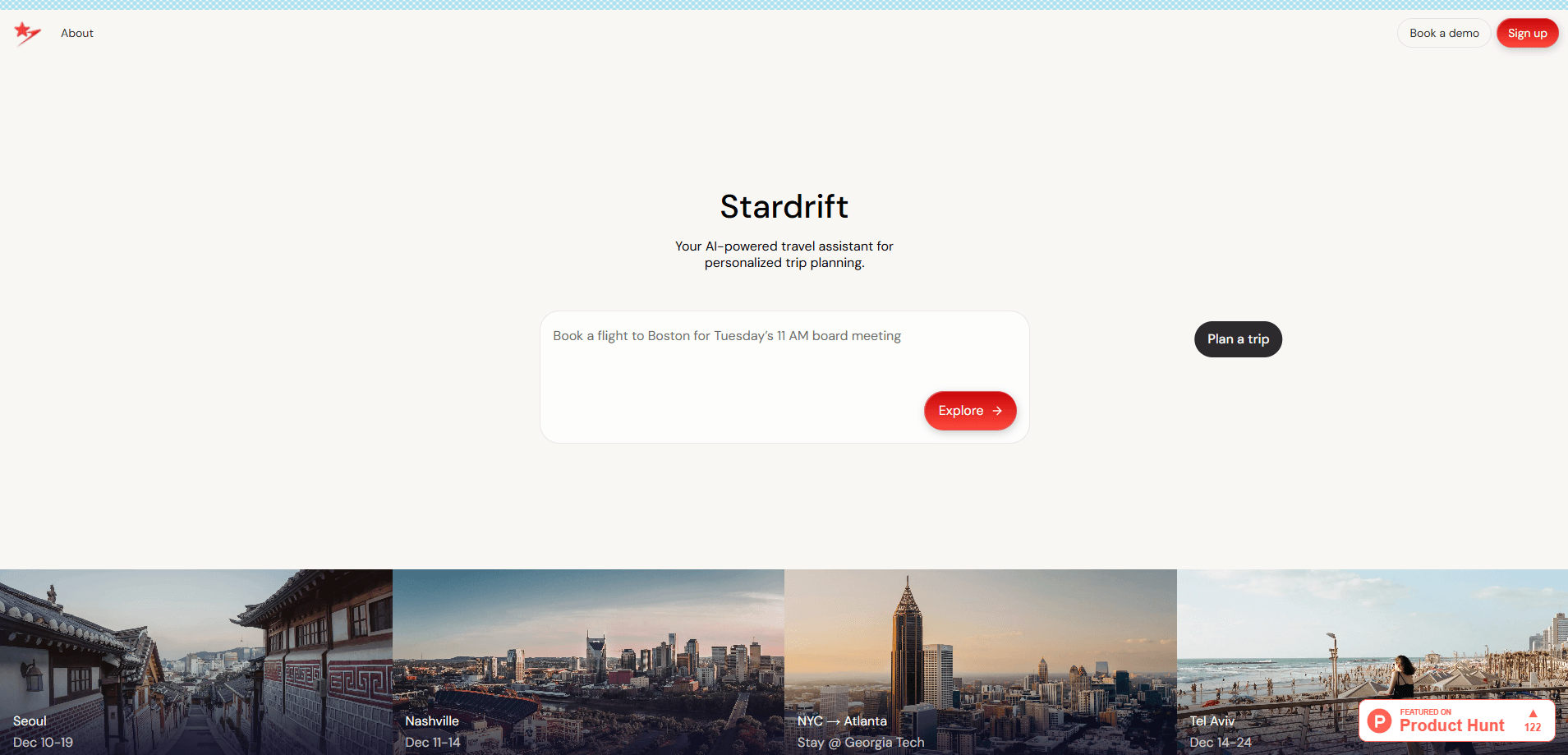
Stardrift is a free AI travel planner that turns a chat conversation into a full trip plan. You tell it where you want to go and what matters to you, and it researches flights, hotels, rail routes, and activities, then assembles a day-by-day itinerary with an interactive map. It runs in the browser and keeps to travel only. When the plan is done, export it as a PDF to share with the people you're traveling with.
About Stardrift
What Is Stardrift
Stardrift is a chat-based travel itinerary tool that handles the research part of trip planning. Instead of opening a dozen tabs, you describe the trip you want and the AI travel assistant works through the options with you. Flights. Hotels. Rail. Things to do. It pulls live flight and hotel pricing, suggests activities, and arranges everything into a daily schedule you can follow. That's the core of it. Because the numbers come from current listings rather than a cached database, you can compare a few hotel options in the same city and actually see the real cost gap between them.
The pitch is focus. Plenty of general AI chatbots will answer travel questions, but they drift into other topics and lose the thread of a multi-city route, where every hotel you pick affects the flight you take next and every flight affects which neighborhood makes sense to stay in. Stardrift stays on travel. That matters when your plan spans several stops and you need the details to line up. It also plugs into your calendar, so the dates you pick match what you've already got booked, which matters more than it sounds when your trip has to fit around work, family commitments, and the one weekend that actually works for everyone involved.
The main limit is scope. Stardrift is a planning and research tool, not a booking engine, so you still finish the purchase on the airline or hotel site. It works best for trips that involve more than a simple round-trip to one city, where the research load is heaviest. Simple weekend hops? You probably don't need it. For a two-week trip across three countries, though, the amount of coordination it takes off your plate adds up quickly.
Getting Started
- Sign up at stardrift.ai with your email or an existing account, then open the chat.
- Describe your trip: destination, rough dates, budget, and what you care about, such as walkable neighborhoods or direct flights.
- Chat through the options as Stardrift pulls flight, hotel, and activity suggestions, adjusting as you go.
- Tweak the day-by-day itinerary, using the interactive map to check how stops connect.
- Export the plan as a PDF to share, or connect your calendar to keep the dates in sync.
Product Information
A quick look at Stardrift's pricing, supported platforms, and performance.
Best for
The users, tasks, and scenarios where this tool fits best.
Users
- First-time big-trip planners
- Travelers juggling several stops
- People planning with others
Tasks
- Comparing flights and hotel prices
- Building a day-by-day schedule
- Mapping a route
Scenarios
- Planning a trip to Japan
- Organizing a Peru itinerary
- Budget-conscious hotel hunting
Key features
Chat-Powered Trip Planning
You plan by talking, not by filling out forms. Describe the trip in plain language and Stardrift asks follow-up questions, suggests options, and reshapes the plan as your preferences change. No forms. Just a conversation. It's closer to working with a travel-savvy friend than clicking through a booking funnel, and it keeps the whole trip in context so you don't repeat yourself when you switch from flights to hotels.
Real-Time Flight and Hotel Pricing
Stardrift pulls live pricing for flights and hotels rather than showing stale estimates. That means the numbers you see while planning are close to what you'll pay when you book. It's the feature that makes the research genuinely useful, since you can compare a few options and see the real cost difference instead of guessing.
Day-by-Day Itinerary Builder
The tool assembles your choices into a structured daily schedule, with activities, lodging, and meals slotted into each day. You get a plan you can follow hour by hour, not a loose list of suggestions. When something doesn't fit, you edit it in the chat and the itinerary updates.
Interactive Map
An interactive map ties the itinerary to actual locations. Hovering over a stop highlights it in the plan, so you can see how far apart things are and whether your day is realistic. Is that too much to squeeze into one afternoon? The map answers that fast. Users point to this as one of the most helpful parts of the app, especially on multi-city routes where the distance between two stops decides whether a day plan works or falls apart.
Calendar Integration
Stardrift connects to your calendar to keep trip dates aligned with everything else you've got scheduled. It saves you from double-booking yourself or planning a trip that collides with a work commitment you forgot about. For people with busy calendars, that check is worth more than it sounds.
PDF Export
When the plan is done, you can export it as a PDF. Handy for travel companions. Useful on the road. It turns a chat log into something you can actually pass to someone else, and it works as a plain record of the trip you settled on that stays readable even when you have no signal and nothing but a printed page in front of you.
Pros and cons
Pros
- Stays strictly on travel, so multi-step trips don't get derailed by off-topic answers.
- Gathers flights, hotels, activities, and pricing in one chat instead of many tabs.
- The interactive map and daily itinerary work together, which helps on multi-city routes.
- Free to use, and the PDF export makes sharing a finished plan simple.
- Real-time flight and hotel pricing keeps estimates close to actual costs.
Cons
- You can't book inside Stardrift, so you still finish your purchase on airline and hotel sites.
- It's best suited to trips with some complexity; a simple round-trip may not need it.
- The public site gives limited detail on some limits, so you may have to ask in the chat to find out what it can't do.
Frequently asked questions
Yes. Stardrift is a free AI travel planner, and its website markets it as a free tool. You can plan trips and export itineraries without paying, and it stays in that mode rather than pushing you toward a subscription.
Related content
Explore related tools, skills, and articles for Stardrift.
Stardrift Alternatives

Iplan AI
Iplan AI · Productivity · AI AssistantIplan AI is an AI travel planner that turns a few trip details into a full day-by-day itinerary in seconds. You answer questions about your destination, interests, budget, and travel companions, and the tool builds a plan you can edit, share, and carry with you on any device. It targets travelers who want a solid draft without spending hours in spreadsheets and browser tabs. Think of it as an itinerary generator that does the tedious part for you.

Screenhelp
Screenhelp · Productivity · AI AssistantScreenhelp is an AI screen assistant that turns a single keyboard shortcut into real-time help. You press Ctrl+Shift+Space, it captures what's on your screen, and it streams an answer into a private panel in about two seconds. Think of it as an AI screenshot helper you trigger on demand. It runs on Mac, Windows, and the web, starts free with 30 answers a month, and stays invisible during screen sharing on Zoom, Teams, and Google Meet.

Rainbow
Rainbow · AI AssistantRainbow is an AI weather forecast app built around short-term precipitation nowcasting. Its engine pushes min-by-min rain and snow predictions up to four hours ahead, blending live satellite and radar feeds into hyperlocal forecasts. The app adds live rain radar, a seven-day outlook, precipitation alerts, home-screen widgets, and a hurricane tracker, and it runs on both Android and iOS with a free tier plus paid upgrades.