

Steve.ai
Animaker Inc. · Image · Video
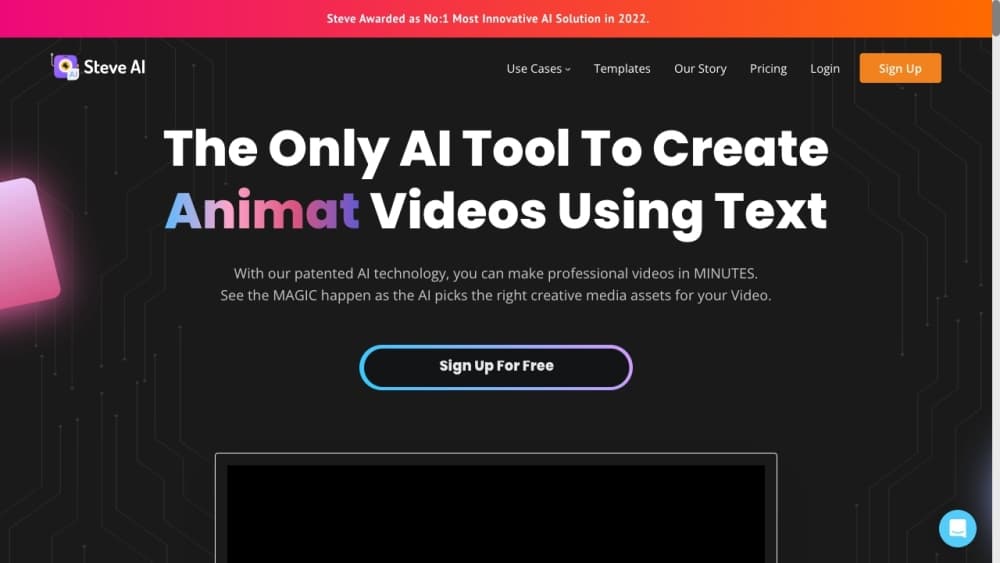
Steve AI is an AI video generator from Animaker that turns prompts, scripts, audio, and images into animated videos, live clips, and avatar explainers, with voiceovers and templates built in.
About Steve.ai
What Is Steve AI
Steve AI is a video creation platform built by Animaker Inc., the company behind the Animaker animation tool. It focuses on people who need finished videos but don't want to learn editing software. You describe an idea, paste a script, or upload audio, and the platform builds a structured video with scenes, visuals, and narration.
The product covers several creation paths. A prompt can become a story video, a blog post can become an explainer, and a recording can become a narrated clip with animated characters or a talking head avatar. Generated results land in an editor where you can swap scenes, adjust voices, and add motion effects before exporting.
The main limits are practical. Advanced editing, hosting, and a public API sit behind higher tiers or paid add-ons, and free or entry plans cap video minutes, resolution, and downloadable formats. Anyone publishing a lot of video every month will likely need a paid plan.
Getting Started
- Create a free account with an email or Google login on the Steve AI site.
- Pick an input type, such as prompt, script, audio, image, or blog URL.
- Let the AI draft a script and storyboard, then choose a style like animation, generative AI, or live action.
- Swap characters, backgrounds, and voiceovers in the editor, and add text or motion effects.
- Export the video in the format your plan allows, or publish straight to social channels.
Product Information
A quick look at Steve.ai's pricing, supported platforms, and performance.
Best for
The users, tasks, and scenarios where this tool fits best.
Users
- Marketers
- Teachers and trainers
- YouTube and social creators
- Small business owners
Tasks
- Turning a blog post or script into a narrated explainer
- Building UGC-style ad variations
- Converting a podcast or recording into a video
- Making short-form clips from a tweet or image
Scenarios
- Running a weekly content schedule
- Training and onboarding at work
- Early campaign testing
- Language expansion
Key features
Prompt, Script, and Audio to Video
Steve AI accepts several starting points for one result. Type a prompt for text to video, paste a finished script, drop in an MP3 or WAV recording, or point it at a blog URL. Each path builds a script and storyboard you can edit, so a rough idea and a polished draft both end up in the same place.
Multiple Output Styles
The platform generates more than seven video styles, from 2D animation and generative AI footage to live action clips and talking head avatars. You pick the style that matches the job, whether that's a cartoon explainer for kids or a realistic ad.
AI Avatars and Human-like Voices
Talking head videos use AI avatars paired with text to speech that gets closer to human delivery on higher tiers. Voiceovers range from a handful on the free plan to forty or more on paid plans, and multiple voices can carry a conversation for UGC ads and training.
AI Video Editor and Motion Effects
Every generation lands in an editor where you can swap scenes, characters, and backgrounds. You can add zooms, camera moves, kinetic text, and motion trails to give static visuals some life, which matters most for ads and social posts that fight for attention.
ClipMaker AI for Short-Form Content
ClipMaker AI turns a tweet, an image, or a blog post into an animated short in minutes. It's aimed at creators who post short-form content daily and need a fast route from a single idea to a shareable clip.
Media Library and Templates
Plans come with a stock library that scales from one million assets on free up to fifteen million or more on higher tiers, plus thousands of animated characters, backgrounds, and properties. Templates give beginners a head start instead of a blank canvas.
Video Translator for Global Reach
A built-in translator moves a finished video into more than ten languages. For teams publishing the same message across markets, it saves rebuilding each version from scratch.
Pros and cons
Pros
- Patented story engine that generates a script and storyboard from a short input, so you aren't stuck at a blank page.
- Wide style range in one tool, covering animation, generative AI, live action, and avatar videos.
- Free plan is real, with access to a large media library and basic export for testing the workflow.
- Built-in translator and multi-voice narration help teams localize content without extra tools.
- From the makers of Animaker, so the editor and asset library have a long track record.
Cons
- Video minutes, resolution, and voice quality are capped by tier, which bites if you publish daily.
- A public API, advanced editor, and hosting are enterprise add-ons rather than standard features.
- Animated character and action counts on lower tiers run out fast on longer projects.
- New users can feel buried under the number of styles, characters, and options at first.
Frequently asked questions
You can create animated explainers, social ads, training videos, talking head avatar clips, and short-form content. It handles prompt, script, audio, image, and blog inputs, then turns them into an editable video.
Related content
Explore related tools, skills, and articles for Steve.ai.
Steve.ai Alternatives

Google EmbeddingGemma 2
Google DeepMind · Writing · Image · CodingGoogle EmbeddingGemma 2 is a 740M-parameter open model that turns text, code, images, audio, and video frames into vectors in one 768-dimension space, running on phones and laptops.

Tractionwave
TractionWave · Image · MarketingTractionWave is an AI attention heatmap tool for static ads. Upload a PNG or JPG and it returns predicted attention, ranked hotspots, and fixes before you spend budget.

Imejis.io
Imejis.io · Image · MarketingImejis.io is an AI design studio for agents and marketing teams. Describe an image in plain words, and it writes the copy, builds the layout, reflows it to every size, then exports a finished file.