

Stmt: Bank Statement Converter
BankStmtConverter · Productivity
Stmt: Bank Statement Converter turns PDF, image and scanned bank statements into clean Excel, CSV or Google Sheets data, so bookkeeping stops depending on manual typing.
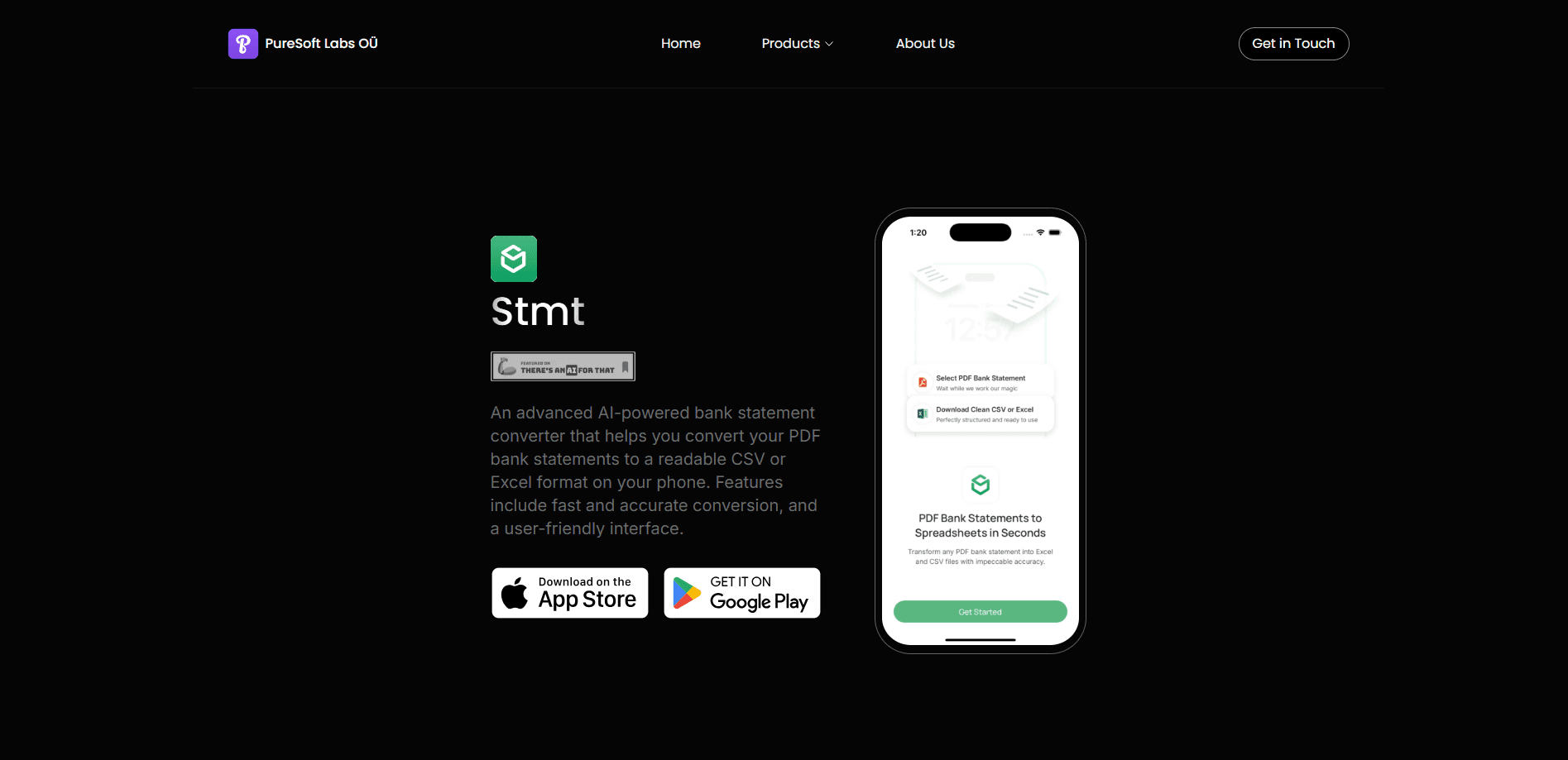
About Stmt: Bank Statement Converter
What Is Stmt: Bank Statement Converter
Stmt: Bank Statement Converter is an AI document service that reads a bank or credit card statement and returns its transactions as a structured spreadsheet. You upload a PDF, a photo or a scan, the system runs table detection and OCR, and the output lands as rows of dates, amounts and payees, ready to open in Excel or import into accounting tools. The brand behind it is BankStmtConverter, and the same engine powers a web app, a Chrome extension and a Mac desktop app.
The problem it targets is the gap between a statement you receive and a ledger you can work in. Statements arrive as locked PDFs or photographs of paper, and pulling hundreds of lines out by hand wastes hours and invites errors. Stmt converts that file once and hands back data that a spreadsheet or a bookkeeping workflow can use directly. It also adds optional extras for people who process the same document type often, such as an email parser that pulls statements from a dedicated inbox and returns the converted file.
Three limits are worth knowing up front. Pricing runs on conversion credits, so heavy users pay by volume rather than a flat fee, and unused credits expire at the end of each billing period. The cloud plans cap file size by tier, from 2 MB on the free Basic plan up to 10 MB on Pro. And while the duplicate-check and security notes stress automatic deletion, the service still processes sensitive financial documents on its own servers unless you use the Mac desktop app.
Getting Started
- Open the Stmt web app and drop in a bank statement PDF, JPG, PNG or other supported image.
- Let the engine detect the table and extract the transactions, then check the preview against the original.
- Pick your output format, choosing Excel, CSV, Google Sheets, JSON or HTML from the export menu.
- Download the file, or send it straight to Xero, QuickBooks or OFX if your plan includes those exports.
- Create an account when you want more pages, email parsing or the desktop app for on-device conversion.
Product Information
A quick look at Stmt: Bank Statement Converter's pricing, supported platforms, and performance.
Best for
The users, tasks, and scenarios where this tool fits best.
Users
- Accountants and bookkeepers clearing month-end work
- Small business owners preparing tax records
- Mortgage lenders and loan officers verifying borrower assets
- Freelancers tracking income and spending
- Fintech developers building finance apps
Tasks
- Converting a PDF statement to Excel
- Exporting transactions to CSV or Google Sheets
- Reading scanned or photographed statements
- Pulling statements out of an inbox automatically
- Feeding Xero or QuickBooks with statement data
Scenarios
- Closing the books at month end
- Handling a client's statement backlog
- Grabbing transactions before the monthly statement
- Verifying a loan applicant's assets
Key features
AI table detection and OCR
The engine finds the transaction table inside a statement instead of treating the page as flat text, then runs OCR over it. That combination is what lets a scanned or photographed statement convert nearly as well as a digital PDF. Accuracy is quoted by the company at 99.9% for extraction and categorizing, and it still recommends reviewing output for critical financial work.
Exports built for accounting tools
Conversions come out as Excel, CSV, Google Sheets, JSON or HTML, and the paid plans add Xero-ready, QuickBooks-ready and OFX 2.2 exports. The point is to skip the reformatting step between a raw spreadsheet and the tool that actually holds your books. Which exports you get depends on the plan, since the free Basic tier stops at Excel and CSV.
Email parser and inbox automation
On the Pro plan, a dedicated mailbox accepts forwarded bank emails, extracts the statement and returns the converted file. This suits anyone who receives statements on a fixed schedule and would rather not upload each one by hand. It turns a repeated manual task into a forwarding rule.
Chrome extension for online banking capture
The Stmt Chrome extension reads transactions straight from an online banking portal, so you can capture activity before the monthly statement is even issued. For people who reconcile continuously rather than at month end, that closes the gap where a statement has not arrived yet.
Mac desktop app with on-device conversion
BankStmt Desktop reads PDF and image statements and writes Excel, Xero, QuickBooks or OFX files entirely on the Mac, with no cloud upload. It is a one-time purchase for a single machine, and it is the clearest option for anyone who will not send financial documents to a server. The trade-off is that it only covers one Mac.
REST API and webhooks for developers
The service exposes a documented REST API with webhooks and a stated 99.9% uptime target, so statement parsing can sit inside a lending platform or accounting workflow. A developer integrates the parser once rather than building their own extraction from scratch. This is what separates it from a browser-only converter.
Pros and cons
Pros
- Handles PDFs, images and scans, so both digital and paper statements convert through the same workflow.
- Exports map to accounting tools like Xero, QuickBooks and OFX, which removes a manual reformatting step on the higher plans.
- A documented REST API and webhooks let developers embed statement parsing in their own products.
- The Mac desktop app converts on-device with no cloud upload, which fits privacy-sensitive users.
- A free Basic plan and a demo conversion let you test output quality before paying.
Cons
- Pricing runs on conversion credits that expire each billing period, so unused capacity is lost rather than banked.
- Cloud plans cap file size by tier, from 2 MB on Basic to 10 MB on Pro, which can block very large statements on cheaper plans.
- The free Basic plan is limited to 5 pages a year, enough to sample the tool but not to rely on.
- Several useful exports and the email parser sit behind higher plans, so the entry price understates the full cost.
Frequently asked questions
It converts bank and credit card statements from PDF, image or scanned files into structured formats such as Excel, CSV and Google Sheets. You upload a file, the engine detects the transaction table and runs OCR, and you download rows of dates, amounts and payees ready for a spreadsheet or accounting software.
Related content
Explore related tools, skills, and articles for Stmt: Bank Statement Converter.
Stmt: Bank Statement Converter Alternatives

Base Code
Base44 (Wix) · Coding · ProductivityBase Code is a shared cloud development environment from Base44. Teammates describe changes to an existing GitHub codebase in chat, preview them live and send them back as pull requests.

Knocket
Knocket (Tencent RTC team) · Productivity · Business · ChatbotKnocket is a free live chat and contact page tool that lets visitors message you from your website, app, or a shareable link, with every reply handled from Telegram or one inbox.

FloorGen
Vinit Kumar (FloorGen) · Productivity · China AIFloorGen is a browser-based floor plan maker that turns a sentence or a sketch into an editable 2D plan and a 3D walkthrough. Export to PDF, DXF or video, and draw without an account.