

Stockimg AI
Stockimg AI, Inc. · Image
Stockimg AI is a design and content platform that turns text prompts into logos, stock photos, illustrations, avatars and short vertical videos, then schedules the results to your social accounts.
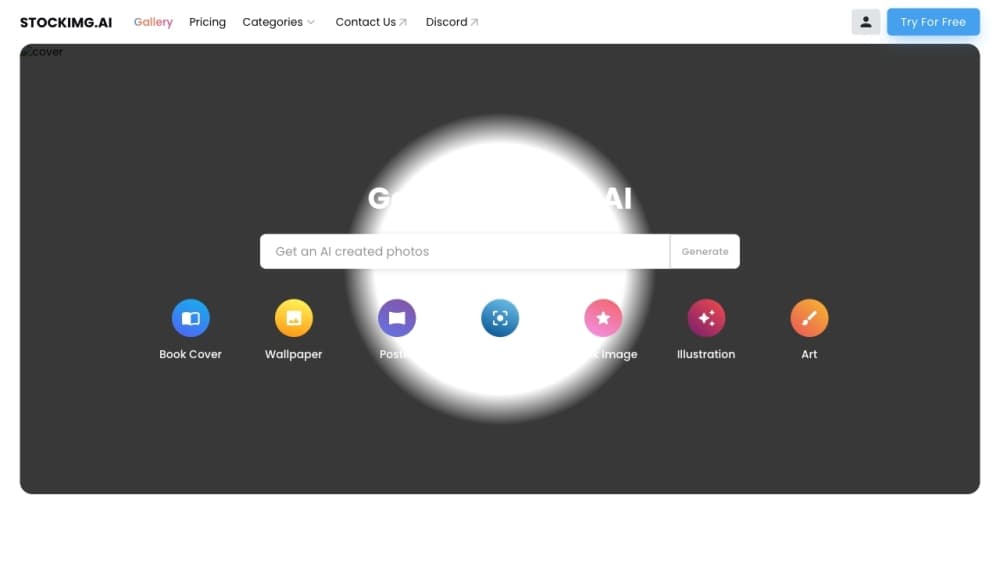
About Stockimg AI
What Is Stockimg AI
Stockimg AI is an all-in-one design and content tool built on AI image and video generation. You type a prompt, and it produces a finished visual: a logo, a stock photo, an illustration, a wallpaper, a poster, a book cover, an avatar or a QR code. It sits in the same space as Canva and Adobe Express, but leans harder on generation rather than drag-and-drop editing.
The company was founded in January 2023 by two university students, Buğrahan Zeki Kadak and Aşkın Temel, and reached 1 million users within five months. It now serves more than 3.5 million registered users, so the product has been tested at scale rather than only in beta.
The main limitation is control. Generation is fast, but you get less precise editing than in a dedicated design suite, and stock quality varies by prompt. Users who need pixel-level control over a finished file will still reach for a traditional editor.
Getting Started
- Create a free account at stockimg.ai, which comes with limited free credits and no card required.
- Pick a category, such as logo, stock photo, illustration or video, and describe what you want in the prompt box.
- Generate, then refine the result with the built-in canvas editor to adjust layout, colors and text.
- Connect a social account and schedule the post, or download the asset for use elsewhere.
Product Information
A quick look at Stockimg AI's pricing, supported platforms, and performance.
Best for
The users, tasks, and scenarios where this tool fits best.
Users
- Small business owners
- Solo content creators
- Marketing teams
Tasks
- Creating a brand logo
- Turning one idea into a social post
- Filling a content calendar
Scenarios
- Launching a small online store
- Running a lean social presence
- Producing video shorts without a camera
Key features
AI Logo Generator
Stockimg AI builds logos from a short prompt, covering text-based marks and mascot-style designs. You can pick a style and adjust the result on the canvas. It is aimed at people who need a usable logo fast, not at agencies needing a full brand system.
AI Image Generator Across Formats
Beyond logos, the AI image generator produces stock photos, illustrations, wallpapers, posters and book covers. Each category has its own presets, so you describe the subject and the tool handles framing. This range lets one account cover several content needs instead of stacking separate subscriptions.
AI Video Generator
The video tool turns a text prompt into a vertical clip sized for TikTok, Instagram Reels and YouTube Shorts. It is built for social-first content rather than long-form editing. Brand promotion and short educational clips are the common uses.
Social Media Automation
You can connect multiple social accounts to Stockimg AI and schedule posts from inside the tool. Generation and publishing live in the same place, which removes the usual export-then-upload step. For a small team, that is often the feature that saves the most time.
AI Avatar Generator and QR Code Tools
The platform includes an AI avatar generator for profile images and a QR code tool for brand-friendly codes. As an AI stock photo generator, it also covers the stock imagery a profile or post often needs. These are narrower tools, but they round out the visual toolkit so you rarely need a second app for a quick request.
Canvas Editor and API Access
Every generated asset can be edited on the built-in canvas before it ships, covering layout, color and text changes. For developers and high-volume users, a REST API exposes the image generation engine with its own pricing and free trial credits.
Pros and cons
Pros
- Covers logos, images and video in one subscription, so you avoid juggling several tools.
- The social scheduler and generator sit together, which cuts the manual upload step.
- A free plan with no card required lets you test the output quality before paying.
- The API opens the door to automated, higher-volume generation for developers.
- Generation runs on GPU-backed servers, so images come back quickly.
Cons
- Free credits are limited to about 1 image, enough to sample the tool but not to finish a project.
- Editing is less granular than a dedicated design suite, so precision work can feel constrained.
- Output quality depends heavily on how you write the prompt, which takes practice.
- Some plans apply watermarks or restrict commercial use, so check the terms before publishing.
Frequently asked questions
Stockimg AI is used to generate visual content from text prompts, including logos, stock photos, illustrations, avatars and short vertical videos. It also schedules that content to connected social accounts, so it doubles as a lightweight social media manager.
Related content
Explore related tools, skills, and articles for Stockimg AI.
Stockimg AI Alternatives

Google EmbeddingGemma 2
Google DeepMind · Writing · Image · CodingGoogle EmbeddingGemma 2 is a 740M-parameter open model that turns text, code, images, audio, and video frames into vectors in one 768-dimension space, running on phones and laptops.

Tractionwave
TractionWave · Image · MarketingTractionWave is an AI attention heatmap tool for static ads. Upload a PNG or JPG and it returns predicted attention, ranked hotspots, and fixes before you spend budget.

Imejis.io
Imejis.io · Image · MarketingImejis.io is an AI design studio for agents and marketing teams. Describe an image in plain words, and it writes the copy, builds the layout, reflows it to every size, then exports a finished file.