

Storm AI
Stormboard · Productivity
StormAI is Stormboard's AI co-collaborator for digital whiteboards. It builds templates, suggests ideas, and groups content as your team works, with no prompt skills needed.
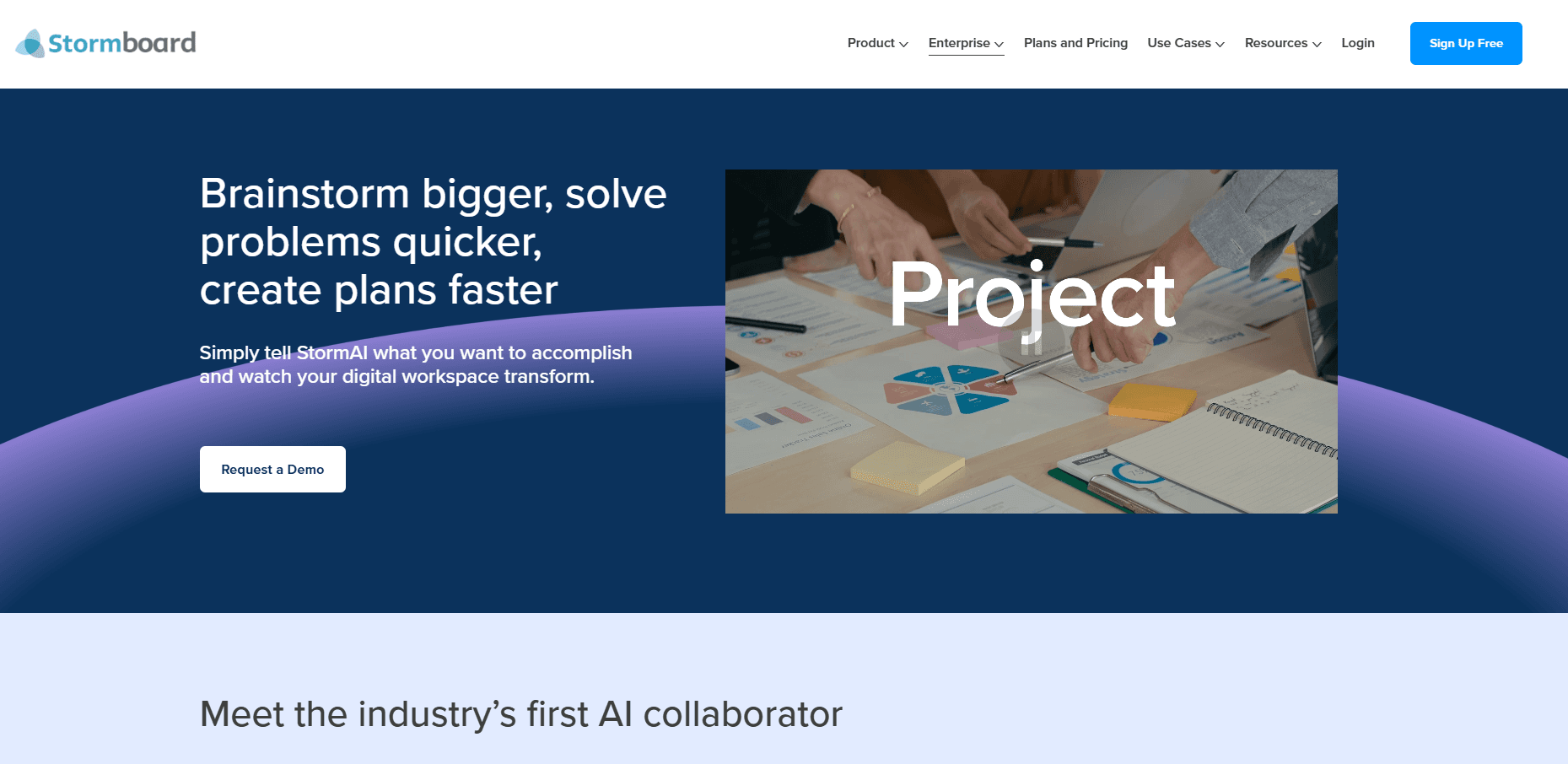
About Storm AI
What Is StormAI
StormAI is an AI assistant that lives inside the Stormboard digital whiteboard. The company calls it an Augmented Intelligence co-collaborator, which means it works alongside your team rather than replacing it. As you type ideas, it reads the whole board, understands the context, and adds suggestions that fit what you're doing.
The core problem it targets is meeting prep. Instead of spending hours building a template and staring at a blank board, you describe your goal in plain language and StormAI assembles the structure, then seeds each section with starter ideas. Its AI idea generation works on top of that structure during the session. It suits structured work like SWOT analysis, agile planning, and project kickoffs. Teams often reach for a brainstorming AI tool when they want ideas on tap, and StormAI fills that role inside the board they already use.
The big limitation is that StormAI runs inside Stormboard, so it only helps if you already use that whiteboard. It also leans on your existing board content, so a nearly empty workspace gives it little to work with.
Getting Started
- Sign up for a Stormboard account and create or join a Team.
- Ask a Team Administrator to open My Account, go to the Team's Settings tab, and switch on the StormAI toggle.
- Create a Storm, then pick "Create a template using StormAI" and describe the outcome you want.
- Add context in the dialog box and turn on Generate Sticky Notes if you want three starter ideas per section.
- Keep the template, edit the sections, and click the AI button whenever the team gets stuck.
Product Information
A quick look at Storm AI's pricing, supported platforms, and performance.
Best for
The users, tasks, and scenarios where this tool fits best.
Users
- Agile teams
- Product and strategy managers
- Facilitators running workshops
- Remote and hybrid teams
Tasks
- Building a board from scratch
- Breaking a creative block
- Summarizing a long brainstorm
- Sorting scattered notes
Scenarios
- Preparing a workshop
- Turning a meeting into decisions
- Reading the room
Key features
Automated Template Generation
You describe what you want to accomplish and StormAI builds a data-first template with named sections and starter ideas. It handles both brand-new boards and section swaps, and you can regenerate any section that misses the mark. This is the feature that removes most of the meeting prep work, and it needs no prompt engineering.
Context-Aware Idea Generation
Unlike tools that read a single word, StormAI scans the whole board to understand your topic. If it sees Apple next to iPad and Sony, it suggests tech ideas instead of fruit. It adds three starter ideas per section and expands them as users type, so early input shapes what comes next.
Summarize Ideas
Select any content on the board and StormAI returns a high-level summary you can read or add back as a sticky note. It's aimed at reporting, where pulling a clean recap out of a crowded board normally eats time. The summary can feed later exports and reports.
Group by Theme and Sentiment
StormAI clusters related sticky notes by theme or by negative, positive, and neutral sentiment. Grouping by theme exposes trends you might have missed, while sentiment sorting shows how a team reacts to an idea. You can also pull in outside feedback from sources like X or user reviews to widen the picture.
Generate Insights on a Single Idea
When one sticky note stalls the room, select it and let StormAI act as a subject matter expert that fills in the gaps. It's useful when the team lacks knowledge on a topic or has stared at the same note too long to stay objective.
Output Language Control
Team Administrators can set the output language for StormAI, so it generates sticky notes in the language your team works in. The setting applies at the Team level or a single Storm and keeps the generated ideas readable for everyone in the workspace.
Pros and cons
Pros
- Removes most template-building and idea-starter work, so meetings start with structure instead of a blank board.
- Context awareness reads the whole board, which beats generic chatbot suggestions that ignore your topic.
- Needs no prompt skills, and Team Administrators enable it with one toggle.
- Covers the full meeting arc with prep templates, live idea generation, and post-meeting summaries and groupings.
Cons
- Only works inside Stormboard, so it won't help teams using another whiteboard.
- Depends on board content to be useful, so an empty workspace limits the quality of its suggestions.
- A Team Administrator has to enable it first, which blocks solo users from trying it on their own.
- Grouping and summaries reflect only what's already on the board, so gaps in the input become gaps in the output.
Frequently asked questions
StormAI builds whiteboard templates and suggests ideas as your team collaborates in Stormboard. People use it to prepare workshops, break creative blocks, summarize brainstorms, and organize sticky notes by theme or sentiment.
Related content
Explore related tools, skills, and articles for Storm AI.
Storm AI Alternatives

Base Code
Base44 (Wix) · Coding · ProductivityBase Code is a shared cloud development environment from Base44. Teammates describe changes to an existing GitHub codebase in chat, preview them live and send them back as pull requests.

Knocket
Knocket (Tencent RTC team) · Productivity · Business · ChatbotKnocket is a free live chat and contact page tool that lets visitors message you from your website, app, or a shareable link, with every reply handled from Telegram or one inbox.

FloorGen
Vinit Kumar (FloorGen) · Productivity · China AIFloorGen is a browser-based floor plan maker that turns a sentence or a sketch into an editable 2D plan and a 3D walkthrough. Export to PDF, DXF or video, and draw without an account.