

Struere
Struere · Image
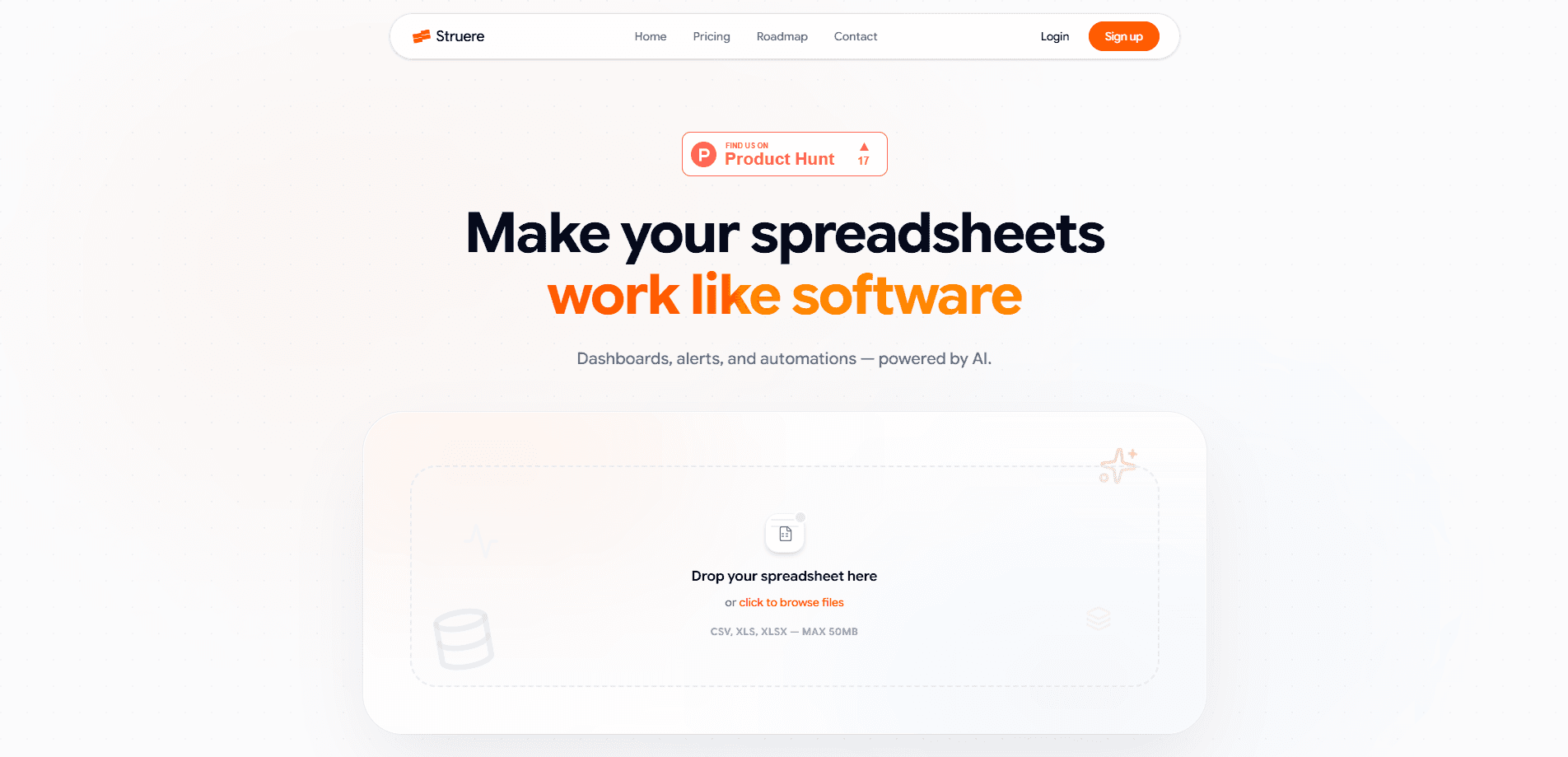
Struere is an AI-native operations platform, part of a new class of AI-native operational systems built for spreadsheet-heavy teams. It scans the spreadsheets your team already runs on and turns them into an interactive workspace shaped around your business rules. It works as business operations software that leaves your files in place.
About Struere
What Is Struere
Struere bills itself as an AI-native operational system. The pitch is simple enough: most small and mid-sized operations run on spreadsheets, and those spreadsheets break the moment more than one person needs to work in them at once. Struere reads those files, understands the structure inside them, and builds a workspace where the same data can be viewed, edited, and acted on by a whole team.
The idea isn't to replace your spreadsheet skills. It's to give the numbers a proper homescreen. Think of it as a no-code operations tool that takes your workbook, picks up on your business rules, and lays out an interactive workspace that mirrors how you already think about the work. You keep the logic you built. You lose the version-conflict chaos. The business rules automation it adds is what separates it from a plain shared grid.
The biggest limitation is honesty about fit. This is a young product, and the public site is thin on documentation, so you'll learn most of what it does by using it. If your operation is genuinely simple, a spreadsheet plus a shared drive may still be the cheaper route.
Getting Started
- Create an account at struere.co and sign in.
- Upload or connect the spreadsheet that holds your core operational data.
- Let Struere scan the file so it can map your columns, tables, and the rules running through them.
- Review the generated interactive workspace and adjust the layout to match how your team works.
- Invite teammates and start running tasks directly in the workspace.
Product Information
A quick look at Struere's pricing, supported platforms, and performance.
Best for
The users, tasks, and scenarios where this tool fits best.
Users
- Operations managers
- Small business owners
- Team leads
Tasks
- Turning a messy operations tracker into a shared workspace
- Running recurring operational checklists
- Scaling a spreadsheet process past a single editor
Scenarios
- A growing company hitting spreadsheet limits
- Onboarding a new operations hire
- Late-stage cleanup of ad-hoc trackers
Key features
Spreadsheet Scanning and Workspace Generation
Struere's headline move is reading the spreadsheet you already use and building an interactive workspace from it. It picks up on the tables, columns, and relationships inside the file, then lays them out as something you can click through and edit rather than scroll. You don't start from a blank template.
Business-Rule Awareness
The workspace is described as tailored to your business rules, which means Struere tries to understand how your operation works rather than just dumping rows into a grid. For a small team, that's the difference between a generic database and a system that reflects how you actually decide things.
Interactive Shared Workspace
Everything lives in one workspace that multiple people can use at once. That's the core fix for the spreadsheet problem: no more emailing a file around or arguing over which copy is current. Updates land in one place, and everyone sees the same state.
AI-Native by Design
Struere positions itself as AI-native rather than a traditional tool with AI bolted on. The scanning and rule-mapping are the point, not an add-on feature. In practice this means the intelligence sits underneath the workspace, helping translate your existing files into structure instead of asking you to build that structure by hand.
Pros and cons
Pros
- Works from the spreadsheets you already have, so there's no painful data migration to start
- Builds a shared interactive workspace, which solves the multi-editor problem spreadsheets never handle well
- AI-native scanning means the setup does much of the structural work for you
- A free plan lets small teams test the fit before committing
Cons
- The public site offers little documentation, so the real workflow takes hands-on discovery
- Because it reads your existing files, a messy or inconsistently structured spreadsheet can limit how clean the generated workspace turns out
- It's a young product, so you're betting on something still finding its footing
Frequently asked questions
Struere scans your spreadsheets and turns them into an interactive operational workspace shaped around your business rules. The goal is to give shared data a real home instead of leaving it in a file that breaks under multiple editors.
Related content
Explore related tools, skills, and articles for Struere.
Struere Alternatives

Google EmbeddingGemma 2
Google DeepMind · Writing · Image · CodingGoogle EmbeddingGemma 2 is a 740M-parameter open model that turns text, code, images, audio, and video frames into vectors in one 768-dimension space, running on phones and laptops.

Tractionwave
TractionWave · Image · MarketingTractionWave is an AI attention heatmap tool for static ads. Upload a PNG or JPG and it returns predicted attention, ranked hotspots, and fixes before you spend budget.

Imejis.io
Imejis.io · Image · MarketingImejis.io is an AI design studio for agents and marketing teams. Describe an image in plain words, and it writes the copy, builds the layout, reflows it to every size, then exports a finished file.