
Study Evolve
Study Evolve · Leaning
Study Evolve is an AI study assistant that turns your PDFs, slides, links and notes into summaries, flashcards and quizzes, then helps you plan what to review next.
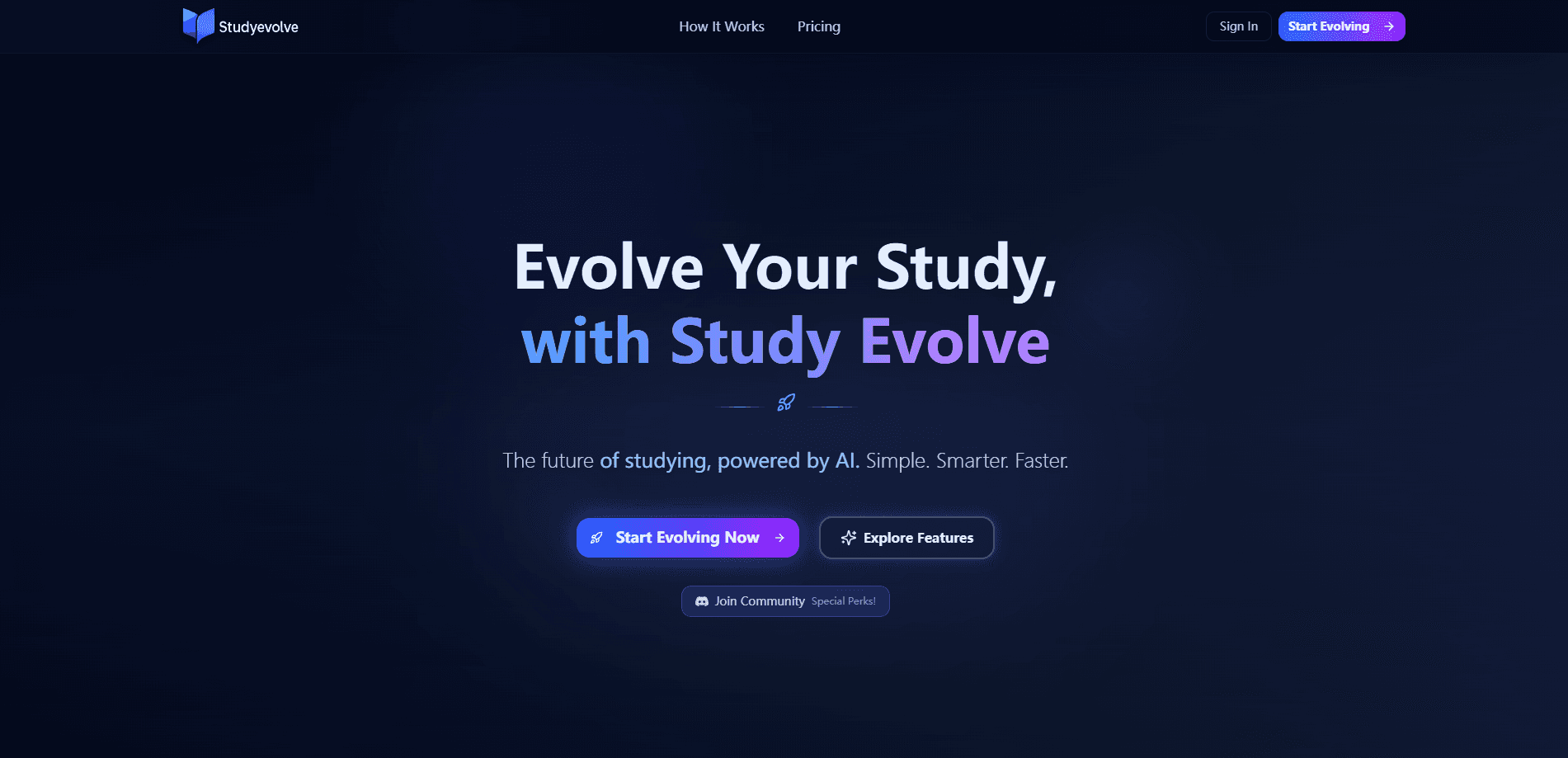
About Study Evolve
What Is Study Evolve
Study Evolve is a web-based study platform that reads the material you already have and rebuilds it as active practice. You upload a document, paste a link, or drop in notes, and the tool generates a summary, a flashcard set and a quiz from that same source. The point is to move you away from rereading and toward recall, which is the part that actually sticks.
It's positioned as an AI learning platform for people juggling a lot of text: students working through lecture slides, professionals reading dense reports, and anyone who keeps meeting the same confusing topic from new angles. Instead of switching between a chatbot, a note app and a flashcard site, you keep one library of materials and study them in one place.
The limits are worth knowing up front. There's no mobile app, so everything runs in a browser. The free plan caps you at three materials and three of each study tool per month. And it works best when you bring a source you trust, because the AI answers are meant to be checked against your original material, not taken on faith.
Study Evolve is made in Jakarta and uses a document-chat model alongside a general AI chat.
Getting Started
- Create an account at studyevolve.com, picking either the free plan or a Pro billing option.
- Add a material by uploading a document (PDF, DOCX or PPTX) or an image, or by pasting a link to an article or page.
- Generate a summary to get your bearings, then create a flashcard set and a quiz from the same source.
- Ask the AI chat about anything that still doesn't click, and check the explanation against your uploaded source.
- Open the study planner or a learning roadmap to line up your next session, and review your saved cards and quiz results when you come back.
Product Information
A quick look at Study Evolve's pricing, supported platforms, and performance.
Best for
The users, tasks, and scenarios where this tool fits best.
Users
- Students
- Lifelong learners
- Knowledge workers
Tasks
- Building flashcard decks
- Pre-exam quizzing
- Summarizing dense reading
- Planning a study session
Scenarios
- The night before an exam
- Slow-reading a research paper
- Staying on a study habit
Key features
Material-based summaries and study guides
Upload a document or paste a link and Study Evolve writes a summary that keeps the original source alongside it. You can generate a short overview to get your bearings or a fuller study guide that walks through the key ideas. This is the fastest route from PDF to flashcards without retyping anything. That pairing matters when you want to double-check something before you commit it to memory.
AI flashcards and quizzes from your own material
Both tools build from the material you supply rather than a generic question bank. Flashcard generations turn your text into an AI quiz maker's companion: cards you can review with active recall, and quizzes that test whether you can actually explain what you read. You can keep cards and results saved and return to them later.
Document chat and general AI chat
There are two chat tools. One answers questions about a specific uploaded material, so you can ask for an example or a simpler explanation; the other handles general study questions. Keep your source open while you chat so you can compare the answer against the original.
Learning roadmaps
Roadmaps lay out a sequence of topics so you're not staring at a blank page wondering where to begin. You work through topics step by step and track the steps you've completed. Each material and practice tool has its own monthly allowance.
Study planner
The planner gathers your flashcards, quizzes and upcoming work into one space so the next task is already in front of you. It's less about scheduling software and more about keeping momentum between sessions.
Shared material library
Everything you upload lives in one library, whether it came from a file or a URL. The library also shows a material's processing status and offers a retry if a file fails to process, so a bad upload doesn't cost you the whole session.
Pros and cons
Pros
- Works from your own documents, links and notes, so the flashcards and quizzes stay tied to a source you can verify.
- Bundles summarizing, flashcards, quizzes, chat and planning in one place, cutting the number of apps you juggle.
- The free plan is genuinely usable for a light routine, with 3 materials and 3 of each study tool per month.
- Roadmaps and the planner turn a pile of material into an ordered next step.
Cons
- Runs only in a browser, so there's no offline mode or mobile app for studying on a commute.
- The free plan's three-material limit runs out fast if you study from many separate documents.
- AI answers can drift from your source, so you still have to check explanations yourself rather than trust them outright.
- Monthly allowances are split per tool, which makes it hard to predict how far 500 uses will stretch across a semester.
Frequently asked questions
You can upload a PDF, a Word document (DOCX), presentation slides (PPTX), or a PNG, JPEG or WebP image, with each file up to 50 MB. You can also paste a link to an article or page instead of uploading a file.
Related content
Explore related tools, skills, and articles for Study Evolve.
Study Evolve Alternatives

HireKey
HireKey · Voice & Language · Productivity · LeaningHireKey is an AI job search copilot built by a former tech recruiter. It checks role fit, tailors resumes, runs interview practice and tracks every application.

Lune
Retrograde Labs · Productivity · LeaningLune is a research search engine for scientific AI agents. It runs as an MCP server that lets Claude, ChatGPT and Cursor search peer-reviewed computer science papers and cite them.
Coddy
Coddy · Coding · LeaningCoddy is a gamified platform to learn to code through short interactive lessons in 20+ languages, with a browser editor, an AI tutor and free certificates.