
Stylar AI
Dzine AI (formerly Stylar) · Image
Stylar AI is a browser-based AI image editor that combines a layered canvas with text-to-image generation, mask-based edits, and a style library. It now runs under the name Dzine.
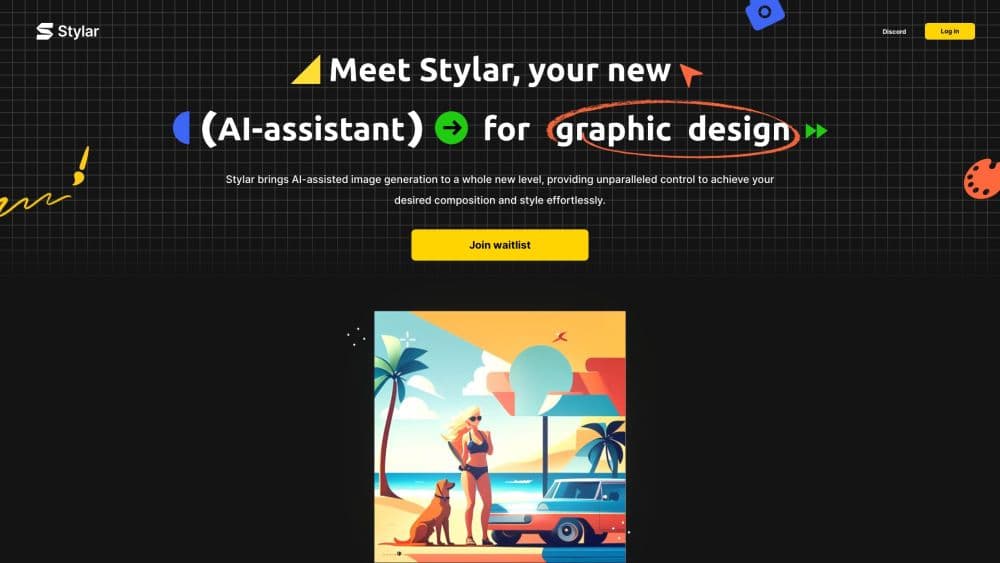
About Stylar AI
What Is Stylar AI
Stylar AI is a web app for editing and generating images, built around a canvas that works like Adobe Photoshop. Instead of treating a picture as one flat block, it splits your work into movable layers, so each generated element, cutout, or piece of text sits on its own track. That structure is what separates it from simpler AI image tools, where every prompt throws away what you made before.
The product targets people who want AI generation and hands-on editing in one place. You bring a photo or a blank canvas, describe what you want in a prompt, and let the app produce variations. From there you keep the parts you like, place them on the canvas, and keep refining. It launched as Stylar, then rebranded to Dzine, so the same account now leads to the Dzine workspace.
Two limits decide whether it fits. It runs entirely in a browser, which is convenient but caps you at what the service offers, with no desktop app or local processing. And the free tier is generous but credit-based, so heavy generation burns through credits and pushes you toward a paid plan.
Getting Started
- Go to stylar.ai, which redirects to the Dzine workspace, and sign up with an email address or a Google account.
- Start a new project and upload a reference image or begin on a blank canvas with a text prompt.
- Pick a style or type your own prompt, then generate. The editor returns several variations at once.
- Select the result you like and place it on the canvas, where you can edit it by layer.
- Use the mask brush, lasso, or background remover to touch up specific areas, then export as PNG or JPG.
Product Information
A quick look at Stylar AI's pricing, supported platforms, and performance.
Best for
The users, tasks, and scenarios where this tool fits best.
Users
- Graphic designers who want AI generation without leaving a layered canvas
- Casual creators and hobbyists
- Marketing and social media teams
Tasks
- Turning a photo into a new art style
- Removing or replacing backgrounds
- Doing local touch-ups
- Building a promotional graphic
Scenarios
- Making a week of social posts in one sitting
- Mocking up a design concept for a client
- Testing an idea before paying
Key features
Layer-Based Canvas
The editor puts every element on its own layer, the way a desktop design tool does. Generated images, cutouts, and text can be moved, hidden, resized, and restacked independently, so a change to one part doesn't force you to regenerate everything. For anyone coming from Photoshop, the mental model carries over almost directly, which cuts the learning curve.
Style Library and AI Style Transfer
The style library lets you apply a visual direction to your image in one step, and the Stylarize feature reworks an existing image while holding onto its underlying composition. You can use AI style transfer to turn a flat illustration into something 3D, shift a photo toward a comic look, or move in the opposite direction, all without redrawing the subject by hand. It's the feature that makes the tool useful for restyling rather than only generating from scratch.
Mask Brush and Localized Editing
The mask brush paints over the exact region you want the AI to change, so edits stay contained when a single area needs work. A lasso tool handles free selection, and the background remover isolates a subject for cutouts. Together they cover the fiddly parts of editing that a prompt alone can't reach, like cleaning up an edge or swapping one object without disturbing the rest.
Text-to-Image and Image-to-Image Generation
You can generate from a written prompt or use an existing image as a reference and let the model produce variations that keep its key traits. Each generation returns several options at once, and the ones you keep drop straight onto the canvas as layers. The image-to-image mode is where consistency holds up, so a set of visuals can share a look rather than drifting apart.
Text and Typography Tools
The editor includes tools for adding and formatting text directly on the canvas, with a set of fonts intended for commercial use. That turns the app into a light design surface for thumbnails, posters, and social graphics, where the words matter as much as the image. You position the text like any other element and export it baked into the final file.
High-Resolution Export
Finished work exports as PNG or JPG, and the app supports upscale options that push output to a much larger size than the source. That matters for print or for large display placements, where a low-resolution file would fall apart. Layer-by-layer export is also possible, which helps if you want to keep options open for later edits.
Pros and cons
Pros
- Layer-based editing gives you fine control over composition, so the AI output is a starting point you shape rather than a fixed result.
- The style library and Stylarize restyle existing images while keeping their structure, which saves real time on reworked visuals.
- Mask brush and background remover handle precise local edits that a prompt alone can't do.
- A free entry tier and a browser-based workspace mean no install and no upfront cost to try it.
- Text tools with commercial-use fonts cover social graphics and thumbnails in the same app.
Cons
- Browser only, so there's no offline workflow and you depend on the service staying up and fast.
- Credit-based pricing means heavy generation runs down your balance quickly, and free users can't buy top-up credits.
- The style library is deep but the interface has a learning curve, and beginners may spend their first credits just figuring out the tool.
- No public API is documented, so teams that want to automate image generation can't plug it into a pipeline.
Frequently asked questions
Stylar AI is an AI image editor for generating and editing pictures in a browser. You use it to create images from text prompts, restyle existing photos, remove backgrounds, and arrange everything on a layered canvas before exporting.
Related content
Explore related tools, skills, and articles for Stylar AI.
Stylar AI Alternatives

Google EmbeddingGemma 2
Google DeepMind · Writing · Image · CodingGoogle EmbeddingGemma 2 is a 740M-parameter open model that turns text, code, images, audio, and video frames into vectors in one 768-dimension space, running on phones and laptops.

Tractionwave
TractionWave · Image · MarketingTractionWave is an AI attention heatmap tool for static ads. Upload a PNG or JPG and it returns predicted attention, ranked hotspots, and fixes before you spend budget.

Imejis.io
Imejis.io · Image · MarketingImejis.io is an AI design studio for agents and marketing teams. Describe an image in plain words, and it writes the copy, builds the layout, reflows it to every size, then exports a finished file.