
Suapp AI
SUAPP · Image · Video
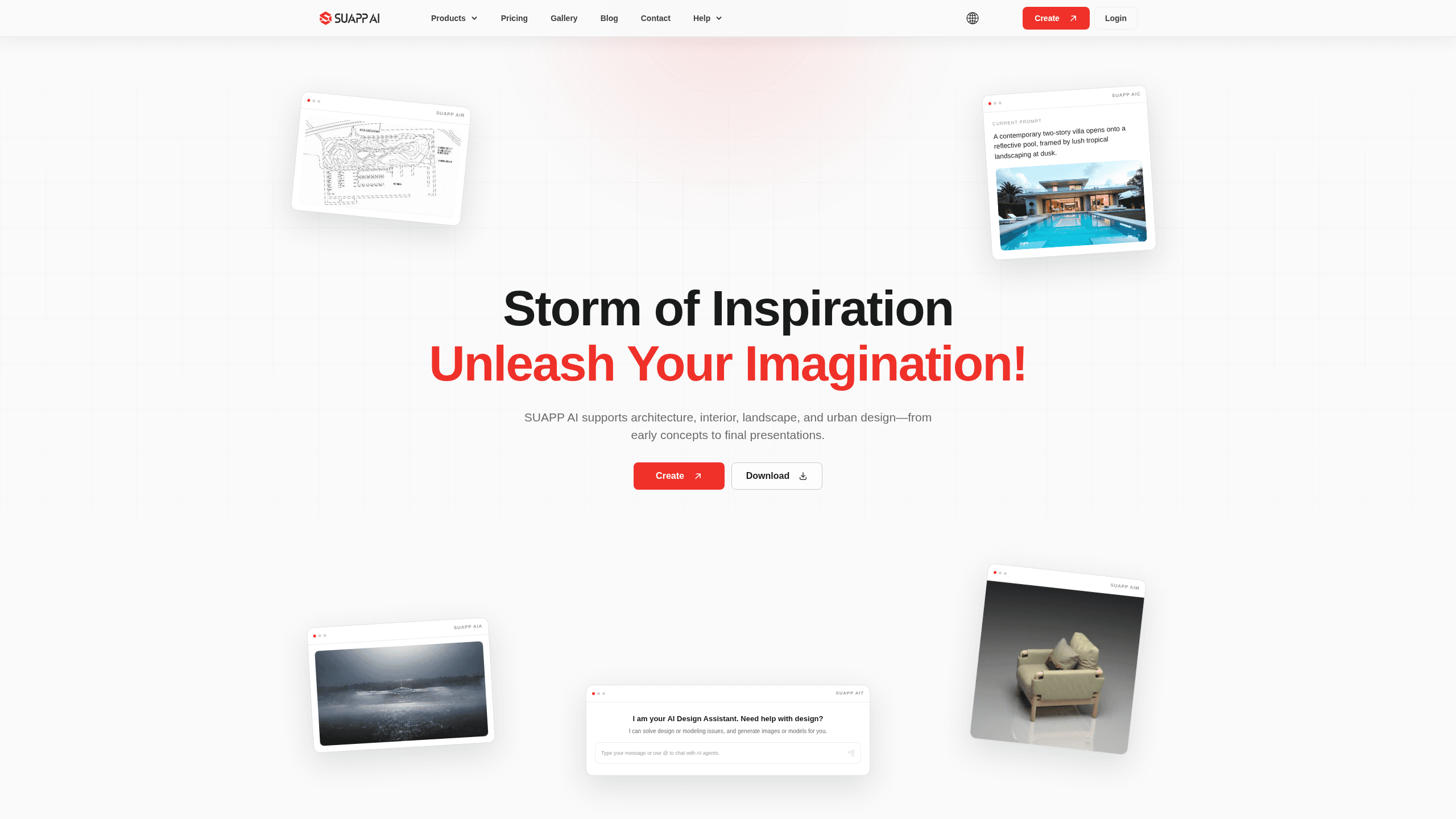
Suapp AI is an AI design assistant built for spatial design work: architecture, interior design, and urban planning. It bundles six tools into one cloud workflow. You get AI rendering, image-to-video animation, image-to-3D modeling, and a chat assistant that talks through a project with you. If your team already works in SketchUp, Rhino, Blender, or Photoshop, it plugs into those programs. No starting over.
About Suapp AI
What Is Suapp AI
Suapp AI is a cloud-based AI design assistant from SUAPP, aimed at design studios and individual designers who want faster concept and presentation work. It covers the parts of a project that normally eat hours: turning sketches into renderings, turning stills into animation, and turning reference images into 3D models. The tools run on Suapp's own servers. You don't need a high-end local workstation to produce high-resolution output.
The set includes SUAPP AIR for AI rendering, SUAPP AIM for image-to-3D modeling, SUAPP AIC for text-to-image, SUAPP AIA for image-to-video, SUAPP AIT for the design agent, and SUAPP AIF for the workflow canvas. Instead of learning complex prompt syntax, you feed in massing studies or sketches, and the tools read the spatial intent behind them. That's the main draw for designers who never wanted to become prompt engineers.
The catch is the lock-in. Several tools depend on a credit system. The deeper features (SUAPP AIM, AIC, AIA) sit in the higher tiers. Plugins only exist for specific desktop programs.
Getting Started
- Sign up at suapp.ai and pick a plan that matches the tools you need. Basic only unlocks the AIR web version, so check before you pay.
- Install the plugin for your design program, such as the SUAPP AIR SketchUp plugin, or open the web app for a tool that supports it.
- Upload a sketch, massing model, or reference image as the base for generation.
- Choose a style or leave the prompt open, then run the tool and compare the variations.
- Refine the result with the advanced edit mode and export your images or 3D assets for the next stage.
Product Information
A quick look at Suapp AI's pricing, supported platforms, and performance.
Best for
The users, tasks, and scenarios where this tool fits best.
Users
- Architects and interior designers who need fast concept renderings without a rendering farm, since the tools run in the cloud and read sketches instead of requiring long prompts
- Studio teams that present early directions to clients and want several visual options before committing to one scheme
- Studio leads who already model in SketchUp, Rhino, or Blender and want AI assistance inside the software they use daily
Tasks
- Turning a massing study or rough sketch into a styled rendering, useful when you need to show a client three directions by tomorrow
- Converting a finished design still into a short camera move, which helps when a static image doesn't convey the spatial feel of a space
- Generating a 3D model from a reference image or design intent, reducing repetitive modeling work before delivery
- Talking through a project with the AI assistant to clarify requirements and next steps when the brief is vague
Scenarios
- Early-stage concept exploration where you compare multiple visual directions and settle on a design language
- Client presentations where you need motion and atmosphere, not just stills
- Renovation and outdoor proposals where a photo-based redesign helps a client picture the result
Key features
AI Rendering With SUAPP AIR
SUAPP AIR is the AI rendering tool at the center of the suite. It takes a sketch, massing model, or reference image and renders it in hundreds of design styles. The pitch is that it's an artistic renderer, not a literal one. So it sparks directions you might not have tried by hand. Upload a base image, pick a style, and compare several variations in minutes.
Image-to-3D Modeling With SUAPP AIM
SUAPP AIM turns a single image or a design intent into a 3D model. It targets the repetitive modeling that tends to slow a project down. That's the boring work. Teams that need early massing for a proposal can generate a rough model instead of building it from scratch, then move toward a deliverable asset faster.
Image-to-Video Animation With SUAPP AIA
SUAPP AIA takes a still design image and adds camera movement, so a flat rendering becomes a short clip that shows spatial atmosphere. This matters most at the presentation stage. A client needs to feel how a space flows, not just see it from one angle.
Design Agent for Project Talk-Through
The SUAPP AIT assistant works in context on your project. You can discuss requirements, refine prompts, and work through design or modeling questions in plain conversation rather than hunting through tutorials. It also generates images or models on request, and you can use @ to direct the conversation toward specific agents. Think of it as an architectural design AI that sits in the room with you.
Text-to-Image With SUAPP AIC
SUAPP AIC generates images from text, aimed at the earliest moment of a project when a brief is still a paragraph. It helps teams turn an idea into visual directions before any serious modeling starts, so you can compare concepts side by side.
Workflow Canvas With SUAPP AIF
SUAPP AIF brings images, text, models, drawings, videos, and documents onto a single canvas for connected editing and delivery. No juggling files across programs. Your assets stay in one place.
Pros and cons
Pros
- Six tools cover the full arc from concept to presentation, so you don't stitch together separate AI subscriptions
- Reads sketches and massing models rather than demanding long prompts, lowering the learning curve for designers
- Cloud rendering means high-resolution output without a costly local workstation
- Plugins for SketchUp, Rhino, Blender, Photoshop, AutoCAD, Revit, and 3ds Max keep AI inside your existing workflow
- The top tier includes unlimited credits and unlimited renderings, which suits heavy users who'd otherwise burn through credits fast
Cons
- Basic and Standard plans cap credits at 5,000 and 10,000 per month, so anyone rendering daily will hit the limit and need to upgrade
- The most useful tools (AIM, AIC, AIA, and the AIF workflow) sit behind the Pro plan at $299.25 per year
- Plugin support is limited to the listed desktop programs, so working in other design software means falling back to the web version
Frequently asked questions
It handles AI rendering, image-to-3D modeling, text-to-image generation, image-to-video animation, and design conversation, all through tools built for architecture, interior, and urban design work.
Related content
Explore related tools, skills, and articles for Suapp AI.
Suapp AI Alternatives

X Ray Interpreter
X-ray Interpreter · ImageX Ray Interpreter is a web-based AI radiology tool that turns X-rays, CT scans, MRI, ultrasound, and PET images into plain-language reports. You upload a scan, get a preliminary X-ray interpretation in moments, then ask follow-up questions if something needs explaining. It works as a second opinion and a learning aid, not as a medical diagnosis.

Aieasypic
AIEasyPic · ImageAIEasyPic is an AI image generator that turns plain text prompts into finished artwork in seconds. You can also train custom models on your own photos, swap faces in existing images, and create short video clips from text, all from a browser. It suits casual creators who want quick visuals and hobbyists who want to build a personal model without touching any code.

Chargen
Chargen · ImageChargen is an AI character generator and worldbuilding toolkit built for Dungeons & Dragons and other tabletop RPGs. It turns a one-line idea into a painted character portrait, spins up NPCs, monsters, maps and encounters from the same session, and keeps every creature's details close at hand. The tabletop RPG art side runs on a credit system called Gold, while the text generators stay free for everyone.