

Sufy
Sufy · Image · Video
Sufy is a cloud platform for developers that combines S3-compatible object storage, a global CDN, real-time media processing and an AI avatar video generator in one place.
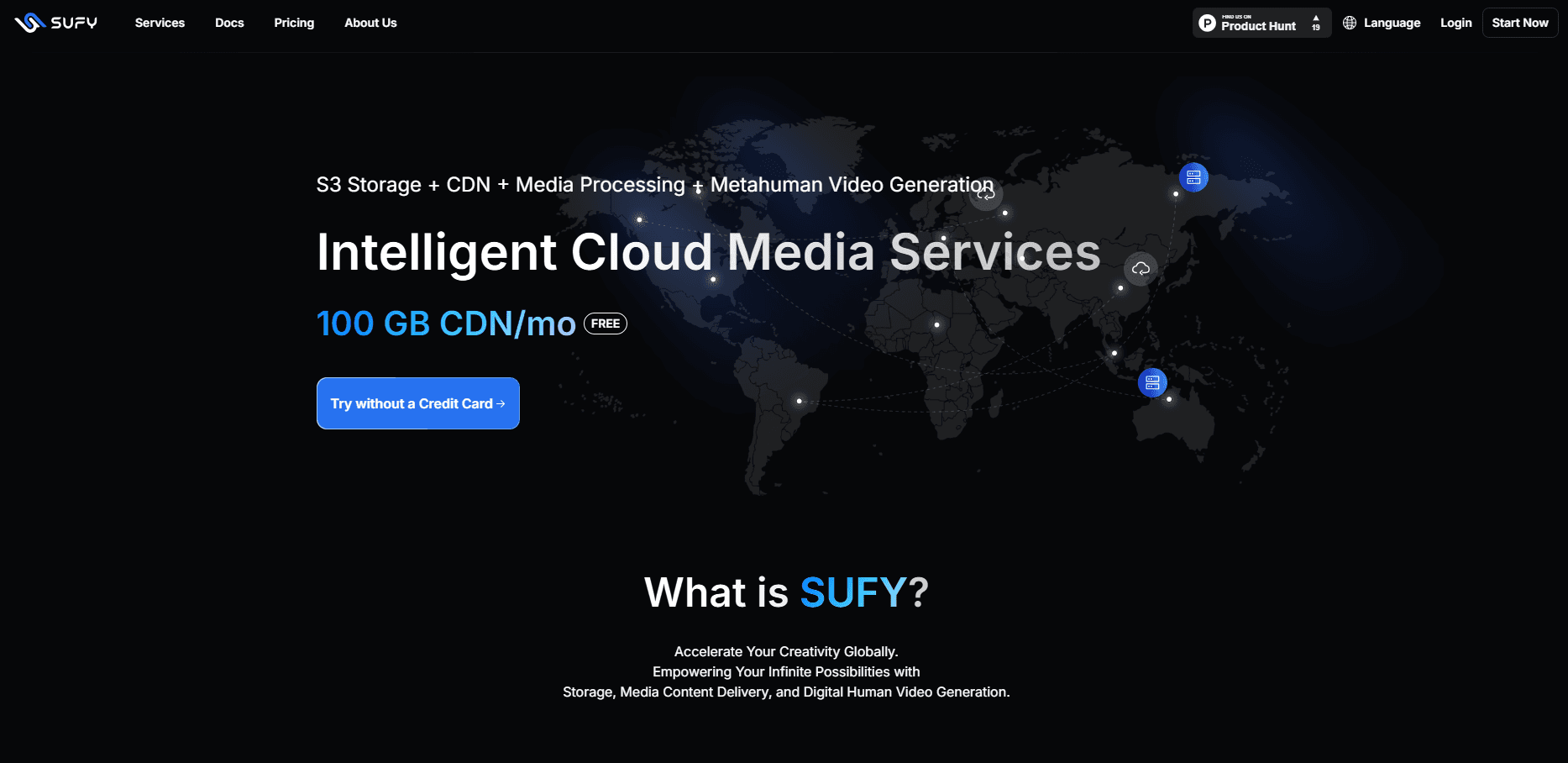
About Sufy
What Is Sufy
Sufy is a video cloud platform that brings object storage, content delivery and AI avatar tools under one account. It's aimed at developers and small teams who need cheap storage, fast global delivery and a way to turn scripts into presenter videos without hiring anyone. The pitch is simple: treat it as an S3 replacement and pick up the extra features when you need them.
The storage side runs on a distributed system the company says it has built over 12 years, and it speaks the standard Amazon S3 API. That matters because you can point existing SDKs at Sufy, change one line of code, and keep your current upload and download logic. The CDN, media processing and avatar tools then sit on top of the same storage you already use.
The obvious limit is that Sufy is a developer product, not a consumer app. There's no drag-and-drop site builder, and pricing is metered by usage, so a surprise traffic spike can affect your bill. AI inference for the avatar service also leans on the same usage-based model, so heavy video production gets costly fast.
Getting Started
- Create an account at sufy.com. You can sign up without a credit card and start on the free quota.
- Open the console and set up a storage bucket for your files, then enable the CDN delivery service and the avatar project you want to use.
- Generate an AccessKey and SecretKey, then add them to your S3 SDK or upload a file straight from the console.
- Bind a custom domain or use the free acceleration domain, attach a processing style if you want on-the-fly resizing or transcoding, then serve the files.
Product Information
A quick look at Sufy's pricing, supported platforms, and performance.
Best for
The users, tasks, and scenarios where this tool fits best.
Users
- Developers migrating off AWS S3
- Web and app teams shipping media-heavy pages
- Marketers who need talking-head videos
Tasks
- Storing and serving user uploads
- Compressing images on the fly
- Transcoding video for playback
- Producing avatar videos from text
Scenarios
- Backing up a WordPress site
- Running a content-heavy landing page
- Building internal training material
Key features
S3-Compatible Object Storage
Sufy's storage speaks the Amazon S3 API, so tools that already work with S3 keep working here. You migrate by changing the endpoint, not by rewriting your code. Files live in a flat storage pool that scales to petabytes, with Standard, Infrequent Access, Archive and Deep Archive classes for different access patterns.
Global CDN Acceleration
The delivery network spreads content across edge nodes worldwide, so visitors pull files from a server near them instead of your origin. Sufy claims more than 20,000 nodes and coverage of over 100 countries and regions. You get a free acceleration domain with an auto-managed SSL certificate, plus custom caching rules and hotlink protection.
Real-Time Media Processing
Instead of pre-processing every file, you append a style parameter to a URL and get the processed result back. That covers resizing, cropping, format conversion, blur and watermarks for images, plus video transcoding and frame capture. It works on demand, so you only pay for what you actually serve.
AI Avatar Video Generation
The avatar service works as a digital human video tool: it creates a digital presenter from a photo or short video, clones a voice, and turns a text script into a finished clip. Sufy stocks a library of ready-made avatars and voices covering different ages, genders and styles, and lets you set custom backgrounds. A short script can become a published video in minutes.
Pay-As-You-Go Billing
Sufy charges by actual usage, measured over each calendar month, with no flat subscription fee. Every account gets a permanent free allowance for storage, CDN traffic, image processing and video transcoding, and everything past that is metered at published per-unit rates. Storage starts around $0.02 per GB per month in the Standard class, and CDN traffic drops in price as volume grows.
Multi-Language Tooling and SDKs
Native SDK support covers common languages through the AWS SDKs for Python, Java, JavaScript, Kotlin, PHP, Go and Swift. There's also a dedicated developer documentation site with quick-start guides, region and endpoint references, and signed-URL help, so integration doesn't depend on guesswork.
Pros and cons
Pros
- S3 API compatibility means you migrate by swapping an endpoint, keeping existing SDK code intact.
- One account covers storage, CDN, media processing and avatar video, so you avoid juggling separate vendors.
- A genuinely free tier includes 10 GB of storage, 100 GB of CDN traffic, 4 TB of image processing and 3000 minutes of video transcoding each month.
- Real-time processing runs from a URL parameter, so you skip a separate processing pipeline for common image and video jobs.
Cons
- Usage-based pricing means a traffic spike or a runaway transcoding job can push the bill up without warning.
- There's no visual website builder or consumer interface, so non-developers will find the setup steps a hurdle.
- The avatar service is newer than the storage and CDN products, so its voice and avatar libraries are smaller than dedicated video tools, and output still needs a human check before publishing.
- Object storage buckets live in three regions (Hanoi, Singapore and Dallas), so teams needing data residency elsewhere should check coverage first.
Frequently asked questions
Sufy is a cloud platform that packages S3-compatible object storage, a global CDN, real-time image and video processing, and AI avatar video generation into one service. Most users start with the storage and CDN, then add media processing or avatars when a project needs them.
Related content
Explore related tools, skills, and articles for Sufy.
Sufy Alternatives

Google EmbeddingGemma 2
Google DeepMind · Writing · Image · CodingGoogle EmbeddingGemma 2 is a 740M-parameter open model that turns text, code, images, audio, and video frames into vectors in one 768-dimension space, running on phones and laptops.

Tractionwave
TractionWave · Image · MarketingTractionWave is an AI attention heatmap tool for static ads. Upload a PNG or JPG and it returns predicted attention, ranked hotspots, and fixes before you spend budget.

Imejis.io
Imejis.io · Image · MarketingImejis.io is an AI design studio for agents and marketing teams. Describe an image in plain words, and it writes the copy, builds the layout, reflows it to every size, then exports a finished file.