

Superexpert.AI
Superexpert.AI · Coding
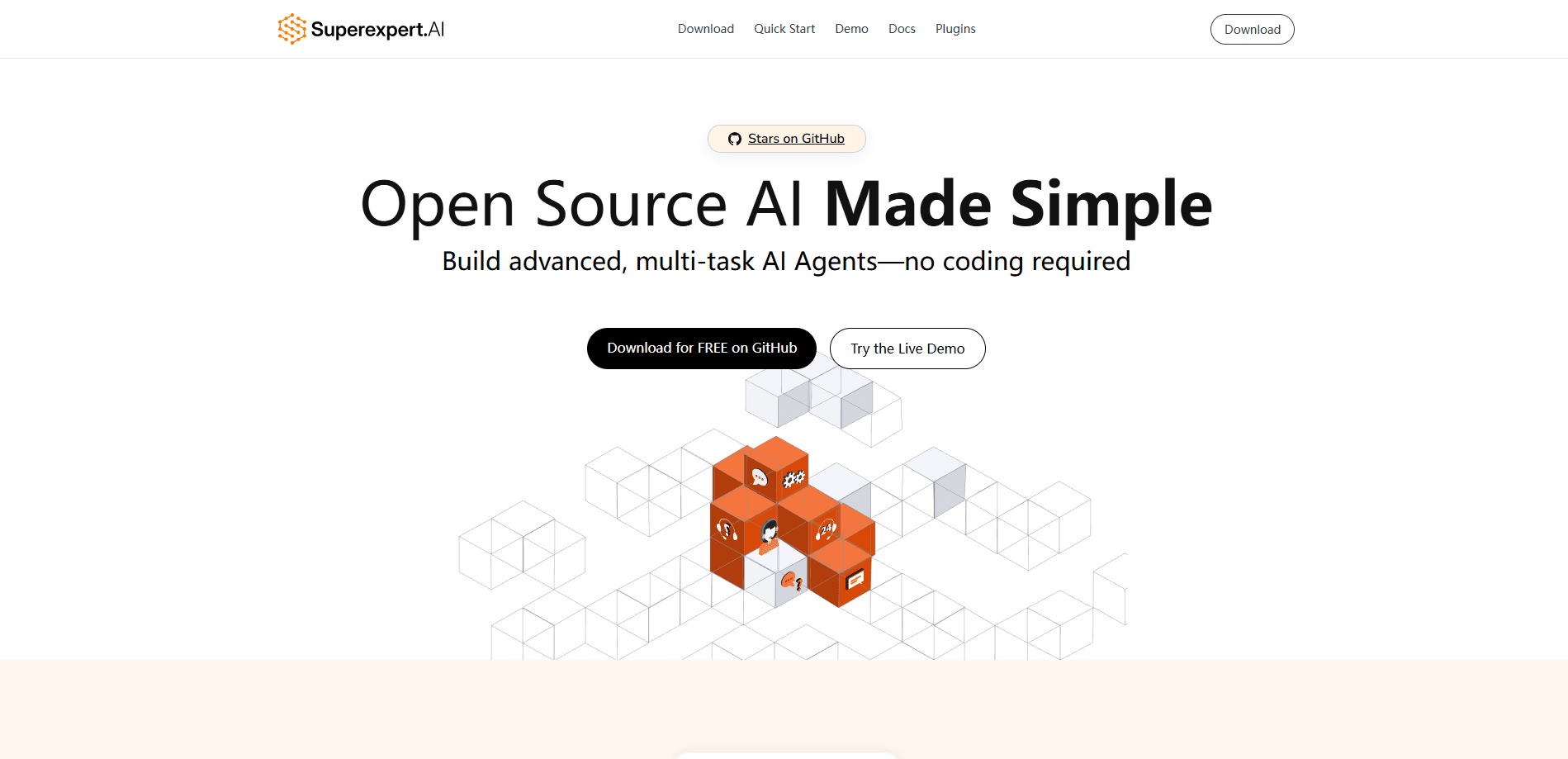
Superexpert.AI is an open source, no-code platform for building multi-task AI agents. You assemble tasks in a web UI, connect a model, and deploy anywhere Node.js and PostgreSQL run.
About Superexpert.AI
What Is Superexpert.AI
Superexpert.AI is an open source platform for building AI agents and deploying them wherever you control the code. Instead of locking you into a hosted dashboard, it ships the full source so a team can read, fork, and extend every part of the agent stack. The pitch is ownership: the agent you build belongs to you, and the roadmap does not depend on someone else's release schedule.
The platform organizes everything around two ideas. Agents are the assistants you create. Tasks are the individual jobs each agent performs, and a single agent can carry many of them. A home task routes a user to the right task, so one agent can greet a visitor, then hand them off to a buying flow or an order lookup without the user picking a menu. You write plain language instructions for each task and switch models per task, which keeps cheap models on easy work and expensive ones on hard work.
The stack is deliberately ordinary. Superexpert.AI runs on Next.js, TypeScript, and PostgreSQL, with pgvector powering embeddings for retrieval. That combination deploys to Vercel, AWS, GCP, Azure, or any host that runs Node.js and PostgreSQL, so you're never boxed into one cloud. The most consequential limitation is the ceiling on convenience: because you host and maintain it, you also handle database migrations, API keys, and upgrades yourself. Teams that want a managed service with someone else on call will feel that cost.
Getting Started
- Try the hosted demo at demo.superexpert.ai and register, or clone the repository from GitHub to run it yourself.
- Install Node.js 18.18 or later and PostgreSQL, then add pgvector for vector embeddings.
- Create a database, set DATABASE_URL and your provider API keys in a .env file, and run npm run migrate.
- Create an agent, then define a home task and add tasks such as buy-robot or order-status with plain language instructions.
- Attach client, server, or context tools, save, and test the agent through the Chat button.
Product Information
A quick look at Superexpert.AI's pricing, supported platforms, and performance.
Best for
The users, tasks, and scenarios where this tool fits best.
Users
- Developers who want to own the code
- Small product teams building a support or sales agent
- Startups that care about cost control
- Data-sensitive teams
Tasks
- Building a multi-task customer assistant
- Grounding answers in your own documents
- Wiring agents into your systems
- Prototyping agent behavior fast
- Extending the platform
Scenarios
- A retailer's shopping assistant
- An internal knowledge bot on a private network
- A cost-conscious startup shipping its first agent
- A developer learning how agents work
Key features
Multi-Task Agents with Task Routing
A single agent can hold many tasks, and a home task decides which one a user reaches. You write the routing rules in plain language, so an agent can move a visitor from a greeting to a purchase flow to an order lookup without the user choosing a menu. Each task keeps its own instructions and settings, which keeps complex agents readable instead of turning into one giant prompt.
Per-Task Model Selection
You can set a default model for every task or pick a different one for each job. Superexpert.AI registers models from OpenAI, Anthropic, and Google, including GPT-4.1, Claude 3 Opus, and Gemini 2.0 Pro, and new models plug in by editing one adapter file. Putting a small model on simple work and a larger one on hard work cuts cost without giving up quality where it counts.
Custom Client, Server, and Context Tools
You register a TypeScript function to create tools, and the platform exposes them to the model as callable actions. Client tools can prompt the user, server tools can run on your backend, and context tools supply data the agent needs. That is how an agent confirms a payment, reads a live order status, or reaches into a system you already run.
Retrieval-Augmented Generation
RAG lets an agent pull relevant passages from a large dataset before answering, which keeps responses grounded in your own content instead of the model's memory. The platform uses pgvector for embeddings, so setup leans on the PostgreSQL database you already installed. It is the difference between an agent that guesses and one that quotes your material.
Model-Agnostic Architecture
The platform separates the model from the agent, so swapping providers is a configuration change rather than a rewrite. You can run one task on Gemini, another on OpenAI, and a third on Anthropic inside the same agent. That mix keeps you from betting the whole product on a single vendor or model generation.
Open Source and Self-Hosted Deployment
The full source ships under an open license, and the app runs on Next.js, TypeScript, and PostgreSQL. It deploys to Vercel, AWS, GCP, Azure, or any host that supports Node.js and PostgreSQL. Self-hosting puts your data on infrastructure you control and removes the per-seat bill that hosted agent platforms charge.
Extensible Plugins and Themes
Plugins add new AI models, tools, and chat themes without forking the whole project. Three themes ship by default, and you can create your own to match a brand or a use case. The plugin model means the platform grows with your project instead of forcing an upgrade you didn't ask for.
Pros and cons
Pros
- The entire platform is open source, so you can inspect, fork, and modify any part of it rather than working inside a vendor's limits.
- Multi-task routing lets one agent handle several jobs, which cuts the number of separate bots a business has to maintain.
- Per-task model selection keeps cheap models on simple work and reserves strong models for hard tasks, which controls cost.
- Self-hosting keeps prompts and documents on infrastructure you control, which suits teams with strict data rules.
- Deployment works on Vercel, AWS, GCP, Azure, or any Node.js and PostgreSQL host, so there's no forced cloud.
Cons
- You maintain the deployment yourself, which means database migrations, API keys, and upgrades land on your team rather than a vendor.
- Running it requires Node.js, PostgreSQL, and pgvector, so a non-technical user can't set it up without help.
- There is no managed cloud option in the box, so teams that want someone else on call have to build that support themselves.
- New features can land faster than the documentation, which means reading the source is part of staying current.
Frequently asked questions
It is used to build multi-task AI agents you fully control. You create an agent, give it tasks with plain language instructions, connect AI models, and deploy the result on your own infrastructure or a cloud host.
Related content
Explore related tools, skills, and articles for Superexpert.AI.
Superexpert.AI Alternatives

Udon
Udon · Coding · ProductivityUdon turns an Apple Silicon Mac into a home server you run from a browser, with container controls, file shares, and an optional AI sysadmin.

offstage
offstage cloud · Coding · Productivityoffstage gives AI coding agents and CI jobs a real Mac: a fresh macOS account on Apple silicon, driven over an API and billed by the second.

BotBus
Chengdu Tuyang Tusen Technology Co., Ltd. · Coding · ProductivityBotBus lets you control AI coding agents from your phone and watch: approve commands, start tasks and read results while the code stays on your desktop.