

Supermemory
Supermemory · Productivity · Leaning
Supermemory is an AI memory API that gives agents lasting context across sessions. It extracts facts, builds profiles and returns them through search or MCP.
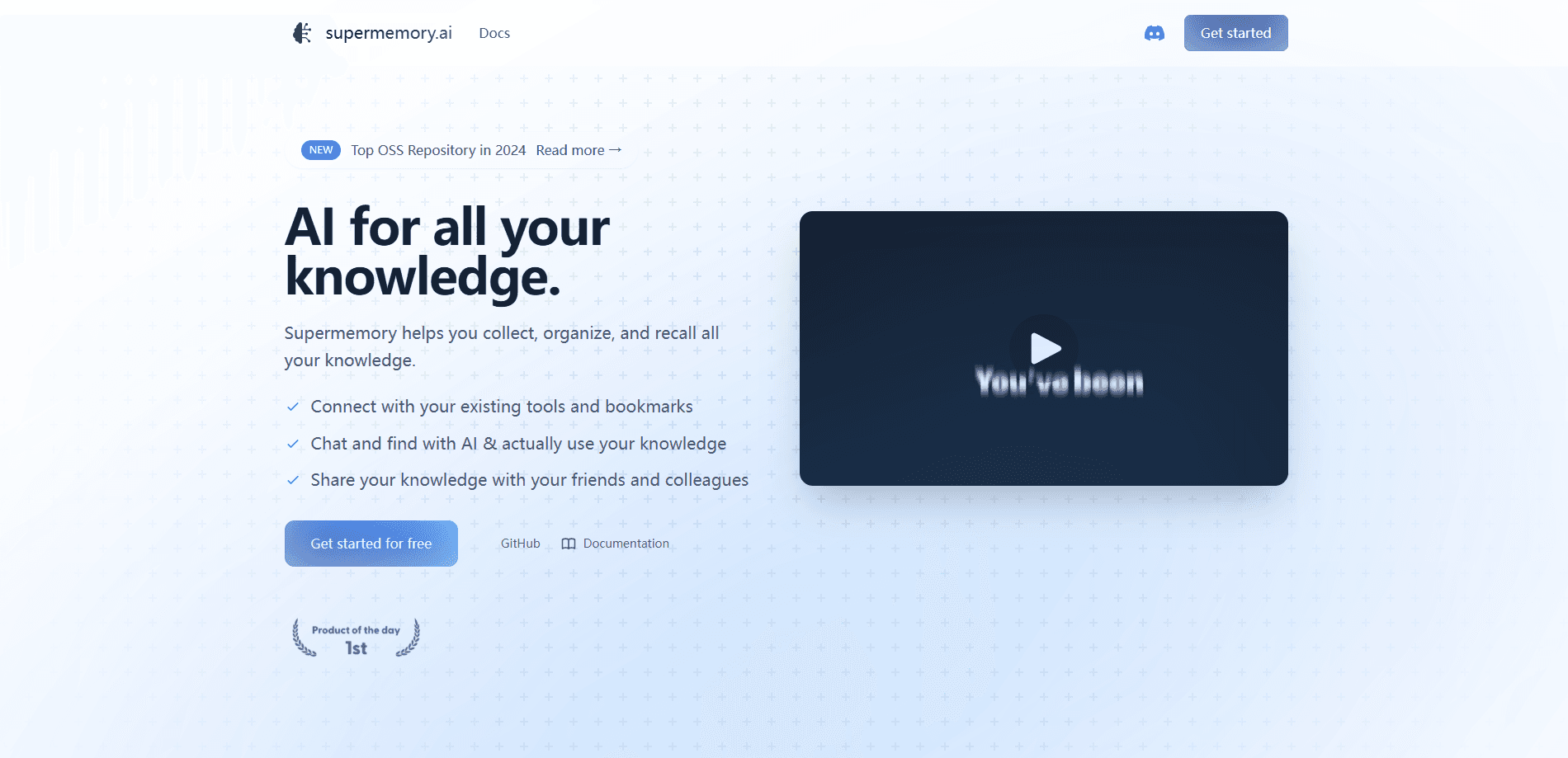
About Supermemory
What Is Supermemory
Supermemory is agent memory and a context engine built for AI agents, a layer of long-term memory for AI products. You send it what your agent sees, such as chats, files, URLs or a synced Drive, and it turns that raw input into structured facts. Those facts get connected to each other and tracked over time, then handed back as a profile, a search result or a file an agent can read. The team behind it calls the product the default engine for memory and continual learning, and it works with any model and any harness rather than locking you into one provider.
The problem it targets is simple. Most AI tools forget everything between conversations, so you repeat your preferences and background on every new session. Building that memory yourself usually means bolting a vector database onto an app and hand-writing the logic that decides what to keep. Supermemory takes over that work. It runs memory and retrieval together, so facts get merged, updated, contradicted or dropped as new information arrives, instead of piling up as stale chunks.
The main limit is scope and cost. It is developer infrastructure, not a consumer app you open and chat with. You need an API key and a bit of code to get real value, and heavy ingestion draws against a monthly credit balance metered per thousand processed tokens. Companies that want the deepest PDF extraction or self-hosted, air-gapped deployment have to move up to the Scale or Enterprise tiers.
Getting Started
- Create an account at console.supermemory.ai and confirm the free plan, which ships with $5 of credits each month.
- Generate an API key, then install the SDK for TypeScript or Python, or connect the MCP server at mcp.supermemory.ai.
- Send your first content with a call to add(), tagging it with a containerTag that isolates one user, project or tenant.
- Query what you stored with search() for hybrid results plus the graph around each hit, or profile() for the standing facts about a user.
- Keep data fresh by swapping manual uploads for a connector such as Google Drive, Notion or Gmail so changes sync on their own.
Product Information
A quick look at Supermemory's pricing, supported platforms, and performance.
Best for
The users, tasks, and scenarios where this tool fits best.
Users
- Developers building AI agents
- Startups shipping chat or assistant products
- Enterprise teams with strict data rules
Tasks
- Keeping assistant context across sessions
- Building searchable knowledge from mixed files
- Generating support or sales summaries
- Prototyping memory locally
Scenarios
- A coding agent that remembers a codebase
- A personal assistant across devices
- A multi-tenant SaaS backend
Key features
Memory That Infers, Updates and Forgets
Supermemory does not store a flat folder of embeddings. It builds a living graph where new facts update, extend or derive from old ones, and expired facts step aside as context changes. The history stays for audit, so you can see why a current answer replaced an earlier one.
User Profiles API Without a Query
A user profiles API gives you a standing picture of each user, task or tenant, attached to every turn without a search call. It holds static facts like a name or timezone plus live ones that shift as people interact, which cuts several searches down to one call in tens of milliseconds.
Hybrid Search and Graph Traversal
One call returns semantic search across memories, document chunks or both, with filters, re-ranking and the graph edges around each result. Median server time runs at 187ms, a number the team publishes for agent loops that cannot wait.
SuperRAG for Documents
SuperRAG extracts, chunks and retrieves PDFs, images, audio, video and code with contextual chunking that follows meaning rather than character counts. There are no embeddings or vector stores for you to run, which removes a whole layer of upkeep.
Connectors That Keep Syncing
Google Drive, Gmail, Notion, OneDrive, GitHub, Granola, Amazon S3 and a web crawler each connect with one OAuth click. The first sync imports everything, webhooks carry changes within seconds, and a scheduled pass every four hours catches what a webhook missed.
Runs Anywhere, Even Air-Gapped
The same engine and API run in the Supermemory cloud, in your own VPC or a dedicated instance, or on your laptop as a local binary. Code written against the local server moves to the cloud by changing one base URL.
Pros and cons
Pros
- One API covers ingest, search and profiles, so teams skip building a separate retrieval stack.
- Benchmarks land at the top of LongMemEval, LoCoMo and ConvoMem, and the team reports the results publicly.
- A free tier with $5 of monthly credits plus a $19/mo Pro plan keeps the entry cost low.
- Connectors and MCP support mean memory follows users across ChatGPT, Claude and coding agents.
- Scale and Enterprise add SOC 2, HIPAA, GDPR and air-gapped deployment for regulated work.
Cons
- It is developer infrastructure, so non-coders get little value without an API key and integration work.
- Usage is metered per thousand tokens, and heavy ingestion can burn through the included credit balance fast.
- Advanced PDF extraction with OCR of figures sits behind the $399/mo Scale plan and above.
- Team seats are capped at 1 on Free and 3 on Pro, which frustrates growing teams before Scale.
Frequently asked questions
It is a memory layer for AI agents. You send it content such as chats, files or URLs, it turns that into structured facts and profiles, and it returns them through search or an MCP connection so an agent keeps context across sessions.
Related content
Explore related tools, skills, and articles for Supermemory.
Supermemory Alternatives

Udon
Udon · Coding · ProductivityUdon turns an Apple Silicon Mac into a home server you run from a browser, with container controls, file shares, and an optional AI sysadmin.

offstage
offstage cloud · Coding · Productivityoffstage gives AI coding agents and CI jobs a real Mac: a fresh macOS account on Apple silicon, driven over an API and billed by the second.

BotBus
Chengdu Tuyang Tusen Technology Co., Ltd. · Coding · ProductivityBotBus lets you control AI coding agents from your phone and watch: approve commands, start tasks and read results while the code stays on your desktop.