

SVG AI
SVG AI · Image
SVG AI is an AI SVG generator that turns a text prompt or reference image into clean, editable vector files for logos, icons, illustrations and stickers.
About SVG AI
What Is SVG AI
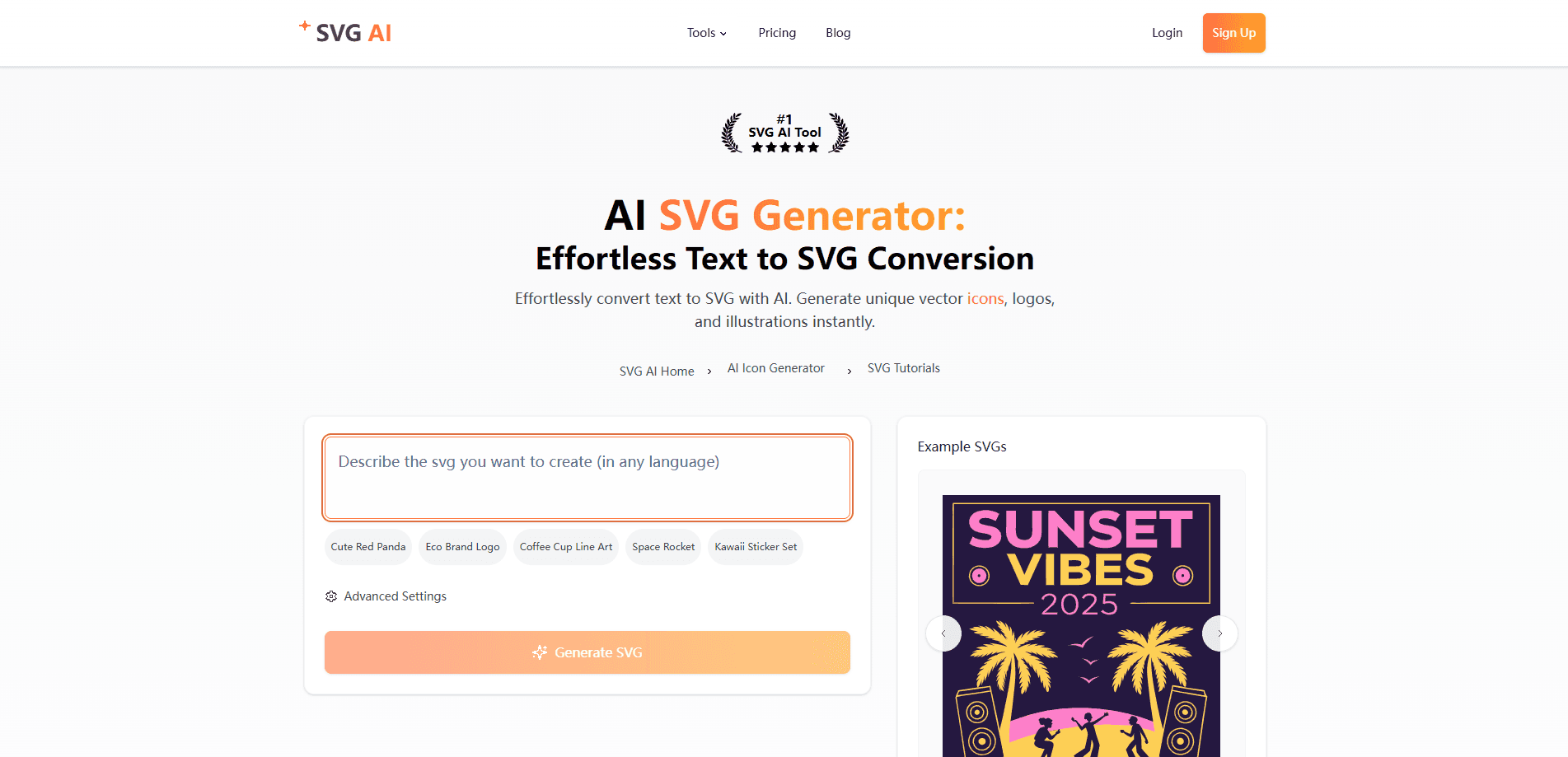
SVG AI is a web tool that builds vector graphics from plain language. You describe a logo, icon or illustration, and the model returns an SVG made of real vector paths rather than a flat picture. You can also upload a reference image, a sketch or a product photo, and let it guide the style and composition of the result.
The problem it targets is familiar to anyone who has traced a raster logo by hand. PNG and JPG files blur the moment you scale them, and rebuilding them as vectors takes hours in a design app. SVG AI skips the tracing step. It writes the paths for you, and the output stays sharp at any size and opens in Illustrator, Figma or Inkscape for further edits.
Two limits matter before you sign up. The useful work sits behind a paid plan, since exporting and API use need credits from a subscription or credit pack. And the tool fits flat, clean artwork best, so dense photorealistic detail will lose fidelity, which is normal for vector output.
Getting Started
- Sign up and open the generator, then type a prompt that names the subject, colors and style you want
- Optionally upload a reference image to steer the look, or skip straight to generation
- Refine the result with short prompts like "thicken outlines" or "brighten the palette", and compare versions
- Download the SVG with paid export access, or copy it into your site, app or design workflow
Product Information
A quick look at SVG AI's pricing, supported platforms, and performance.
Best for
The users, tasks, and scenarios where this tool fits best.
Users
- Designers and illustrators
- Developers and indie makers
- Small business owners
- Print and craft sellers
Tasks
- Logo creation
- Icon generation
- Illustration and character art
- Image to SVG
- Sticker and pattern design
Scenarios
- A startup needs a logo before a pitch
- A web team needs matching icons
- A seller adds a new design to a store
- A developer wires graphics into code
Key features
Text Prompt to SVG
Describe the subject, colors and style you want, and SVG AI returns an editable SVG. The output is built from vector paths rather than an embedded image, so you can open it and change colors, shapes and stroke width. It suits logos, icons, illustrations and badges where you want a clean base to refine.
Image Reference and Image to SVG
You can upload a logo, sketch or product photo as a reference and let it guide the new design, or use the vectorize mode to trace an existing image into SVG paths. The generate route reinterprets the input into a clean vector-native design, while vectorize follows the source artwork more closely. Expect fine details and gradients to need a look before you ship them.
AI Editor with Text Prompts
Once you have a design, you refine it by asking. Short prompts like "add butterflies", "brighten the palette" or "thicken outlines" nudge the artwork, and you can compare each new version against the original before you settle on a final file. That loop replaces the back-and-forth of manual path editing for quick changes.
Real Vector Paths, Not Traced Pixels
The selling point is that the file is genuine vector geometry. Paths stay editable, scale without pixelation and open in standard design tools. For logo and icon work this matters, because it means the asset holds up on a billboard and a favicon from the same file.
API and MCP Server
SVG AI ships a REST API and an MCP server, so you can generate and vectorize from your own code or from an assistant like Claude or ChatGPT. An API key from the console drives it, and both generate and vectorize draw on your credit balance. The console adds a one-click setup and a live playground for testing.
Free Browser Tools
Alongside the generator, the site offers free browser tools to edit, shrink and convert SVG files. They run in the browser, need no install, and the free tier puts no cap on conversions or file sizes. It is a practical way to clean up a downloaded file before you use it.
Pros and cons
Pros
- Output is real editable vector paths, so files scale cleanly and open in Figma, Illustrator or Inkscape
- Plain-language prompts keep the learning curve low, and the AI editor handles quick tweaks without manual path work
- Both text-to-SVG and image-to-SVG are covered in one place, and a vectorize mode handles tracing
- An API and MCP server let developers and AI assistants generate SVGs programmatically
- Comes with free browser tools to shrink and convert SVG files
Cons
- Export and API access need credits from a paid plan or credit pack, so there's no free path to download finished files
- Monthly subscription credits don't roll over, which can waste allowance in a quiet month
- Flat, clean artwork works best, so dense realistic detail can lose fidelity and may need redrawing
- Generated paths can carry more nodes than a hand-drawn file, which you may want to tidy in an editor
Frequently asked questions
SVG AI creates scalable vector graphics from text or an image. People use it for logos, icons, illustrations, stickers and patterns, then download the SVG for websites, apps, print or cutting machines.
Related content
Explore related tools, skills, and articles for SVG AI.
SVG AI Alternatives

Google EmbeddingGemma 2
Google DeepMind · Writing · Image · CodingGoogle EmbeddingGemma 2 is a 740M-parameter open model that turns text, code, images, audio, and video frames into vectors in one 768-dimension space, running on phones and laptops.

Tractionwave
TractionWave · Image · MarketingTractionWave is an AI attention heatmap tool for static ads. Upload a PNG or JPG and it returns predicted attention, ranked hotspots, and fixes before you spend budget.

Imejis.io
Imejis.io · Image · MarketingImejis.io is an AI design studio for agents and marketing teams. Describe an image in plain words, and it writes the copy, builds the layout, reflows it to every size, then exports a finished file.