

SwaperFace
WISE CONNECT LTD · Image · Video
SwaperFace is a free AI face swap tool that replaces faces in photos and videos right in your browser. It needs no download, works on a quick upload, and sells paid packs for HD swaps.
About SwaperFace
What Is SwaperFace
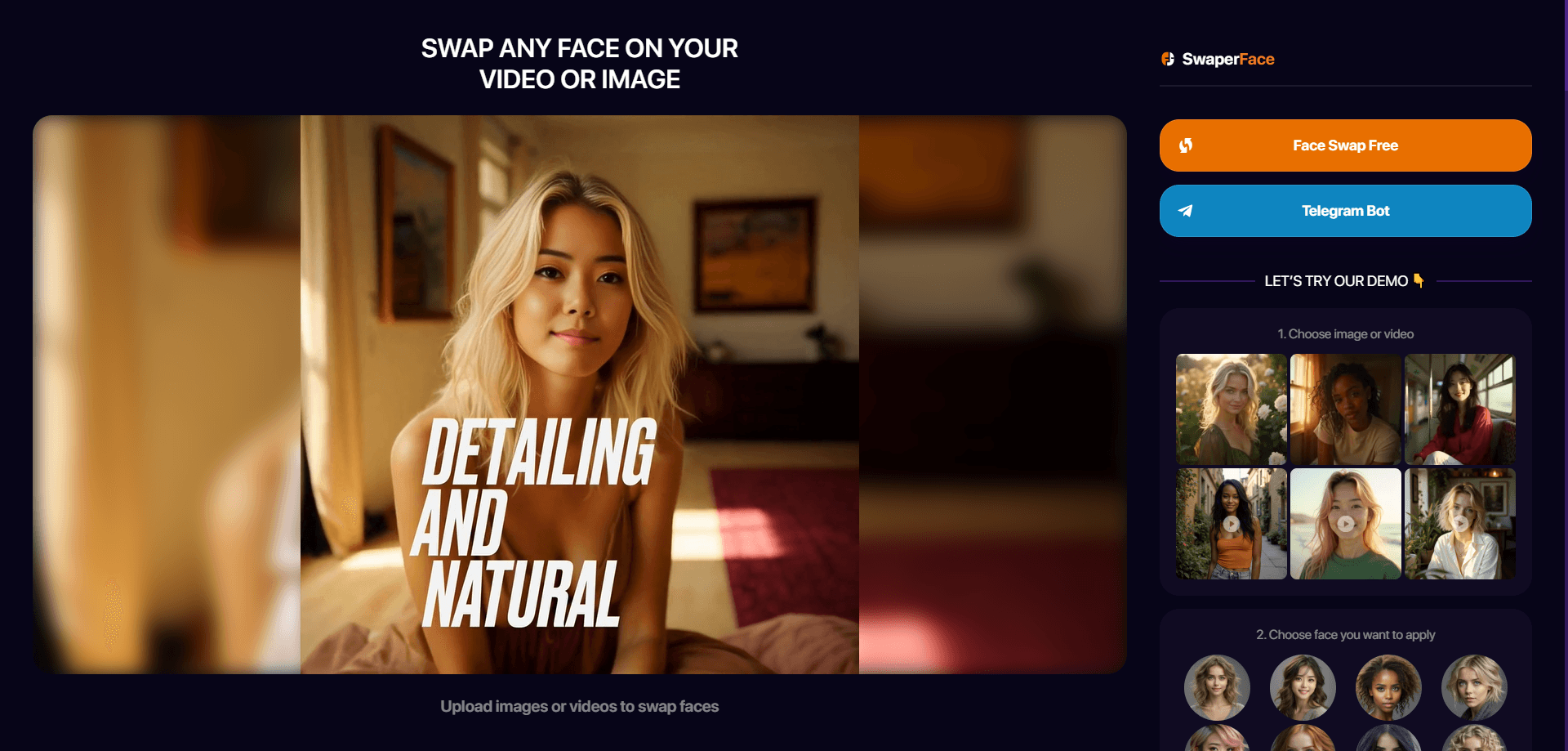
SwaperFace is a browser-based face swap service that puts your face onto another head in a photo or a video. You upload the source image or clip, pick the face you want to apply, and the tool detects facial features, transfers them, and hands back a new result. It runs on the web with no install step, and it works on phones through the same page.
The tool fills a narrow need. Most people reach for a face swap for fun: a meme for a group chat, a joke video for social media, or a quick "what if" experiment on an old photo. SwaperFace skips the setup that desktop deepfake apps demand, trading some control for speed and simplicity.
The main limit is the free tier. Free swaps come out at medium quality with a standard queue, so results are softer and slower than the paid ones. Sharp source photos with matching angles and lighting matter too, since odd angles produce the odd funny artifact. Treat it as a light deepfake maker and reface online tool for quick output, not a studio editor. And the site is clear that swapping faces without consent crosses a line.
Getting Started
- Open swaperface.com in any modern browser, or use the Telegram bot if you prefer chat
- Upload the photo or video you want to edit, then upload the face you want to apply
- Pick how many faces to change and confirm the swap
- Download the finished image or clip from the result screen
Product Information
A quick look at SwaperFace's pricing, supported platforms, and performance.
Best for
The users, tasks, and scenarios where this tool fits best.
Users
- Meme makers
- Social media creators
- Casual experimenters
- Referral hunters
- Phone-first users
Tasks
- Swapping a face in a photo
- Swapping faces in a video
- Changing several faces at once
- Making a meme
- Trying a reface look
Scenarios
- A group chat wants a laugh
- A short video needs a hook
- An old family photo gets a twist
- Testing before paying
- Working from a phone
Key features
AI Face Detection and Transfer
The tool finds the facial features in your source image on its own, maps them onto the target head, and blends the result so it sits naturally on the new face. That automatic detection is what keeps the process to a few clicks instead of a manual editing job. You supply two images and let the model handle the alignment.
Photo and Video Swaps in One Place
SwaperFace handles both stills and clips from the same interface. For video, it tracks head movement as the clip plays and swaps the face in each frame, so the result follows the person's motion rather than sitting frozen on one position. Having both modes on one page saves you from juggling two separate apps.
Multiple Faces in a Single Swap
You can change more than one face at a time instead of running the tool once per person. That helps in group photos or clips where several people need a new face, and it cuts the number of passes you have to queue up. The site lists this as one of its core traits.
HD Output and Queue Priority on Paid Packs
Paid credit packs unlock face change features, HD quality, and a place ahead in the processing line. The tiers climb from a Basic pack up through Standard, PRO and Advanced, each adding more swaps, with the top packs offering first place in the queue or a queue skip. Free swaps stay on medium quality and a standard queue, so the paid difference is mainly sharpness and speed.
Referral Credits
The referral program hands out free swaps for inviting others: one invitation earns 25 free swaps. It's a way to keep using the tool without paying, and it stacks on top of the 10 free swaps the free plan already includes. You invite from your account once you're signed in.
Telegram Bot Access
Besides the website, SwaperFace runs a Telegram bot, so you can start a swap from a chat instead of a browser tab. That suits users who live in Telegram and want the result without opening a web page. Sign-in on the site also supports email, Google, Discord, Twitter, Patreon and LINE.
Browser-Based, No Install
SwaperFace works like a light face changer app without the app store. The service runs entirely in the browser on desktop and mobile. On iOS and Android the site can be added to the home screen so it behaves like an app, with no app store download required. That keeps the whole tool one tap away on a phone without eating storage.
Pros and cons
Pros
- Free tier with 10 swaps, so you can test output quality before spending anything
- Runs in the browser with no download, covering desktop, mobile, iOS and Android web apps
- Handles both photos and videos, including multiple faces in one pass
- Referral program adds 25 free swaps per invited friend
- Telegram bot offers a chat-based way to start a swap without the website
Cons
- Free swaps come out at medium quality in a standard queue, so paying is the only route to HD and faster turnaround
- Paid packs are one-time credit bundles rather than a subscription, so heavy users have to keep buying them
- Results depend on matching angles and lighting, and unusual angles can produce visible artifacts
- No public API, so automated or bulk swapping isn't possible outside the web tool and bot
Frequently asked questions
SwaperFace is a free online AI face swap tool that replaces faces in photos and videos. You upload an image or clip, choose the face to apply, and the AI detects facial features and transfers them for you. It runs in the browser with no software to install.
Related content
Explore related tools, skills, and articles for SwaperFace.
SwaperFace Alternatives

Google EmbeddingGemma 2
Google DeepMind · Writing · Image · CodingGoogle EmbeddingGemma 2 is a 740M-parameter open model that turns text, code, images, audio, and video frames into vectors in one 768-dimension space, running on phones and laptops.

Tractionwave
TractionWave · Image · MarketingTractionWave is an AI attention heatmap tool for static ads. Upload a PNG or JPG and it returns predicted attention, ranked hotspots, and fixes before you spend budget.

Imejis.io
Imejis.io · Image · MarketingImejis.io is an AI design studio for agents and marketing teams. Describe an image in plain words, and it writes the copy, builds the layout, reflows it to every size, then exports a finished file.