
Symbolab: Math AI Photo Solver
EqsQuest (Course Hero) · Leaning
Symbolab is an AI math solver that gives students step-by-step solutions for algebra, calculus, geometry and word problems on web and mobile.
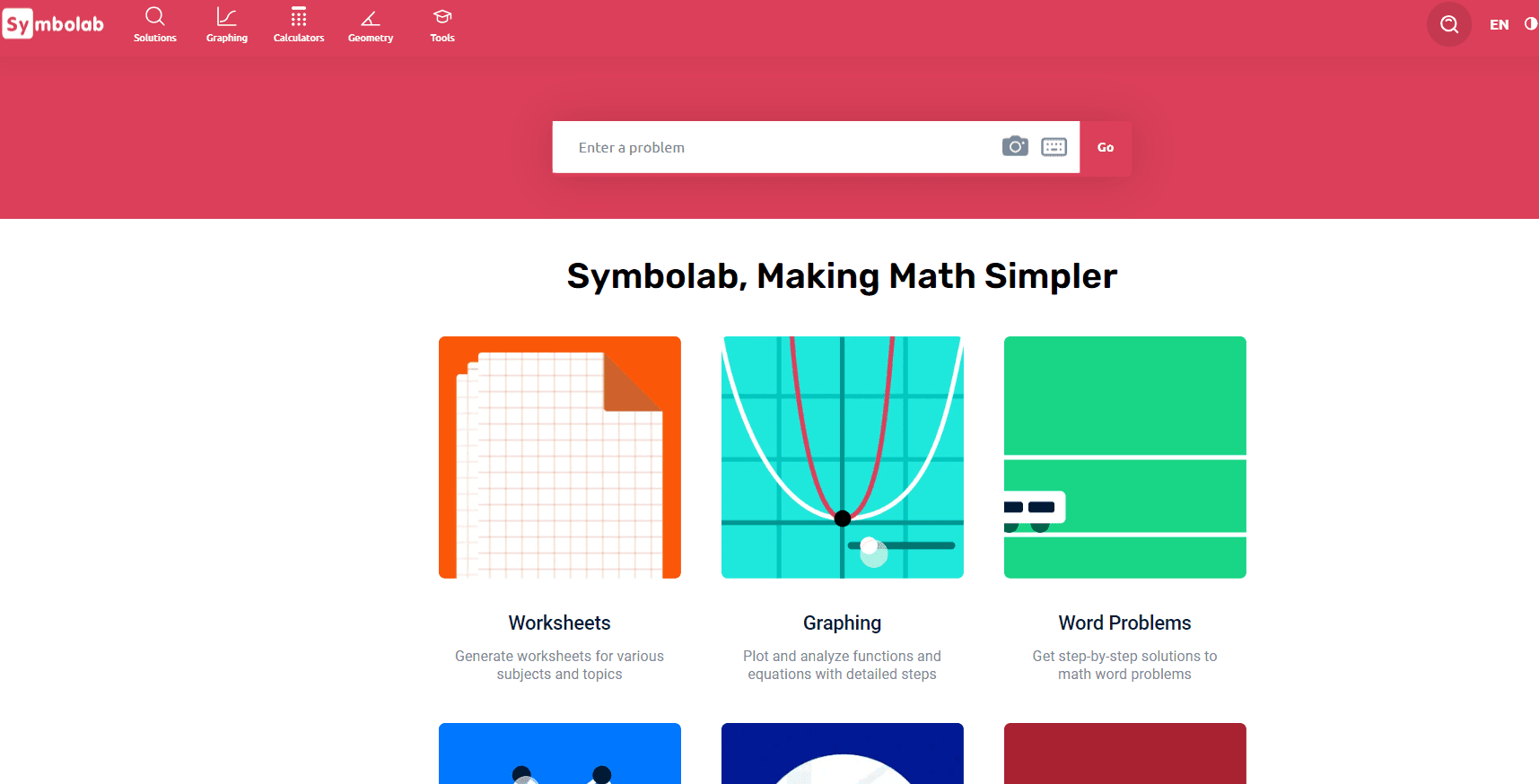
About Symbolab: Math AI Photo Solver
What Is Symbolab: Math AI Photo Solver
Symbolab is an AI math solver built around one promise: show the work, not just the answer. You type in an equation or snap a photo of it, and this step by step calculator walks you through each move from the first line to the final result. That focus on the process is what separates it from a plain calculator, which usually just spits out a number.
The platform covers many topics. Pre-algebra, algebra, trigonometry, calculus, matrix operations and geometry all live in the same place, along with a graphing calculator and physics tools for mechanics, electricity and thermodynamics. Setup is simple. You open the site or app, enter a problem, and read the solution.
It's not a full course. No lectures, no structured curriculum, and the free tier limits steps. For math homework help it works best as a companion that helps you understand a method, not a replacement for learning the material.
Getting Started
- Go to symbolab.com or install the app on iOS or Android, then open the solver.
- Enter your problem using the scientific pad, or snap a photo with the mobile camera.
- Press Solve and review the full step-by-step breakdown, with definitions for each step.
- Save tricky problems to your Notebook and tag them so you can find them later.
- Build on the method with Practice sets and quizzes once you understand the approach.
Product Information
A quick look at Symbolab: Math AI Photo Solver's pricing, supported platforms, and performance.
Best for
The users, tasks, and scenarios where this tool fits best.
Users
- Students from middle school through college who want to check their work and see where a solution went wrong
- Parents helping with homework when a problem is outside their comfort zone
- Teachers who want a quick reference for a method before class
Tasks
- Verifying a homework answer by walking through each step of the solve
- Learning how a limit or integral is actually computed, rather than just getting the result
- Plotting a function to see its shape and key points before writing up an analysis
Scenarios
- Stuck on a single algebra problem at 11pm with an assignment due the next morning
- Reviewing for a calculus exam and needing a refresher on a specific technique
- Practicing a topic like factoring or trig identities with generated quizzes
Key features
Step-by-Step Solutions
The core of the product is the step-by-step breakdown. Instead of a bare result, Symbolab shows each transformation in the solve and labels what's happening, so you can follow the method rather than guess at it. It's the difference between copying an answer and learning the move that produced it.
Photo Input and Scanning
The mobile app lets you point your camera at a problem and drop it straight into the solver. That saves a lot of time typing long equations on a phone keypad, and it handles most printed textbook problems cleanly. Handwriting is hit or miss. Neat print works best. So why not just type it? Because a photo takes two seconds.
Graphing Calculator
A separate graphing tool plots functions, conics, equations and inequalities with steps. You can adjust parameters, view a table of points for each function, and set the graph range and grid to highlight extreme points and intercepts.
Word Problem Solver
The word-problem calculator handles number, distance, age, cost, percentage, probability and investment setups. It turns a paragraph of text into the equations underneath it, which is often the hardest part of these questions for students.
Geometry and Proof Tools
Geometry support covers angles, triangles, rectangles, parallelograms, trapezoids and circles, including proofs. You can also plot the shapes, which makes a proof far easier to follow than a text-only explanation.
Notebook
The Notebook is a tagged, searchable space for saving problems and notes. You can filter by tag, revisit a worked problem later, and share a set with classmates, which turns a one-off solution into a study record.
Practice and Assessments
Practice mode offers thousands of problems and quizzes across topics, with stats that track how you're doing. It's a way to move from watching a method to actually producing it yourself.
Pros and cons
Pros
- Step-by-step explanations make it useful for learning, not just answer-checking
- Photo scanning saves time on long equations at the moment you're stuck
- Covers a wide math range, from basic arithmetic to calculus and linear algebra
- Free tier is genuinely usable for quick solves and single problems
- Works across web and mobile, so you can pick up a problem on either device
Cons
- The free tier gates full step-by-step access, so serious study usually pushes you to Pro
- No structured lessons or curriculum, which means it explains a problem but doesn't teach a whole unit
- Handwritten input is unreliable, so sloppy or complex scribbles often need retyping
Frequently asked questions
It's used to solve math problems and, more importantly, to see the steps behind the answer. Students reach for it when they're stuck on homework, checking their work, or trying to understand a method before an exam.
Related content
Explore related tools, skills, and articles for Symbolab: Math AI Photo Solver.
Symbolab: Math AI Photo Solver Alternatives

HireKey
HireKey · Voice & Language · Productivity · LeaningHireKey is an AI job search copilot built by a former tech recruiter. It checks role fit, tailors resumes, runs interview practice and tracks every application.

Lune
Retrograde Labs · Productivity · LeaningLune is a research search engine for scientific AI agents. It runs as an MCP server that lets Claude, ChatGPT and Cursor search peer-reviewed computer science papers and cite them.
Coddy
Coddy · Coding · LeaningCoddy is a gamified platform to learn to code through short interactive lessons in 20+ languages, with a browser editor, an AI tutor and free certificates.