

taatoo
Thibaut BAYER · Image
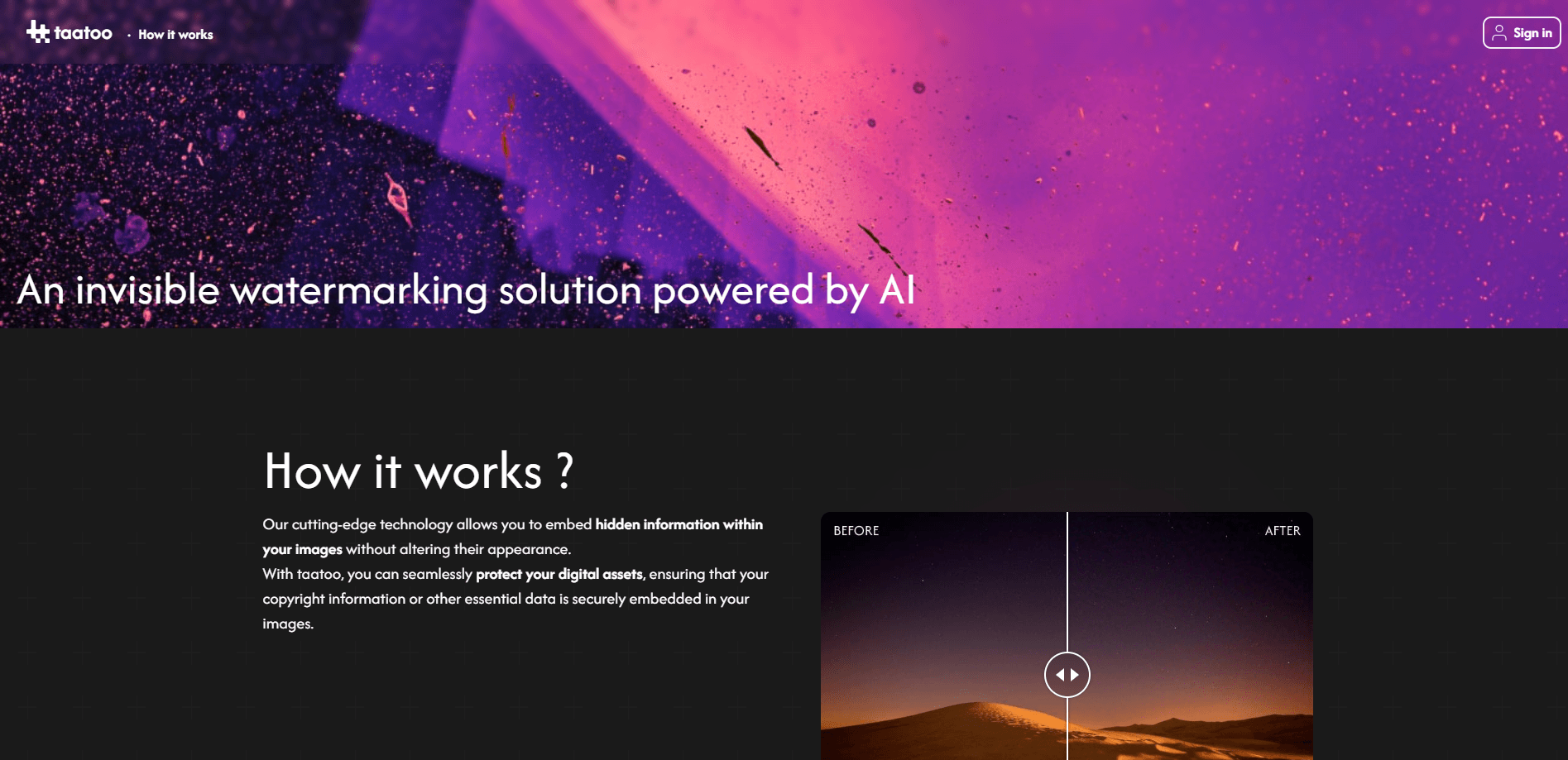
Taatoo is an AI watermarking tool that embeds an invisible, traceable signature into your images without changing how they look, so you can identify who shared a file if it leaks.
About taatoo
What Is Taatoo
Taatoo is an image watermarking tool that protects photos with an invisible watermark. You upload a photo, it hides a unique and invisible signature inside the file, and the picture looks exactly the same as before. If that image later shows up somewhere it shouldn't, you re-upload it and Taatoo tells you who the file was originally shared with.
The problem it solves is straightforward. Visible watermarks ruin a photo and are easy to crop out, while plain metadata gets stripped the moment a file passes through social media or a messaging app. Taatoo instead changes the image pixels themselves in a way the eye can't catch, so the mark travels with the picture.
The main limits are worth knowing up front. Taatoo handles images only right now, not video, and the maximum file size is 3MB. Pricing is pay-as-you-go, so there's no monthly subscription to manage.
Getting Started
- Create an account on the Taatoo site using Google, Apple, or an email and password.
- Upload the image you want to protect, up to 3MB.
- Name the image and pick an encoding level (Fast, Normal, or Strong), then add the recipients you're sharing it with.
- Generate the watermark and download the protected file, which looks identical to the original.
- If you spot the image somewhere unexpected later, upload it to the decode tool to find out who it was sent to.
Product Information
A quick look at taatoo's pricing, supported platforms, and performance.
Best for
The users, tasks, and scenarios where this tool fits best.
Users
- Photographers
- Content creators
- Parents and private individuals
- Client-facing freelancers
Tasks
- Tracing a leak
- Tagging private photos
- Deterring unauthorized reuse
- Distributing drafts to clients
Scenarios
- Sending unreleased work to a client
- Posting photos you can't watch 24/7
- Recovering credit for stolen shots
- Testing protection before committing
Key features
Invisible AI watermarking
Taatoo embeds a unique signature directly into the image pixels instead of laying a visible logo on top. The photo still looks untouched, which is the point. Traditional watermarks get cropped out or look unprofessional, and Taatoo avoids both problems by making the mark something only the decoding tool can read.
Decode and trace leaks
When an image turns up somewhere unexpected, you upload it and Taatoo tries to match it against the original file and recipient. The result names the original file ID, its name, and who it was shared with. This is the payoff feature: without it, an invisible mark would be useless.
Three encoding levels
You choose between Fast, Normal, and Strong depending on how much durability you need. Fast generates quickly but resists less, Normal is quick but doesn't survive crop and resize, and Strong takes longer but holds up against cropping, resizing, compression, and brightness changes. Matching the level to the use case is the main trade-off you manage.
Resistance to common edits
The watermark is built to survive the edits that normally destroy proof of ownership: compression, resizing, rotation, color changes, masking, and cropping. That matters because images rarely stay in their original state once they're shared online, and a mark that vanishes after a single resize protects nothing.
Pay-as-you-go pricing
There's no subscription. You pay per protected image, roughly €0.10 to €0.20, based on size and protection level. The cost breaks into a fixed €0.10 per request plus €0.005 for each second the server spends generating the watermark. For occasional users, this avoids paying monthly for a tool you touch a few times a year.
Recipient tracking
Each protected file can be tied to a specific recipient you enter, such as an email, phone number, or other identifier. That's what turns an invisible mark into an accountability tool, because decoding doesn't just prove the image is yours, it points to the person you originally sent it to.
Pros and cons
Pros
- The watermark is invisible, so protected photos look exactly like the originals and don't carry an ugly logo.
- It survives cropping, resizing, compression, rotation, and color changes, which is where visible watermarks and metadata usually fail.
- Pay-as-you-go pricing means no subscription, so light users only pay for the images they actually protect.
- Decoding ties a leaked file back to a specific recipient, which makes it useful for deterring and tracing leaks.
Cons
- Images only, with no video support yet, so it doesn't help with clips.
- The 3MB file cap rules out large, high-resolution files and many camera originals.
- Strong encoding is slower and costs more per second, so the best protection is also the most expensive.
- It's a newer, small-team product, so long-term support and reliability aren't proven at scale.
Frequently asked questions
It hides an invisible, traceable watermark inside your images. The photo looks unchanged, but if it leaks you can re-upload it and Taatoo tells you who it was originally shared with.
Related content
Explore related tools, skills, and articles for taatoo.
taatoo Alternatives

Google EmbeddingGemma 2
Google DeepMind · Writing · Image · CodingGoogle EmbeddingGemma 2 is a 740M-parameter open model that turns text, code, images, audio, and video frames into vectors in one 768-dimension space, running on phones and laptops.

Tractionwave
TractionWave · Image · MarketingTractionWave is an AI attention heatmap tool for static ads. Upload a PNG or JPG and it returns predicted attention, ranked hotspots, and fixes before you spend budget.

Imejis.io
Imejis.io · Image · MarketingImejis.io is an AI design studio for agents and marketing teams. Describe an image in plain words, and it writes the copy, builds the layout, reflows it to every size, then exports a finished file.