

table.studio - bulk image generation
table.studio · Productivity
table.studio is an AI spreadsheet that runs agents in every cell, so you can generate hundreds of images in bulk, along with data scraping, cleaning and content work.
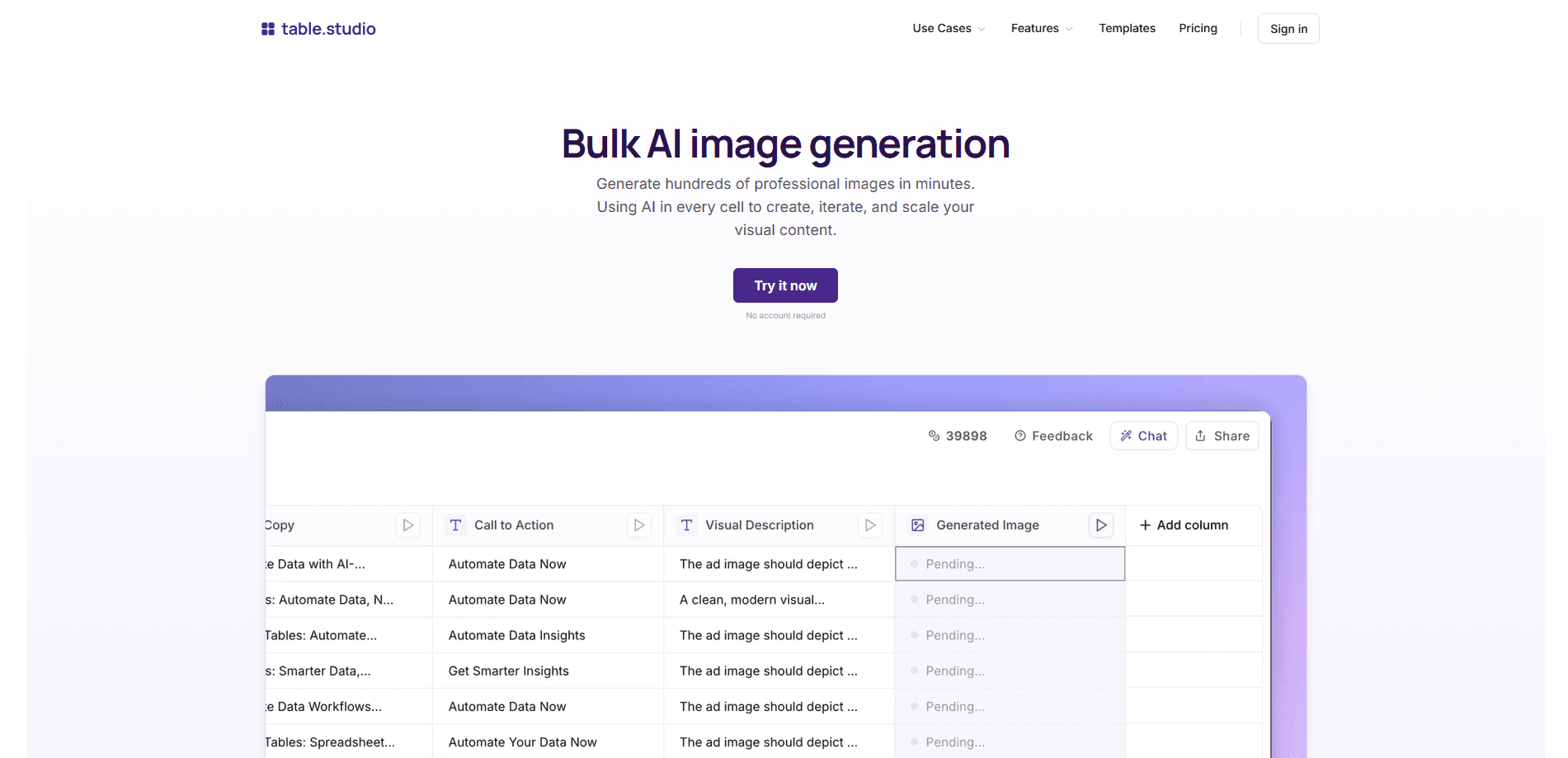
About table.studio - bulk image generation
What Is table.studio
table.studio is a browser-based spreadsheet where each cell can run an AI agent. Instead of prompting an image model one picture at a time, you set up a column of prompts or product rows and let the sheet generate the whole batch. The same table also handles scraping, data cleaning and conversions, so research and visuals stay in one place.
The tool grew out of konbert.com, a file conversion service, and rebranded in April 2025 around an AI spreadsheet for research and web scraping. Its bulk image generation is pitched at marketers and sellers who need many consistent visuals: ad creatives across formats, product photos in new settings, or a month of social posts.
The catch is scope. It is a spreadsheet first, so the image controls are simpler than a dedicated design tool, and output quality still depends on the prompts you write. Heavy batches also run into plan limits on file size and usage.
Getting Started
- Open table.studio in a browser and start a new table, or drop in a CSV, Excel or Parquet file.
- Add a column for your prompts or product details and describe the image you want in plain language.
- Run an AI agent on the column so it fills every row and generates the images in bulk.
- Review the results, tweak the prompts where needed, and export the images or the finished table.
Product Information
A quick look at table.studio - bulk image generation's pricing, supported platforms, and performance.
Best for
The users, tasks, and scenarios where this tool fits best.
Users
- Ecommerce sellers
- Marketing teams
- Social media managers
Tasks
- Bulk product variations
- Ad creative batches
- Data to visuals
Scenarios
- Launching a product line
- Testing creative angles
- Keeping a content calendar full
Key features
Bulk AI image generation
The core feature turns a table column into a batch job. You write a prompt per row, run the agent, and the sheet returns an image for every entry. It works as a bulk image generator, so creating hundreds of visuals in minutes replaces the click-by-click work of a single-image tool.
AI agents in every cell
Each cell can call an agent that reads its row and does the work: generating a picture, summarizing text, or pulling a value. This is what separates table.studio from a plain spreadsheet or a standalone image generator, because the data and the output sit in the same grid.
Web scraping and data collection
Agents can gather data from websites into your table, which suits building lead lists or competitor research. The scraping feeds straight into the same sheet where you generate images, so you can describe a product and its picture side by side.
File conversion and data cleaning
table.studio converts between CSV, Excel, JSON, Parquet, PDF and more, and its agents clean and structure messy data. That matters when the rows you feed into image generation arrive in inconsistent formats.
Charts and natural-language queries
You can ask questions about your data in plain English and get answers as tables or charts, or turn data into a graph with a click. This keeps light analysis inside the sheet instead of a separate BI tool.
Document and image extraction
The extractor pulls tables out of PDFs, scanned documents and screenshots and drops them into clean columns. Text-heavy documents become structured rows you can then run image prompts against.
Pros and cons
Pros
- Combines image generation with scraping, cleaning and conversion, so a whole content workflow lives in one table.
- Built for volume: a single run can produce hundreds of images, which saves the manual work of prompting one at a time.
- Works in the browser with no install, and you can try it without creating an account.
- Free tools and an API sit alongside the paid spreadsheet, so occasional users are not forced onto a plan.
Cons
- It is a spreadsheet, so fine-grained image controls are thinner than in a dedicated design or photo app.
- Results hinge on prompt quality. Vague rows produce generic images, and you will redo rows that miss the mark.
- Paid plans are priced per user per month, which adds up for a small team that only needs the image feature now and then.
- Large batches run into file-size and usage limits, and the newer AI features are less documented than the older conversion tools.
Frequently asked questions
table.studio is used to run AI work inside a spreadsheet. You generate images in bulk, scrape websites, clean and convert data, extract tables from documents, and ask questions about your data, all from one table.
Related content
Explore related tools, skills, and articles for table.studio - bulk image generation.
table.studio - bulk image generation Alternatives

Udon
Udon · Coding · ProductivityUdon turns an Apple Silicon Mac into a home server you run from a browser, with container controls, file shares, and an optional AI sysadmin.

offstage
offstage cloud · Coding · Productivityoffstage gives AI coding agents and CI jobs a real Mac: a fresh macOS account on Apple silicon, driven over an API and billed by the second.

BotBus
Chengdu Tuyang Tusen Technology Co., Ltd. · Coding · ProductivityBotBus lets you control AI coding agents from your phone and watch: approve commands, start tasks and read results while the code stays on your desktop.