

Tallyrus: Document Screening in Bulk
Tallyrus · Productivity · AI Detection
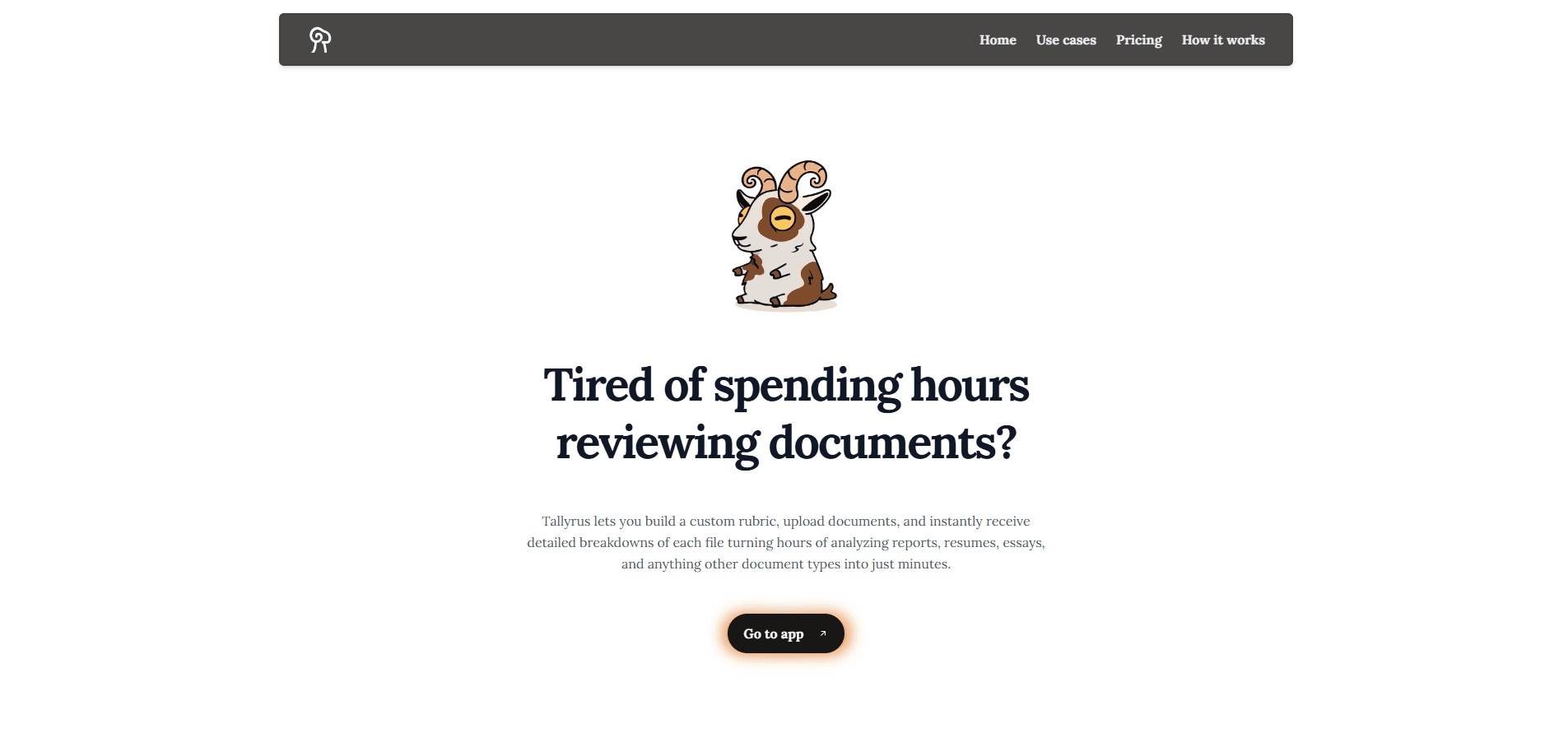
Tallyrus is an AI document analysis platform that screens files in bulk. You build a custom rubric once, upload documents, and get consistent scores, tags, and summaries back in seconds.
About Tallyrus: Document Screening in Bulk
What Is Tallyrus
Tallyrus is a web platform for reviewing documents at scale. You define an evaluator, which is the rubric the system follows, then upload a batch of files and let the AI score and tag each one against those criteria. It targets teams that keep re-reading the same kinds of paperwork: resumes, essays, contracts, reports, supplier quotes. Document evaluation here is a rule you own, not a black box you rent.
The pitch is simple. Reading one document closely is fine. Reading three hundred of them by hand is slow, expensive, and inconsistent, because two reviewers rarely land on the same score. Tallyrus trades that manual pass for a rule set you control. Define the tags, categories, scoring criteria, and text checks once, and every file gets judged the same way. Each result comes back as a row in a table with a score, a set of tags, and a short written breakdown.
Two things decide whether it fits your workflow. It's built for bulk batches, not one-off reads, so the value shows up when you have dozens or hundreds of files. And the deeper features, like team workspaces and the API, sit on the higher tiers, while the free plan runs on a limited credit pool. A credit tracks roughly one page of a PDF, which is how the platform meters usage.
Getting Started
- Create an account and pick the free plan or upgrade later. The free plan starts you off with 1,000 credits.
- Build your evaluator. Add tags, categories, scoring criteria, and text checks, or start from a basic template and adjust it.
- Upload your documents by dragging them in or picking files from your device.
- Review the results table, filter by score or tag, and export the batch to CSV, Excel, PDF, or JSON.
Product Information
A quick look at Tallyrus: Document Screening in Bulk's pricing, supported platforms, and performance.
Best for
The users, tasks, and scenarios where this tool fits best.
Users
- Recruiters and HR teams
- Teachers and admissions staff
- Legal and compliance reviewers
- Operations and procurement staff
Tasks
- Screening a large applicant pool
- Grading a batch of essays
- Reviewing contract sets
- Moderating user content
Scenarios
- A hiring push with hundreds of applications and one short deadline
- End-of-term grading for a large course
- A due-diligence pass over a folder of agreements
Key features
Batch Processing
Tallyrus runs documents through in parallel, so a batch that would take hours by hand can finish in seconds. You upload the files and the platform works through them at once, which is what makes large-scale screening practical instead of just faster on paper.
Custom Evaluators
The evaluator is the heart of the tool. You define tags, categories, scoring criteria, and text checks that match your own standard, and Tallyrus applies that same rule set to every file. That's the difference between a fixed model that guesses and a rubric you actually control.
Export Formats
Results leave the platform in CSV, Excel, PDF, or JSON. The JSON and CSV options matter most for teams that want to feed scores into a spreadsheet, an applicant tracking system, or their own reporting.
Team Collaboration
Shared workspaces, role-based permissions, and team analytics let several people work on the same set of evaluations. A manager can build the rubric, a reviewer can run the batch, and both see the same scores and history.
Advanced Analytics
Dashboards show scoring patterns, performance metrics, and trends across a batch. If one criterion is pulling every score down, or one reviewer's tags differ from the rest, the analytics surface it.
REST API and Webhooks
The API hooks Tallyrus into systems you already run, and webhooks push a signal when a batch finishes. This is what makes it usable as a step inside a larger pipeline rather than a standalone app.
Pros and cons
Pros
- Applies one rubric to a whole batch, which keeps scoring consistent across hundreds of files.
- Handles bulk uploads fast, so large screening jobs stop being a bottleneck.
- Custom evaluators let you set the criteria instead of trusting an opaque model.
- Exports to CSV, Excel, PDF, and JSON, which fits existing reporting tools.
- Team workspaces and role controls make it usable by more than one person.
Cons
- The free plan is capped at 1,000 credits, and a credit is about one page, so heavy users hit the limit quickly and need to upgrade.
- Team features and API access sit on higher tiers, so the free plan only shows part of what the tool can do.
- Bulk screening is the point, so it's a poor fit for someone who only needs to check a document or two now and then.
- Automated scoring still needs a human on the borderline calls, which means it adds a step rather than removing review entirely.
Frequently asked questions
Tallyrus screens documents in bulk. You give it a rubric, upload a batch of files, and it scores, tags, and summarizes each one. Common uses are resume screening, essay and exam grading, contract review, and content moderation.
Related content
Explore related tools, skills, and articles for Tallyrus: Document Screening in Bulk.
Tallyrus: Document Screening in Bulk Alternatives

Base Code
Base44 (Wix) · Coding · ProductivityBase Code is a shared cloud development environment from Base44. Teammates describe changes to an existing GitHub codebase in chat, preview them live and send them back as pull requests.

Knocket
Knocket (Tencent RTC team) · Productivity · Business · ChatbotKnocket is a free live chat and contact page tool that lets visitors message you from your website, app, or a shareable link, with every reply handled from Telegram or one inbox.

FloorGen
Vinit Kumar (FloorGen) · Productivity · China AIFloorGen is a browser-based floor plan maker that turns a sentence or a sketch into an editable 2D plan and a 3D walkthrough. Export to PDF, DXF or video, and draw without an account.