

Tarantula SEO Spider
Teknikforce · Coding · Marketing
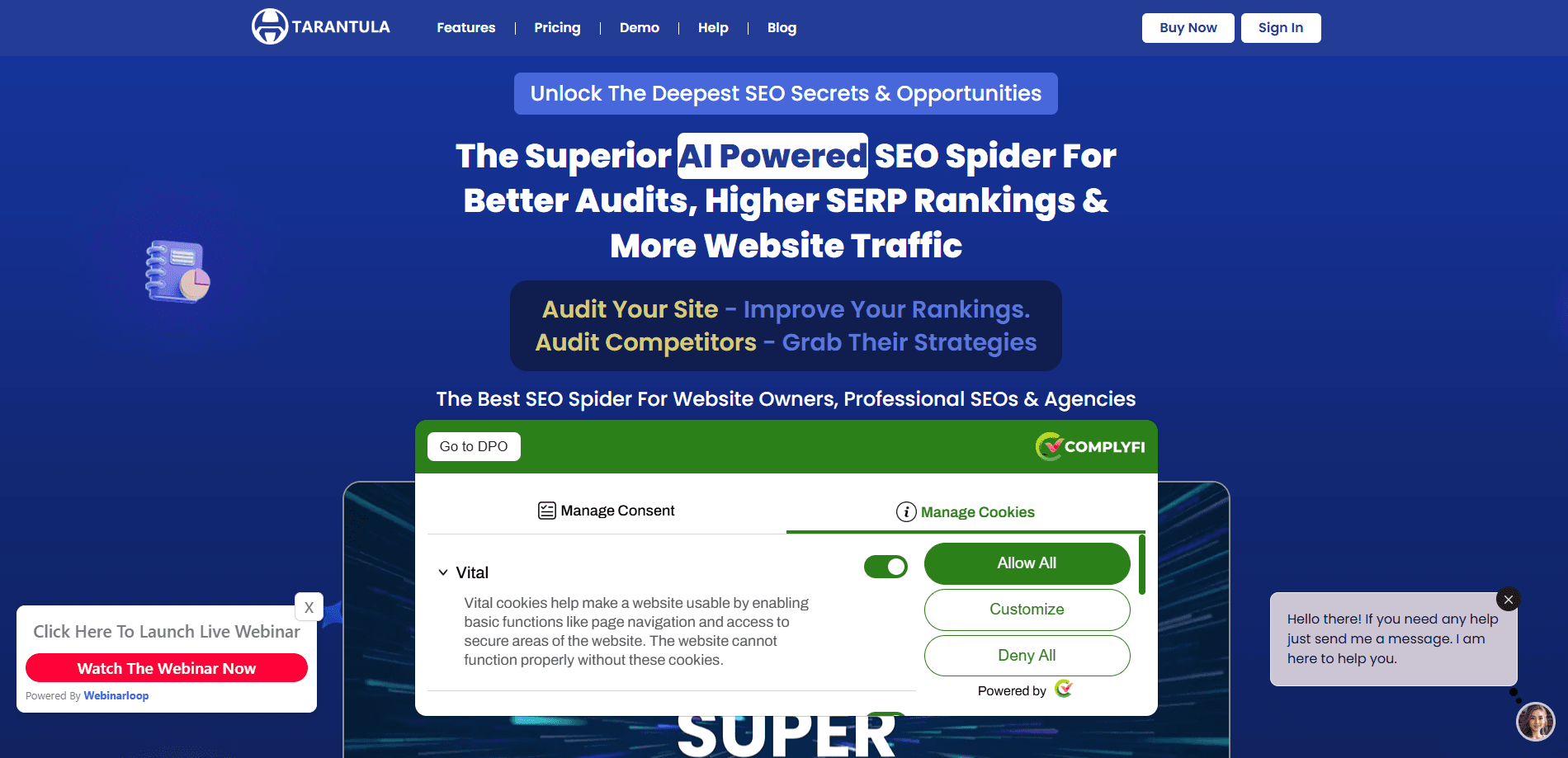
Tarantula SEO Spider is a desktop SEO crawler from Teknikforce. It crawls a site like a search engine, finds ranking problems and uses built-in AI to surface keywords and rewrite pages.
About Tarantula SEO Spider
What Is Tarantula SEO Spider
Tarantula SEO Spider is a website crawler and audit tool built for people who need to fix why a site is not ranking. It walks every page, script, image and link the way Google would, then reports what breaks. The difference from a plain link checker is the AI layer on top, which reads the crawl data and tells you which keywords a page really targets.
The product comes from Teknikforce, a software company that has shipped marketing tools for years and advertises a 4.9-star rating across 183 Google reviews. Tarantula sells as a one-time or yearly license rather than a monthly SaaS subscription, which matters if you audit sites in bursts instead of running crawls every day. You install it on your machine, point it at a domain and run an audit whenever you need one.
One limit is worth knowing before you buy. This crawls from your desktop, so there is no cloud workspace where a team shares a project, and the cheapest tier caps crawls at three sites a day. Heavy agency workloads need one of the higher tiers.
Getting Started
- Buy a license on the official site and download the desktop app for Windows or Mac
- Enter the domain you want to audit and set crawl options like depth, user agent and whether to follow robots.txt
- Run the crawl and let Tarantula flag broken links, redirect chains, duplicate content and thin pages
- Open the AI panel to see the keywords a page targets, then rewrite pages in place or export the data as CSV
Product Information
A quick look at Tarantula SEO Spider's pricing, supported platforms, and performance.
Best for
The users, tasks, and scenarios where this tool fits best.
Users
- Solo site owners and bloggers
- Professional SEOs
- Marketing agencies
- Resellers
Tasks
- Technical site audits
- Keyword discovery
- Competitor research
- Content rewriting
- Sitemap and robots management
Scenarios
- A blog keeps sliding in the rankings
- Taking on a new client
- Chasing a ranking competitor
- After a site migration
- Pre-launch checks
Key features
AI Keyword Analyzer
The healthiest feature here is the AI keyword layer. Instead of guessing what a page is optimized for, the crawler analyzes the page and reports the keywords it actually targets. It then lists similar and parallel keywords, and you can pull keyword data for any page on any site, not just your own. It turns an audit from a list of errors into a picture of what each page is competing for.
Built-in AI Content Rewriter
When a page underperforms, you can rewrite it without leaving the tool. The rewriter runs on an in-app AI model, so you select the page, rewrite it and use the result right away. It handles both your own pages and content you crawled from elsewhere, which is how most people use it to refresh old posts that lost their position.
Full Technical Audit and Issue Detection
The crawler reports on everything a search engine sees: broken links, redirect chains and loops, duplicate content, duplicate meta information, pages that are unreachable and sitemap entries that point nowhere. It also checks page size, validation errors and mobile usability. Each finding points to a cause, so you are not left guessing why a page will not index.
On-Page SEO Analyzer
A separate on-page analyzer takes any single page and runs a deep optimization report you can export as a PDF. Because the report carries your own branding, SEOs commonly use it as a lead magnet or a paid deliverable. It flags overlong titles, thin content and missing meta descriptions, all the problems the crawler surfaces at scale.
Sitemap and Robots.txt Generation
The tool generates a full sitemap with the hierarchical structure search engines expect, and it builds a robots.txt policy to match. It also finds pages that your sitemap is missing and folds them into a new one. That closes a gap that many audits leave open, because a page no sitemap lists is a page Google may never crawl.
Google API and Analytics Integration
Tarantula connects to Google PageSpeed and Google Analytics to pull signals that a crawl alone cannot see. You get page speed and ranking data, page-level user and performance metrics, and a view of how pages perform beyond the raw crawl. For teams already living in Analytics, that keeps SEO work tied to what users actually do.
Crawl Control and Performance
You set the crawl: user agents, crawl depth, whether to process query strings, whether to obey robots.txt, image and asset handling, and the number of concurrent threads. Crawls can run across folders and directories, and a high-speed multi-threaded engine keeps large sites from taking all day. Pause and resume works, even if you come back days later.
Competitor Crawling
You can point the crawler at a competitor's domain and map their site the same way you map your own. It reveals their structure, how deep and wide their content goes, the pages they publish and the keywords they target. Copying a market leader is not the goal, but seeing what they rank on is how you spot the gaps they left open.
Pros and cons
Pros
- The AI keyword analyzer reports the real intent behind a page, which plain crawlers do not attempt
- One-time and yearly licenses cost far less than a recurring SaaS subscription for the same job
- Covers technical crawl, on-page reports, sitemaps and content rewriting in one desktop app
- White-label PDF reports and a commercial license make it usable for client work and resale
- Runs on your own machine, so crawl data stays local rather than sitting in someone's cloud
Cons
- It is a desktop install with no shared cloud workspace, so collaborating on one crawl means passing files around
- The $27 monthly tier caps you at three sites a day and 300 pages, which stalls on larger sites
- There is no free tier, so you cannot test the crawler before paying
- The AI features run on the tool's own credit system, so heavy use burns through your allocation
Frequently asked questions
Tarantula SEO Spider is a desktop SEO crawler from Teknikforce. It crawls a website the way a search engine does, reports technical problems like broken links and duplicate content, and adds an AI layer that finds the keywords pages target and rewrites underperforming pages.
Related content
Explore related tools, skills, and articles for Tarantula SEO Spider.
Tarantula SEO Spider Alternatives

Udon
Udon · Coding · ProductivityUdon turns an Apple Silicon Mac into a home server you run from a browser, with container controls, file shares, and an optional AI sysadmin.

offstage
offstage cloud · Coding · Productivityoffstage gives AI coding agents and CI jobs a real Mac: a fresh macOS account on Apple silicon, driven over an API and billed by the second.

BotBus
Chengdu Tuyang Tusen Technology Co., Ltd. · Coding · ProductivityBotBus lets you control AI coding agents from your phone and watch: approve commands, start tasks and read results while the code stays on your desktop.