

Taskade - One Prompt. One App.
Taskade · Productivity
Taskade is an AI workspace that turns one prompt into live apps, AI agents, and automated workflows. It suits teams that want to build internal tools without writing code.
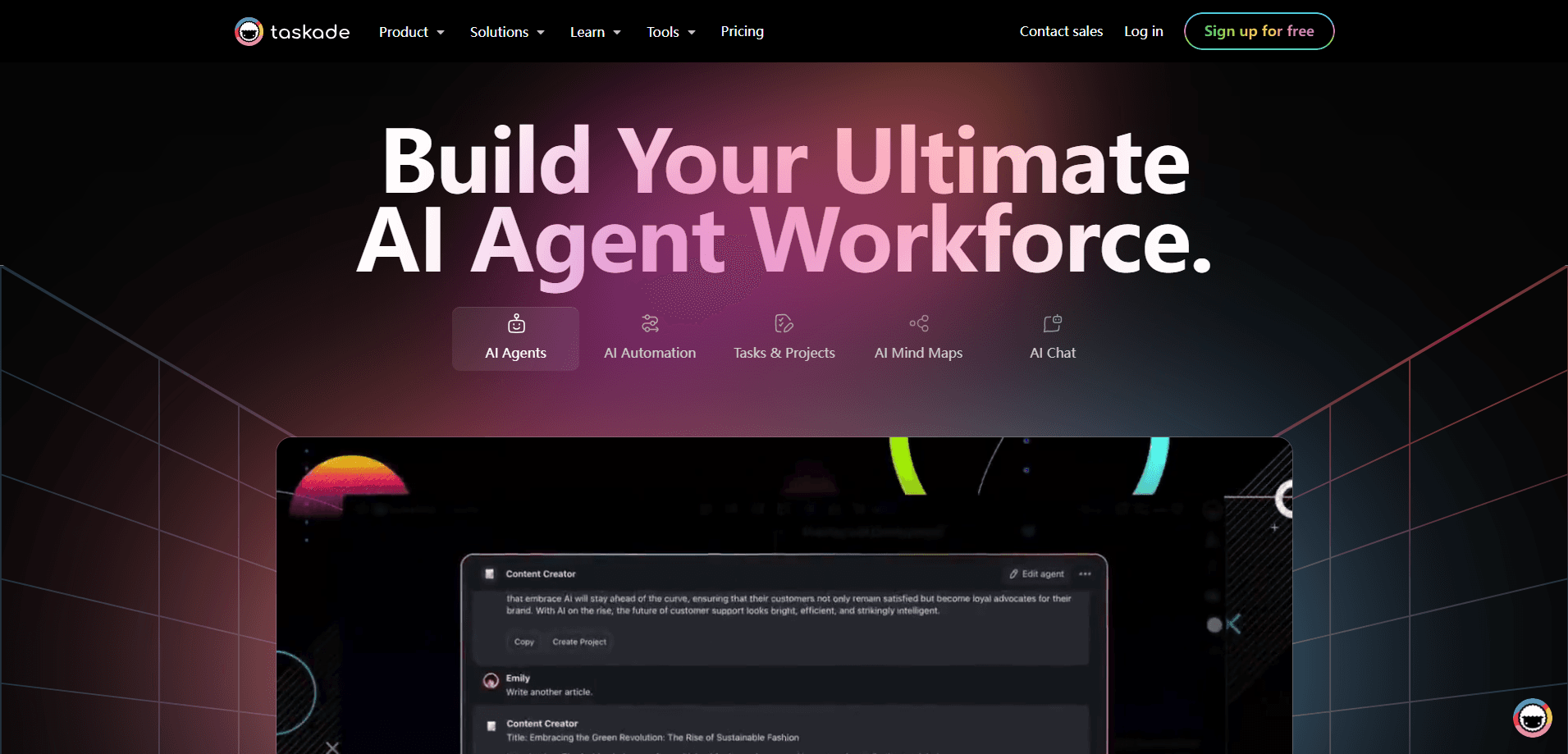
About Taskade - One Prompt. One App.
What Is Taskade
Taskade is an AI-native workspace built around a simple promise: describe what you need in plain English, and the platform generates a running system. Type something like "a CRM that tracks leads and follows up automatically" and Taskade Genesis builds the user interface, database, agents, and automations behind it. The company frames the whole product as three connected layers it calls Workspace DNA: memory through projects, intelligence through agents, and execution through workflows.
The product started life as a task and project management tool and has grown into an AI app builder. That shift matters if you came for a to-do list. You still get lists, boards, and mind maps, but the pitch now centers on generating small business apps and running agents that work in the background.
The main limitation is credits. Every app build, agent run, and automation step consumes credits, and the free tier hands out a one-time allowance instead of a monthly refill. Heavy builders will pay for capacity, not just features.
Getting Started
- Sign up for a free account, which includes two users and up to three hosted apps.
- Open the create screen and describe the app you want in one sentence, such as "a client portal with booking and invoicing."
- Review the generated app, then adjust fields, agents, and automations from the workspace.
- Connect outside tools like Gmail, Slack, or Stripe so the agents can act on real data.
- Publish the app on a Taskade link, or move to a paid plan for a custom domain.
Product Information
A quick look at Taskade - One Prompt. One App.'s pricing, supported platforms, and performance.
Best for
The users, tasks, and scenarios where this tool fits best.
Users
- Small teams without a developer
- Operations and admin leads
- Freelancers and consultants
Tasks
- Building internal tools
- Running background agents
- Automating workflows
- Managing projects
Scenarios
- Processing a steady stream of inbound leads
- Standing up a client portal
- Tracking daily recurring operations
- Early project research
Key features
Taskade Genesis AI App Builder
Genesis turns a sentence into a working app with a database, interface, and logic attached. Unlike code generators that hand you files to deploy yourself, it produces a running system with agents and automations already wired in. You can start from scratch or clone from a gallery of community apps and remix them.
AI Agents With Persistent Memory
Agents are trained on your files, projects, and web content, then act on that knowledge around the clock. Each one can carry custom tools and slash commands, and you can pick a model per agent to match its role. They build memory over time rather than resetting with every session.
Workflow Automation That Runs in the Background
Workflows support branching, looping, and filters, and you can schedule them hourly, daily, weekly, or monthly. Failed steps retry on their own, so long pipelines keep moving without someone watching. They connect agents, projects, and integrations into one continuous system.
100+ Integrations
Taskade links to Slack, Gmail, Google Workspace, Microsoft 365, HubSpot, Salesforce, Stripe, GitHub, and more than a hundred other tools. Data syncs both ways in real time, and triggers can fire actions the moment something changes elsewhere.
Web Search and Scraping Tools
Agents ship with built-in tools for web search, site scraping, YouTube transcription, and live data extraction. You can also build custom tools that reach any API, database, or internal system, so agents act on the outside world instead of only answering questions.
Custom Domains and White-Label Publishing
On Business and above you can publish apps under your own domain, such as app.yourbrand.com, with automatic SSL. White-labeling adds your logo and colors to every app and shared link, which matters when clients are the audience.
Pros and cons
Pros
- One prompt produces a live app with data, agents, and automations already connected.
- Agents keep working in the background 24/7 and retry failed automation steps on their own.
- More than 100 integrations cover the common business tools most teams already use.
- A genuine free tier with three hosted apps and two users, so you can test before paying.
Cons
- Everything runs on credits, and the free allowance is one-time rather than monthly, so busy use stalls fast.
- Custom domains and white-labeling sit behind the Business plan, which raises the real cost for solo builders.
- Claude models need your own API key and are limited to the Enterprise plan, so you cannot pick them on cheaper tiers.
Frequently asked questions
No. Taskade Genesis is aimed at operators, not developers. You describe the app in plain English and it builds the interface, database, and automations for you.
Related content
Explore related tools, skills, and articles for Taskade - One Prompt. One App..
Taskade - One Prompt. One App. Alternatives

Udon
Udon · Coding · ProductivityUdon turns an Apple Silicon Mac into a home server you run from a browser, with container controls, file shares, and an optional AI sysadmin.

offstage
offstage cloud · Coding · Productivityoffstage gives AI coding agents and CI jobs a real Mac: a fresh macOS account on Apple silicon, driven over an API and billed by the second.

BotBus
Chengdu Tuyang Tusen Technology Co., Ltd. · Coding · ProductivityBotBus lets you control AI coding agents from your phone and watch: approve commands, start tasks and read results while the code stays on your desktop.