

TaskBlips
TaskBlips · Productivity · Chatbot
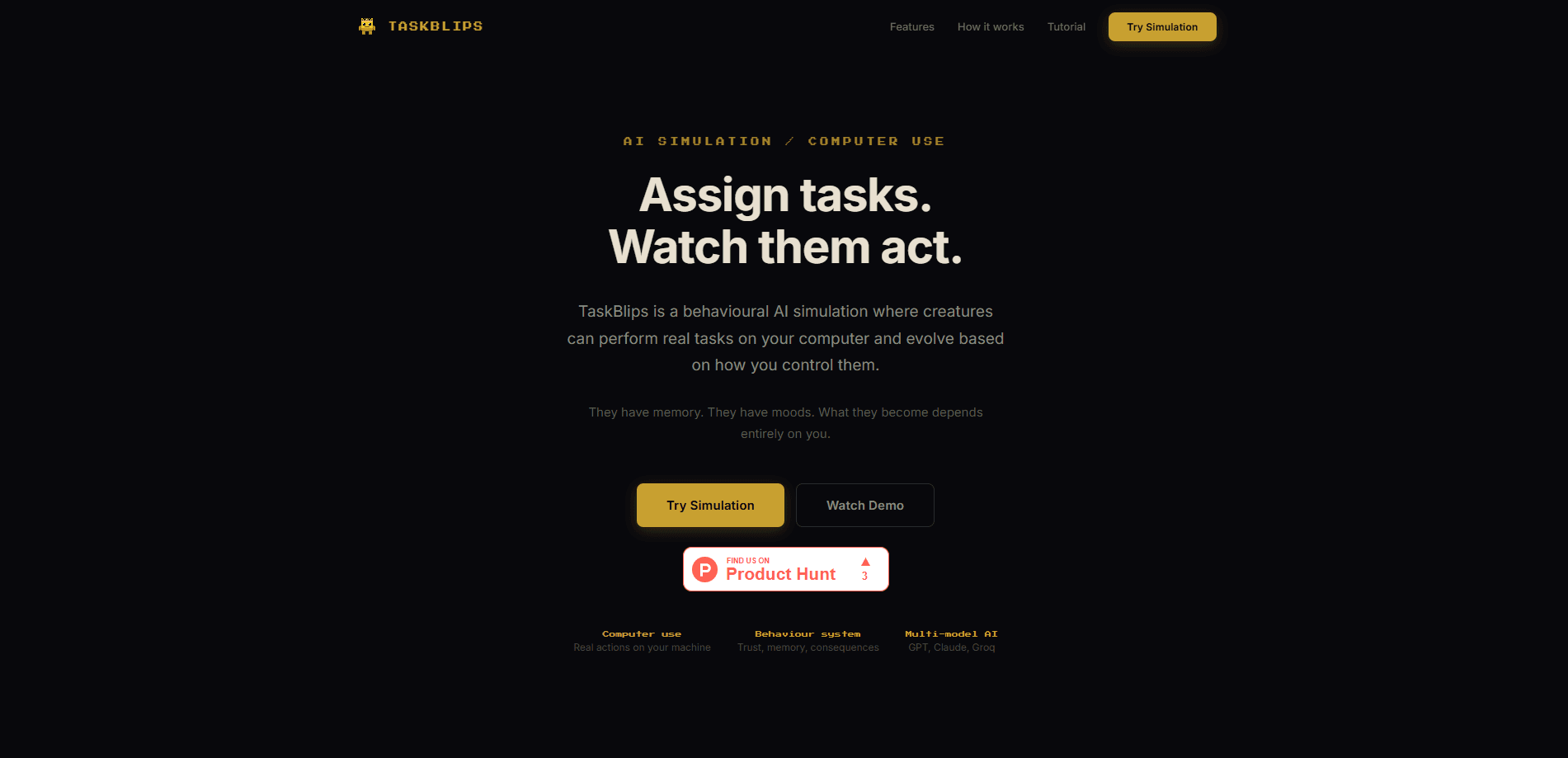
TaskBlips is a behavioral AI simulation where autonomous creatures, called Blips, run real tasks on your computer. They hatch from eggs, learn from how you treat them, and change over time. Instead of a chat window that forgets everything, you get persistent AI agent simulation with memory, moods, and a trust system that shapes how they respond.
About TaskBlips
What Is TaskBlips
TaskBlips is a computer-use AI simulation, not a productivity chatbot. You place eggs on a pixel map, watch them hatch, and hand your first Blip a job. It opens apps, creates files, and browses the web on your machine, asking for permission before each real action.
The draw is behavior. Every Blip carries internal state: trust, suspicion, stability, and memory. Treat one well and it cooperates. Push it around and it gets cautious, sometimes refusing the same command it ran yesterday. Because those values persist between sessions, a Blip you've worked with for a week behaves nothing like the anxious creature that hatched on day one, and that slow drift is the whole point of the experiment. This behavioral AI layer is what separates TaskBlips from standard AI task automation tools.
It's early-stage software, and that matters. The simulation runs on desktop and leans on external AI models, so your results depend on the model you pick and the permissions you grant. When a model struggles with a multi-step job, the Blip stumbles right along with it, and no amount of good behavior on your part fixes a backend that can't plan. If you want a polished, business-ready agent, this isn't it yet.
Getting Started
- Open the site and click Play to enter the simulation world.
- Click a tile on the map to place your first egg and wait for it to hatch into a Blip.
- Type a command in chat, or use the !do prefix for computer actions like opening an app.
- Approve each action when the Blip asks permission, then watch it plan and execute in real time.
- Keep working with it. Trust, memory, and suspicion shift with every interaction.
Product Information
A quick look at TaskBlips's pricing, supported platforms, and performance.
Best for
The users, tasks, and scenarios where this tool fits best.
Users
- Curious tinkerers who want to see how autonomous agents behave when they have moods and memory, not just tools that obey.
- People who already use AI task automation and want a sandbox where they can watch the agent's reasoning step by step.
- Hobbyists interested in AI simulation games where creature behavior changes based on their own choices.
Tasks
- Running simple computer tasks through natural language, like opening an app or creating a file, while keeping approval control.
- Testing how different AI models change an agent's personality and execution style on the same job.
- Watching an AI plan, ask permission, and act, which is useful for understanding agent workflows before trusting them with real work.
Scenarios
- A weekend experiment where you hatch a Blip and see how far its trust in you can grow.
- Comparing models side by side by assigning the same task to Blips running on different backends.
- Showing someone new to AI agents what computer use actually looks like in practice, without writing any code. It lands fast. Nobody expects the creature to ask permission.
Key features
Computer Tasks With Permission Gates
Blips perform real actions on your machine. They open apps, generate files, and browse the web, but nothing runs without your sign-off. You see the plan, the commands, and whether each step succeeded. That approval step keeps you in the loop while still letting the agent do the heavy lifting, and it means a bad plan gets caught before it touches anything you actually care about.
Behavioral Engine
Each Blip tracks trust, suspicion, stability, and memory as internal values. These aren't cosmetic. They decide whether a Blip follows a command, hesitates, or pushes back. Shout at it often and suspicion climbs. Stay consistent and trust builds, so the same request lands differently over time. That persistence is what makes a session feel like a relationship with a creature rather than a series of disconnected prompts that reset the moment you close the tab.
Multi-Model Minds
You can run Blips on different AI models, including GPT, Claude, and Groq. Swapping the model changes how a Blip thinks and executes, giving each one a distinct personality. Give the same "organize my downloads folder" job to three Blips on three different backends and you'll get three genuinely different approaches, which is the kind of comparison no spec sheet can give you. It's the easiest way to feel the difference between models without reading a single benchmark.
Simulation World
Everything happens inside a live pixel environment. Blips move across a shared map, interact, and work in real time rather than sitting in a chat box. Placing an egg, watching it hatch, and tracking a creature's day gives the whole thing a game-like feel.
Pros and cons
Pros
- Clear permission flow before any computer action, so you stay in control of what runs.
- Behavior system makes agents feel persistent instead of resetting every session.
- Model switching lets you compare GPT, Claude, and Groq on the same task.
- The simulation framing turns a dry agent demo into something genuinely fun to watch.
Cons
- Results depend heavily on the external model you connect, so quality varies.
- It's early-stage, which means rough edges and features that may still change.
- Desktop-only web access rules out phone users who want to tinker on the go.
Frequently asked questions
It runs a simulation of AI creatures that perform real tasks on your computer, such as opening apps, creating files, and browsing the web. Each action needs your approval first, so you decide what actually executes.
Related content
Explore related tools, skills, and articles for TaskBlips.
TaskBlips Alternatives

Base Code
Base44 (Wix) · Coding · ProductivityBase Code is a shared cloud development environment from Base44. Teammates describe changes to an existing GitHub codebase in chat, preview them live and send them back as pull requests.

Knocket
Knocket (Tencent RTC team) · Productivity · Business · ChatbotKnocket is a free live chat and contact page tool that lets visitors message you from your website, app, or a shareable link, with every reply handled from Telegram or one inbox.

FloorGen
Vinit Kumar (FloorGen) · Productivity · China AIFloorGen is a browser-based floor plan maker that turns a sentence or a sketch into an editable 2D plan and a 3D walkthrough. Export to PDF, DXF or video, and draw without an account.