

Taste Lab
Taste Lab · Image
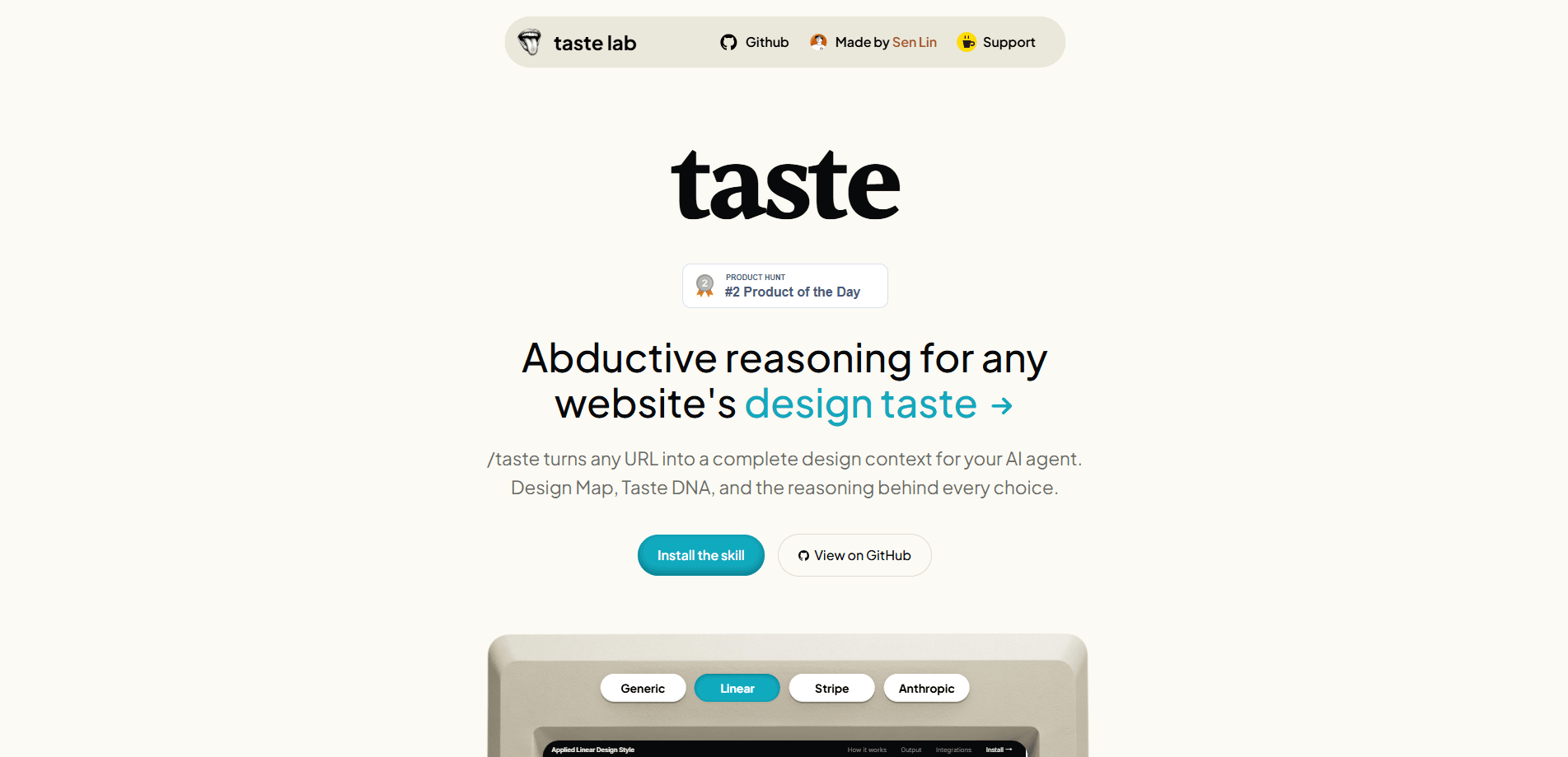
Taste Lab is an AI design analyzer that reads any website URL the way a senior designer would, then hands your AI coding tools a short brief they can actually build from. It pulls exact measurements from a page, distills them into system-level rules it calls design DNA, and saves the result as a Markdown file plus a JSON token set. That's the whole pitch. If you've asked an AI tool to copy a site's look and gotten back a generic gradient mess, this is meant to be the missing input.
About Taste Lab
What Is Taste Lab
Taste Lab solves a specific, annoying problem. AI coding tools can write the code for a page, but they don't know why a design looks the way it does, so they fall back on whatever generic style they were trained on. Taste Lab fills that gap by turning a live website into a structured design context.
It works through four stages, each handled by a separate role. One pass extracts precise measurements. Another detects repeating rules across those numbers. A third infers the deliberate trade-offs a designer made, and a final pass filters out anything weak before the files get written. The output isn't a vague mood board. Every color, weight, and spacing value comes with an exact hex code, pixel value, or ratio. Website design analysis rarely gets this specific.
The biggest limitation is scope. Taste Lab analyzes existing pages, so it can't invent a design from scratch or fix a broken layout for you. It also leans on the quality of the page you feed it. A messy source page produces a messy brief. Treat it as a research step that feeds your agent, not a replacement for design judgment.
Getting Started
- Go to tastelab.xyz and paste the URL of the site whose design you want to reverse engineer.
- Let the four agents run through their extraction, pattern detection, taste inference, and final review passes.
- Download the two generated files, a Markdown brief and a JSON token set, once the run finishes.
- Drop those files into your AI coding tool as context so it builds against real measurements instead of guessing.
- Re-run the analysis whenever the source site changes its design and you need the brief refreshed.
Product Information
A quick look at Taste Lab's pricing, supported platforms, and performance.
Best for
The users, tasks, and scenarios where this tool fits best.
Users
- Front-end developers
- Product designers
- Solo founders
Tasks
- Reverse-engineering a competitor's design system
- Feeding design context to an AI builder
- Documenting an existing site
Scenarios
- You're rebuilding a landing page with an AI agent and the first drafts look nothing like the reference.
- You want to understand why a well-designed page feels calm and deliberate rather than just copying its screenshots.
- You're comparing several sites' design decisions side by side to inform your own direction.
Key features
URL-to-Brief Pipeline
So what does it actually hand back? A complete design brief. The pipeline runs four agents in sequence, each reading the same page through a sharper lens until what's left is a file an AI tool can build from. You don't configure anything beyond the URL, which keeps the workflow short. That simplicity is the point.
Exact Measurement Extraction
The first pass pulls precise, objective values from the page across a broad set of categories. Colors come as hex codes, spacing and sizes come as pixel values, and type comes with weight and tracking numbers. Nothing is approximated. That matters. AI tools tend to drift toward round numbers when left to guess, and the drift adds up across a whole layout.
System-Level Rule Detection
Instead of dumping raw numbers, Taste Lab detects the repeating rules behind them. A dozen similar spacing values collapse into one base unit with a scale. Each rule comes with an evidence line and a short design goal explaining why it exists. You see the logic, not just the data.
Taste DNA Principles
The most useful part is the reasoning layer. Taste Lab writes a handful of principles, each covering a design decision, what triggered it, why it was made, and what it gave up. Including at least one restraint principle is intentional. Good design is often about what a designer refused to add, and that gets captured here. It's the part most tools skip.
Dual Markdown and JSON Output
Every run writes two files to your machine: a Markdown brief for humans and a JSON token set for tools. The Markdown version reads like a design memo you can share or edit. The JSON version plugs straight into an AI coding workflow. Your agent gets machine-readable values to reference.
Quality Gate
Before writing the output, Taste Lab runs an anti-slop pass that greps for filler language and validates the JSON structure. That's a small detail, but it matters. The brief you get is less likely to be padded with the vague, confident-sounding phrasing that AI tools produce by default.
Pros and cons
Pros
- Turns a live URL into exact, buildable design values instead of vague descriptions.
- The reasoning layer explains why each choice was made and what it traded away.
- Outputs both a human-readable brief and a JSON token set for AI tools.
- Keeps the workflow to a single input, so there's little to configure before you get results.
Cons
- Only analyzes existing pages, so it can't generate a design from nothing or fix a broken layout.
- Output quality depends heavily on the source page; a messy site produces a messy brief.
- There's no clear pricing or API information on the site, which makes it hard to plan for team or automated use.
Frequently asked questions
It turns a website URL into a structured design brief for your AI agents. It extracts exact measurements from a live page, detects the rules behind them, and writes out a short design context in Markdown and JSON that your coding tools can follow.
Related content
Explore related tools, skills, and articles for Taste Lab.
Taste Lab Alternatives

Google EmbeddingGemma 2
Google DeepMind · Writing · Image · CodingGoogle EmbeddingGemma 2 is a 740M-parameter open model that turns text, code, images, audio, and video frames into vectors in one 768-dimension space, running on phones and laptops.

Tractionwave
TractionWave · Image · MarketingTractionWave is an AI attention heatmap tool for static ads. Upload a PNG or JPG and it returns predicted attention, ranked hotspots, and fixes before you spend budget.

Imejis.io
Imejis.io · Image · MarketingImejis.io is an AI design studio for agents and marketing teams. Describe an image in plain words, and it writes the copy, builds the layout, reflows it to every size, then exports a finished file.