

TattooDesignPro
TattooDesignPro Inc. · Image
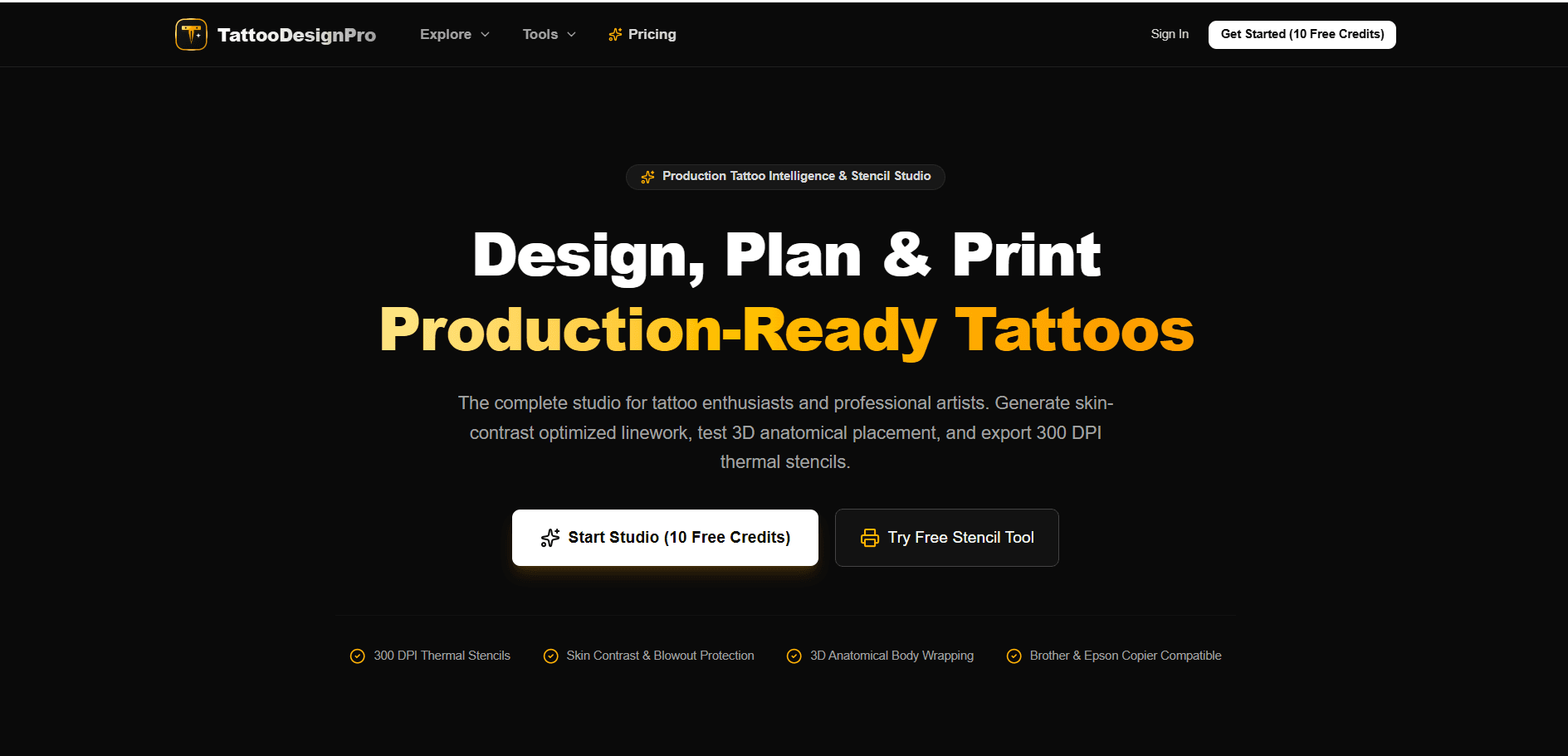
TattooDesignPro is a browser studio that turns a prompt or a photo into AI tattoo designs, 3D body previews, and 300 DPI thermal stencils you can print for a real session.
About TattooDesignPro
What Is TattooDesignPro
TattooDesignPro is a web app for tattoo artists, studio owners, and collectors who need a design that survives contact with skin. It combines an AI tattoo generator with a thermal stencil maker, so a rough idea can move from prompt to printed transfer without a detour through three other programs.
The gap it fills is a practical one. Most image models paint pretty pictures with soft gradients, and those gradients turn into mush under a needle. This tool pushes output toward hard outlines, calibrated negative space, and line weights that match real needle groupings from 1RL up to 9M1. The stencil export is inverted, high contrast, and sized at 300 DPI, which is the format thermal copiers expect.
Two limits are worth knowing before you pay. The 3D try-on uses anatomical body meshes instead of a photo of your own arm, so placement feels approximate rather than exact. And nothing here replaces a licensed artist. Needle depth, skin tone, stretch, and healing still depend on the person holding the machine.
Getting Started
- Create a free account with an email address. New accounts start with 10 credits, enough for a few standard generations.
- Describe the tattoo in the prompt box, or upload a sketch, photo, or flash reference. The free prompt optimizer strips weak keywords and adds needle and placement constraints.
- Pick one of 12 styles, from fine-line and Irezumi to blackwork and geometric mandala.
- Preview the result on a 3D body model, resize and rotate it, and test the wrap on a forearm, ribcage, or shoulder.
- Export the 300 DPI thermal stencil, then print it on a Brother PocketJet, Epson EcoTank with stencil ink, or a Spirit thermal copier.
Product Information
A quick look at TattooDesignPro's pricing, supported platforms, and performance.
Best for
The users, tasks, and scenarios where this tool fits best.
Users
- Independent tattoo artists
- Studio owners running daily walk-ins
- First-timers planning a piece
- Apprentices learning line weights
Tasks
- Converting a client photo or pet portrait into flash
- Building a stencil for a session tomorrow
- Quoting a sleeve or back piece
Scenarios
- A consultation where the client cannot picture the result
- Studio prep the night before
- Testing a style before committing to a large piece
Key features
Prompt Optimizer With Needle Constraints
The free optimizer rewrites a plain description into a prompt that accounts for needle gauge, negative space ratio, and the linework rules of the chosen style. It exists because most prompts describe a subject and ignore how ink actually sits in skin. You get a prompt you can reuse across a whole flash sheet.
12 Calibrated Tattoo Styles
Each style carries its own needle setup and healing window. Fine-line runs on a 1RL or 3RL bugpin with 10 to 14 days of healing, while Japanese Irezumi uses 5RL outlines and 9M1 shading over two to three weeks. That level of detail helps you pick a style you can actually execute at your skill level.
Image to Tattoo Flash Converter
Upload a client sketch, a reference photo, or an old piece of flash art and the converter rebuilds it as crisp, tattooable contours. It handles the messy parts, like portrait detail and fur, by simplifying them into shapes a needle can follow. Three credits per conversion.
3D Anatomical Try-On
Artwork wraps around forearms, biceps, ribs, spine, calves, and shoulders with skin tone blending and perspective curvature. You can rotate and resize the design on the mesh before you commit. It answers the question every client asks, which is how big this should be.
300 DPI Thermal Stencil Export
The stencil maker runs a Sobel edge extraction and inverts the result into solid carbon black lines. Output is compatible with Brother PocketJet, Epson EcoTank stencil setups, and Spirit thermal paper. Five credits per export, and no manual tracing afterward.
Free Browser Tools Beyond Generation
The site ships a thermal stencil maker that processes images locally in the browser, a tattoo price calculator with multi currency support, and a pain map covering 22 anatomical zones. None of them require an account, which makes them useful for quoting a walk-in before you open the paid studio.
Pros and cons
Pros
- Output is built for skin, with hard outlines and negative space instead of soft digital gradients.
- The thermal stencil export genuinely removes retracing, which is the slowest part of most studio prep.
- Credit packs never expire, so a slow month does not burn paid credits.
- Commercial and studio print rights are included from the $19 plan upward.
- Free browser tools cover stencils, pricing, and pain mapping without an account.
Cons
- Credits disappear fast: one full workflow of generation, try-on, and stencil eats 10 credits, so the free tier covers about one idea.
- The 3D try-on uses generic body meshes, not a scan or photo of your own skin, so real placement still needs an artist's eye.
- Standard speed and preview resolution on the free plan are noticeably weaker than the paid queue, which matters when you are comparing variants.
- There is no public API or studio management integration, so the tool stays a standalone step in the workflow.
Frequently asked questions
It generates tattoo concepts from text or photo references, previews them on 3D body models, and exports print ready 300 DPI thermal stencils for real tattoo sessions.
Related content
Explore related tools, skills, and articles for TattooDesignPro.
TattooDesignPro Alternatives

Google EmbeddingGemma 2
Google DeepMind · Writing · Image · CodingGoogle EmbeddingGemma 2 is a 740M-parameter open model that turns text, code, images, audio, and video frames into vectors in one 768-dimension space, running on phones and laptops.

Tractionwave
TractionWave · Image · MarketingTractionWave is an AI attention heatmap tool for static ads. Upload a PNG or JPG and it returns predicted attention, ranked hotspots, and fixes before you spend budget.

Imejis.io
Imejis.io · Image · MarketingImejis.io is an AI design studio for agents and marketing teams. Describe an image in plain words, and it writes the copy, builds the layout, reflows it to every size, then exports a finished file.