

Teable
Teable · Coding · Productivity
Teable is an AI no-code database that turns plain-language prompts into working tables, apps and automations. It pairs a spreadsheet-style interface with a real PostgreSQL engine, so non-technical teams can build business apps while developers keep a database they can query directly. It suits teams that have outgrown scattered spreadsheets but don't want to hire a full engineering team. Think of it as an AI spreadsheet that behaves like a database.
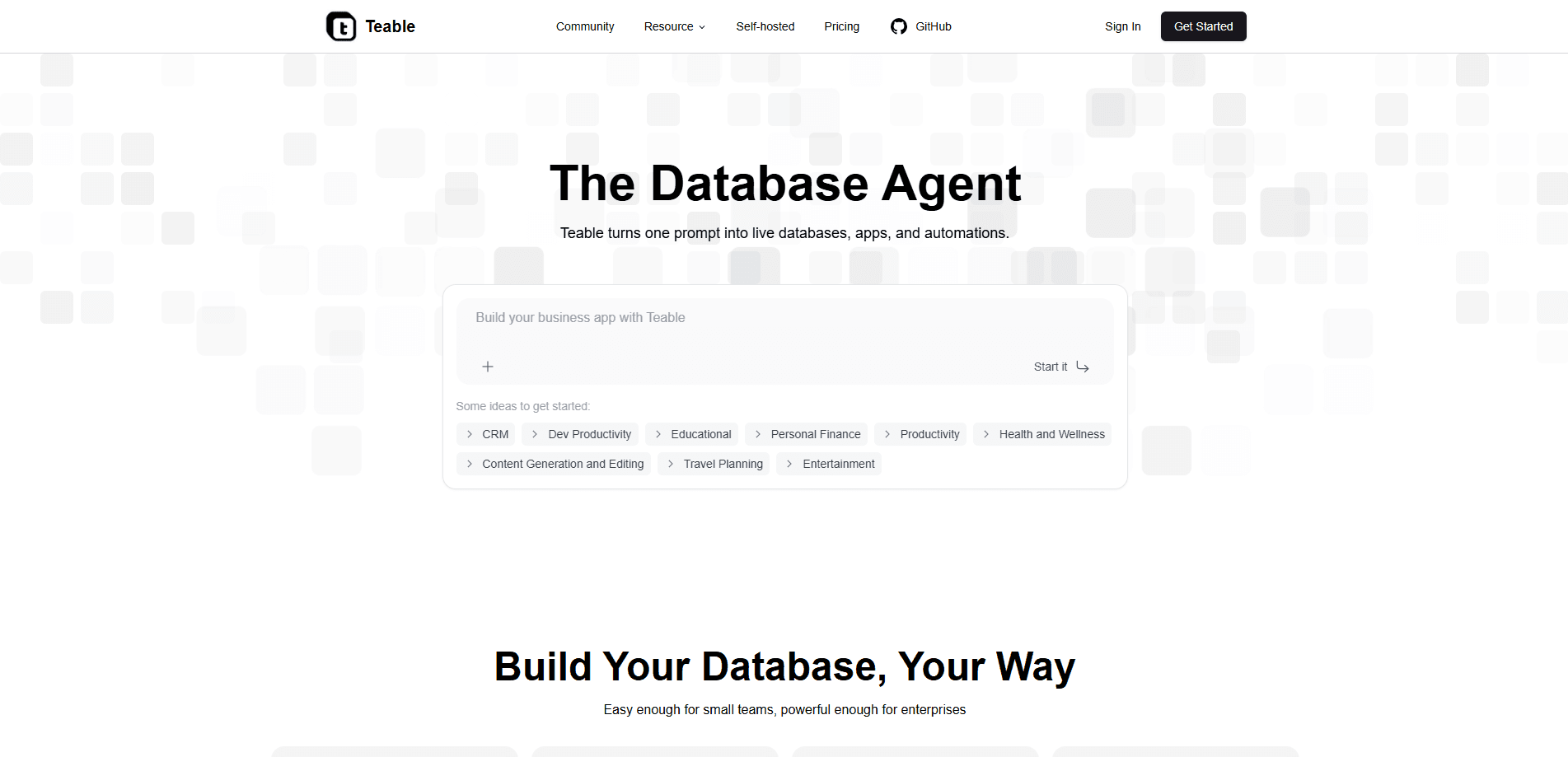
About Teable
What Is Teable
Teable is a no-code database platform built on PostgreSQL. You get the familiar feel of a spreadsheet, but every table is backed by a real relational database, so you can link records, roll up values and handle hundreds of thousands of rows without the file collapsing on you.
The pitch is simple: stop juggling versions of the same spreadsheet across email threads. Everyone works on one shared source of truth, with views for grid, kanban, gallery, calendar and forms, plus permissions and audit logs for the people who care about that sort of thing. No more version chaos.
It's open source, which is the part that separates it from most Airtable-style tools. You can run Teable on your own servers if you'd rather keep data in-house, and the AI features need a paid self-hosted tier. Cloud users get AI switched on out of the box. It just works.
The main limitation to know up front: this isn't a toy. Free cloud accounts cap you at 1,000 rows per space and 200 AI credits. The self-hosted route assumes you're comfortable with Docker.
Getting Started
- Sign up at app.teable.ai, or deploy the open-source version with Docker if you want it on your own hardware.
- Create a space and add your first table, either by typing columns by hand or describing what you need to the AI import and letting it build the structure.
- Set up your fields, then link tables together so records can reference one another instead of sitting in isolation.
- Add views for the way each person works: a kanban board for the sales pipeline, a calendar for deadlines, a form for intake.
- Open AI Chat or the App Builder and ask for a chart, a summary or a small web app on top of the data.
Product Information
A quick look at Teable's pricing, supported platforms, and performance.
Best for
The users, tasks, and scenarios where this tool fits best.
Users
- Operations and sales teams
- Project managers
- Developers who want a friendly front end
- Privacy-conscious organizations
Tasks
- Building internal tools
- Running automations
- Importing messy data
- Creating dashboards
Scenarios
- A marketing team tracking campaign results across channels and needing one dashboard rather than five tabs.
- A startup that can't justify a database engineer but still needs relational data with rollups and links.
- A department that has to keep customer records on-premises for compliance reasons, so it runs the self-hosted build.
Key features
AI Chat and App Builder
Ask questions about your data in plain language and get answers, summaries or charts back. The App Builder goes further and generates a small custom web application from a prompt, so a project tracker can become a purpose-built tool. That's the database app builder part. It saves a front-end hire on small internal tools.
Real PostgreSQL Backend
Under the spreadsheet surface sits PostgreSQL. That means your data behaves like proper relational data. You can link records across tables, roll values up, and query the underlying database directly when you need to go beyond what the interface offers.
Multiple Views Over One Dataset
The same records can be shown as a grid, kanban board, gallery, calendar or form. Change a record in one view and it updates everywhere. No more syncing three separate files that drift apart. Pick the view that fits the job.
AI Fields and Automations
AI fields can generate, summarize, translate or extract information from other columns automatically. In automation workflows, AI generate and script actions let you process records as they change, from sending notifications to cleaning up incoming data. Set it once. Forget it.
Self-Hosting and Data Control
Because Teable is open source, you can run it on your own infrastructure with Docker. That gives you full control over where data lives, and you can connect your own AI models through the custom model settings. Your servers, your rules.
Enterprise Controls
Higher tiers add SSO, domain verification, an authority matrix for fine-grained permissions, audit logs and a custom app domain. These matter most to teams rolling it out across a company rather than a single department.
Pros and cons
Pros
- Spreadsheet ease with database power, so non-technical teammates can work without learning SQL.
- Open-source option with self-hosting, which is rare among polished Airtable alternatives.
- Genuine PostgreSQL underneath, so data holds up as it grows instead of hitting a wall.
- AI features are built in rather than bolted on, covering chat, fields, imports and app building.
- Row limits on paid plans climb into the hundreds of thousands, enough for real business data.
Cons
- The free tier stops at 1,000 rows per space, which a busy team will outgrow fast.
- Self-hosting assumes Docker comfort, so it isn't plug-and-play for a non-technical owner.
- AI features on self-hosted installs need the Business tier or higher, so the cheap route skips them.
Frequently asked questions
Teable is used to build internal business apps and manage relational data without writing code. Teams use it for project tracking, CRM-style pipelines, content calendars and dashboards, all on one shared database.
Related content
Explore related tools, skills, and articles for Teable.
Teable Alternatives
Forefront
Forefront · CodingForefront is a web platform for building with open-source AI. It lets you fine-tune leading open-source language models on your own data, evaluate how they perform, and run them through an API or export them to host yourself. Developers who want the convenience of a closed-source platform but insist on owning their models and data are the target audience here.

Startkit
StartKit.AI · CodingStartkit is a boilerplate for building AI SaaS and AI wrapper products. Think of it as an AI startup boilerplate with the boring parts already wired up: authentication, Stripe and Lemon Squeezy payments, usage limits, transactional email, and an AI API starter that talks to OpenAI, Anthropic, Groq, or Llama. You clone the repo, set your price, and start on the part of your product that people actually pay for. It's Next.js under React and Tailwind, so most of the boilerplate code already feels familiar.
Testim
Tricentis · CodingTestim is an AI-powered test automation platform for building and running end-to-end tests across web, mobile, and Salesforce applications. It leans on machine learning to keep tests stable when an interface changes, so teams spend less time fixing broken selectors. Not bad for an automated testing tool you can start using today. You create tests by recording actions in a browser, then optionally add JavaScript when you need more control. It's a solid pick for busy QA teams.