

TeamPal
TeamPal · Productivity · Other
TeamPal is a no-code platform for building AI agents that handle marketing, sales, HR, and finance tasks, with 80+ templates, 30+ plugins, and multi-model support.
About TeamPal
What Is TeamPal
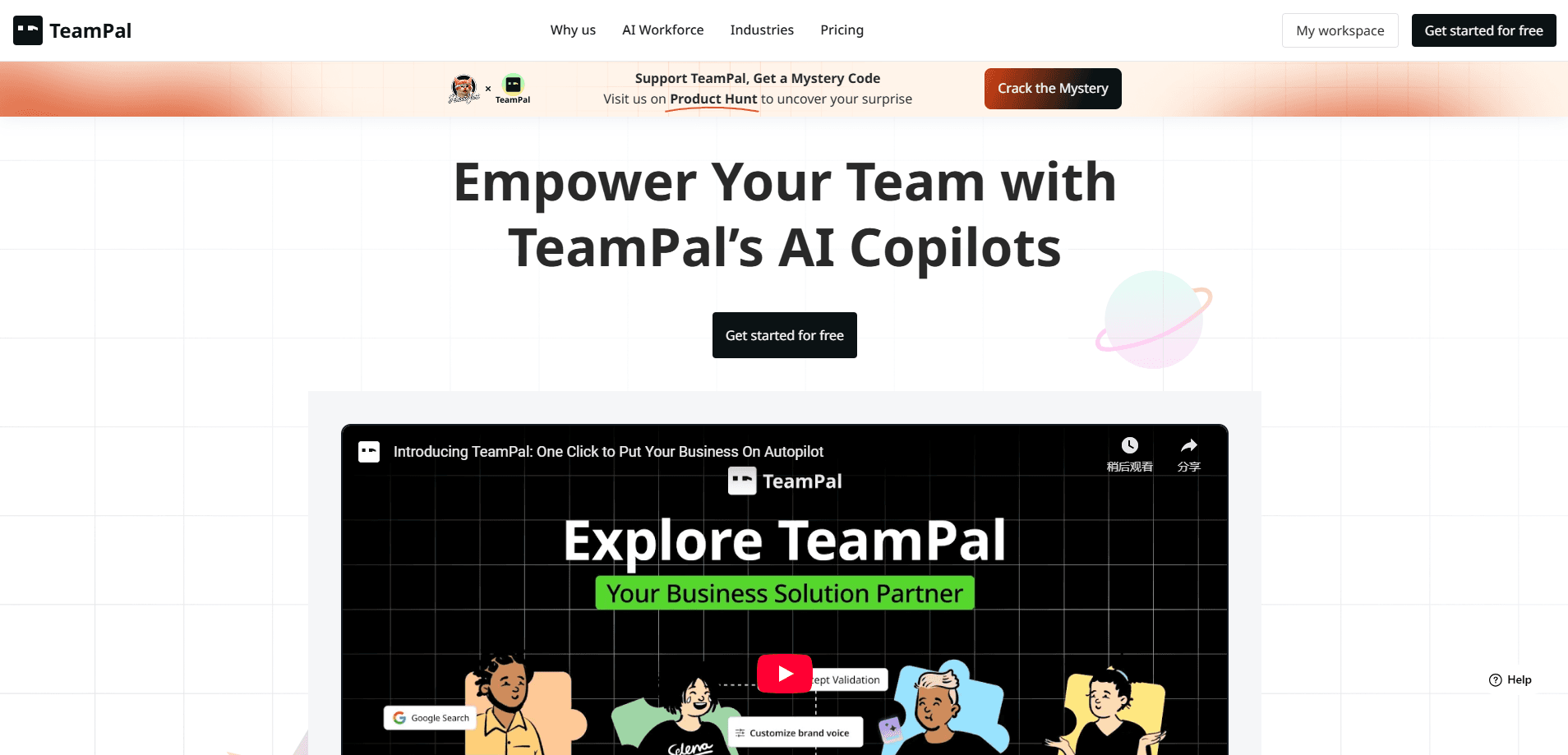
TeamPal is an AI agent platform where teams assemble an AI workforce without writing code. You pick a template or start from scratch, feed it your company information, and it takes over repetitive work like drafting campaign copy, answering support tickets, or summarizing research.
The pitch is department coverage. Instead of a single custom AI chatbot, TeamPal organizes agents by function: marketing, sales, HR, operations, R&D, design, and finance all get their own roles. Each agent runs on a model you choose from a shared pool that includes GPT-4, GPT-4o, Claude 3 Haiku, Sonnet, and Opus, plus Gemini 1.5 Pro and Flash, which makes it a multi-model AI platform rather than a single-model tool.
The catch is that you get the most out of TeamPal when you commit to configuring agents, uploading knowledge, and tuning brand voice. Teams that want a drop-in chatbot will find the setup work heavier than they expected. Pricing also runs on credits rather than flat seats, so heavy usage costs more than the sticker price suggests.
Getting Started
- Sign up and create a workspace, then share company details so the pre-trained agents learn your business context.
- Build or pick agents from the library, and configure their skills, tasks, brand voice, and knowledge base.
- Invite teammates to customize and manage agents together.
- Test agents, publish them, and deploy into customer support, employee support, or internal workflows.
Product Information
A quick look at TeamPal's pricing, supported platforms, and performance.
Best for
The users, tasks, and scenarios where this tool fits best.
Users
- Operations and team leads who need to automate recurring departmental work without hiring developers.
- Small businesses and startups that want one platform covering marketing, sales, and support instead of juggling several AI tools.
Tasks
- Drafting campaign copy and brand-consistent marketing content
- Handling customer and employee support questions
- Automating multi-step processes with drag-and-drop workflows
Scenarios
- A department gets a sudden backlog of repetitive tickets or reports and needs help fast.
- A company wants to test AI agents internally before rolling them out to customers.
Key features
Agent library with 80+ templates
TeamPal ships more than 80 agent templates spread across marketing, HR, finance, and other departments. You pick a role that matches your goal or start from a blank AI assistant builder screen, which cuts the time from idea to a working assistant. The templates are a starting point, not a locked preset, so you can edit skills and tasks afterward.
30+ built-in plugins
Agents can call tools like news search, Google search, an AI image generator, and a document maker. These plugins let an assistant do specialized work beyond chatting, such as pulling fresh information or producing a finished file. You add them to a workflow instead of writing integration code.
Custom knowledge base
You upload your own data so agents answer from your documents rather than generic training knowledge. This matters for teams that need responses tied to internal policies or product details. Knowledge uploads draw on chat credits, so heavy use adds cost.
Brand voice controls
The Brand Voice feature sets how agents talk, keeping tone and phrasing consistent across every interaction. Marketing and support teams use it to stop agents from drifting into a generic chatbot register. You define the voice once and apply it to the agents you build.
Multi-model support
TeamPal runs on several large language models, including GPT-4, GPT-4o, Claude 3 Haiku, Sonnet, and Opus, and Gemini 1.5 Pro and Flash. You match the model to the task, so a lightweight job can use a cheaper model while harder reasoning goes to a stronger one. Availability depends on the plan and credits.
Drag-and-drop AI workflows
The AI workflow automation builder runs on drag-and-drop rather than code. A text-to-workflow option lets you describe what you want and the platform generates the nodes for you. This lowers the barrier for teams that do not have engineering support.
Pros and cons
Pros
- No-code setup means non-technical teams can build and deploy agents without developer help.
- Department-specific templates and 80+ agents reduce the blank-page problem when you start.
- Built-in plugins like search and image generation extend agents beyond plain chat.
- Multi-model support lets you trade cost against capability per task.
- A 7-day free trial and credit packs let you test before committing to a larger spend.
Cons
- Credits get consumed by chats, knowledge uploads, and workflows, so steady use costs more than the entry price suggests.
- There is no public API documented on the site, which limits deeper integration into your own systems.
- Getting real value depends on configuring knowledge bases and brand voice, which takes setup effort.
Frequently asked questions
TeamPal builds an AI workforce of agents that take over recurring work across departments like marketing, sales, HR, and finance. You configure each AI agent platform agent for tasks such as drafting content, answering support questions, or automating multi-step AI workflow automation.
Related content
Explore related tools, skills, and articles for TeamPal.
TeamPal Alternatives

Udon
Udon · Coding · ProductivityUdon turns an Apple Silicon Mac into a home server you run from a browser, with container controls, file shares, and an optional AI sysadmin.

offstage
offstage cloud · Coding · Productivityoffstage gives AI coding agents and CI jobs a real Mac: a fresh macOS account on Apple silicon, driven over an API and billed by the second.

BotBus
Chengdu Tuyang Tusen Technology Co., Ltd. · Coding · ProductivityBotBus lets you control AI coding agents from your phone and watch: approve commands, start tasks and read results while the code stays on your desktop.