

Tendem by Toloka
Toloka · Productivity
Tendem by Toloka is a hybrid AI plus human platform that takes judgment-heavy work off your desk. You describe a task in plain English. The AI agent starts on it. Then a vetted human expert steps in when the work needs a real decision. Founders, operators, and researchers use AI task delegation here for competitive research, copywriting, data cleaning, and long multi-step jobs they'd otherwise hand to freelancers. Every delivery comes back verified, not just generated.
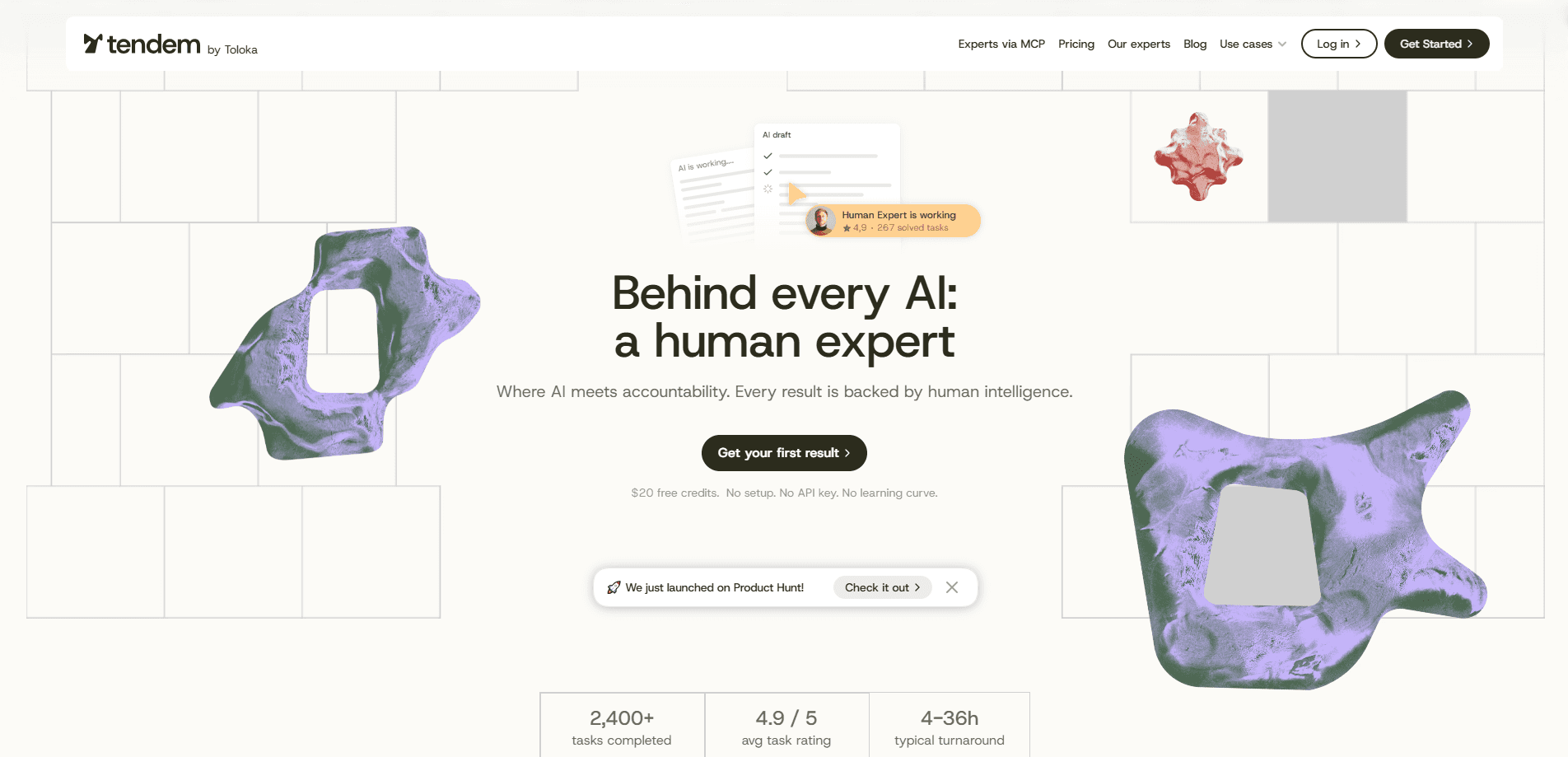
About Tendem by Toloka
What Is Tendem by Toloka
Tendem by Toloka is a task platform built by Toloka, a company known for crowdsourced data work. The pitch is straightforward: AI handles the volume, humans handle the judgment. You submit a job in plain English, Tendem scopes it, quotes a price, and runs the work through an agentic workflow with expert oversight.
That hybrid AI human workflow matters for tasks where an AI alone tends to drift. Competitive analysis, source-checked research, editing, and design review all need someone to notice when an answer sounds plausible but is wrong. An AI will happily invent a citation that reads perfectly. On Tendem, a human expert reviews sources, fills the gaps, and signs off before the output reaches you.
The tradeoff is that it runs on a paid, pay-as-you-go model. There's no free tier, and pricing depends on what you ask for, so quick one-off questions make less sense here than they would on a plain chatbot. It's also not a creative tool in the consumer sense. It's closer to outsourcing a piece of work with a quality check built in. So who is it actually for? Mostly people whose output has to survive a client or a boss reading it closely.
Getting Started
- Create an account at agent.tendem.ai and add a balance to your wallet.
- Describe your task in plain English, then attach any links, files, or examples that define "done."
- Review the scope and the quoted price Tendem returns, then approve it to start the work.
- Watch the run and check the output, which arrives as a report, file, or structured data.
- Revisit past tasks as replays to see where the AI contributed and where an expert stepped in.
Product Information
A quick look at Tendem by Toloka's pricing, supported platforms, and performance.
Best for
The users, tasks, and scenarios where this tool fits best.
Users
- Founders and small teams
- Consultants and operators
- Researchers and analysts
Tasks
- Competitive research
- Copywriting and editing
- Data cleaning
Scenarios
- Early project research
- Recurring reporting
- Overloaded workdays
Key features
Plain-English Task Submission
You don't build prompts or configure agents. Describe the outcome you want, add any files or links, and Tendem turns it into a set of concrete steps. The scoping step means you see the shape of the work and its cost before anything runs, which cuts down on surprise revisions later. No guesswork. You approve the scope, or you don't.
Agent Plus Expert Workflow
An AI agent starts the task and works through it at speed. When it hits ambiguity, a human expert takes over. That handoff is the core of the product: the agent covers the repetitive bulk, and the expert covers the parts where getting it wrong is expensive. No handoff, no result. That's the deal you're paying for.
MCP Integration for AI Assistants
Tendem ships an MCP plugin that plugs into AI clients like Claude Code and Codex/ChatGPT. Your assistant can delegate a task straight from the chat, following a create, scope, approve, and fetch cycle. The hosted server sits at mcp.tendem.ai, and first-time use goes through an OAuth login. Setup is quick.
Verified, Client-Ready Output
Every task gets checked by both the AI and an expert before it's delivered. Results come back as files, reports, or structured outputs you can forward without another editing pass. For anyone who has shipped unverified AI output and regretted it, that check is the point. Ask anyone who has sent a client a report with a wrong number in it how that felt.
Task Replays and Traceability
Past runs stay available in the web interface, and you can replay a task to see how it was handled. You can trace which parts the AI produced and where an expert intervened, which is useful when you need to defend a number or a claim in front of a client. Few AI tools let you show your work like that, and for anyone billing by the hour, it's often the difference between trusting the output and redoing it yourself.
Pros and cons
Pros
- Handles judgment-heavy work that plain AI agents get wrong or drift on.
- Expert review is built into the delivery, so output arrives client-ready.
- MCP integration lets your existing AI assistant delegate tasks directly.
- Pay-as-you-go pricing means no seat licenses to buy before you test it.
Cons
- No free plan, so you can't try it out without funding a balance first.
- Per-task pricing scales with complexity, which makes costs harder to predict than a flat subscription.
- Slower than a pure AI tool for simple jobs, because expert review adds a step.
- The website is web-first, and there's no dedicated mobile app for managing tasks on the go.
Frequently asked questions
It handles tasks that need judgment, like competitive research, copywriting, editing, and data cleaning. You describe the job, and the platform runs it through an AI agent with human expert review.
Related content
Explore related tools, skills, and articles for Tendem by Toloka.
Tendem by Toloka Alternatives

Base Code
Base44 (Wix) · Coding · ProductivityBase Code is a shared cloud development environment from Base44. Teammates describe changes to an existing GitHub codebase in chat, preview them live and send them back as pull requests.

Knocket
Knocket (Tencent RTC team) · Productivity · Business · ChatbotKnocket is a free live chat and contact page tool that lets visitors message you from your website, app, or a shareable link, with every reply handled from Telegram or one inbox.

FloorGen
Vinit Kumar (FloorGen) · Productivity · China AIFloorGen is a browser-based floor plan maker that turns a sentence or a sketch into an editable 2D plan and a 3D walkthrough. Export to PDF, DXF or video, and draw without an account.