

Text2Note
mighty.tools · Productivity
Text2Note is a browser-based text to notes converter that turns long text into color-coded sticky notes, highlighting the passages behind each one.
About Text2Note
What Is Text2Note
Text2Note is a web app that acts as an AI note taking tool for long documents. Paste a research paper, a lecture transcript, or a legal contract, and it highlights the sentences that matter, then writes a plain-language summary for each one. You can turn text into notes in one pass instead of reading the whole source twice. Every note sits beside the paragraph it came from, so the connection between summary and source stays visible.
The tool targets readers who drown in long text. Instead of rereading a 40-page report to find three key facts, you scan colored notes and click the one you need. Color codes group findings by type, so arguments, data, and conclusions sort themselves without manual tagging. Think of it as a text summarizer and document analysis tool in one tab.
It runs entirely in your browser, and it needs a paid license to generate notes. There's no free tier for full use, and no mobile app.
Getting Started
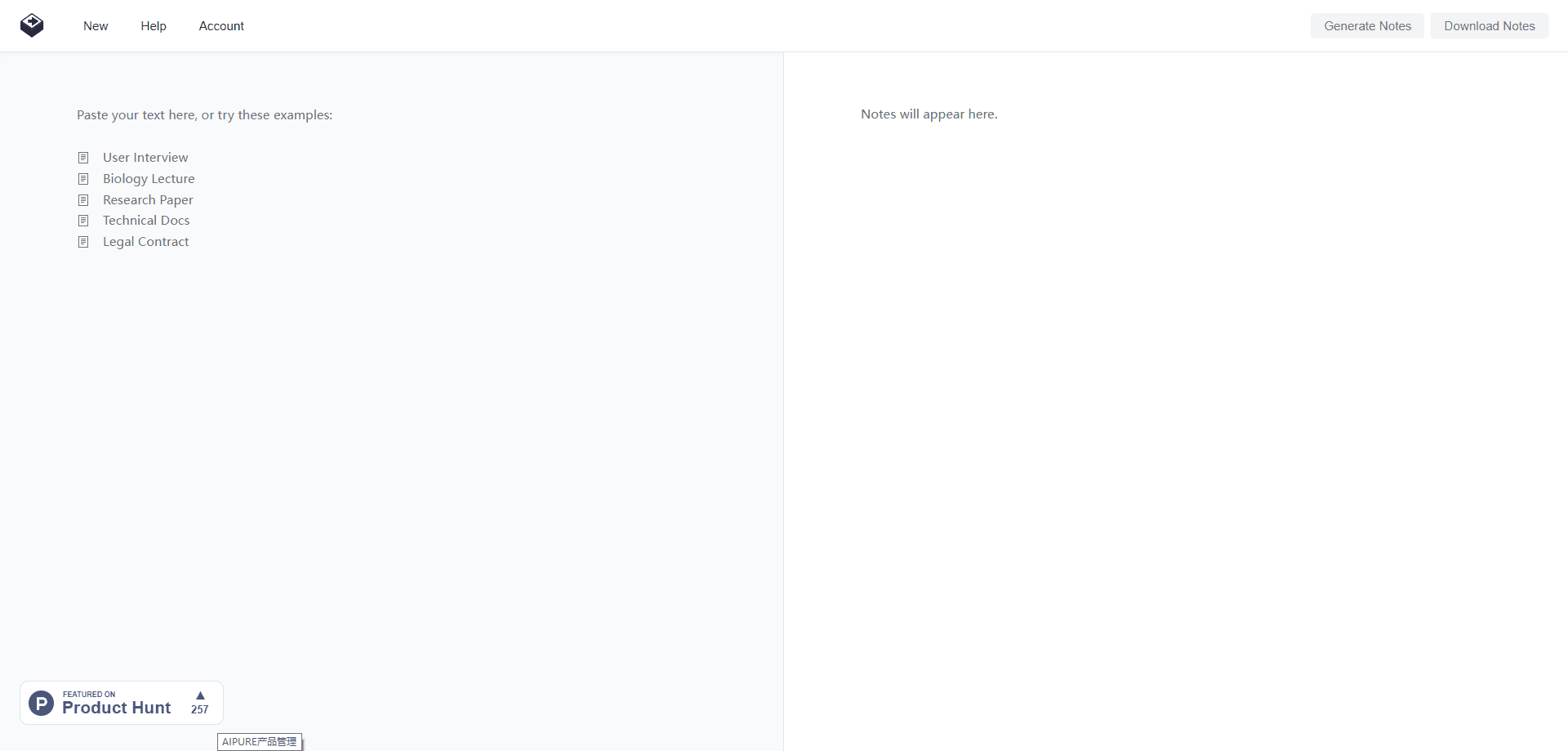
- Open text2note.com and paste your text, or load one of the built-in samples like a biology lecture or a legal contract.
- Click Generate Notes. The app processes the text in chunks and streams results as they finish.
- Read the sticky notes that appear in the right panel, grouped by color.
- Click any note to jump to the matching highlight in the original text.
- Export the notes or the highlighted text in your preferred format.
Product Information
A quick look at Text2Note's pricing, supported platforms, and performance.
Best for
The users, tasks, and scenarios where this tool fits best.
Users
- Students and researchers
- Lawyers and analysts
- Writers and editors
Tasks
- Summarizing a long paper
- Reviewing a contract
- Prepping for a meeting
Scenarios
- Cramming before an exam
- Fact-checking a draft
- Reading on a slow connection
Key features
Color-Coded Sticky Notes
Each finding lands in a colored card, and the color reflects its type. Arguments, data points, and conclusions separate at a glance, so you can scan the notes panel by category instead of reading top to bottom. The same color marks the matching sentence in your text.
Smart Context Highlighting
The tool highlights the exact sentences behind every note. Click a note, and the page scrolls to the highlight. This keeps the summary honest, because you can always check what the AI pulled from. Nothing is hidden behind a separate report.
Chunked Processing for Long Documents
Text2Note splits long input into 8,000-character chunks and processes them in sequence. It feeds earlier summaries forward, so grammar and tone stay consistent across a whole book. Mid-size documents stream in within seconds, and big ones keep filling in as they go.
Multi-Format Export
Notes and AI notes from text leave the app as plain text, rich text, Markdown, JSON, Word, or PDF. You can also export a set of PNG images, one per note, which works well for pasting findings into slides or a design tool. Highlighted text copies to the clipboard in a single click.
Browser-Only, No Install
The whole tool runs in a web browser, and processing happens in real time. According to the developer, your text isn't stored on their servers, which matters when the document is sensitive. There's no desktop app to install and no mobile version to juggle.
Sample Library
Five built-in examples cover the cases the tool handles best: a user interview, a biology lecture, a research paper, technical docs, and a legal contract. You can run any of them in one click to see how notes look before pasting your own text.
Pros and cons
Pros
- Notes stay linked to their source sentences, so verification takes one click.
- Color coding sorts findings by type without manual tagging.
- Exports cover text, Markdown, Word, PDF, and images, which fits most workflows.
- Runs in the browser, with no install and no account storage of your text.
- Handles long documents through chunked processing instead of dropping content.
Cons
- No free tier. You need a paid license to generate notes, and the developer states there are no refunds.
- Output quality depends on the input. Garbled scans or messy transcripts produce weaker notes.
- Web only. There's no mobile app, so reviewing on a phone means opening a browser.
- The note format is fixed. You can't ask follow-up questions or reshape a note after it's generated.
Frequently asked questions
Text2Note is a text to notes converter that turns a block of text into short, color-coded notes. It highlights the sentences behind each note and lets you jump between summary and source.
Related content
Explore related tools, skills, and articles for Text2Note.
Text2Note Alternatives

Udon
Udon · Coding · ProductivityUdon turns an Apple Silicon Mac into a home server you run from a browser, with container controls, file shares, and an optional AI sysadmin.

offstage
offstage cloud · Coding · Productivityoffstage gives AI coding agents and CI jobs a real Mac: a fresh macOS account on Apple silicon, driven over an API and billed by the second.

BotBus
Chengdu Tuyang Tusen Technology Co., Ltd. · Coding · ProductivityBotBus lets you control AI coding agents from your phone and watch: approve commands, start tasks and read results while the code stays on your desktop.