

TexTab
Elmo (ELPROFUG0) · Productivity
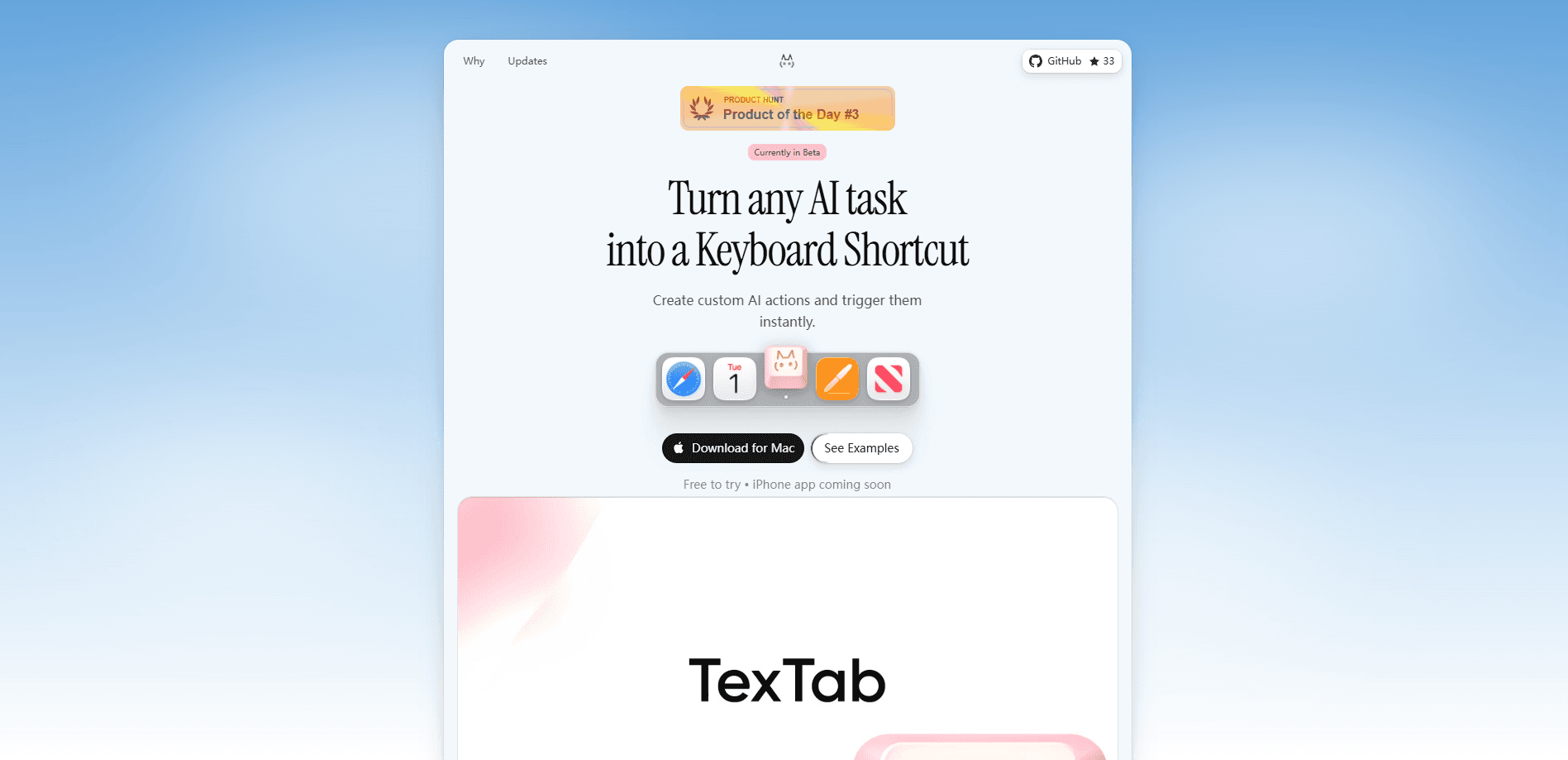
TexTab is a macOS menu bar app that turns AI text actions into keyboard shortcuts. Think of it as an AI writing tool that follows you into every app on your Mac. You select text, hit a hotkey, and pick an action like fix grammar, rephrase, translate, or summarize. It runs on your own API key from OpenAI, Anthropic, Groq, Perplexity, or OpenRouter, so there's no subscription and no middleman. It's built for Mac users who want AI help without switching windows or copy-pasting into a chatbot.
About TexTab
What Is TexTab
TexTab is a lightweight AI utility for macOS that lives in your menu bar. Instead of opening ChatGPT in a browser tab every time you want a quick rewrite, you highlight the text you're working on and trigger an action with Cmd+Shift+T. The result replaces your selection in place, so you never leave the document, email, or code editor you're in.
The pitch is control. You connect your own API key and choose which provider and model handle each action. That means you pay the provider directly for what you use, not a monthly fee to TexTab. It also means your text goes straight from your Mac to the provider, with no TexTab server in between. Simple as that.
The catch is setup. TexTab isn't a finished, plug-and-play product. It's a bootstrapped indie project. The current build runs as version 1.2-beta.1 on macOS 14.0 or later, so older Macs are out. You'll need to sign up with an AI provider, grab an API key, and paste it into the app before anything works. Windows and Linux versions are listed as "coming soon," so this is Mac-only for now.
Getting Started
- Download TexTab from its website and move the app into your Applications folder. It requires macOS 14.0 or higher.
- Get an API key from a supported provider such as OpenAI, Anthropic, Groq, Perplexity, or OpenRouter.
- Open TexTab, paste your API key in settings, and pick a default provider and model.
- Create an action (a prompt) and assign it a keyboard shortcut of your choice.
- Select text anywhere, press your shortcut, and choose the action to run.
Product Information
A quick look at TexTab's pricing, supported platforms, and performance.
Best for
The users, tasks, and scenarios where this tool fits best.
Users
- Freelance writers and editors
- Developers
- Students and researchers
- Non-native English speakers
Tasks
- Rewriting and rephrasing
- Grammar and spelling fixes
- Translation
- Summarizing
Scenarios
- Replying to messages and email all day
- Writing in apps that don't have AI features
- Working offline from a browser
- Quick coding support
Key features
Custom AI Actions With Your Own Shortcuts
The core of TexTab is the action. You write a prompt, name it, and bind it to a keyboard shortcut. There's no limit on how many you create. Keep one for "make this friendlier," another for "expand into bullet points," and a third for "translate to Spanish." Each action fires from any app the moment you press its shortcut.
Works Across Every macOS App
TexTab doesn't care what's on screen. Select text in a browser, an email client, an IDE, or a plain notes app, then run your action. The output replaces your selection in place, which means no copy-paste round trip and no lost formatting context. If the app has a text field, TexTab can reach it. That's the whole point.
Bring Your Own API Key and Provider
You connect directly to OpenAI, Anthropic, Claude, Groq, Perplexity, or OpenRouter with your own key. There's no TexTab subscription, and no middleman handling your requests. The tradeoff? Costs move to your provider account. Heavy use on an expensive model shows up on that bill instead of a flat monthly fee.
Privacy-First Architecture
Because your key talks straight to the provider, your text never passes through a TexTab server, which is a real difference from chatbot web apps that quietly log entire conversations on someone else's infrastructure. For people handling sensitive drafts, contracts, or client work, that direct path matters.
Prompt Enhancement
A one-click prompt improver rewrites your instruction before it reaches the model, turning something vague like "make this better" into a clearer, more structured prompt that tends to produce noticeably better output. It's a small feature that saves you from learning prompt craft.
Built-In Plugins
Beta plugins add tools beyond text transformation: a chat window, a QR code generator, an image converter, and a color picker. They extend TexTab past pure writing tasks, so the menu bar app doubles as a small utility belt for everyday Mac work.
Pre-Built Starter Actions
TexTab ships with ready-made actions so you don't start from a blank page. Fix Grammar, Rephrase, Shorten, Formalize, and Translate are there from the start, and you can edit or duplicate any of them. It's the fastest way to get value before you've written a single custom prompt. No guesswork required.
Web Search Through Perplexity
Connect Perplexity and you can run queries that need live data, with formatted results that include links and images. That turns a text shortcut into a light research tool for facts and current information the base model wouldn't know.
Pros and cons
Pros
- One shortcut runs AI actions in any Mac app, so you never break your writing flow to open a chatbot.
- No subscription and no middleman, since you pay your AI provider directly with your own key.
- Output replaces your selected text in place, saving the copy-paste step.
- Built-in plugins and starter actions give it use beyond plain text rewriting.
- Open source under GPL v3, so you can inspect the code or build it yourself.
Cons
- Requires your own API key, which adds setup steps and a separate provider bill.
- Mac-only right now, with Windows and Linux still listed as coming soon.
- Current build is a beta (1.2-beta.1), so expect rough edges and possible bugs.
- Running it needs macOS 14.0 or later, which leaves older Macs out.
Frequently asked questions
TexTab turns AI text tasks into keyboard shortcuts on macOS. You highlight text in any app, press a hotkey, and run an action such as fix grammar, rephrase, summarize, or translate. The result is applied right where your text sits.
Related content
Explore related tools, skills, and articles for TexTab.
TexTab Alternatives

Base Code
Base44 (Wix) · Coding · ProductivityBase Code is a shared cloud development environment from Base44. Teammates describe changes to an existing GitHub codebase in chat, preview them live and send them back as pull requests.

Knocket
Knocket (Tencent RTC team) · Productivity · Business · ChatbotKnocket is a free live chat and contact page tool that lets visitors message you from your website, app, or a shareable link, with every reply handled from Telegram or one inbox.

FloorGen
Vinit Kumar (FloorGen) · Productivity · China AIFloorGen is a browser-based floor plan maker that turns a sentence or a sketch into an editable 2D plan and a 3D walkthrough. Export to PDF, DXF or video, and draw without an account.