

TextPhoto
TextPhoto · Image
TextPhoto is a web toolkit of more than 80 free AI tools for photos and text, covering OCR, caption writing, alt text, text effects and pet portraits, with no signup and a per-tool daily limit.
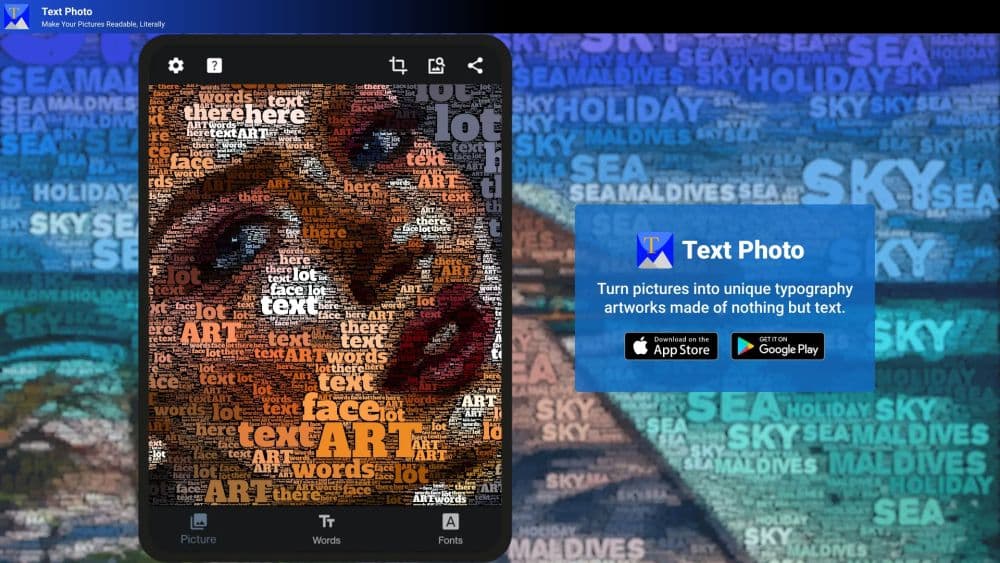
About TextPhoto
What Is TextPhoto
TextPhoto is a browser-based collection of small AI utilities that sit where photos and words meet. The site groups them into a dozen categories: image to text OCR, Instagram captions, CSS text effects, AI text art, meme makers, pet portraits, alt text, photo improvement, art prompts and a few image converters.
The problem it targets is friction. Most photo and text helpers ask for an account, a card, or a ten step setup before you see any output. TextPhoto skips all of that: you open a tool page, drop a file or paste a line of text, and copy the result. Tests across several tools suggest a single request takes a few seconds, and generation tools take somewhere between 8 and 20 seconds.
The limits are real. Each tool caps how often you can use it, uploads above 10 MB are rejected, and the heavy image tools run one job at a time. What you get in return is a no-risk way to try before you commit to a paid editor.
Getting Started
- Open textphoto.app and pick a category from the browse menu, or search for the job you need.
- Drop a photo or paste text into the tool page. No account, no card.
- Adjust the options the tool offers, such as a style, an aspect ratio, or a caption tone.
- Copy the output or download it as PNG, JPG or TXT.
Product Information
A quick look at TextPhoto's pricing, supported platforms, and performance.
Best for
The users, tasks, and scenarios where this tool fits best.
Users
- Social media managers
- Online sellers
- Web developers and SEO specialists
- Pet owners
Tasks
- Extracting text from images
- Adding cinematic text over an image
- Writing image descriptions
- Replacing a messy background
Scenarios
- Preparing a product listing
- Posting to Instagram or TikTok from a phone
- Making a pet portrait as a gift
- Digitizing a paper trail
Key features
Image to Text OCR
The OCR tool reads the text inside a photo and hands it back as selectable copy. It handles receipts, screenshots, scanned documents and handwriting, and it supports more than 30 languages including English, Spanish, French, German, Russian, Chinese, Japanese and Korean. Accuracy holds up best on clear dark-on-light writing, and uploads are capped at 10 MB in PNG, JPG, WEBP or GIF.
AI Caption Generator
Drop a photo into the Instagram caption tool and it returns ten caption ideas with hashtags attached. The output is meant as raw material for a quick post rather than a finished brand voice, so expect to edit one or two lines before publishing.
AI Text Effect Generator
This is the tool that gives the site its name. You type a word, choose a style such as fire, neon, gold or cyberpunk, and get a cinematic image built around that word. A separate CSS text effects section covers fire, bubble, graffiti, 3D and glitch looks that you can use on a page directly.
AI Pet Portrait Generator
Upload one photo of a dog, cat, rabbit or parrot and the tool places your pet into 12 hand-tuned scenes, from astronaut and medieval knight to mafia boss and gym athlete. The underlying model, Nano Banana Edit, keeps the pet's face, breed and fur colour intact and changes only the costume and setting. Generation runs 8 to 20 seconds, and the PNG is large enough for a canvas print.
AI Alt Text Generator
The alt text tool returns three variants for one image: short, under 80 characters, for search snippets; medium, 80 to 125, as the everyday default; and detailed, 125 to 200, for complex visuals. Descriptions are concrete and never open with phrases like image of, which helps both screen readers and search indexing.
AI Image Editor and Background Remover
Two photo tools share the same plain-language approach. In the image editor you describe a change such as make the shirt red or change the background to snowy mountains, and the model handles the selection and blending. The background remover cuts a subject out in about two seconds. Both accept files up to 10 MB and keep the original framing unless you pick a new aspect ratio from 1:1, 16:9, 9:16, 4:3 or 3:4.
Pros and cons
Pros
- No signup and no card, so you can test a tool in under a minute and walk away if it misses.
- The category layout is unusually broad for a free site: captions, OCR, alt text, text art, memes and pet portraits live under one roof.
- Privacy terms are stated plainly: uploads are deleted within 24 hours and never used to train models.
- Outputs download without a watermark, which is rare on free image tools.
- The alt text tool hands you three lengths instead of one, which saves a manual rewrite for different templates.
Cons
- Each tool has a usage cap, and the image editor allows one edit per hour and three per day, which gets tight on a busy upload day.
- Uploads are limited to 10 MB, so large camera files need resizing first.
- OCR quality falls off on low-contrast scans and on unusual fonts, and you get no confidence score to tell you which lines to recheck.
- There is no API yet and no bulk upload on the free tier, so anyone processing hundreds of images still needs a paid service.
Frequently asked questions
Yes. All 80+ tools are free and do not ask for an account. The site plans premium add-ons such as bulk processing and custom branding later, plus an API for developers.
Related content
Explore related tools, skills, and articles for TextPhoto.
TextPhoto Alternatives

Google EmbeddingGemma 2
Google DeepMind · Writing · Image · CodingGoogle EmbeddingGemma 2 is a 740M-parameter open model that turns text, code, images, audio, and video frames into vectors in one 768-dimension space, running on phones and laptops.

Tractionwave
TractionWave · Image · MarketingTractionWave is an AI attention heatmap tool for static ads. Upload a PNG or JPG and it returns predicted attention, ranked hotspots, and fixes before you spend budget.

Imejis.io
Imejis.io · Image · MarketingImejis.io is an AI design studio for agents and marketing teams. Describe an image in plain words, and it writes the copy, builds the layout, reflows it to every size, then exports a finished file.