
Slite
Slite · Productivity · Leaning
Slite is an AI knowledge base that keeps team docs accurate and searchable, with self-maintaining updates, AI search and answers, and verification so everyone trusts the source.
About Slite
What Is Slite
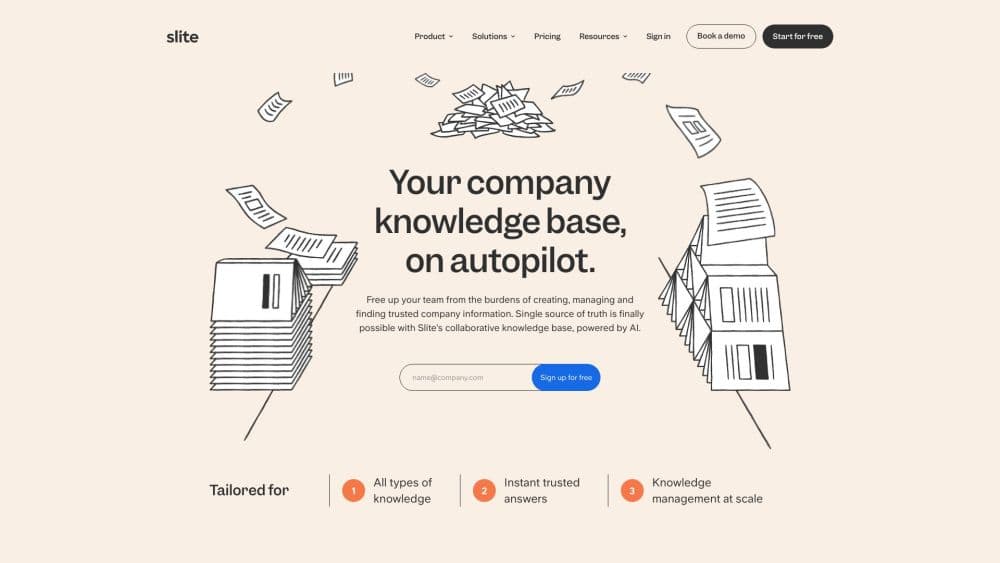
Slite is a team knowledge base built for companies whose documentation keeps going stale. You write policies, runbooks, specs and handbooks in one place, and the built-in Agent watches for changes in the tools you already use. When something drifts, it drafts the fix and routes it to the right person for approval. The promise is simple: a single source of truth that stays true.
The knowledge management side is what separates it from a plain wiki. Doc verification lets owners mark a page as checked and current, analytics show what people read and search for, and the Knowledge Management Panel surfaces which docs need attention so you can act in bulk instead of opening files one by one. AI search then answers questions from your docs, and on higher plans from connected tools too.
The main limits are scope and price. It is a business tool, not a personal notes app, and the most useful features sit behind paid plans. The free trial runs 14 days, and the AI answer volume is metered per seat, so heavy question volumes push you up a plan. Teams that just want a quick scratchpad will find it heavier than they need.
Getting Started
- Sign up for Slite and start the 14-day free trial across the Basic and Pro feature sets.
- Create channels for the areas you document, then invite teammates and set who can edit or read each doc.
- Write or import pages and turn on doc verification so owners can mark content as checked.
- Ask the Slite Agent questions and connect Slack, Linear and GitHub so it can watch for knowledge drift.
- Review suggested updates in the Knowledge Management Panel and approve or reject them in bulk.
Product Information
A quick look at Slite's pricing, supported platforms, and performance.
Best for
The users, tasks, and scenarios where this tool fits best.
Users
- Operations and project managers
- Support and customer success teams
- Engineering leads
Tasks
- Keeping a policy doc accurate
- Answering repeat internal questions
- Refreshing a large wiki in bulk
Scenarios
- Onboarding a wave of new hires who need one trustworthy place to read how the company works.
- Running a fast-changing product team where specs and changelogs fall out of sync with releases.
- Building a customer-facing help centre that needs accurate answers and SEO-friendly public pages.
Key features
Self-maintaining docs
The Slite Agent watches connected tools like Slack, Linear and GitHub, and when reality changes it drafts the doc update for you. Instead of chasing stale pages, you review a suggested edit and approve or reject it. This is the feature that treats a knowledge base as something you maintain continuously, not once.
AI search and answers
You ask a question in plain language and Slite pulls the answer from your docs. On higher plans it reaches across connected tools, so an answer can combine a policy page with a Slack thread. It removes the guesswork of knowing which folder hides the right page.
Doc verification and ownership
Every page can be verified and given an owner, so readers know the content was checked and is current. Verification turns a wiki from a pile of notes into something a team can actually trust. When a doc is not verified, that signal is just as useful as a green check.
Knowledge Management Panel
This central panel shows which docs need attention and lets you act on them in bulk. You can spot outdated content, verify many pages at once, and keep the base tidy without opening every file. For large workspaces it replaces a lot of manual upkeep.
Analytics and doc insights
Slite tracks what your team reads and searches for, so you can see which docs are working and which questions go unanswered. That data points to gaps worth filling and pages worth promoting. It also helps confirm that new content actually reaches the right people.
Integrations and public API
Slack is a first-class integration, so answers can arrive where people already talk, and there is a Chrome extension for the web. Higher plans add MCP access and a public API with service accounts, which lets teams wire Slite into their own tools and agents.
Pros and cons
Pros
- Keeps docs current through an Agent that watches your tools and drafts fixes, which cuts manual wiki upkeep.
- AI search and Slack answers reduce the repeat questions that eat into a team's day.
- Verification and doc ownership give readers a clear signal that content is current.
- The Knowledge Management Panel handles bulk review, so large bases stay manageable.
- Public API and MCP access on higher plans fit teams building custom workflows.
Cons
- There is no free plan, only a 14-day trial, so small teams must budget for seats.
- The most useful features, including cross-tool AI answers and the public API, sit on paid plans.
- AI answer volume is metered per seat, so chatty teams can hit limits and need a higher plan.
- It is built for company knowledge rather than personal note-taking, which makes it heavier than a simple notes app.
Frequently asked questions
Slite is a team knowledge base that stores your docs in one place and keeps them accurate. Its Agent watches connected tools, drafts updates when things change, and routes them for approval, while AI search answers questions from your content so people stop hunting through folders.
Related content
Explore related tools, skills, and articles for Slite.
Slite Alternatives

Base Code
Base44 (Wix) · Coding · ProductivityBase Code is a shared cloud development environment from Base44. Teammates describe changes to an existing GitHub codebase in chat, preview them live and send them back as pull requests.

Knocket
Knocket (Tencent RTC team) · Productivity · Business · ChatbotKnocket is a free live chat and contact page tool that lets visitors message you from your website, app, or a shareable link, with every reply handled from Telegram or one inbox.

FloorGen
Vinit Kumar (FloorGen) · Productivity · China AIFloorGen is a browser-based floor plan maker that turns a sentence or a sketch into an editable 2D plan and a 3D walkthrough. Export to PDF, DXF or video, and draw without an account.