

The Drive AI - File Manager
The Drive AI · Productivity
The Drive AI is an AI file assistant that reads documents in Google Drive, OneDrive, SharePoint, Dropbox, and its own workspace, then sorts, renames, shares, and answers questions about them.
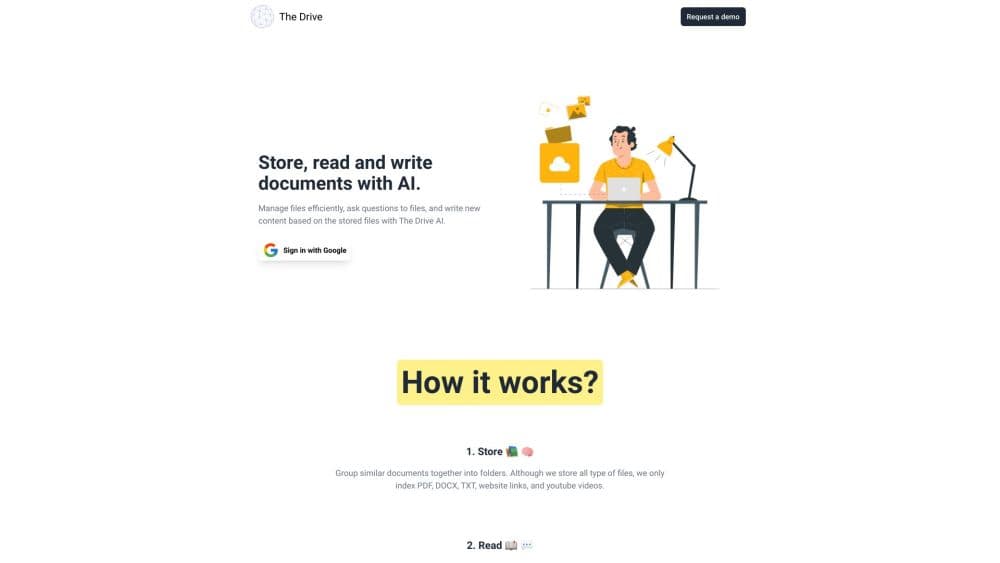
About The Drive AI - File Manager
What Is The Drive AI
The Drive AI is a file management product built around one idea: your documents should be identified by what's inside them, not by whatever name the person who saved them typed. Point it at a Google Drive, OneDrive, SharePoint, or Dropbox account, and it reads every file with OCR and language models, then builds an index you can question in plain English.
The core problem it addresses is the gap between having a file and being done with it. Someone still has to open the invoice, check the vendor, decide which folder it belongs in, and rename it. That work is repetitive, and it rarely lands on the same person twice. The Drive AI turns those decisions into one sentence you type, then shows you the plan before anything moves.
The catch is trust. Anything that reads and relocates files for you can also misfile them, so the product leans heavily on approval steps, undo, and an activity log. Files are encrypted, scanned for malware, and, according to the company, never used to train AI models.
Getting Started
- Sign up at thedrive.ai with a Google, Microsoft, or Apple account, or upload a folder to The Drive AI's own workspace.
- Connect a drive if you want the assistant to work in place. Google Drive, OneDrive, SharePoint, and Dropbox connections need the Max plan or any Team plan.
- Ask for a change in plain language, such as "sort everything in this folder by client and year" or "find the clause about termination."
- Review the plan the assistant returns, approve the moves, and undo them in one step if the result doesn't match what you wanted.
Product Information
A quick look at The Drive AI - File Manager's pricing, supported platforms, and performance.
Best for
The users, tasks, and scenarios where this tool fits best.
Users
- Small teams without dedicated IT
- Real estate, law, and accounting offices
- Freelancers and solo operators
Tasks
- Sorting an unsorted folder
- Renaming scanned PDFs
- Finding a clause or figure across thousands of documents
- Sharing and signing documents
Scenarios
- Processing a month of vendor invoices
- Preparing for an audit
- Onboarding a new hire
Key features
Document Management and Content-Based File Organization
The assistant reads the file itself instead of trusting the filename, so a scanned invoice gets filed under the vendor and date printed on the page. Ask it to sort a folder by client and year, and it returns every proposed move as a single plan. File naming rules come from the same reading, so the folder stays consistent without anyone opening each PDF. Approve it and the changes apply; undo puts the folder back the way it was.
Plain-Language File Workflows for Repetitive Filing Tasks
You describe a job once, and it runs on every file that arrives after that. Workflows can watch Gmail, Outlook, Slack, Microsoft Teams, Google Drive, OneDrive, SharePoint, or Dropbox, then rename, file, or hold each new file for review. Workflows on uploaded files work on every plan, including free.
Approval Cards and Full Undo
Before a large change runs, The Drive AI shows the plan in words and waits for a yes. Small changes apply right away and stay reversible. Admins decide where that line sits for the whole workspace, so a cautious team can require approval for everything on day one and loosen it later.
Question Answering Across Thousands of Files
Ask about a specific contract or a pattern across an entire folder, and the assistant searches by content rather than filename. It reports how many files it needs to read and how long the job will take before it starts, then cites the documents behind each answer.
Works Inside Your Existing Cloud Storage
The Drive AI reads and organizes files where they already live. A workflow pointed at a SharePoint library renames and moves files inside SharePoint, and nothing outside the chosen folder gets touched. Nothing has to be migrated, which matters for teams with strict data residency rules.
Workspace Sharing, Signatures, and Version History
The Drive AI's own workspace adds features a plain cloud drive doesn't have: permissions at the file, folder, and workspace level; expiring share links; file requests from people without an account; e-signature; and version history you can restore.
Chrome Side Panel Extension
The extension puts the same agent beside whatever Google Drive, OneDrive, SharePoint, or Dropbox page you have open. It knows which folder you're looking at, so "sort this" means the one on screen. Installing the extension is free, while acting on connected drives needs Max or Team.
Security and Data Handling
Files are encrypted with AES-256 at rest and TLS 1.2 or higher in transit, scanned on upload, and isolated per account. The company holds CASA Tier 2 certification and states that customer files are never used to train AI models.
Pros and cons
Pros
- Content-based filing handles scanned documents, photos, and badly named files that keyword search can't sort.
- Every batch change arrives as a reviewable plan with a one-click undo, which lowers the risk of letting AI move files.
- Works in place across four major cloud drives, so there's no migration project before you see value.
- A free plan covers uploads and document questions, then paid tiers scale up to 5,000 files per task.
Cons
- Connecting Google Drive, OneDrive, SharePoint, or Dropbox requires Max or a Team plan, so the free plan can't organize an existing cloud drive.
- Reading a large folder takes time, which means a big backfill isn't instant even when the plan is approved.
- AI reading can occasionally misjudge a document, so high-stakes filing still needs a human at the approval step.
Frequently asked questions
It reads the documents in your cloud storage or its own workspace, acting as a Google Drive organizer as well as an AI document search layer, then organizes, renames, shares, signs, and answers questions about them. You describe the task in one sentence and approve the plan it returns.
Related content
Explore related tools, skills, and articles for The Drive AI - File Manager.
The Drive AI - File Manager Alternatives

Base Code
Base44 (Wix) · Coding · ProductivityBase Code is a shared cloud development environment from Base44. Teammates describe changes to an existing GitHub codebase in chat, preview them live and send them back as pull requests.

Knocket
Knocket (Tencent RTC team) · Productivity · Business · ChatbotKnocket is a free live chat and contact page tool that lets visitors message you from your website, app, or a shareable link, with every reply handled from Telegram or one inbox.

FloorGen
Vinit Kumar (FloorGen) · Productivity · China AIFloorGen is a browser-based floor plan maker that turns a sentence or a sketch into an editable 2D plan and a 3D walkthrough. Export to PDF, DXF or video, and draw without an account.