

there.do
There (there.do) · Productivity · Other
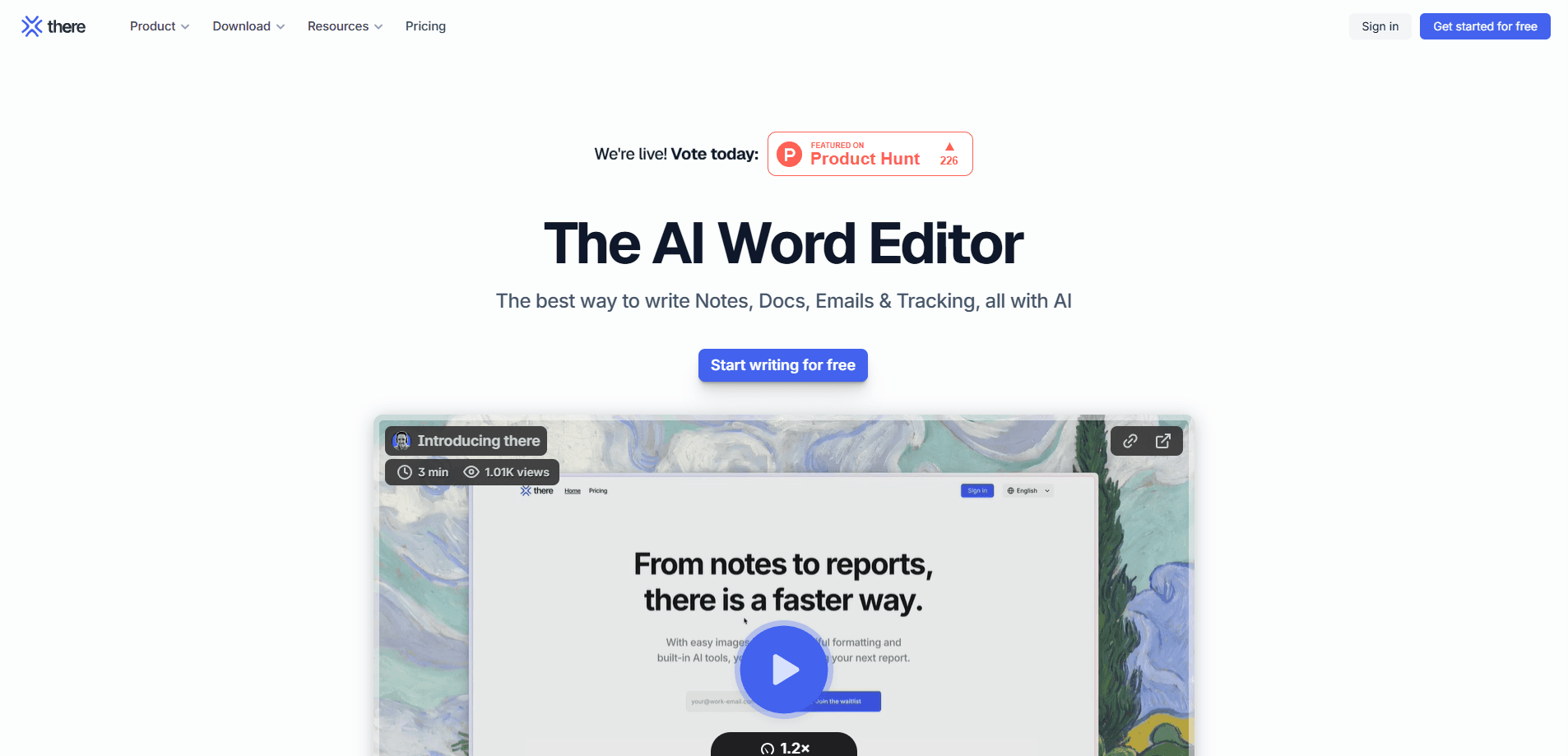
there.do is an AI site report app for architects, engineers, and consultants that turns voice notes and photos into professional reports, meeting minutes, and shareable documents.
About there.do
What Is there.do
there.do is a web and mobile app for people who write field documents. Architects, engineers, and consultants record voice notes and shoot photos on site, then turn that raw material into a clean report on the web.
The product grew out of a specific frustration. The team behind Finalcad spent fifteen years watching construction firms digitize plans while site reports still took four hours to write, and often went unread. there.do bills itself as the reporting software for architects and project managers, aiming to replace Word rather than add another dashboard.
The main limit is scope. This is a document tool built for field reporting and meeting minutes, not a general writing assistant or a project management suite. If you need scheduling or budget tracking, it won't cover that.
Getting Started
- Create a free account at app.there.do and install the mobile app for on-site capture.
- Record voice notes and drop in photos during a visit; the app identifies speakers and keeps working offline.
- On the web, pull those notes and images into a document and let AI summarize, rephrase, and format them.
- Style the report with your brand colors, header, and footer, then share it by email or export to PDF.
- Track who has read the document and send reminders to anyone who hasn't opened it.
Product Information
A quick look at there.do's pricing, supported platforms, and performance.
Best for
The users, tasks, and scenarios where this tool fits best.
Users
- Architects
- Site and project managers
- Engineering and consulting firms
Tasks
- Writing weekly site reports
- Turning voice into documents
- Tracking document distribution
Scenarios
- A rainy site visit where you scribble notes by hand
- An owner meeting that needs formal minutes
- A recurring inspection cycle
Key features
Voice notes and photo capture
The mobile app records audio during visits and meetings, then pairs it with photos you drag straight into the document. The AI identifies speakers and produces summarized notes, so you skip both the handwritten pad and the WhatsApp photo shuffle.
AI writing inside the document
Instead of chatting in a separate tool and pasting the result, there.do runs AI directly on your draft. It summarizes voice notes, rephrases loose text, proofreads, and formats the report. You keep the final say over every change.
AI⋅there agent
On the Team plan and up, an agent reads and edits the document from a plain-language instruction. Merge a note into a report in one click and accept or reject each edit. Routines let you save an instruction once and run it on any document later.
Model choice
Each user picks the AI model they prefer, including Mistral, ChatGPT, Claude, and Gemini. Admins on the Business plan can limit which models are available, for example keeping Mistral only to hold data in Europe.
Branded sharing and read tracking
Free users share a link; paid plans send reports by email with your signature and brand. Every recipient gets a personal link, and you can see who has read the document and nudge the rest with one click.
E-signature and document locking
Recipients can sign documents electronically, and a report can lock after a contractual deadline so the record stays fixed. This matters when a signed report has to hold up later.
Integrations and exports
The Business plan connects to Outlook, Gmail, OneDrive, and document management systems such as Mezzoteam, Kroqi, and Resolving. PDF export is available from the Pro plan onward.
Pros and cons
Pros
- Pay per document, not per user, so inviting colleagues costs nothing extra.
- Unlimited voice notes and photos even on the free plan, which lowers the risk of testing it on a real project.
- AI edits run inside the document instead of a separate chat, which cuts the copy-paste step.
- Read tracking and reminders show whether a report was actually opened.
- Data is hosted in Europe, and you can restrict models to keep processing regional.
Cons
- The free plan caps you at 5 documents a month, so it only covers light use.
- The AI agent and voice note templates sit behind the Team plan at $135/mo, which is a real jump from Pro.
- No public API means teams can't build custom automations on top of it.
- It focuses on field reports and minutes, so it won't manage schedules or budgets for you.
Frequently asked questions
It captures voice notes and photos from a site visit or meeting, then uses AI to turn them into a professional, shareable report or set of meeting minutes. Editing, sharing, and exporting are free once a document exists.
Related content
Explore related tools, skills, and articles for there.do.
there.do Alternatives

Base Code
Base44 (Wix) · Coding · ProductivityBase Code is a shared cloud development environment from Base44. Teammates describe changes to an existing GitHub codebase in chat, preview them live and send them back as pull requests.

Knocket
Knocket (Tencent RTC team) · Productivity · Business · ChatbotKnocket is a free live chat and contact page tool that lets visitors message you from your website, app, or a shareable link, with every reply handled from Telegram or one inbox.

FloorGen
Vinit Kumar (FloorGen) · Productivity · China AIFloorGen is a browser-based floor plan maker that turns a sentence or a sketch into an editable 2D plan and a 3D walkthrough. Export to PDF, DXF or video, and draw without an account.