
Thinglo
Thinglo · Productivity
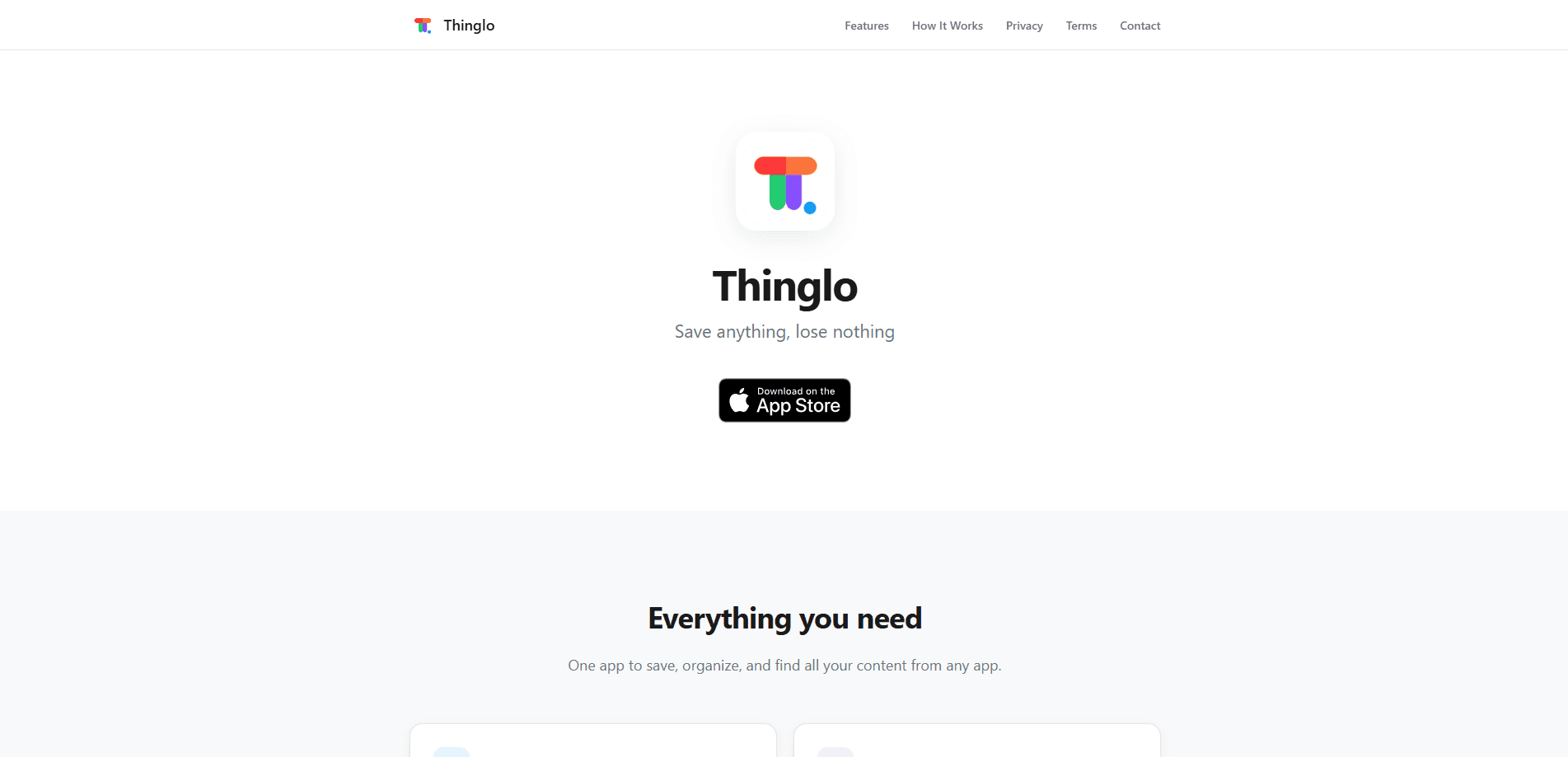
Thinglo is an iOS content saving app that lets you capture links, videos, photos, PDFs, and notes from any app in a single tap, then keeps them sorted without manual filing. It reads what you save, picks a category on its own, and makes everything searchable by title, note, URL, or date. Think of it as an AI organization app and bookmark manager rolled into one. If your saved stuff usually disappears into camera rolls, screenshots, and half-read articles, this app is built to stop that.
About Thinglo
What Is Thinglo
Thinglo is a personal content saving app for iPhone and iPad that turns the chaos of screenshots, bookmarks, and copied links into one organized library. Instead of juggling Notes, Photos, and a browser's bookmark folder, you share content into Thinglo from the iOS share sheet and let it handle the filing. The app works with anything that supports share sheet export, so content from YouTube, Instagram, TikTok, Safari, Mail, and Messages all lands in the same place.
The pitch is simple. You save first and think later. AI detects the content type, tags it, and suggests when to come back to it, so you never have to remember why you saved something or dig through a folder someone else named. A saved video gets a "watch tonight" nudge, an article waits about an hour, and a recipe shows up on the weekend. You confirm with one tap or ignore it.
The biggest limit is platform. Thinglo is iOS only, so Android users are out of luck for now. The free tier also caps you at 30 saved items, which fills up fast if you save often. Going past that means paying for Thinglo Pro.
Getting Started
- Download Thinglo from the App Store. No account or signup is required, and the app opens straight to your empty library.
- In any app, tap Share and pick Thinglo from the share sheet to save the item.
- Let the AI detect the content type, or create a custom category if you prefer your own naming.
- Optionally add a note, and confirm the suggested reminder if you want a nudge later.
- Search or filter your library by platform, content type, or date whenever you need something back.
Product Information
A quick look at Thinglo's pricing, supported platforms, and performance.
Best for
The users, tasks, and scenarios where this tool fits best.
Users
- Researchers and students
- Casual savers on iPhone
- Recipe and video hoarders
Tasks
- Saving links and articles from Safari or Mail for later reading, with AI tagging so you can find them by topic.
- Collecting videos from YouTube, Instagram, and TikTok into one place, since the app reads their metadata automatically.
- Scanning receipts, business cards, and paper documents with the note and document scanner app built into the share flow and storing them digitally.
Scenarios
- Clearing a backlog of screenshots and shared links at the end of a busy week into a single organized library.
- Locking private items like personal documents behind Face ID or Touch ID while keeping everyday saves easy to reach.
- Traveling or working offline, since your library lives on the device and syncs through iCloud only if you turn it on.
Key features
Save From Any App
Thinglo hooks into the iOS share sheet, so anything you can share you can save. If you want to save links on iOS, or save videos and photos from a social app, it's one tap. No copying and pasting between apps. Because it works at the system level, the list of supported sources is basically every app that can export content.
AI Categorization and Metadata
The app reads what you save and sorts it for you. It recognizes content from YouTube, Instagram, and TikTok and pulls in metadata like titles, so your library stays labeled without you doing the work. If the automatic guess is off, you can create your own custom categories and file it yourself.
Smart Reminders
Thinglo suggests when to revisit a saved item based on the content type. Videos get pushed to the evening. Articles wait about an hour, recipes until the weekend. You confirm the timing with one tap, which turns a passive archive into something you actually come back to.
Search and Filters
Finding things is where most saving apps fall apart, and this is where Thinglo puts real effort. You can search by title, notes, URL, or date, then narrow the results by platform, content type, or time period, which means a library with hundreds of items from months of casual saving stays usable instead of turning into a graveyard you never open again.
Document Scanner With OCR
There's a built-in scanner for physical paper. Point it at a receipt, a business card, or a contract, and OCR turns the text into something searchable. It's a handy extra for people who still deal with paper but want it in the same library as their digital saves.
Privacy and Local Storage
Your saved content stays on your device, and the developer says it isn't accessed or shared. Sensitive items can be locked behind Face ID or Touch ID. iCloud backup is optional, so you decide whether anything leaves the phone.
Multi-Language Support
Thinglo ships in 8 languages, including English, Hebrew, Arabic, Spanish, French, German, Russian, and Portuguese, with proper right-to-left layout for Arabic and Hebrew. That's a rare touch in a category that usually treats English as the default.
Pros and cons
Pros
- Saves from any app that supports the iOS share sheet, so there's no proprietary list of supported sources to worry about.
- AI categorization and metadata recognition cut the manual filing that sinks most content saving apps.
- Smart reminders turn a static archive into something you revisit instead of abandon.
- Search covers title, notes, URL, and date, with filters for platform and content type.
- Local storage with optional iCloud backup and biometric locks gives you control over private items.
Cons
- iOS only, so Android and desktop users can't use it at all, which rules out cross-device workflows.
- The free tier caps you at 30 items, which you'll likely burn through in days if you save often.
- Cloud sync depends on iCloud, which can get awkward if you split your time between Apple and non-Apple devices.
Frequently asked questions
It's a content saving app for iOS. You share links, videos, photos, PDFs, and notes into it from any app, and it organizes them with AI and makes them searchable. Think of it as one library for everything you'd otherwise scatter across screenshots and bookmarks.
Related content
Explore related tools, skills, and articles for Thinglo.
Thinglo Alternatives

Base Code
Base44 (Wix) · Coding · ProductivityBase Code is a shared cloud development environment from Base44. Teammates describe changes to an existing GitHub codebase in chat, preview them live and send them back as pull requests.

Knocket
Knocket (Tencent RTC team) · Productivity · Business · ChatbotKnocket is a free live chat and contact page tool that lets visitors message you from your website, app, or a shareable link, with every reply handled from Telegram or one inbox.

FloorGen
Vinit Kumar (FloorGen) · Productivity · China AIFloorGen is a browser-based floor plan maker that turns a sentence or a sketch into an editable 2D plan and a 3D walkthrough. Export to PDF, DXF or video, and draw without an account.