

Thinking Line
Thinking Line · Image
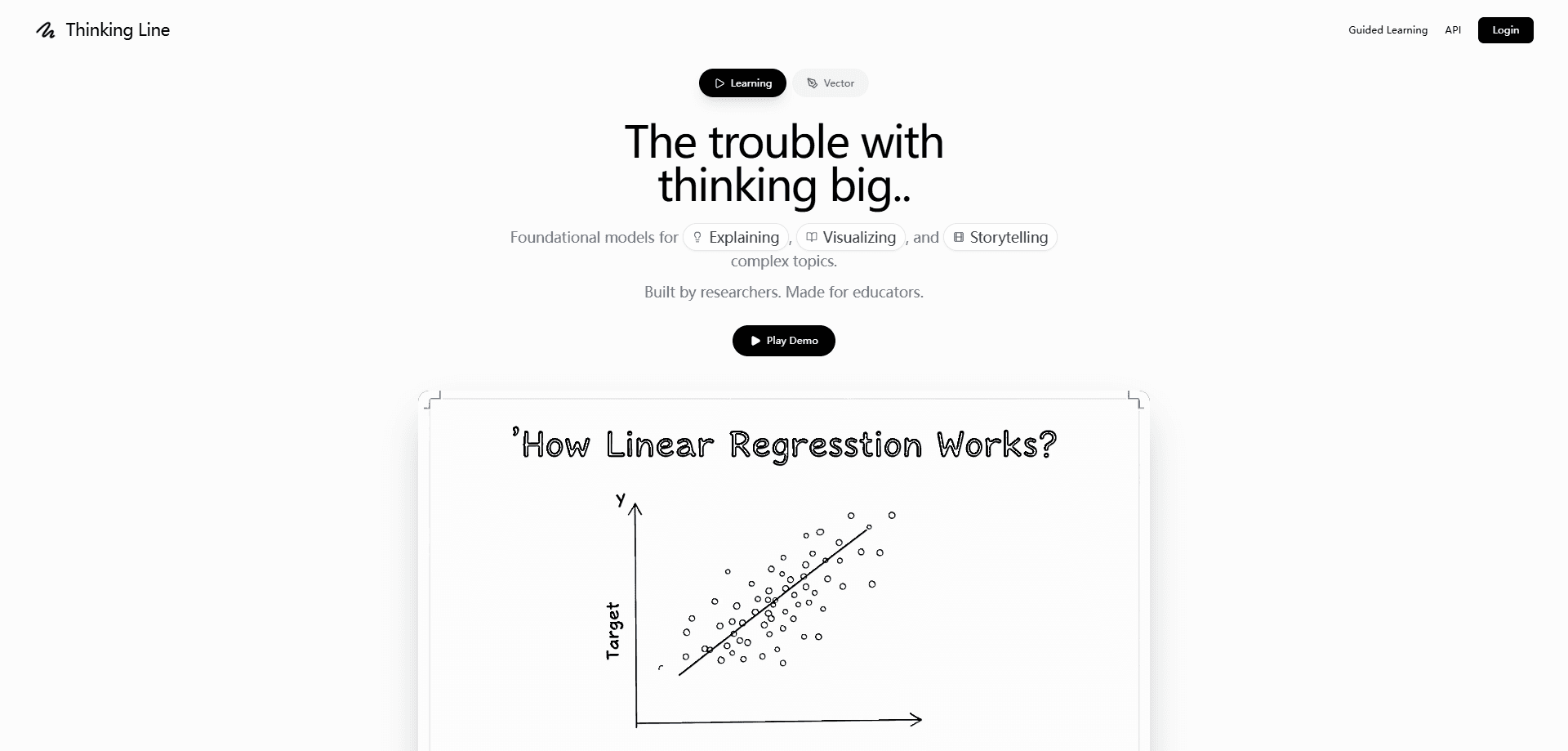
Thinking Line is an AI whiteboard animation studio that turns a sentence into a narrated, hand-drawn explainer video. Type a topic, pick a voice, and the tool builds a multi-scene lesson with animated charts that draw themselves. It suits teachers, trainers, and marketing teams who need a polished doodle video without an animation crew.
About Thinking Line
What Is Thinking Line
Thinking Line is a browser-based tool for making whiteboard-style explainer videos with AI. You give it a topic in plain language, and it handles the script, the narration, and the hand-drawn visuals. The whole job runs through a WebSocket API under the hood, which is why videos come back in stages instead of all at once.
It solves a real bottleneck for anyone who teaches. A traditional explainer video needs a writer, a narrator, an illustrator, and an editor. Thinking Line compresses that into a few prompts. That's the pitch. The trade-off is control: you steer with words, not with a timeline editor, so precise frame-by-frame tweaks are limited.
The current doodle engine is version 10, which cleaned up the strokes and removed the boxy labels that made earlier output look rough. Pricing is simple, with a free tier for testing and a Pro plan for people shipping regularly.
Getting Started
- Open thinkingline.com and create a free account to get your monthly video credits.
- Type your topic in the search field, then choose a style, narration voice, and language.
- Set the scene count and let the engine generate the script and hand-drawn scenes.
- Preview the result, then export it. Free exports come with a watermark and top out at 720p.
Product Information
A quick look at Thinking Line's pricing, supported platforms, and performance.
Best for
The users, tasks, and scenarios where this tool fits best.
Users
- Teachers and tutors who need a visual explainer for a lesson but have no editing skills
- Corporate trainers who build onboarding or safety modules without a design team
- Content marketers who want hand-drawn videos for social posts on a tight budget
- Small creators who'd rather pay $29/mo than hire an animation studio
Tasks
- Turning a written lesson into a narrated video with a voice track
- Producing a training clip on warehouse safety or phishing awareness
- Building a cartoon-style story video from a short script
- Making a topic explainer with bar charts, pie charts, or cycles that animate on cue
Scenarios
- A teacher prepping tomorrow's class the night before and needing a video fast
- A startup founder pitching a product and wanting a doodle explainer for the landing page
- A training manager rolling out a monthly compliance module across teams
- A solo creator testing an idea on free credits before committing to Pro
Key features
Topic to Narrated Video
The core loop is short: describe what you want explained, and Thinking Line writes the beats, records the narration, and draws the scenes. You can set the voice, the language, and how many beats the story should have. Each beat becomes a scene with its own illustrations. Simple as that.
Self-Drawing Charts
Charts render as native animated scenes rather than static images. Bar charts, pie charts, line graphs, and cycle diagrams draw themselves on screen as the narration reaches them. That's a big deal for lessons that hinge on a number or a trend, because the motion keeps eyes on the data instead of the presenter. Not a gimmick.
Video to Doodle
You can feed in existing footage and have it restyled as hand-drawn animation. This works for teams sitting on a library of screen recordings or stock clips who want a consistent doodle look without reshooting anything. I'm not sure how much fine control you get over which elements get redrawn, so test it on your own footage first.
Voice Library and Cloning
The platform ships a set of narration voices you pick per request, and Pro unlocks premium voices with cloning. Cloning lets a team keep one consistent narrator across a whole course. So why bother? Because a familiar voice is easier to follow. For anything customer-facing, check your usage rights carefully, since cloned voices usually come with their own terms.
Developer API and Integrations
There's a documented API that runs generation over WebSockets, so you can wire Thinking Line into your own product. A payload sets the topic, style, voice, language, and scene count, and the server streams progress back. Enterprise adds dedicated support, custom branding, and SSO, which matters once you're rolling this out company-wide.
Team and Enterprise Controls
Enterprise is priced on request and aimed at organizations running video at scale. It bundles API access, custom branding, and security features like SSO. If your company cares about who can generate what, and under which brand, that tier is the one built for it.
Pros and cons
Pros
- Turns a plain sentence into a full narrated explainer video, no editing timeline required
- Animated charts (bar, pie, graph, cycle) make data-heavy lessons easier to follow
- Free tier with 4 videos a month lets you test the workflow before paying
- Pro at $29/mo adds 4K export, no watermark, and commercial usage rights
- A real API with WebSocket streaming means developers can embed it in their own tools
Cons
- Free exports are watermarked and capped at 720p, which rules them out for client work
- Pro's 30 videos a month can run out fast if you're producing daily content
- Steering is prompt-based, so pinning down an exact frame or layout gets fiddly
- Enterprise pricing isn't public, so you have to talk to sales to get a number
Frequently asked questions
It makes whiteboard-style explainer videos. You describe a topic and it generates a narrated, hand-drawn video with animated scenes. Teachers, trainers, and marketers use it to explain ideas without hiring animators.
Related content
Explore related tools, skills, and articles for Thinking Line.
Thinking Line Alternatives

Google EmbeddingGemma 2
Google DeepMind · Writing · Image · CodingGoogle EmbeddingGemma 2 is a 740M-parameter open model that turns text, code, images, audio, and video frames into vectors in one 768-dimension space, running on phones and laptops.

Tractionwave
TractionWave · Image · MarketingTractionWave is an AI attention heatmap tool for static ads. Upload a PNG or JPG and it returns predicted attention, ranked hotspots, and fixes before you spend budget.

Imejis.io
Imejis.io · Image · MarketingImejis.io is an AI design studio for agents and marketing teams. Describe an image in plain words, and it writes the copy, builds the layout, reflows it to every size, then exports a finished file.