

Thumbfa.st
Thumbfa.st · Image · Video
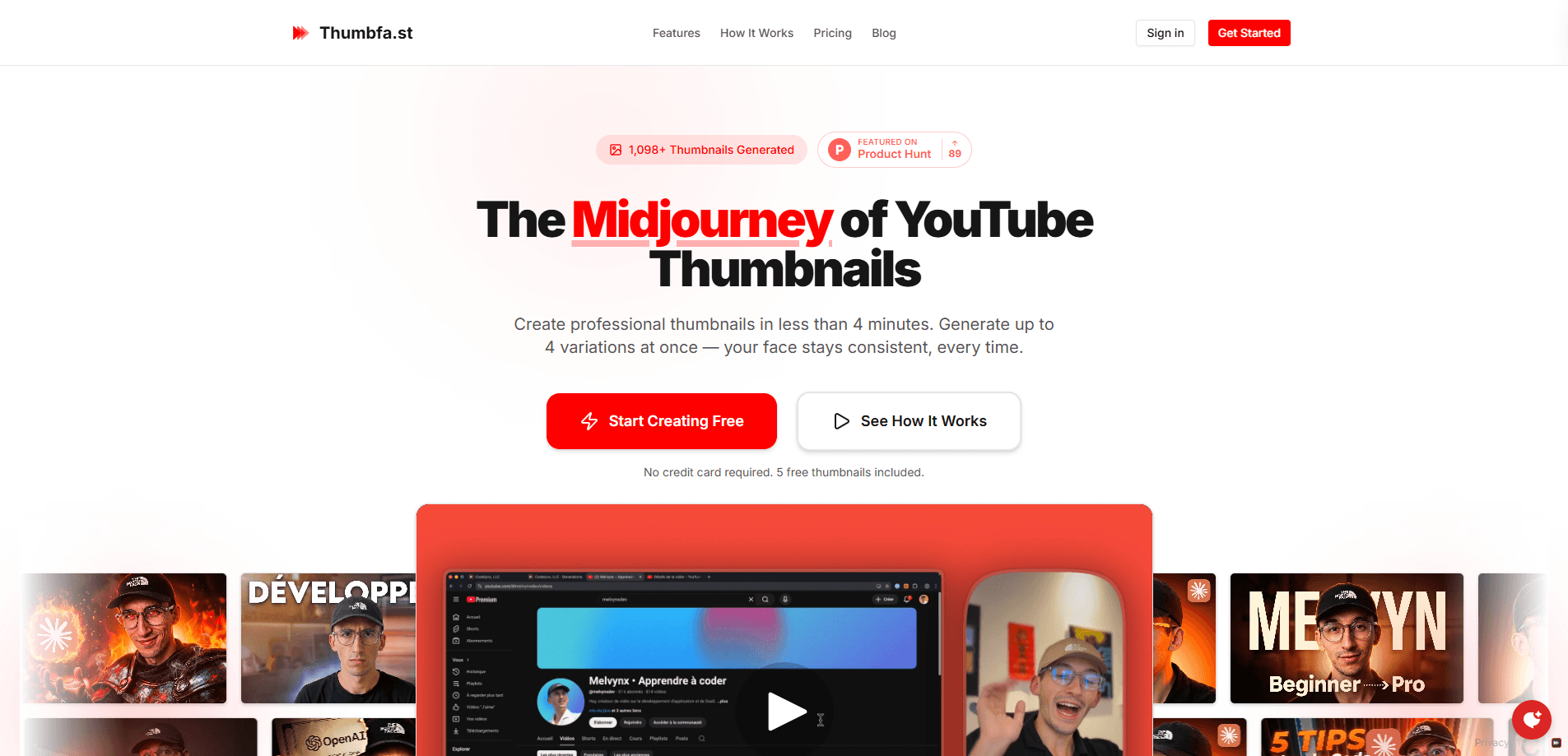
Thumbfa.st is an AI YouTube thumbnail generator built for creators who want professional results without touching a design tool. It generates up to four variations at once, keeps your face consistent across every version, and lets you start from a template, a saved face profile, or a rough sketch. If you publish regularly, the pitch is simple: better thumbnails, less time. That's the whole idea. And for most creators, time is the tightest resource they have when a video is already late.
About Thumbfa.st
What Is Thumbfa.st
Thumbfa.st is a web-based thumbnail tool that leans on AI to turn an idea into a finished YouTube thumbnail. You give it a direction, and it returns several options to pick from. The product positions itself as "the Midjourney of YouTube thumbnails," which tells you the mental model: prompts in, polished images out.
The problem it targets is real. Most creators either fight with layer-based editors or pay a designer for each upload, and both slow down a channel. Thumbfa.st shortens that loop. You keep a person's face locked in place across thumbnails, drop in a headline, and generate variations until one fits. No design degree needed.
The biggest limitation is scope. This is a YouTube thumbnail maker, not a general image editor or a full design suite. Not a Photoshop replacement, either. If you need layered control, custom typography, or work outside the 16:9 thumbnail format, you'll feel the ceiling fast.
Getting Started
- Open thumbfa.st in your browser and start a free account. No credit card is needed, and the free tier includes 5 thumbnails.
- Save a face profile once. Upload a clear photo of yourself and the tool reuses that person across future generations.
- Pick your starting point: a ready-made template, a saved inspiration, or a hand-drawn sketch with notes on where each element goes.
- Write a short headline and describe the scene, then generate up to 4 variations at once.
- Download the version you like and upload it directly to YouTube.
Product Information
A quick look at Thumbfa.st's pricing, supported platforms, and performance.
Best for
The users, tasks, and scenarios where this tool fits best.
Users
- Solo YouTubers who upload on a schedule and can't afford a designer for every video.
- Small channel teams that want a consistent on-camera face across a whole series of thumbnails.
- Creators who think in ideas, not in layers, and want to skip the manual editing step.
Tasks
- Generating several thumbnail options for one video so you can test which one clicks.
- Reusing one saved face and shifting the background, pose, or object around it.
- Turning a rough sketch of a layout into a finished, publish-ready image.
Scenarios
- A weekly upload schedule where a thumbnail needs to be ready the same day the video is edited.
- Rebranding a series so every episode shares the same look and the same recognizable host.
- Testing curiosity gaps
Key features
Multiple Variations Per Prompt
The tool generates up to 4 thumbnail variations at once from a single description. That matters. Thumbnail performance is guesswork until you compare options side by side, and staring at one image for an hour rarely tells you which direction wins.
Consistent Face Recognition
You save a person's face once, then pair it with any inspiration, object, or pose. The output keeps that person recognizable while everything else changes around them. For channels built on a personal brand, this solves the hardest part of AI thumbnails, which is usually a face that drifts into looking like a stranger. That single flaw sends viewers scrolling past, so fixing it matters more than any stylistic detail.
Template Mode
There are more than 100 templates to start from, and any thumbnail you like can become one. So why start from a blank canvas? Pick a layout that already works, then let the AI slide your content into it. It's the fastest path for creators who don't want to think about composition, and it means a complete beginner can produce something that looks intentional rather than assembled by someone guessing at spacing, contrast, and focal points for the first time.
Built-In Sketch Editor
If you can't find the reference you want, you draw it. Stick figures, boxes, and a few labels are enough, and the AI reads your layout and turns it into a finished thumbnail. This is a genuinely useful middle ground between "write a prompt" and "open Photoshop," because it lets you control placement without learning a single tool.
Web-Based Workflow
Everything runs in the browser, so there's nothing to install and no platform lock-in. You can draft a thumbnail from any machine, on any operating system, and download the result straight to your upload folder in seconds. No desktop app required. For creators who jump between a laptop at home and a borrowed computer on the road, that portability quietly removes one more excuse to skip a thumbnail refresh when a video underperforms.
Pros and cons
Pros
- Face consistency removes the most common flaw in AI-generated thumbnails.
- Generating 4 variations at once speeds up the compare-and-choose step.
- Over 100 templates lower the skill floor for creators with no design background.
- A free plan with 5 thumbnails and no credit card makes it easy to test first.
- Sketch-to-thumbnail input is a real shortcut when you know the layout but can't describe it.
Cons
- It's a single-purpose thumbnail generator, so it won't handle banners, logos, or other design work.
- Public pricing is hard to confirm without signing up, which makes budgeting awkward before you commit.
- Fine typography control is limited compared with a layer-based editor, so text-heavy designs may need a second pass elsewhere.
Frequently asked questions
It generates YouTube thumbnails from a description, a template, a saved face, or a sketch. The output is a ready-to-upload image sized for video thumbnails, which means you can go from a rough idea to a published thumbnail without ever opening a layered editor or paying a freelance designer for a single static image.
Related content
Explore related tools, skills, and articles for Thumbfa.st.
Thumbfa.st Alternatives

Google EmbeddingGemma 2
Google DeepMind · Writing · Image · CodingGoogle EmbeddingGemma 2 is a 740M-parameter open model that turns text, code, images, audio, and video frames into vectors in one 768-dimension space, running on phones and laptops.

Tractionwave
TractionWave · Image · MarketingTractionWave is an AI attention heatmap tool for static ads. Upload a PNG or JPG and it returns predicted attention, ranked hotspots, and fixes before you spend budget.

Imejis.io
Imejis.io · Image · MarketingImejis.io is an AI design studio for agents and marketing teams. Describe an image in plain words, and it writes the copy, builds the layout, reflows it to every size, then exports a finished file.